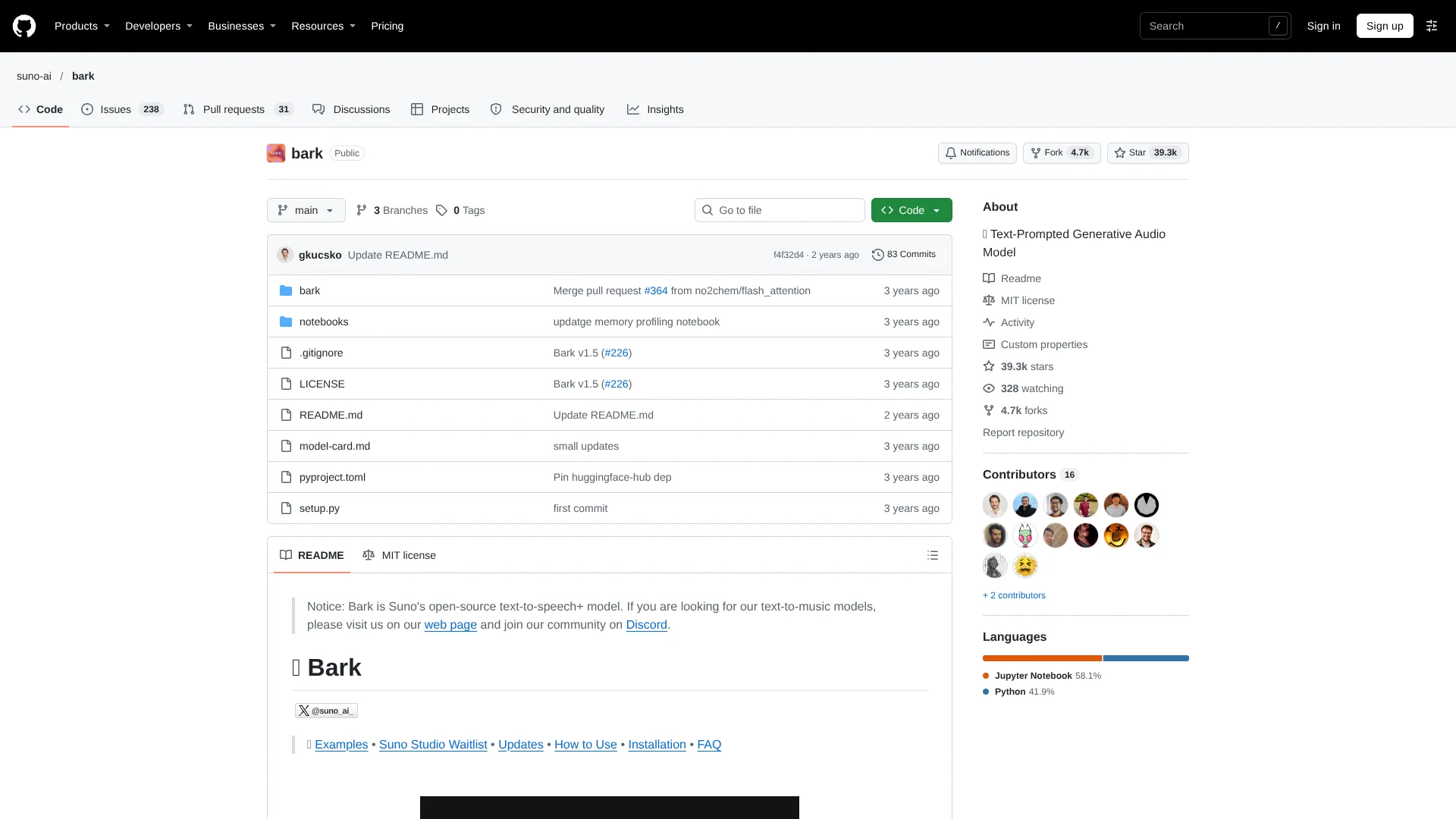
Suno AI Bark
Open-source model for turning text into expressive speech and nonverbal audio.
Key Takeaways
- What it is
- Open-source model for turning text into expressive speech and nonverbal audio.
- Pricing
- Freemium
- Best for
- Speech and sound generation
- Nonverbal cues
- 100+ speaker presets
- Rating
- 3.8/5
What is Suno AI Bark?
Bark turns written prompts into speech, music, and other sounds, including laughter and sighs. Suno released it as an open-source model for researchers and people building audio tools who want to generate more than spoken narration. You can guide the voice with one of more than 100 speaker presets, or let Bark generate a voice that fits the text.
Bark’s pretrained model checkpoints and code are available under the MIT License, which permits commercial use. That means developers can run and adapt the model themselves instead of relying only on a hosted audio-generation service.
Bark fits developers, researchers, and creators experimenting with expressive or nonverbal audio. It is less suitable when you need exact script delivery, studio-quality speech every time, or cloned voices: generations can stray from prompts, and custom voice cloning is not supported.
Who is Using Suno AI Bark?
Machine learning researchers
Model access supports experiments with generative speech and non-speech audio.
Audio software developers
Python generation functions can provide audio output inside a custom application.
Voiceover creators
Speaker presets and expressive cues help produce character-style narration.
Game audio designers
Prompted sound effects and vocal reactions can help prototype audio moments.
Uncommon Use Cases
Generate sung lyrics from text prompts; test how code-switched text affects accent and language output.
Key Features
Rating Breakdown
Pricing Plans
Free Access
Free
- Open-source code and pretrained checkpoints are available under the MIT License.
- Commercial use is permitted under the license.
Which Suno AI Bark plan should you pick?
Start with Free Access for local generation; the repository lists no paid Bark plan, so plan for your own hardware and setup.
Suno AI Bark Use Cases
Expressive narration
Narration with pauses, emphasis, laughter, or sighs can sound less like plain text-to-speech.
Outcome: A generated audio sample with speech and prompted vocal cues.
Multilingual speech samples
Text in a supported language can be turned into speech, with language detected from the input.
Outcome: Generated speech in one of the listed supported languages.
Music and lyric experiments
Lyrics wrapped with music-note markers can prompt Bark to generate them as music.
Outcome: A generated audio sample that may render the text as song.
Sound-effect prototyping
Non-speech prompts such as gasps or background noise can help explore audio ideas.
Outcome: A generated sound sample from the text prompt.
Audio model research
The released checkpoints let researchers test text-to-audio generation on their own hardware.
Outcome: Locally generated audio for research or demonstration.
Workflow Ideas with Suno AI Bark
Prototype expressive dialogue
- 1Write a short line of dialogue and add cues such as [laughs] or [sighs].
- 2Choose a speaker preset that suits the character.
- 3Generate and listen to the audio, then adjust the prompt if it drifts.
Test a multilingual voice sample
- 1Prepare a short passage in a supported language.
- 2Select a speaker preset for that language.
- 3Generate a sample and listen for pronunciation and accent.
Explore a sound idea
- 1Describe a sound or lyric in a text prompt.
- 2Add a supported marker, such as ♪ for song lyrics.
- 3Generate audio and save the result for review.
How Suno AI Bark fits into your stack
Python projects
Bark can generate audio from Python code, giving developers a way to add text-prompted sound to a project.
Command line
A command-line option takes text and an output filename, which suits quick local generation.
Hugging Face Transformers
Bark can also be loaded with the Transformers library using its AutoProcessor and BarkModel.
Local compute
Generation runs on CPU or GPU hardware; speed depends on the machine, and the full model needs around 12 GB of GPU memory.
Pros
- +Expressive audio: Prompts can create nonverbal reactions and sound effects as well as speech.
- +Voice choice: More than 100 speaker presets are available across supported languages.
- +Commercial use: The MIT-licensed code and checkpoints can be used commercially.
- +Local control: Developers can run the model on their own hardware.
Cons
- −Prompt variability: Generated audio may depart from the supplied script.
- −Setup effort: Running Bark requires installing and managing the model and its hardware needs.
- −No voice cloning: Speaker presets do not let you clone a custom voice.
Limitations & when to consider alternatives
Known limitations
- Short default generations. The model is optimized for roughly 13 to 14 seconds of output; longer-form generation is documented separately.
- Prompt adherence varies. Bark can take creative liberties, so generated speech may not match the supplied text exactly.
- High memory needs. The full version requires around 12 GB of GPU memory, though smaller models and CPU offloading can reduce the requirement.
- No custom voice cloning. Bark offers speaker presets and generated voices, but does not support custom voice cloning.
- Output quality varies. Suno says Bark is not intended to produce only high-fidelity, studio-quality speech.
Look elsewhere when
- You need reliable, word-for-word speech delivery.
- You need to clone a specific voice.
- Your workflow requires a hosted service rather than running a model on your own hardware.
How to Use Suno AI Bark
- 1
Install Bark
Follow the repository’s installation steps; it warns that pip install bark installs a different package.
- 2
Check your hardware
The full model needs around 12 GB of GPU memory; smaller models or CPU offloading are options for lower-memory hardware.
- 3
Load the pretrained models
Use preload_models() in Python before generating audio.
- 4
Write a prompt
Include the spoken text and any cues, such as [laughs] or ♪, that may guide the output.
- 5
Choose a speaker preset
Pass a supported preset, such as v2/en_speaker_1, when you want to guide the voice.
- 6
Generate and save audio
Generate the audio array and save it as a WAV file using the documented Python example or command-line option.
Who is Suno AI Bark For?
AI and audio researchers
The open-source model and checkpoints support experiments with text-prompted audio generation.
Developers
Python and command-line usage let developers add generated audio to their own projects.
Audio creators
Speech, music, and sound effects can be generated from written prompts.
Frequently Asked Questions
Is Bark free to use?
Bark’s source code and pretrained checkpoints are available under the MIT License. The repository lists no paid Bark plan.
Can Bark be used commercially?
The repository says Bark is licensed under MIT and available for commercial use.
Can Bark clone a voice?
No. Bark supports speaker presets and can generate unique random voices, but custom voice cloning is not supported.
How long are Bark’s audio generations?
Bark works well with around 13 seconds of spoken text by default, and its FAQ describes typical output as roughly 13 to 14 seconds.
How much GPU memory does Bark need?
The full model needs around 12 GB of GPU memory. The repository also documents smaller models and CPU offloading for lower-memory hardware.
Community reviews
1 review from people who use Suno AI Bark.
Sign in to leave a review for Suno AI Bark.
Francisco Melfi
Suno AI Bark Alternatives
Looking for alternatives to Suno AI Bark? Here are similar tools in the same category: