
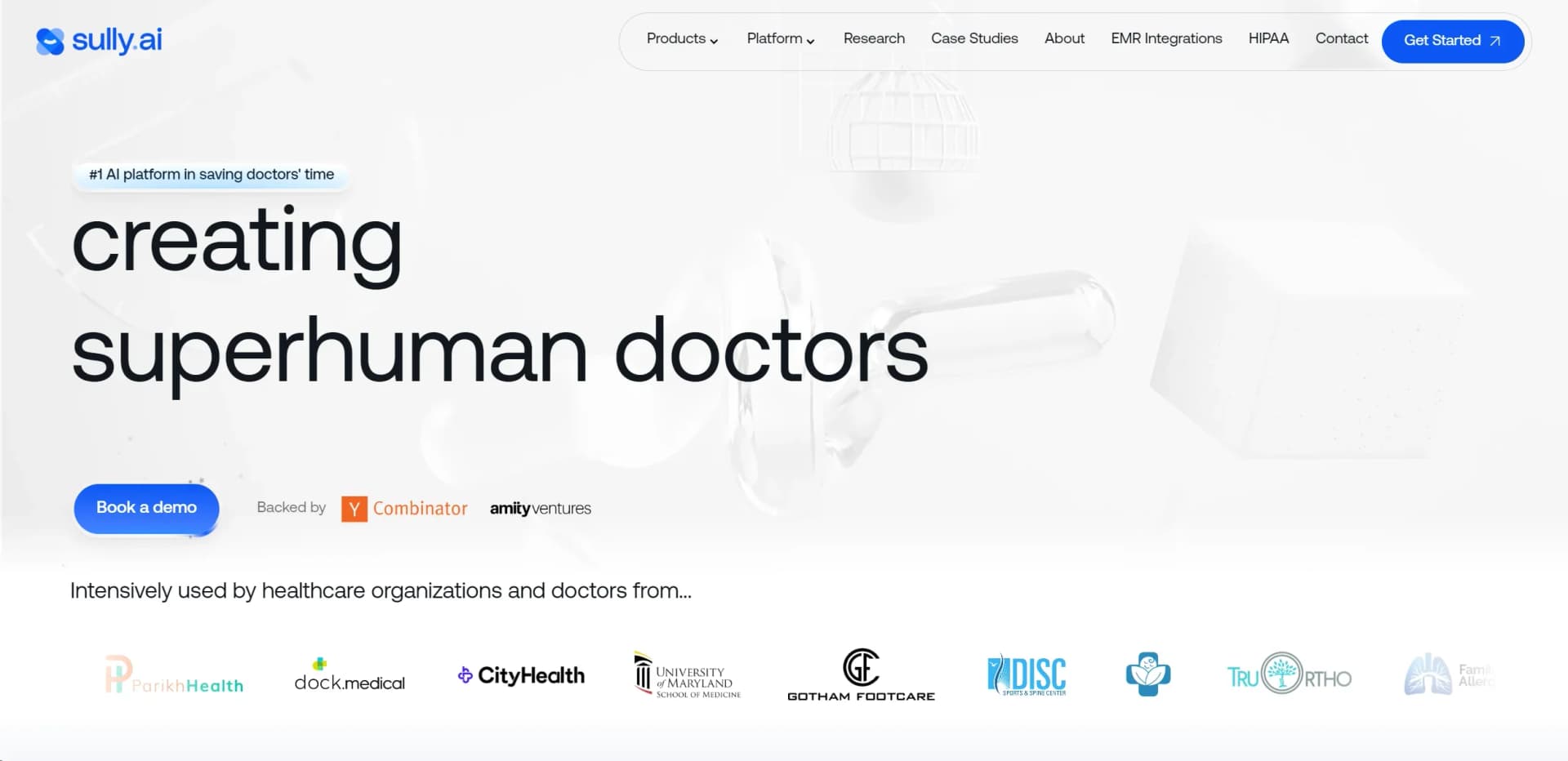
Sully AI
Revolutionizing healthcare with AI-driven EMR integration and real-time diagnostic support.
Key Takeaways
- What it is
- Revolutionizing healthcare with AI-driven EMR integration and real-time diagnostic support.
- Best for
- EMR Integration
- Real-Time Assistance
- Voice-to-Action Technology
- Rating
- 4.6/5
What is Sully AI?
From my exploration and analysis, Sully AI is a groundbreaking tool designed specifically for the healthcare sector. Its primary goal is to revolutionize the way doctors manage their administrative tasks by integrating seamlessly with Electronic Medical Records (EMR). Sully AI focuses on enhancing the efficiency of medical professionals by automating routine tasks, thereby allowing them more time to concentrate on patient care—which is, after all, their main priority.
Sully AI sets itself apart with its deep integration capabilities and its focus on creating "superhuman doctors." This AI tool doesn't just automate tasks—it actively assists in clinical decision-making, making it not just a time-saver, but a potential lifesaver.
Sully AI is truly a transformative tool in the healthcare industry. It excels in enhancing the efficiency of medical practices and elevating the quality of patient care. With its robust features and strong compliance with HIPAA standards, Sully AI is an essential tool for any modern medical practice aiming to reduce administrative burdens and focus more on patient care. Its unique approach to aiding clinical decisions further underscores its value, making it a standout in the field of medical AI solutions.
Who is Using Sully AI?
Hospitals and Healthcare Facilities
Streamlining patient intake, visit documentation, and post-visit processes.
Private Practices
Enhancing efficiency in smaller medical practices with fewer resources.
Multilingual Medical Staff
Assisting staff in communicating and documenting in multiple languages.
Telehealth Services
Integrating with platforms to provide better remote care.
Uncommon Use Cases
Used by medical training institutions for educational purposes; utilized in medical research for data management.
Key Features
Rating Breakdown
Pricing Plans
Subscription Model
- Sully AI offers a subscription-based model
- Details of which can be accessed directly through their sales team
Custom Quotes
- Pricing can be tailored based on the specific needs and scale of the healthcare institution
Sully AI Use Cases
Ambient clinical documentation
Capture patient-clinician conversations, transcribe them, and create structured notes mapped to configured templates.
Outcome: Clinicians review and sign completed draft documentation instead of writing notes manually.
Patient intake and triage
Use the AI Receptionist and AI Triage Nurse to answer calls, collect symptoms, screen red flags, and route patients.
Outcome: Routine intake and routing move forward without requiring constant front-desk intervention.
Medical coding
Extract ICD-10, CPT, and related coding suggestions from signed notes and encounter context.
Outcome: Coding workflows receive structured drafts and documentation prompts for review.
Multilingual patient communication
Translate messages, provide live captions or prompts, and prepare bilingual patient instructions.
Outcome: Patients and clinicians can communicate in their preferred languages with staff approval.
Automated phone workflows
Upload existing Word or PDF call scripts and convert their protocols into inbound or outbound AI calls.
Outcome: Practices can test and deploy automated campaigns without rewriting existing scripts.
Workflow Ideas with Sully AI
Visit-to-note workflow
- 1Capture the encounter with consent
- 2Transcribe and structure the conversation into the configured template
- 3Review, edit, approve, and write the note to the EHR
Intake-to-triage workflow
- 1AI Receptionist answers the patient call and verifies information
- 2Triage Nurse collects symptoms and screens for red flags
- 3Route the structured summary to the appropriate queue or clinician
Script-to-automated-call workflow
- 1Upload an existing Word or PDF call script
- 2Extract instructions, transfer targets, protocols, and decision points
- 3Test the call flow and deploy inbound or outbound calls
How Sully AI fits into your stack
Broad EMR Compatibility
Works with a wide range of EMR systems, facilitating easy adoption.
Voice Activation
Compatible with various voice recognition technologies to enhance user interaction.
Cloud-Based
Ensures easy implementation and access from various devices, including mobile.
Security Features
Strong encryption and compliance to protect sensitive medical data.
Pros
- +Increased Efficiency: Reduces the time doctors spend on administrative tasks, reportedly saving up to 2.8 hours daily.
- +Enhanced Patient Care: By minimizing administrative burdens, doctors can focus more on patient interaction and care quality.
- +Customization and Personalization: Adapts to individual doctor's needs and preferences, enhancing usability and satisfaction.
- +HIPAA Compliant: Ensures that all data handling and processing are in line with HIPAA standards, safeguarding patient information.
Cons
- −Technology Adoption: Requires initial training and adaptation period for users not familiar with AI tools.
- −Integration Complexity: While it integrates with many EMR systems, some less common systems might require additional configuration.
- −Dependence on Tech: Reliance on the tool may become a constraint if there are interruptions in service or updates.
Limitations & when to consider alternatives
Known limitations
- Human approval remains required. Sully.ai states that notes, messages, translations, and other outputs remain drafts until a human reviews and approves them.
- AI Interpreter is not a replacement for certified interpreters. When policy or law requires a certified medical interpreter, Sully.ai recommends using a human interpreter.
- Automated messaging is not for emergencies. The AI Interpreter and automated outreach workflows are not intended to handle emergency care.
- Pricing is not publicly standardized. Agent pricing is customized and requires contacting Sully.ai for an exact quote.
- Alpha API features are not production-ready. Alpha API capabilities may change without notice, may have different rate limits, and do not include SLA guarantees.
Look elsewhere when
- You need a downloadable Windows, Mac, or Linux desktop installer.
- You need Android-native mobile support.
- You need programming-code generation.
How to Use Sully AI
- 1
For those interested in mastering Sully AI, the company offers detailed tutorials and resources on their website, helping both new and advanced users make the most of the platform.
Who is Sully AI For?
EMR and EHR teams
Sully LLM provides an API-compatible clinical model for teams with existing orchestration layers.
Healthcare organizations
Hospitals and healthcare organizations can deploy role-based AI employees across clinical and administrative workflows.
Product teams with custom agent pipelines
Teams can use Sully LLM within existing custom orchestration and proprietary integrations.
Clinicians and medical staff
AI Scribe, AI Nurse, AI Coder, and related agents reduce documentation, follow-up, intake, and coding work.
Frequently Asked Questions
How is Sully.ai priced?
Pricing is customized according to clinic size, enabled agents, call or usage volume, and required workflows. Exact pricing is discussed during a demo or pilot conversation.
How do I get started with Sully.ai?
Choose an initial workflow, connect your EHR and communication channels, configure templates and permissions, invite your team, and run a short pilot.
Does Sully.ai support multiple languages?
Yes. Sully.ai can translate patient communications, provide live interpretation support, and transcribe multilingual audio. Spanish is commonly enabled, with additional languages configured by organization and region.
How are AI-generated outputs approved?
Outputs remain drafts until clinicians or staff review, edit, and approve them. Organization-defined roles determine who can finalize notes, messages, letters, and other outputs.
Which EHR systems does Sully.ai integrate with?
Supported systems include Epic, AthenaHealth, Cerner, CharmHealth, DrChrono, Elation, MEDITECH, NextGen, Practice Fusion, Tebra, Waystar, and many others.
Can Sully.ai work offline?
The AI Scribe page states that local capture is supported, with secure synchronization to the EHR after connectivity is restored.
Community reviews
Be the first to share your experience.
Sign in to leave a review for Sully AI.
Sully AI Alternatives
Looking for alternatives to Sully AI? Here are similar tools in the same category:
Learn to Master Sully AI
With Skill Leap courses
Get in-depth training on Sully AI and 50+ other AI tools with our expert-led video courses.
Start 7-Day Free Trial