
Struct Chat
Revolutionizes chat with AI, threads, and SEO for communities.
Key Takeaways
- What it is
- Revolutionizes chat with AI, threads, and SEO for communities.
- Pricing
- $29.95 per month
- Best for
- Thread-Based Conversations
- AI Integration
- SEO-Optimized Public Channels
- Rating
- 4.7/5
What is Struct Chat?
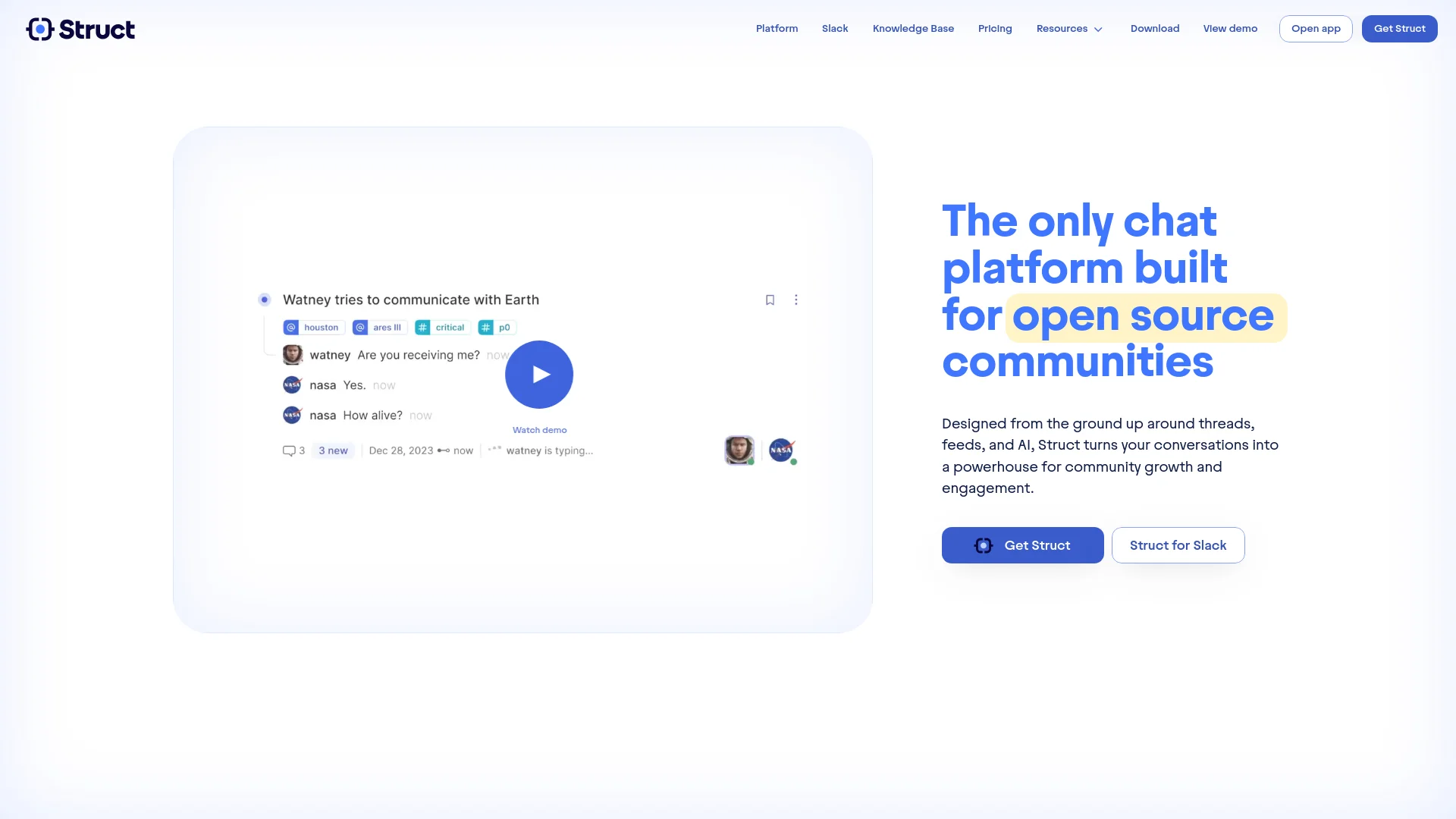
Struct Chat is a revolutionary chat platform designed specifically for open source communities. It distinguishes itself with an innovative blend of threads, feeds, and AI functionalities, transforming basic conversations into dynamic interactions that drive community engagement and growth. Its approach to enhancing connectivity and accessibility within communities makes it a standout tool for managing and expanding collaborative efforts.
Struct Chat's unique selling point lies in its holistic approach to community management and engagement. It combines real-time chat with structured organization and broad accessibility through SEO-optimized pages. This integration not only facilitates efficient communication but also enhances the visibility and discoverability of community discussions.
Struct Chat excels at transforming how open source communities engage and interact. Its innovative use of AI and SEO optimization, coupled with a user-friendly interface and an inclusive pricing model, makes it a powerful tool for managing and expanding collaborative efforts. Whether for a small team or a large community, Struct Chat provides the functionalities needed to foster interaction and drive growth.
Who is Using Struct Chat?
Open Source Projects
Communities like Algorand and Golang utilize Struct Chat to manage sprawling discussions.
Tech Startups
Companies such as Tool Jet and Grafbase leverage it for internal team communications and community engagement.
Educational Groups
Used by online coding bootcamps for real-time student support and discussion.
Research Teams
Facilitates collaboration and knowledge sharing among scientific research groups.
Uncommon Use Cases
Non-profits use it for organizing volunteer efforts; indie game developers use it for community-driven game development feedback.
Key Features
Rating Breakdown
Pricing Plans
Inclusive Pricing Model
$29.95 per month
- An unlimited number of members and access to all features
Struct Chat Use Cases
Search organizational conversations
Search titles, summaries, messages, links, and files using keyword and vector search.
Outcome: Relevant knowledge is easier to find.
Answer recurring community questions
Mention Structbot in a thread or ask questions in Slack or Discord.
Outcome: Members receive answers grounded in prior conversations.
Organize projects with tags
Use hashtags to categorize threads, assign work, track bugs, and monitor tasks.
Outcome: Project-related discussions become easier to filter and follow.
Migrate from Slack
Import Slack threads, channels, and member lists into Struct.
Outcome: Teams can preserve existing communication while adopting Struct.
Publish community knowledge
Transform selected public Slack threads into SEO-optimized web pages.
Outcome: Public discussions become searchable and accessible on the web.
Workflow Ideas with Struct Chat
Turn Slack conversations into searchable knowledge
- 1Install Struct on the Slack domain
- 2Synchronize permitted Slack channels and conversations
- 3Search imported threads and ask Structbot questions
Track project work with tags and feeds
- 1Tag threads by project, priority, or assignee
- 2Create a custom feed for the relevant tags
- 3Review and manage matching conversations from one view
Publish open-source discussions
- 1Choose public Slack channels
- 2Import or synchronize public threads
- 3Publish selected conversations as SEO-optimized pages
How Struct Chat fits into your stack
Slack Integration
Allows import of channels and conversations from Slack, easing transition challenges.
Cross-Platform Support
Accessible via desktop apps for Windows, Mac, and Linux, with a mobile version on the way.
SEO Tools
Integrates with search engines to ensure that discussions are indexed and easily findable.
Documentation Tools
Upcoming features include integration with documentation sources to enhance the relevance and accuracy of AI responses.
Pros
- +Enhanced Discoverability: Public channels are SEO-optimized, making community discussions more accessible online.
- +AI-Powered Efficiency: AI features like the Struct Bot enhance the usability and functionality of the platform.
- +Cost-Effective: Offers a single pricing model that includes all features, avoiding the per-user fee structure typical of many chat platforms.
- +Comprehensive Integration: Seamlessly integrates with existing systems like Slack, allowing for easy migration and adoption.
Cons
- −Limited Mobile Support: As of now, a mobile app is "coming soon," which may limit accessibility for some users on the go.
- −Learning Curve: New users may need some time to familiarize themselves with the thread-based and AI-driven functionalities.
- −Dependence on Community Engagement: The platform's effectiveness is partially dependent on active participation and engagement from the community.
Limitations & when to consider alternatives
Known limitations
- Mobile app is not available yet. The product comparison page labels the mobile app as coming soon.
- Documentation-trained bot is not generally available. Struct describes training on documentation as coming soon.
- Pricing is usage-based. The proposed model charges $29.95 monthly with 500K tokens included and overage charges beyond that.
- Slack synchronization requires permissions. Slack setup requires administrator involvement and individually connected permissions for chat synchronization.
Look elsewhere when
- You need a native mobile app.
- You need a documented developer API.
- You need SSO or SAML.
- You need a browser extension.
How to Use Struct Chat
- 1
For those looking to get started or to maximize their use of Struct Chat, the platform offers comprehensive tutorials accessible through their website. These cover everything from basic setup to advanced features, ensuring users can fully leverage the tool's capabilities.
Who is Struct Chat For?
Open-source communities
Struct is designed to organize community conversations, preserve knowledge, and make public discussions searchable.
Fast-moving teams
Live feeds, summaries, search, and custom views help teams stay current while reducing conversational noise.
Slack-based organizations
Struct can import Slack data or add AI capabilities to existing Slack conversations.
Community managers
Trust controls, spam control, dynamic access, and public channels support community moderation and growth.
Frequently Asked Questions
What is Struct?
Struct is a real-time chat platform built around threads, feeds, and AI for teams and open-source communities.
Can Struct import Slack data?
Struct can import Slack threads, channels, and member lists to help teams transition while preserving existing conversations.
Can Struct work with Slack?
Yes. Teams can install Struct on their Slack domain, synchronize permitted conversations, and chat with Slack peers through Struct.
Can Struct be used in a browser?
Yes. Struct is fully functional in the browser at app.struct.ai.
How does Structbot answer questions?
Structbot searches authorized past threads using retrieval-augmented generation and can answer questions in Struct, Slack, or Discord.
What desktop platforms are supported?
Struct provides downloadable apps for Windows, Mac, and Ubuntu/Debian.
Community reviews
Be the first to share your experience.
Sign in to leave a review for Struct Chat.
Struct Chat Alternatives
Looking for alternatives to Struct Chat? Here are similar tools in the same category:
Learn to Master Struct Chat
With Skill Leap courses
Get in-depth training on Struct Chat and 50+ other AI tools with our expert-led video courses.
Start 7-Day Free Trial