
Stitch
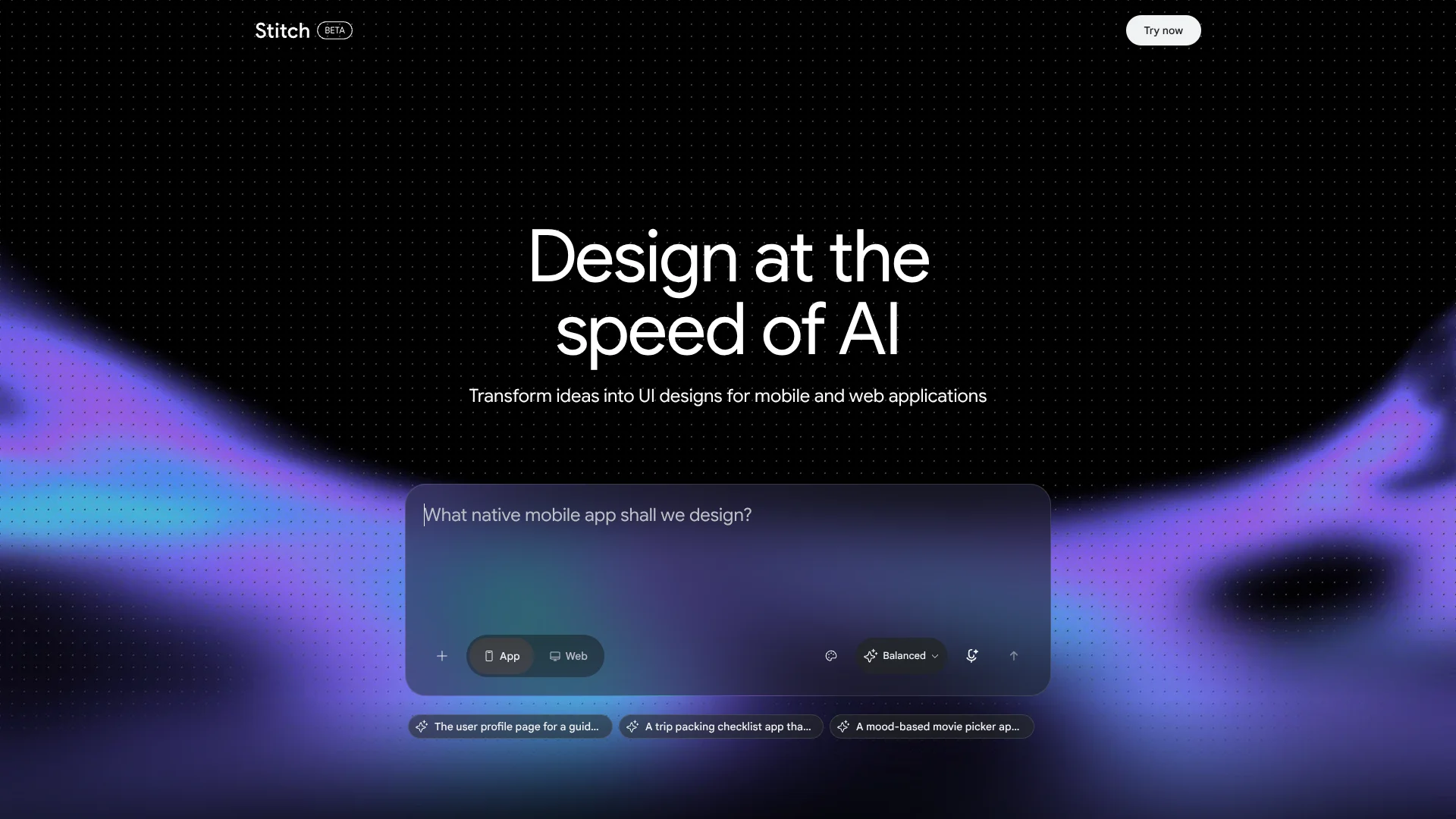
Turn a product brief or sketch into screens for your next app.
Watch Stitch in Action
Key Takeaways
- What it is
- Turn a product brief or sketch into screens for your next app.
- Best for
- Text and image to UI
- Stitch Agent
- Interactive prototypes
- Rating
- 4.1/5
What is Stitch?
Stitch turns a written idea, image, or rough wireframe into web and mobile interface designs, then helps you refine them with text or voice. Its design canvas is for professional designers exploring directions and founders shaping an early product idea. The goal is to get from a product concept to screens you can review and test, without drawing every layout from scratch.
A Stitch project can connect screens into a clickable prototype, and the design agent can suggest logical next screens as you map a user journey. That makes it possible to explore how an app might work, not only how one screen might look.
Stitch fits designers, founders, and developers working through early interface ideas. It is an experimental tool, and adding backend logic for a production app calls for another tool; reach for Stitch when you need to explore and steer screen designs before building the finished product.
Who is Using Stitch?
Product designers
A design agent helps them test alternate layouts and visual directions on the canvas.
Startup founders
Early app screens give them something concrete to discuss and refine before development.
UX designers
Clickable prototypes help them map and preview user journeys across screens.
Frontend developers
Generated frontend code and exports provide a starting point for implementation.
Uncommon Use Cases
Import design rules through DESIGN.md to carry a visual identity into a new project; use voice feedback to explore alternate menus or color palettes.
Key Features
Rating Breakdown
Pricing Plans
Subscription-Based Model
- Offers different subscription tiers to accommodate varying user needs and budget constraints
Custom Plans
- Provides custom plans with additional features and support for larger teams or enterprises
Stitch Use Cases
Explore an app concept
A product idea becomes a set of web or mobile interface screens from a text prompt, image, or wireframe.
Outcome: A visual direction to review and refine.
Preview a user journey
Connected screens show how someone might move through an app before it is built.
Outcome: A clickable prototype of the flow.
Refine a design by voice
Spoken feedback lets the design agent revise the canvas while you explore options.
Outcome: Real-time design changes on the canvas.
Carry a design system into a project
A design system extracted from a URL or shared through DESIGN.md gives new screens brand context.
Outcome: Screens that follow reused design rules.
Hand a design to development
Frontend code and export options help move an interface concept toward developer tools.
Outcome: A design ready for further development.
Workflow Ideas with Stitch
From brief to clickable app flow
- 1Describe the app idea or add a wireframe or image as context.
- 2Refine the generated screens with text or voice direction.
- 3Connect screens and preview the user journey.
Reuse a brand’s design rules
- 1Extract a design system from a URL or import DESIGN.md.
- 2Apply the design rules to screens in the project.
- 3Review the screens and adjust the visual direction with the agent.
Move a concept toward development
- 1Generate and refine the interface screens in Stitch.
- 2Export the designs or use the Stitch SDK and MCP tools in a developer workflow.
- 3Continue implementation in a development tool, adding backend logic as needed.
How Stitch fits into your stack
Design canvas
Stitch is where product ideas become interface screens and clickable prototypes. It accepts text, images, code, and design files as context.
Design systems
DESIGN.md lets you carry design rules between Stitch projects and other design or coding tools.
Developer tools
Exports to Google AI Studio and Google Antigravity help move screen designs into development workflows.
Agent and SDK workflows
The Stitch MCP server and SDK let compatible developer tools and agents access Stitch project and screen-generation functions.
Web publishing
Stitch work can be published to the web directly with Netlify.
Pros
- +Fast concept exploration: Generate interface directions from text, images, or wireframes.
- +Clickable flows: Preview how connected screens work as a user journey.
- +Voice-led revisions: Give the design agent spoken feedback and see changes on the canvas.
- +Reusable design rules: Carry a project’s visual identity into new screens with DESIGN.md.
Cons
- −Experimental product: Features and the design experience may continue to change.
- −Needs creative direction: The agent can generate and revise screens, but you still need to steer the design.
- −Production work continues elsewhere: A screen design alone does not provide the backend logic for a finished app.
Limitations & when to consider alternatives
Known limitations
- Experimental product. Google describes Stitch as an experimental tool, so its product experience is still evolving.
- Backend work is separate. Stitch exports screens toward development; Google describes plugging in backend logic as a step in Google Antigravity.
Look elsewhere when
- You need backend logic and a production application built within the same tool.
How to Use Stitch
- 1
Start with a product idea
Describe the app and the outcome you want, or bring an image, code, or design file as context for the canvas.
- 2
Explore the first screens
Review the generated interface and decide which direction is worth developing.
- 3
Steer revisions
Give the Stitch Agent text or voice feedback to adjust layouts and explore alternatives.
- 4
Map the user journey
Connect screens into a prototype and preview the flow to spot gaps in the experience.
- 5
Reuse design rules
Extract rules from a URL or bring in DESIGN.md when you want new screens to follow an existing visual identity.
- 6
Hand off the result
Export the screens to a developer workflow or publish the work to the web with Netlify.
Who is Stitch For?
Professional designers
Explore interface directions and produce screen variations from a product brief.
Founders
Turn an early software idea into screens and a prototype that can be reviewed.
Developers
Start from generated UI and frontend code, then carry designs into development tools.
Frequently Asked Questions
Can Stitch generate frontend code?
Yes. Google describes Stitch as generating UI designs and corresponding frontend code for web and mobile.
Can Stitch create a clickable prototype?
Yes. You can connect screens on the canvas and preview the resulting app flow.
Can I use voice to change a design?
Yes. You can speak to the canvas and direct the Stitch Agent to critique or revise the design.
Can Stitch connect to developer tools?
Yes. Google describes exports to AI Studio and Antigravity, web publishing with Netlify, and access through Stitch MCP and SDK tools.
Community reviews
1 review from people who use Stitch.
Sign in to leave a review for Stitch.
Thibault BM
Stitch Alternatives
Looking for alternatives to Stitch? Here are similar tools in the same category:
Learn to Master Stitch
With Skill Leap courses
Get in-depth training on Stitch and 50+ other AI tools with our expert-led video courses.
Start 7-Day Free Trial