
Spline AI
Revolutionize 3D design with AI: create, edit, collaborate effortlessly.
Key Takeaways
- What it is
- Revolutionize 3D design with AI: create, edit, collaborate effortlessly.
- Pricing
- Freemium · $12 / mo billed yearly or $15 billed monthly · $25 / mo billed yearly or $30 billed monthly · $60 / mo billed yearly or $70 billed monthly
- Best for
- AI-Powered Creation
- Intuitive Editing
- Collaborative Brainstorming
- Rating
- 4.6/5
What is Spline AI?
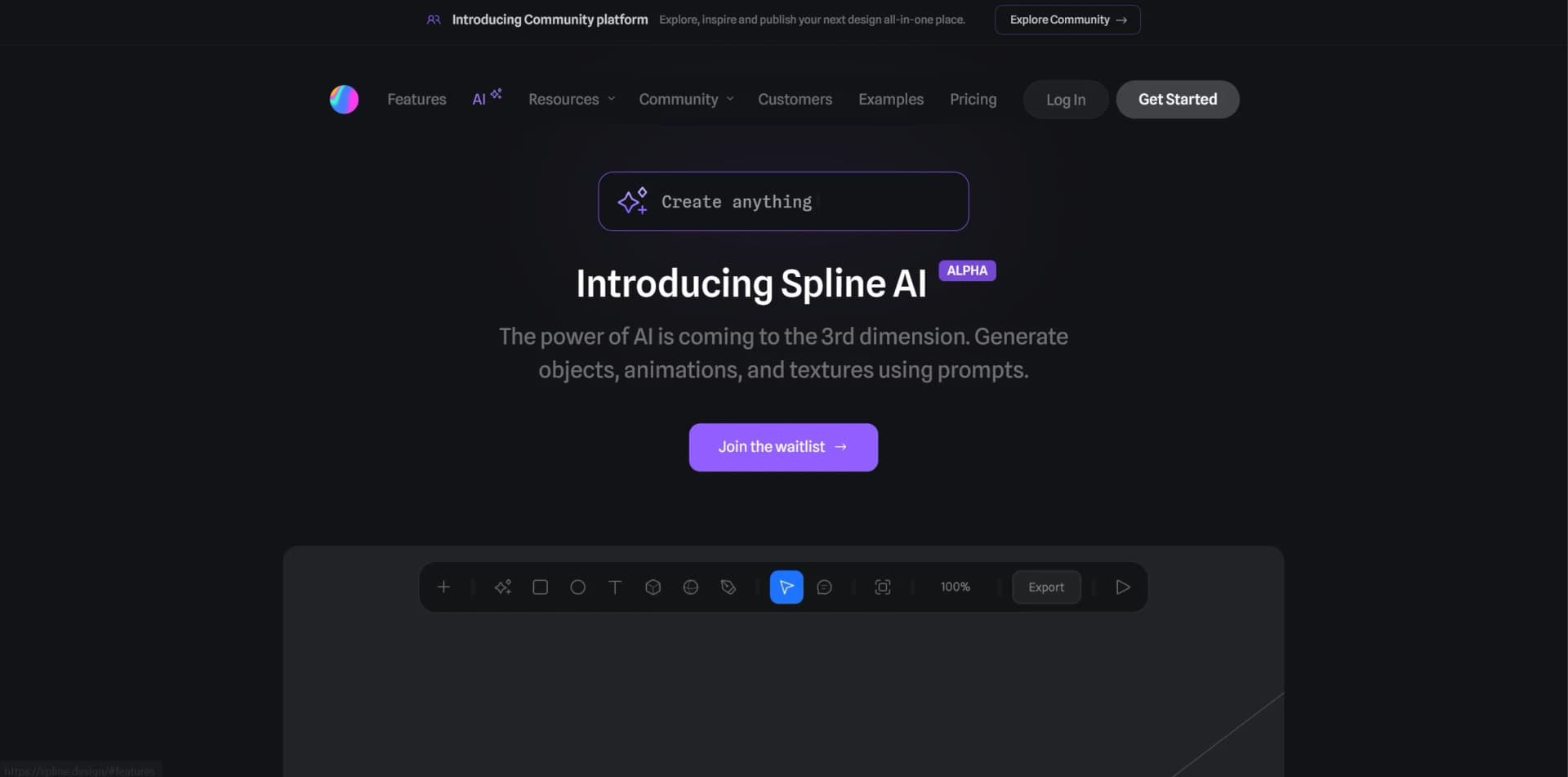
In the ever-evolving realm of creative design, Spline AI emerges as a groundbreaking platform, harnessing the prowess of artificial intelligence to redefine the 3D design landscape. Catering to both individual creatives and professional teams, Spline AI revolutionizes the creation of 3D objects, animations, and textures, offering a swift and intuitive design process.
Spline AI's distinctive strength lies in seamlessly integrating AI into the 3D design workflow. Its ability to interpret and execute design prompts accurately sets it apart, making it indispensable for those seeking to elevate their 3D design endeavors with AI.
Spline AI emerges as a transformative tool, reshaping 3D design through AI innovation. Its intuitive design, collaborative features, and AI capabilities make it indispensable for 3D design enthusiasts. Despite limited access and pricing opacity, Spline AI's potential and efficiency gains are undeniable, making it a must-have for creatives pushing the boundaries of 3D design.
Who is Using Spline AI?
Game Developers
Speeding up game asset creation and iteration processes.
Architects and Interior Designers
Visualizing spaces in 3D with realistic textures and lighting.
Educational Institutions
Educating students on 3D design and AI's role in creative endeavors.
Film and Animation Studios
Utilizing AI for detailed backgrounds and visual effects elements.
Uncommon Use Cases
From virtual event designers conceptualizing spaces to digital artists crafting NFT-worthy 3D art.
Key Features
Rating Breakdown
Pricing Plans
Free
Free
- Limited Personal Files
- Unlimited file viewers
- Web exports with watermark
- Access to the Spline Library
Hobby
$12 / mo billed yearly or $15 billed monthly
- Everything on Free, plus
- Unlimited 3D & 2D files
- Upload video
- No watermark on web exports
- Higher resolution image exports
- Spline’s material & audio library
Pro
$25 / mo billed yearly or $30 billed monthly
- Everything on Hobby, plus
- Unlimited folders and projects
- Video export
- Unlimited scenes per file
- Apple & Android exports
- Upload audio
- Unlimited Variables, APIs & Webhooks
- Variables local storage
- No watermark on web embeds
Max
$60 / mo billed yearly or $70 billed monthly
- Everything on Pro, plus
- 10,000 AI credits / month included
- 5x more media gen per week
- 100MB max video size
- Higher MCP tool call limits
Enterprise
- Everything on Max, plus
- Centralized licensing and billing
- Multiple teams with team privacy
- SAML Single Sign-On (SSO)
- Code & Self-hosted exports
- File version history
- Team Library
- Custom onboarding and training
- Priority support
- Legal and security onboarding support
Which Spline AI plan should you pick?
Start with Free to explore Spline; choose Hobby for broader personal creation, Pro for advanced exports and APIs, Max for higher AI usage, or Enterprise for SSO and organization-wide controls.
Free
Good for exploring Spline with limited personal files, unlimited viewers, watermarked web exports, and Spline Library access.
Hobby
Good for individual creators who need unlimited 3D and 2D files, video uploads, and additional export capabilities.
Pro
Good for teams and advanced creators who need unlimited folders and projects, video export, Apple and Android exports, APIs, and webhooks.
Max
Good for heavier AI and media-generation usage, with 10,000 AI credits per month and higher generation limits.
Enterprise
Good for organizations needing SAML SSO, centralized licensing, multiple teams, file version history, team privacy, security onboarding, and priority support.
Spline AI Use Cases
Build interactive 3D scenes
Describe a scene or edit request to the AI Agent, which creates objects, materials, lighting, animation, and interactivity.
Outcome: A fully editable interactive 3D scene.
Design interfaces with Hana
Describe screens and ask Hana's AI Agent to create layouts, typography, effects, states, and interactions.
Outcome: Editable interface frames and prototypes.
Create AI-generated 3D models
Provide a text prompt or image and generate a 3D model for insertion into a Spline scene.
Outcome: A generated 3D asset placed in the design.
Connect live external data
Configure APIs or webhooks, map responses to variables, and trigger scene actions from external events.
Outcome: Dynamic scenes that react to live data.
Embed interactive 3D on websites
Export a Spline scene and integrate it into Webflow or other web projects using the viewer and Code API.
Outcome: Interactive 3D experiences embedded in websites.
Workflow Ideas with Spline AI
AI-assisted 3D scene creation
- 1Describe the desired scene to the AI Agent
- 2Review the generated objects, materials, lighting, and animation
- 3Refine the scene with follow-up prompts or manual edits
Live API-driven scene
- 1Create an API or webhook in the Variables & Data panel
- 2Map incoming values to Spline variables and object properties
- 3Trigger animations or other actions when the data changes
AI coding-tool workflow
- 1Install and open the Spline desktop app
- 2Connect an MCP-compatible client such as Claude, Cursor, Codex, or ChatGPT
- 3Ask the client to create or edit a scene in the open Spline editor
How Spline AI fits into your stack
Browser
Spline is a browser-based 2D and 3D editor with real-time collaboration, AI agents, publishing, and embeds.
Desktop / IDE
The Mac and Windows desktop app adds tabs, system fonts, and built-in MCP connectivity to Claude, Cursor, Codex, and other AI coding tools.
Automation and APIs
Spline provides Code API, API requests, webhooks, variables, and real-time endpoints for connecting scenes to external data and events.
Knowledge and files
The AI Agent accepts images, media, and documents as attachments and can use them as references while creating or editing scenes.
Pros
- +Efficiency in Design: AI-powered creation tools drastically reduce design time, enabling rapid prototyping.
- +Ease of Use: Intuitive interface and straightforward editing tools cater to users of all skill levels.
- +Collaborative Features: Real-time collaboration tools enhance teamwork efficiency, particularly beneficial for larger projects.
- +Innovative Textures: AI-generated textures ensure designs are visually captivating and distinctive.
Cons
- −Learning Curve: New users may require time to fully harness the capabilities of AI features.
- −Waitlist for Access: Limited access through a waitlist could deter eager users.
- −Limited Pricing Information: Detailed pricing information is not readily available, which may pose challenges for budget-conscious users.
Limitations & when to consider alternatives
Known limitations
- AI edits one file and one change at a time. Additional prompts queue while the Agent is working on another change or file.
- Exact numeric layouts may require manual work. Spline says the Agent is better at intent than precise numeric positioning.
- Complex requests may be only partly applied. Complex requests can apply partially and may require another correction attempt.
- AI features consume monthly credits. The AI Agent, AI 3D Generation, AI Textures, and related AI features use workspace AI credits.
- MCP requires the desktop app. Spline MCP works through the Mac or Windows desktop app and does not operate from the browser.
Look elsewhere when
- You need a native mobile editor app rather than Spline's browser and desktop workflow.
- You need user-specific model fine-tuning or training jobs.
- You need a browser extension rather than a browser-based editor.
How to Use Spline AI
- 1
Spline AI offers a wealth of tutorials accessible through their website, catering to both beginners and seasoned users, aiding in maximizing the platform's potential.
Who is Spline AI For?
3D designers
Create interactive scenes with modeling, materials, lighting, animation, physics, and AI-assisted editing.
2D interface designers
Use Hana to build interfaces and animated graphics with editable layouts, effects, states, and interactions.
Product and creative teams
Collaborate in shared workspaces, invite members, assign permissions, and edit files together in real time.
Developers and engineers
Use the Code API, APIs, webhooks, exports, and MCP connections to integrate Spline content into products.
AI coding-tool users
Connect Claude, Cursor, Codex, VS Code, ChatGPT, and other MCP clients to build and edit Spline scenes.
Frequently Asked Questions
Can I use Spline for free?
Yes. Spline offers a Free plan at $0 per month with limited personal files, unlimited viewers, watermarked web exports, and access to the Spline Library.
What does the AI Agent do?
The AI Agent builds and edits 3D scenes by creating objects, materials, lighting, animation, interactivity, and code-driven experiences.
Can multiple people collaborate in Spline?
Yes. Users can invite others to shared files, work in real time, and assign Viewer or Editor permissions.
Which platforms does Spline support?
Spline runs in the browser, offers Mac and Windows desktop apps, and supports publishing or exporting experiences for the web, Apple platforms, and Android.
How are Spline AI features billed?
AI features use monthly workspace credits included with paid plans. Credit allowances vary by Hobby, Pro, Max, and Enterprise plans.
Does Spline support enterprise single sign-on?
Yes. The Enterprise plan includes SAML Single Sign-On, centralized licensing, team privacy, and security onboarding support.
Community reviews
Be the first to share your experience.
Sign in to leave a review for Spline AI.
Spline AI Alternatives
Looking for alternatives to Spline AI? Here are similar tools in the same category:
Learn to Master Spline AI
With Skill Leap courses
Get in-depth training on Spline AI and 50+ other AI tools with our expert-led video courses.
Start 7-Day Free Trial