
Speak AI
Transform language data into actionable insights with AI-driven analysis.
Key Takeaways
- What it is
- Transform language data into actionable insights with AI-driven analysis.
- Best for
- AI-Driven Transcription Services
- Data Visualization and Analysis
- Integration Capabilities
- Rating
- 4.6/5
What is Speak AI?
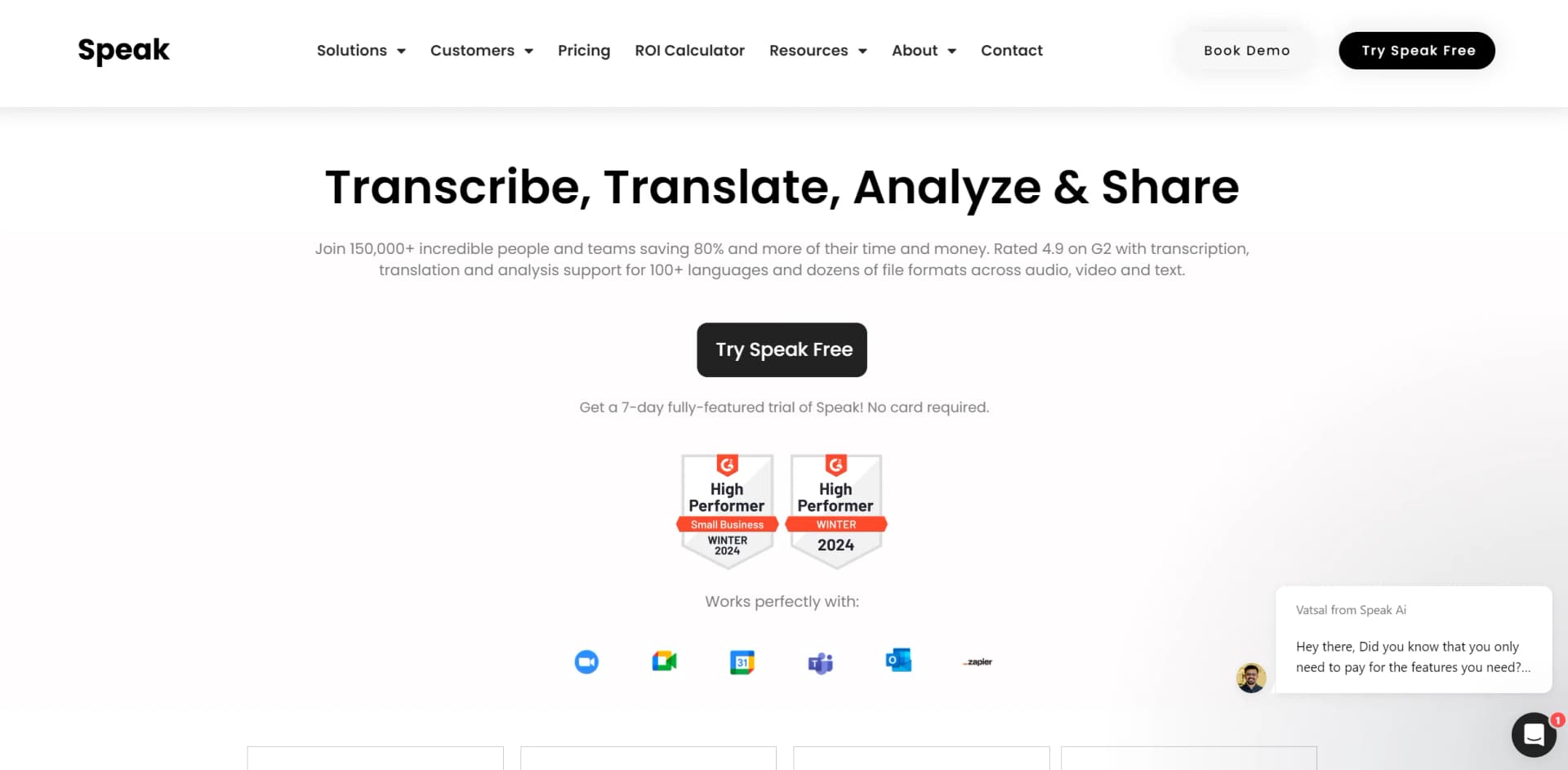
Speak AI is an advanced platform designed to transform how individuals and organizations handle language data. At its core, Speak AI focuses on providing powerful transcription, data analysis, and natural language processing (NLP) solutions. Geared towards researchers, enterprises, and marketing teams, Speak AI aims to significantly reduce manual labor while enhancing the ability to uncover actionable insights from audio, video, and text data.
Speak AI stands out with its comprehensive suite of tools that cater to both automated and professional needs in data handling. Its robust AI engine not only transcribes but also provides deep analysis, including sentiment analysis, keyword extraction, and trend identification, all integrated into a user-friendly platform.
Speak AI excels in delivering efficient, accurate, and comprehensive tools for managing language data across various formats. Its unique blend of transcription services, data analysis, and integrative capabilities makes it an essential tool for market researchers, enterprises, and digital marketers. The platform's ability to process and analyze large volumes of data quickly and accurately offers an unmatched advantage in today's data-driven landscape.
Who is Using Speak AI?
Market Researchers
Analyzing focus group discussions and consumer feedback efficiently.
Academic Researchers
Transcribing and analyzing interviews and qualitative data.
Digital Marketers
Gaining insights from customer interviews and market research to inform strategies.
Enterprises
Using the platform for meeting transcriptions and decision-making processes.
Uncommon Use Cases
Non-profits for grant writing and reporting; podcasters for content creation.
Key Features
Rating Breakdown
Pricing Plans
Free Trial
- Offers a 7-day fully-featured trial to explore the functionalities
Customizable Plans
- Pricing can be tailored through a custom calculator on their website
- Accommodating various user needs
Which Speak AI plan should you pick?
Start with the free trial or Pay as you go for evaluation, use Pro for recurring individual or small-team work, and upgrade to Enterprise for SSO, custom builds, white-label deployments, or larger organizations.
Pay as you go
Good for occasional users who need transcription or analysis without a recurring subscription.
Pro
Good for individuals and small teams needing included credits, shared libraries, automations, folders, and collaboration.
Enterprise
Good for organizations needing custom volume, SSO, white-label applications, custom AI agents, security reviews, or dedicated support.
Speak AI Use Cases
Meeting transcription
Record or import meetings and generate searchable transcripts, summaries, and action items.
Outcome: Faster meeting review and clearer follow-up.
Customer interview analysis
Upload interviews, identify speakers, extract themes, sentiment, keywords, and named entities.
Outcome: Structured customer and market insight.
Sales-call scoring
Apply a consistent rubric to sales calls and extract fields automatically.
Outcome: Repeatable call evaluation and coaching data.
Podcast and video analysis
Upload media, transcribe it, analyze audio or video, and export transcripts or insights.
Outcome: Searchable and reusable content.
Web research capture
Use the Chrome extension to import complete webpages or selected text for analysis.
Outcome: Web content becomes searchable, categorized research data.
Workflow Ideas with Speak AI
Automated sales-call review
- 1Connect Zoom or another recording source
- 2Route new recordings into a Speak AI folder
- 3Score each call against a rubric and extract fields
- 4Send results to a CRM or team channel
Customer-interview pipeline
- 1Upload interview audio, video, or documents
- 2Automatically transcribe and analyze each file
- 3Extract recurring themes, sentiment, and custom fields
- 4Review results in dashboards or export reports
Meeting follow-up workflow
- 1Connect a calendar and Meeting Assistant
- 2Capture and transcribe scheduled meetings
- 3Generate summaries, decisions, and action items
- 4Push outputs to connected documents or collaboration tools
How Speak AI fits into your stack
Major Meeting Platforms
Compatible with Zoom, Microsoft Teams, Google Meet, and Webex.
Data Import and Export
Supports a wide range of formats for data import and export, facilitating ease of use across different stages of data handling.
Extensive Language Support
Services available in over 70 languages, accommodating global user needs.
API Access
Provides APIs for custom integrations, enhancing flexibility for tech-savvy users.
Pros
- +Free tier available after the trial
- +Documented REST API with 76 endpoints
- +Native iOS and Android apps
- +Transcription across 135 languages
- +Integrations and automated workflows
Cons
- −Learning Curve: New users may need some time to fully grasp the capabilities and features of the platform.
- −Dependency on Internet Connectivity: Requires continuous internet access for optimal functionality.
- −Cost Considerations: The pricing structure may be a consideration for smaller teams or individual users.
Limitations & when to consider alternatives
Known limitations
- Free-plan file size limit. Files on the free plan can be up to 2 GB; paid plans support larger uploads.
- Seven-day trial. The full-feature trial lasts seven days and requires a paid plan or usage billing afterward.
- Phone calls are not recorded directly. Speak AI does not tap phone lines, and its mobile app and Chrome extension do not record calls.
- Mobile apps have a narrower feature set. The web platform includes the full feature set; mobile apps focus mainly on recording, transcription, and uploads.
- Usage consumes credits. Transcription, AI Chat, translation, Meeting Assistant usage, and text notes draw from the account credit pool.
Look elsewhere when
- You need a dedicated Windows, Mac, or Linux desktop installer.
- You need direct phone-line recording.
- You need customer-data fine-tuning or model training.
How to Use Speak AI
- 1
Explore extensive resources such as video tutorials, case studies, and documentation available on the Speak AI website to get started and maximize the platform's potential.
Who is Speak AI For?
Academic researchers
Analyze interviews, focus groups, studies, and other research recordings.
Qualitative researchers
Transcribe interviews and extract themes, sentiment, and structured insights.
Sales teams
Capture and analyze sales calls, score conversations, and automate follow-up insights.
Content creators and podcasters
Transcribe, organize, analyze, and export podcast or video content.
Consultants and agencies
Create client-ready analyses, dashboards, branded recorders, and white-label experiences.
Frequently Asked Questions
What is Speak AI?
Speak AI transcribes audio, video, and text, then produces summaries, insights, action items, and searchable content.
What platforms does Speak AI support?
Speak AI is available through its web platform, official iOS app, and official Android app.
What languages does Speak AI support?
Speak AI supports transcription across more than 100 languages, with documentation describing 135 languages and regional variants.
Can Speak AI connect to meetings?
Its Meeting Assistant can join Zoom, Google Meet, Microsoft Teams, and Webex calls to record, transcribe, and summarize them.
Does Speak AI offer an API?
Yes. The REST API supports media uploads, transcripts, insights, exports, folders, automations, webhooks, and other workspace operations.
How is Speak AI priced?
Speak AI offers a free trial, pay-as-you-go usage, a Pro plan, and custom Enterprise pricing.
Community reviews
Be the first to share your experience.
Sign in to leave a review for Speak AI.
Speak AI Alternatives
Looking for alternatives to Speak AI? Here are similar tools in the same category:
Learn to Master Speak AI
With Skill Leap courses
Get in-depth training on Speak AI and 50+ other AI tools with our expert-led video courses.
Start 7-Day Free Trial