Soundraw
Custom-fit AI background music for videos, shaped by mood and genre.
Watch Soundraw in Action
Key Takeaways
- What it is
- Custom-fit AI background music for videos, shaped by mood and genre.
- Pricing
- $16.99 per month · $29.99 per month · $35.99 per month · $50 per month · $300 per month
- Best for
- Genre and mood selection
- Genre blending
- Mixer
- Rating
- 4.3/5
What is Soundraw?
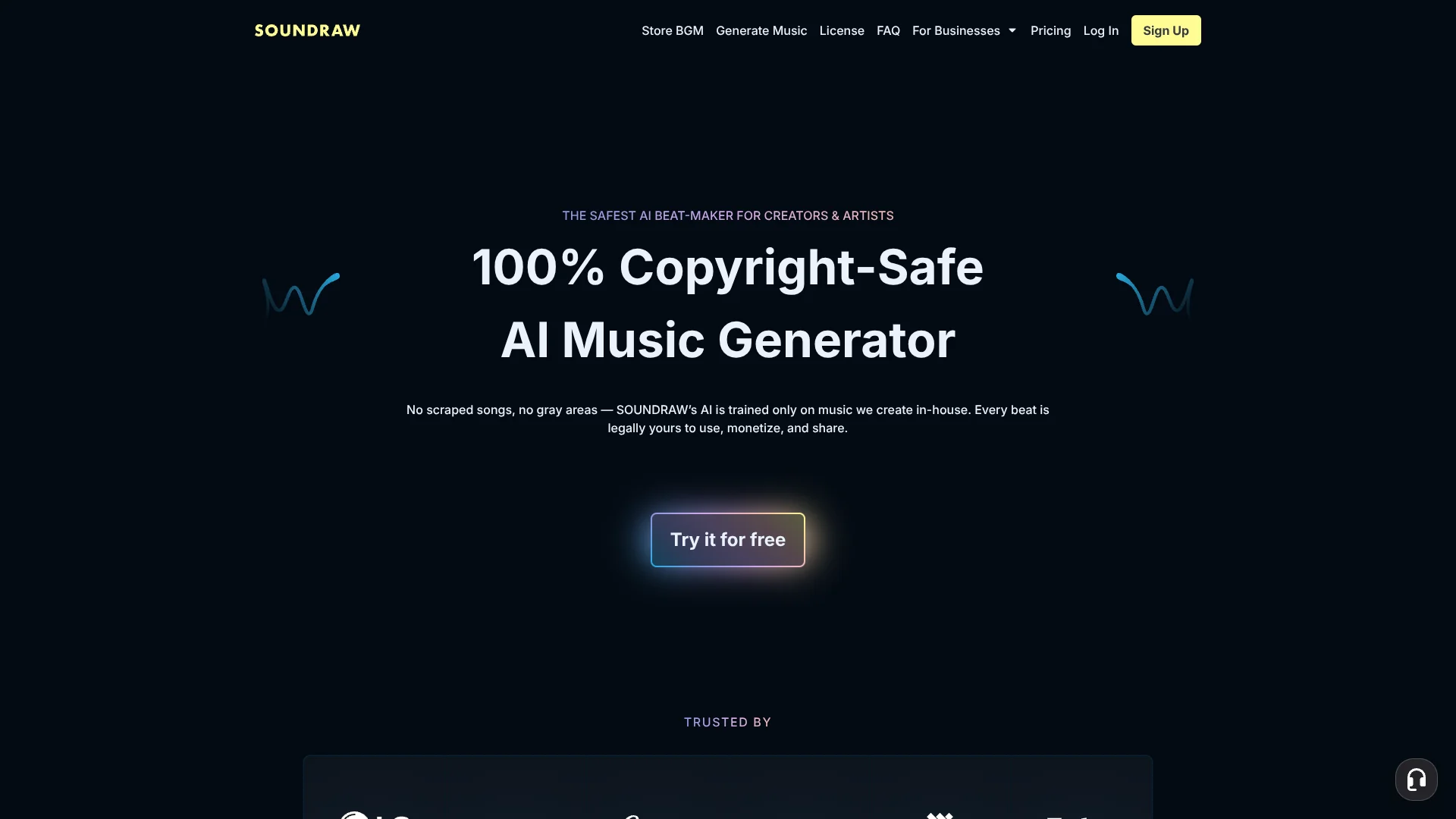
SOUNDRAW generates original music from choices such as genre, mood, theme, tempo, and instruments. Video creators can shape a background track to fit a scene, while musicians can develop AI-generated beats into songs for release. Its browser-based Mixer lets you adjust a track’s sections, energy, and length, so you can tailor the music instead of settling for a fixed library track.
SOUNDRAW says its music-generation AI is trained only on music made by its own in-house producers, rather than scraped songs. That gives the service a clearly defined source for its training material. Artist Pro and Artist Unlimited include stem downloads for further production; Artist Starter lists MP3 downloads only.
The tool is a strong fit for creators who need adjustable background music and artists who want beats to build on. It relies on selecting tags rather than writing a text prompt, so it may not suit someone who wants to describe a song in their own words and have the AI compose from that description.
Who is Using Soundraw?
Video editor
A video editor can shape background music around a scene’s mood and duration.
Podcast producer
A podcast producer can generate music for an intro or other background use.
Independent musician
An independent musician can start with an AI-generated beat and add original vocals or instrumentation.
Music producer
A music producer can download stems on eligible plans and adjust individual track parts in production software.
Product developer
A product developer can use the SOUNDRAW API to add music generation to an app or creative product.
Uncommon Use Cases
Game teams adding music generation to an interactive experience; businesses creating ambient music for in-store or kiosk systems
Key Features
Rating Breakdown
Pricing Plans
Creator
$16.99 per month
- Annual billing is $11.04 per month.
- Unlimited monthly track downloads.
- MP3 downloads.
- For content creators, individuals, and small companies with fewer than 10 employees.
Artist Starter
$29.99 per month
- Annual billing is $19.49 per month.
- 10 monthly track downloads.
- MP3 downloads.
- For music artists and producers.
Artist Pro
$35.99 per month
- Annual billing is $23.39 per month.
- 20 monthly track downloads.
- MP3, WAV, and stem downloads.
- Includes Artist Starter features.
Artist Unlimited
$50 per month
- Annual billing is $32.50 per month.
- Unlimited monthly track downloads.
- MP3, WAV, and stem downloads.
- Includes Artist Pro features.
Enterprise
- For companies with 10 or more employees.
- Includes API access, commercial use, and unlimited monthly track downloads.
API Starter
$29.99 per month
- Up to 100 songs per month.
- Listed for indie developers and companies with up to three employees.
- Exclusive to new signups.
API Pro
$300 per month
- Up to 1,000 songs per month.
- Listed for startups and small companies.
- Minimum commitment of six months.
Which Soundraw plan should you pick?
Start with Creator for background music, choose an Artist plan to develop beats for release, or look at the API plans if you are adding generation to a product.
Creator
Good for content creators who need background music and unlimited monthly MP3 downloads.
Artist Starter
Good for artists who need up to 10 monthly MP3 downloads.
Artist Pro
Good for artists who need up to 20 monthly downloads and WAV or stem exports.
Artist Unlimited
Good for artists who need unlimited monthly downloads with WAV and stem exports.
API Starter
Good for indie developers and companies with up to three employees that need up to 100 songs per month.
API Pro
Good for startups and small companies that need up to 1,000 songs per month.
Soundraw Use Cases
Background music for video
A track tailored by mood, genre, and length can fill the background of a video.
Outcome: A custom-fit music track for the video.
Podcast music
Podcast producers can make music for an intro or other background use.
Outcome: Original music for a podcast.
Beats for song production
Musicians can build on generated beats with their own vocals or instrumentation.
Outcome: A developed song that can be distributed under an eligible Artist plan.
Music inside an app
Developers can add music generation to apps, games, video platforms, or creator tools through the API.
Outcome: AI-generated music available within a product.
Music for games
Game developers can build generated music into an interactive experience using the API.
Outcome: Music generation integrated into a game.
Workflow Ideas with Soundraw
Make background music for a video
- 1Choose a genre, mood, theme, tempo, and instruments.
- 2Generate tracks and preview the options.
- 3Adjust the selected track’s sections, energy, or length in the Mixer.
- 4Download the track in a format included with your plan.
Build a song from a generated beat
- 1Set genre and mood choices to generate a suitable beat.
- 2Refine the beat’s sections and intensity in the Mixer.
- 3Download the beat or stems if your Artist plan includes them.
- 4Add your own vocals or instruments in music-production software.
Add music generation to a product
- 1Review the SOUNDRAW API and choose an API plan for your expected usage.
- 2Integrate music generation into your app, game, or creator product.
- 3Let users generate tracks from supported music choices.
How Soundraw fits into your stack
Browser music creation
SOUNDRAW’s web generator creates tracks from genre, mood, theme, tempo, and instrument choices. The Mixer is where you refine the generated arrangement.
Video and creator products
SOUNDRAW’s API lets product teams add music generation to services such as video platforms and creator tools. SOUNDRAW identifies Canva, Filmora, and Captions as examples of products using its API.
Music production software
Artist Pro and Artist Unlimited include WAV and stem downloads for continued editing in music-production software.
Developer API
The API is a fit for apps, games, and other products that need to offer music generation to their users.
Pros
- +Original training catalog: SOUNDRAW says its AI is trained on music produced in-house, not scraped songs.
- +Track-level control: The Mixer lets you adjust a track’s structure and energy after generation.
- +Artist-ready exports: Higher Artist plans include WAV and separate stems, not only MP3.
- +Multiple starting points: Genre, mood, theme, tempo, and instrument choices help shape a track without music theory.
Cons
- −Tag-led creation: You guide music generation with preset choices instead of a written prompt.
- −Plan-dependent downloads: The number of monthly downloads and available file formats vary by plan.
- −Separate creator and artist plans: Choosing a subscription means deciding whether you need background music or tracks to develop and distribute.
Limitations & when to consider alternatives
Known limitations
- No text-prompt music generation. SOUNDRAW’s documented creation flow uses choices such as genre, mood, instruments, and other tags rather than a written prompt.
- Download access requires a subscription. SOUNDRAW allows free experimentation, but downloading generated music requires a paid subscription.
- Downloads differ by plan. Creator downloads are MP3, Artist Starter allows 10 monthly downloads, and Artist Pro allows 20; WAV and stems are included with Artist Pro and Artist Unlimited.
Look elsewhere when
- You need music generation from written prompts.
- You need free downloads of generated tracks.
- Your project requires sound effects rather than generated music.
How to Use Soundraw
- 1
Set your musical direction
Choose a genre, mood, theme, tempo, and instruments that suit the project.
- 2
Generate and preview tracks
Browse generated options and listen for a track that fits your intended use.
- 3
Shape the arrangement
In the Mixer, adjust sections, intensity, instruments, or length to refine the track.
- 4
Pick a plan for your intended use
Creator is for background music; Artist plans are for musicians who want to distribute songs made with SOUNDRAW beats.
- 5
Download the track
Choose MP3, WAV, or stems where your plan includes those formats, and check the plan’s monthly download allowance.
Who is Soundraw For?
Content creators
The Creator plan is aimed at people making videos, podcasts, apps, and games that need background music.
Music artists and producers
Artist plans provide beats for building songs, with higher tiers offering WAV and stem downloads.
Developers and product teams
The Music API is for companies adding generated music to apps, games, video platforms, or creator tools.
Small companies
SOUNDRAW lists plans for individuals and small companies with fewer than 10 employees.
Frequently Asked Questions
Can I try SOUNDRAW for free?
Yes. You can experiment with music creation for free, but downloading generated tracks requires a paid subscription.
Can I use SOUNDRAW music in commercial projects?
The paid plans list commercial use. The permitted use also depends on the plan, so check its license terms for your project.
Which plan includes WAV and stems?
Artist Pro and Artist Unlimited include WAV and stem downloads. Creator and Artist Starter list MP3 downloads.
Does SOUNDRAW have an API?
Yes. SOUNDRAW offers a Music API for adding music generation to products such as apps, games, and video platforms.
Can SOUNDRAW generate music from a written prompt?
Its documented generator uses selections such as genre, mood, theme, tempo, and instruments rather than written text prompts.
Community reviews
Be the first to share your experience.
Sign in to leave a review for Soundraw.
Soundraw Alternatives
Looking for alternatives to Soundraw? Here are similar tools in the same category: