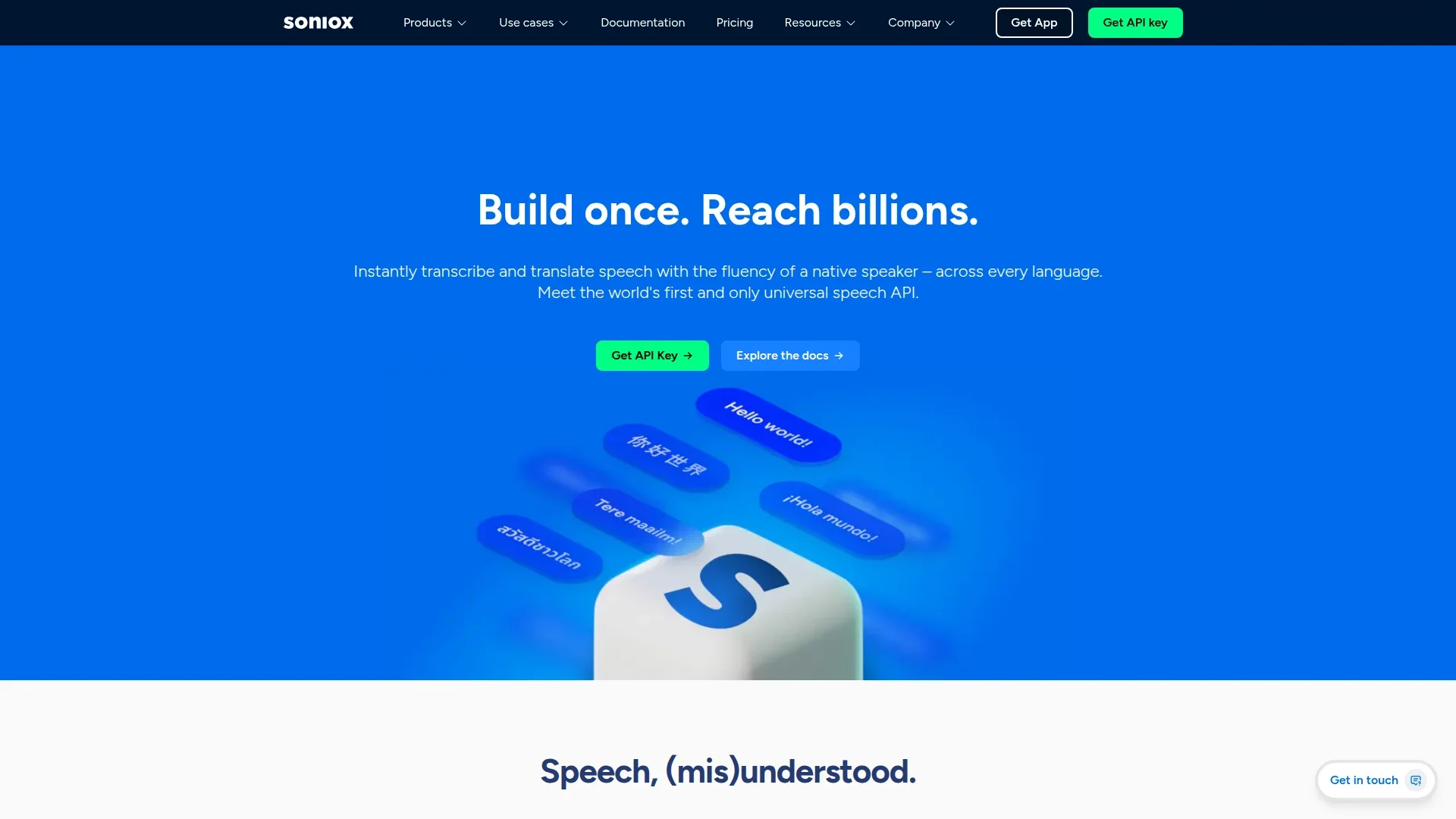
Soniox Speech-to-Text
Transcribe, diarize, and translate live global conversations.
Key Takeaways
- What it is
- Transcribe, diarize, and translate live global conversations.
- Pricing
- $1.50 per 1M. input audio tokens · $2 per 1M. input audio tokens · Freemium · $19.99 per month · $25 per user per month (billed annually)
- Best for
- Universal Multilingual Model
- Real-Time Token-Level Streaming
- Context and Domain Adaptation
- Rating
- 4.6/5
What is Soniox Speech-to-Text?
Soniox Speech-to-Text focuses on high-accuracy, real-time speech recognition and translation across more than 60 languages. It targets developers, product teams, and enterprises that need production-ready transcription, streaming, and any-to-any speech translation in a single API. Instead of stitching together separate models for recognition, diarization, and translation, Soniox provides one universal speech API plus a companion app, aiming for native-speaker fluency, strong accent handling, and code-switching support in real conversational audio.
Soniox stands out by treating speech recognition, translation, and conversation intelligence as one unified AI system rather than siloed services. Its support for mid-sentence code-switching and any-to-any real-time translation is still rare among commercial APIs, particularly at production accuracy levels. Combined with built-in context handling, domain adaptation, and strong privacy guarantees, it targets serious, regulated workloads as much as everyday transcription.
Who is Using Soniox Speech-to-Text?
Contact Centers and BPOs
Using Soniox for multilingual call transcription, analytics, and automated quality monitoring.
Healthcare Providers and Healthtech
Applying medical-grade transcription with domain context for clinical documentation and ambient note-taking.
SaaS Voice and AI Assistant Vendors
Powering voicebots, agent assist tools, and real-time translation in customer-facing products.
Media, Events, and EdTech Platforms
Delivering live captions, multilingual subtitles, and searchable transcripts for streams, webinars, and courses.
Uncommon Use Cases
Deployed in automotive voicebots for license-plate recognition and domain-specific identifiers, and explored in wearables or field devices that need low-latency transcription and translation on the go.
Key Features
Rating Breakdown
Pricing Plans
Speech-to-Text API
Async (file)
$1.50 per 1M. input audio tokens
- $3.50 per 1M input text tokens
- $3.50 per 1M output text tokens
Real-time (streaming)
$2 per 1M. input audio tokens
- $4.00 per 1M input text tokens
- $4.00 per 1M output text tokens
Equivalent to about $0.10 per hour for async and $0.12 per hour for real-time transcription.
Free
Free
- Real-time transcription and translation in 60+ languages, summaries and insights, project organization, online/offline recording, 10 free credits weekly, and 100 bonus credits per referral
Pro
$19.99 per month
- Unlimited transcription, translation, summaries, insights, priority processing, and early access to new features
Business
$25 per user per month (billed annually)
- All Pro features plus multi-user team support, centralized management, shared projects, team-wide access, collaboration tools, region selection, discounts for additional members, and advanced admin controls
Which Soniox Speech-to-Text plan should you pick?
Start with Free for occasional use, upgrade to Pro for unlimited individual access, or choose Business for shared team organizations.
Free
Good for casual users who need weekly credits for transcription, translation, and recordings.
Pro
Good for individuals who need unlimited transcription, translation, AI actions, and desktop voice typing.
Business
Good for teams that need organizations, shared projects, invitations, roles, and centralized billing.
Soniox Speech-to-Text Use Cases
Meeting transcription
Record meetings and conversations, then generate transcripts, summaries, and action items.
Outcome: Accurate records and less post-meeting administration.
Lecture transcription
Capture classroom speech in real time so students can review the transcript later.
Outcome: Students can stay engaged without missing spoken content.
Medical dictation
Dictate clinical documentation during consultations.
Outcome: Healthcare professionals can document while focusing on the patient.
Speech translation
Translate spoken conversations in real time between supported languages.
Outcome: More natural multilingual communication.
Voice typing
Dictate into any app or text field and apply formal or casual styles.
Outcome: Faster writing without switching tools.
Workflow Ideas with Soniox Speech-to-Text
High Accuracy Speech AI For Global, Real-Time Workflows
- 1Soniox Speech-to-Text offers a focused, technically capable option for teams that care about accuracy across many languages, real-time responsiveness, and tight privacy controls. Its universal speech API reduces integration sprawl, while the contextual and domain-aware features cut down on manual correction, especially in specialized industries. Pricing is competitive for both startups and larger enterprises that anticipate significant usage. For organizations building cross-language, voice-first experiences, Soniox is a strong contender worth serious evaluation.
How Soniox Speech-to-Text fits into your stack
Browser
The web app is used to review transcripts, organize recordings into projects, run AI actions, and share results.
Desktop
The Windows and macOS desktop app provides system-wide voice typing, Smart Scribe recording, and real-time translation.
Mobile
The native mobile app records meetings, calls, and conversations, then transcribes or translates them online or offline.
Automation and APIs
Soniox provides REST and WebSocket APIs plus integrations with LiveKit, Pipecat, LangChain, Twilio, Vercel AI SDK, and n8n.
Pros
- +High Accuracy Across Languages: Strong performance in non-English audio, accents, and mixed-language speech compared with large incumbents.
- +Single API for Many Tasks: Transcription, diarization, and translation delivered together, reducing engineering overhead.
- +Low-Latency Streaming: Suitable for live captions, interactive agents, and instant translation during meetings or calls.
- +Flexible Context Inputs: Domain hints and custom terms significantly cut down post-editing for jargon-heavy use cases.
- +Cost-Effective at Scale: Effective rates around $0.10 per hour async and $0.12 per hour streaming compare favorably to Google, Azure, Speechmatics, and OpenAI.
Cons
- −Token-Based Pricing Complexity: Developers must think in tokens for audio and text, which can feel less intuitive than flat per-minute billing.
- −Regional Availability Still Expanding: Sovereign cloud regions are currently limited to the US, EU, and Japan, with more promised but not yet live.
- −Ecosystem Maturity: Compared with hyperscalers, there are fewer prebuilt third-party integrations and templates, so more integration work may fall on the team.
Limitations & when to consider alternatives
Known limitations
- Web recording is unavailable. The Web App can review, organize, edit, and share recordings, but recording works only in the Mobile App.
- Desktop recordings are separate from Mobile and Web. The Desktop App cannot access Mobile/Web transcriptions or recordings and cannot be used with those apps.
- Desktop support is limited to Windows and macOS. The documented Desktop App installers are for Windows and macOS.
- Organization regions cannot be changed. The selected processing and storage region cannot be changed or moved after an organization is created.
- Async stored audio and transcripts expire. Audio and transcriptions stored through the Async API are automatically deleted after 30 days.
Look elsewhere when
- You need a browser extension for in-browser capture.
- You need Linux desktop support.
How to Use Soniox Speech-to-Text
- 1
Install the Mobile App
Download Soniox for iOS or Android because new recordings are created in the Mobile App.
- 2
Record or transcribe
Record a meeting, call, lecture, or conversation and enable real-time transcription or translation.
- 3
Sync to the Web App
Let the recording sync to the cloud, then open the Web App to review and manage it.
- 4
Edit and organize
Rename recordings, edit speaker names, add tags, and move recordings into Projects.
- 5
Run AI actions
Generate summaries, key points, to-dos, and other available AI actions from the recording page.
- 6
Share or collaborate
Share transcripts or invite users to business organizations and shared Projects with Viewer, Creator, or Admin access.
Who is Soniox Speech-to-Text For?
Business professionals
Meeting transcription helps them maintain accurate records, accountability, and less post-meeting administration.
Students
Lecture transcription lets students stay present while capturing what was said in class.
Healthcare professionals
Medical dictation supports real-time consultation documentation while they focus on patients.
Deaf and hard-of-hearing people
Hearing accessibility provides live captions for conversations and appointments.
Travelers
The travel translator helps users communicate with locals across languages.
Frequently Asked Questions
What is Soniox App?
Soniox App is a real-time speech app for transcribing, translating, dictating, and summarizing speech across 60+ languages.
Does Soniox App provide real-time translation?
Yes. It translates speech word by word as it is spoken and supports one-way and two-way conversations.
Does Soniox App work offline?
The app can record audio offline and processes the recording for transcription and translation when connectivity returns.
Is my audio or data stored?
Soniox says it does not store audio and does not use audio or text outputs to train models; text outputs may be stored to provide the service.
What languages does Soniox App support?
Soniox App supports more than 60 languages for live transcription, translation, and mixed-language speech.
Is Soniox App free to use?
Yes. Soniox provides free usage with weekly credits, with paid plans available for expanded access.
Community reviews
Be the first to share your experience.
Sign in to leave a review for Soniox Speech-to-Text.
Soniox Speech-to-Text Alternatives
Looking for alternatives to Soniox Speech-to-Text? Here are similar tools in the same category: