Solvea
AI receptionists help small businesses keep customer calls visible to the team.
Key Takeaways
- What it is
- AI receptionists help small businesses keep customer calls visible to the team.
- Pricing
- Freemium · $19.90 per seat per month · $9.99 per 10 credits
- Best for
- AI Receptionist
- Shared Customer Inbox
- Call Summaries and Transcripts
- Rating
- 4.1/5
What is Solvea?
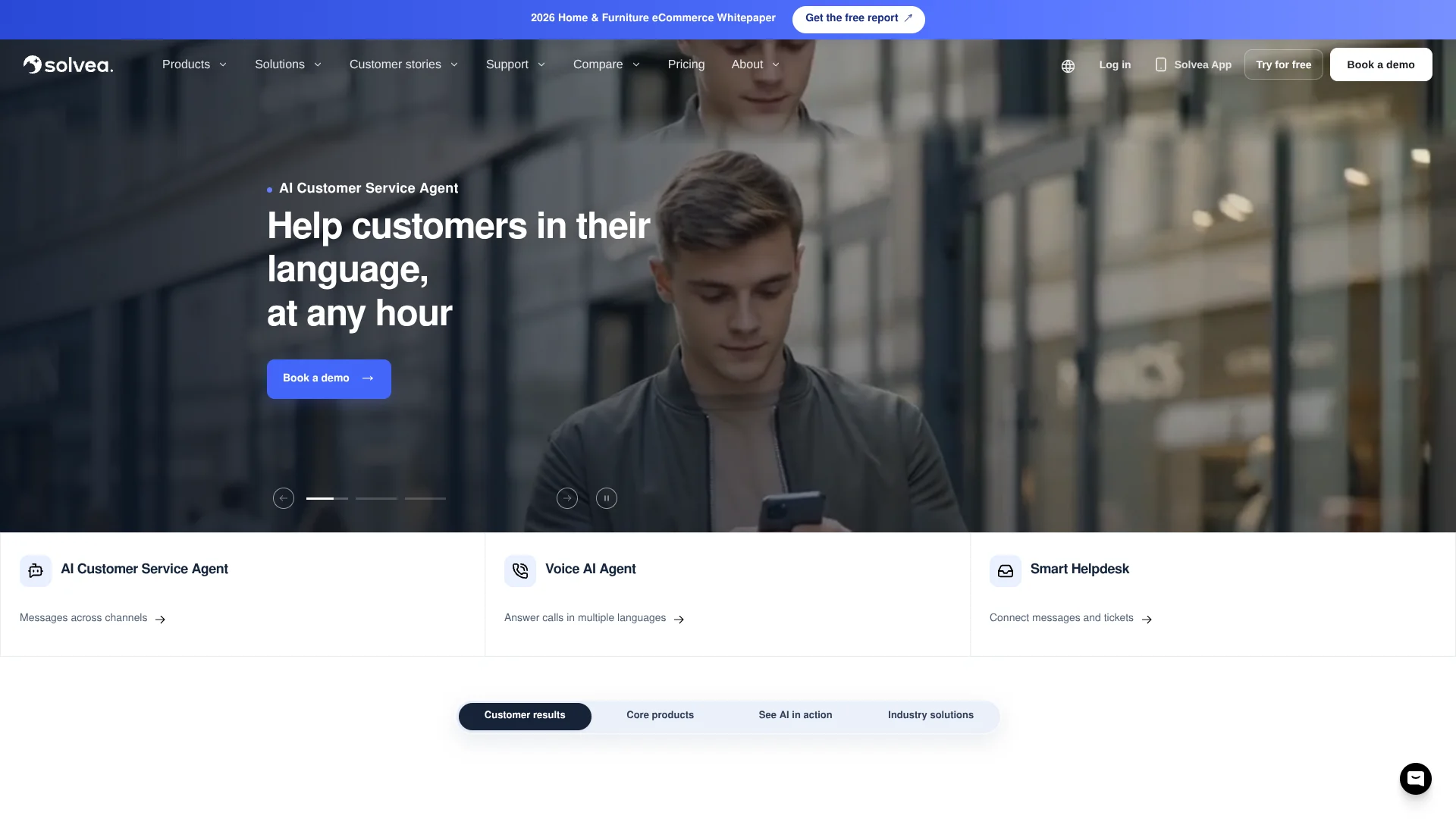
Solvea gives small teams a business phone number and an AI receptionist that can answer calls, capture what callers need, and prepare follow-up notes. Calls, texts, transcripts, and customer details stay together in a shared inbox, so a teammate can pick up the conversation when a person needs to respond. It also includes a helpdesk for email and live chat.
A missed call can become a team-visible customer record with a recording, transcript, summary, and suggested next step, rather than a voicemail that one employee has to remember to pass along.
Solvea is a fit for small businesses that handle customer calls and messages but need shared context for follow-up. Phone availability and usage depend on plan and region, and credits are consumed by activities such as AI answering and translation, so check expected call volume before relying on it for heavy phone use.
Who is Using Solvea?
Small business owners
Missed-call summaries and a separate work number help them keep customer follow-up out of personal call logs.
Customer service managers
Shared tickets and customer threads make it easier to assign ownership and see what still needs a response.
Front-desk staff
AI call notes and the shared inbox help them keep up when several customers contact the business at once.
Sales and appointment coordinators
Caller details and suggested next steps give them a record to use for callbacks and appointment follow-up.
Uncommon Use Cases
Live translation during customer calls; using AI call summaries to prepare callbacks after hours.
Key Features
Rating Breakdown
Pricing Plans
Free
Free
- One user
- Helpdesk and mobile app
- Email and live chat tickets
- AI replies from your knowledge base
- No credit card required
Pro
$19.90 per seat per month
- Seven-day free trial
- 500 credits per seat each month
- One shared team business number
- AI answering, calls, SMS, and live translation
Enterprise
- Custom seats and numbers
- SLA and dedicated success
- Custom integrations and SSO
Extra credits
$9.99 per 10 credits
- $9.99 for 10 credits
- $29.99 for 30 credits
- $99.99 for 100 credits
- Purchased credits do not expire
Which Solvea plan should you pick?
Start with Free Helpdesk for solo email and live chat support, then move to Pro Helpdesk when you need teammates and phone features.
Free Helpdesk
Good for one person who needs email and live chat tickets with AI replies from a knowledge base.
Pro Helpdesk
Good for teams that need seats, a shared business number, AI call answering, SMS, and live translation.
Enterprise
Good for larger teams that need custom seats and numbers, an SLA, dedicated success, custom integrations, or SSO.
Solvea Use Cases
Catch missed calls
When staff cannot answer, the AI can capture the caller's reason and prepare a follow-up record.
Outcome: The team can review the call summary, transcript, and next step.
Keep customer conversations together
Calls and texts can be kept in the same customer thread for shared review and follow-up.
Outcome: Teammates can see the conversation context and its status.
Handle email and live chat tickets
A solo user can manage tickets in a helpdesk with AI replies based on the business knowledge base.
Outcome: Email and live chat tickets are available in the free helpdesk.
Support calls across languages
Live translation can help staff and customers communicate when they speak different supported languages.
Outcome: Supported languages can be translated during a call.
Review calls before calling back
Recordings, transcripts, and summaries give staff the caller's context before they continue the conversation.
Outcome: Follow-up can continue from the customer thread.
Workflow Ideas with Solvea
Missed call to team follow-up
- 1Route an unanswered customer call to the AI receptionist.
- 2Review the caller's transcript and summary in the customer thread.
- 3Assign a teammate to call back or continue the conversation.
Customer call with language support
- 1Take the customer call through the Solvea business number.
- 2Turn on live translation for a supported language when needed.
- 3Review the call record and follow-up notes in the shared inbox.
Email or live chat ticket response
- 1Add the business information the AI should use in its knowledge base.
- 2Review the AI reply to an email or live chat ticket.
- 3Send the reply or handle the question directly.
How Solvea fits into your stack
Business phone
Solvea provides a work number for customer calls and texts, separate from personal phone use. Number and calling availability depend on plan and region.
Mobile and browser workspace
The mobile app supports call handling and customer follow-up, while the browser-based PC Desk provides a shared inbox.
Customer service inbox
Email and live chat tickets, calls, texts, notes, and customer records can be handled in shared customer threads.
Connected business tools
Solvea lists integrations such as Shopify, Google Calendar, HubSpot, Zendesk, Freshdesk, and Google Sheets. Integration availability depends on setup and plan.
Pros
- +Missed-call context: Summaries, transcripts, and next steps stay with the customer record.
- +Free helpdesk: One person can handle email and live chat tickets with AI replies at no cost.
- +Shared follow-up: Teammates can see conversation ownership, notes, and status in a common inbox.
- +Mobile access: The iOS and Android apps let teams review customer conversations away from a computer.
Cons
- −Credit-based phone use: Call answering and translation consume credits, so the monthly seat price is not the full usage picture.
- −Team costs add up by seat: Pro charges per teammate rather than one flat team price.
- −Business-first focus: The product centers on customer communication and is not a general-purpose AI writing or research tool.
Limitations & when to consider alternatives
Known limitations
- Phone availability varies. Number availability and eligibility depend on location and provider requirements.
- Phone activity uses credits. AI answering, human pickup, live translation, SMS, and international transfers consume credits at rates that vary by activity and region.
- AI outputs can be wrong. Solvea's terms say AI responses, summaries, transcripts, translations, classifications, suggestions, and actions may be inaccurate or incomplete.
- Not for emergency communications. Solvea's terms say the service is not designed for emergency calling, dispatch, crisis response, or other high-risk uses.
Look elsewhere when
- You need a general-purpose AI tool for writing, research, or code.
- You need emergency calling or crisis communications.
- Your team needs a published fixed price for a larger deployment before contacting sales.
How to Use Solvea
- 1
Start with the free helpdesk
Create a one-person workspace to handle email and live chat tickets with AI replies from a knowledge base.
- 2
Add the business information
Set up the knowledge and instructions the AI should use when responding to customers.
- 3
Try phone features
The Pro plan includes a seven-day trial of its business number, AI answering, calls, SMS, and live translation.
- 4
Check call and number availability
Confirm regional number availability and provider coverage before planning a phone rollout.
- 5
Invite teammates when needed
Pro seats add teammates and share customer conversations, with 500 monthly credits per seat.
- 6
Review AI call records
Check summaries, transcripts, and recordings before assigning a callback or continuing a customer conversation.
Who is Solvea For?
Small businesses
A business phone number and AI receptionist can catch customer calls when the owner or staff are busy.
Customer service teams
A shared inbox keeps calls, texts, email, and live chat follow-up visible across the team.
Growing teams
Paid seats add teammates, shared phone service, AI answering, and live translation.
Businesses serving multilingual customers
Live call translation can help when customers and staff speak different supported languages.
Frequently Asked Questions
Is there a free plan?
Yes. One person can use the helpdesk and mobile app for email and live chat tickets, with AI replies from a knowledge base.
What does Pro cost?
Pro Helpdesk costs $19.90 per seat per month. Each seat includes 500 monthly credits, and the plan includes one shared team business number.
Does Solvea have a free trial?
The Pro plan has a seven-day free trial. If it ends without an upgrade, the workspace returns to the free helpdesk and keeps its tickets.
Can a team share customer conversations?
Yes. Solvea supports shared conversations, ownership, status, notes, and follow-up.
Which integrations does Solvea list?
Its integrations page names Shopify, Google Calendar, HubSpot, Zendesk, Freshdesk, Google Sheets, WhatsApp, and LINE. Available connections depend on setup.
Are there mobile apps?
Yes. Solvea offers iOS and Android apps, and a browser-based PC Desk.
Community reviews
Be the first to share your experience.
Sign in to leave a review for Solvea.
Solvea Alternatives
Looking for alternatives to Solvea? Here are similar tools in the same category: