SocialBee
Topic-based post recycling helps small businesses keep social feeds active.
Key Takeaways
- What it is
- Topic-based post recycling helps small businesses keep social feeds active.
- Pricing
- $29 per month · $49 per month · $99 per month · $179 per month · $329 per month · $449 per month
- Best for
- Social Media Copilot
- AI Post Generator
- Content Categories
- Rating
- 4.3/5
What is SocialBee?
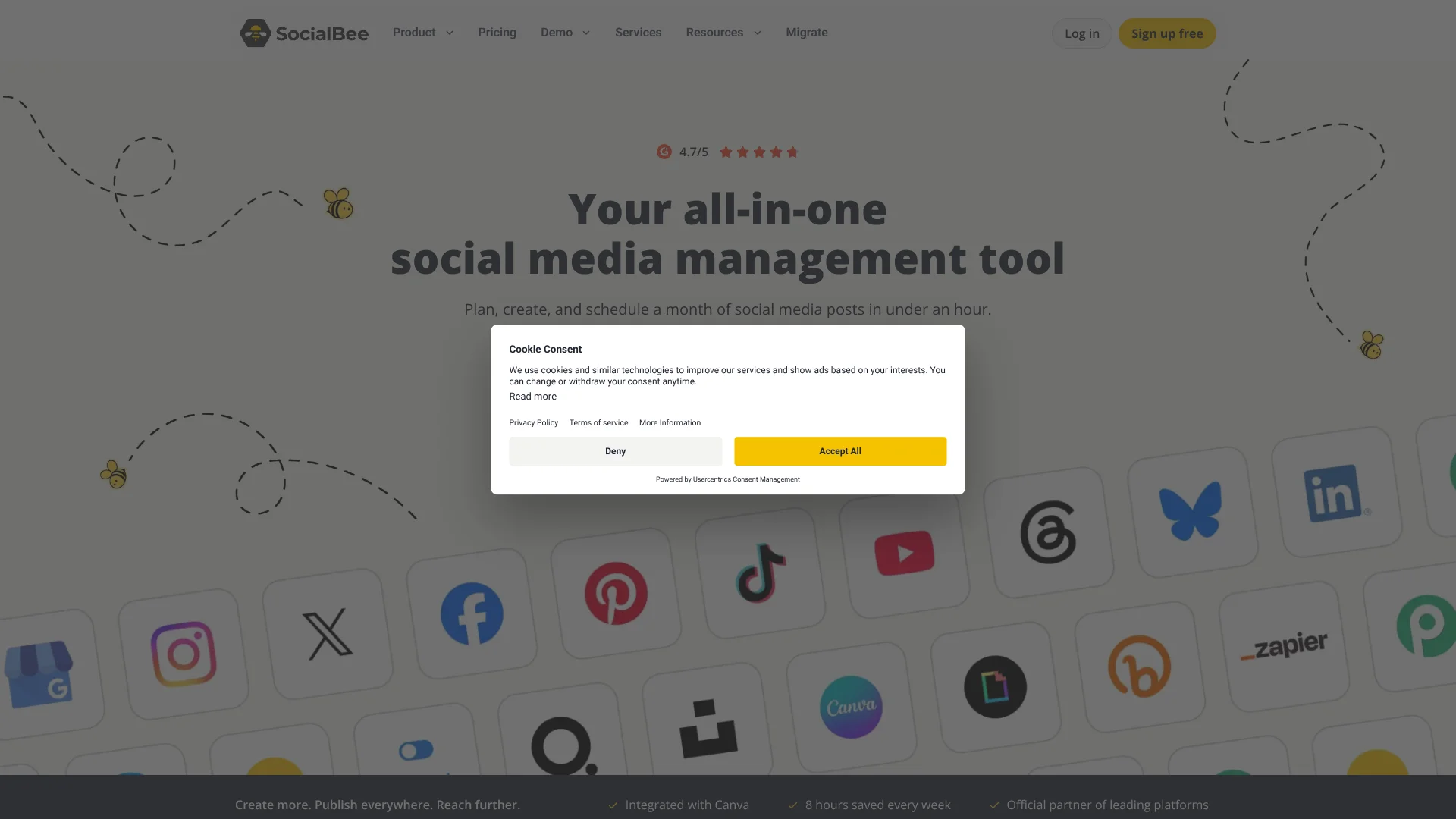
SocialBee helps freelancers, small businesses, and agencies plan and publish social media content from a shared calendar. Its AI can draft captions and images, tailor posts for different social profiles, and build a starter content strategy from your website. Categories organize posts by topic, while scheduling and analytics help keep publishing consistent and track results.
SocialBee’s Copilot can scan your website for details like your services, audience, and tone, then use them to suggest social platforms, content categories, and ready-to-edit posts. That gives new users a brand-specific starting plan rather than an empty calendar.
It suits people managing several social profiles who want AI content creation alongside scheduling, analytics, and an inbox for comments and messages. Some posts still require a phone reminder and a manual final step on the social network, so SocialBee is not fully hands-off publishing for every account.
Who is Using SocialBee?
Social media managers
A category-based calendar and AI caption customization help them plan posts across client or brand profiles.
Small business owners
Copilot can turn business website details into a starting content strategy and editable posts.
Agency account managers
Separate workspaces help them keep client profiles and publishing work organized.
Content creators
AI caption and image generation gives them drafts to refine before scheduling.
Uncommon Use Cases
RSS feeds can bring blog posts into SocialBee for content planning; the mobile app can finish posts that require reminders.
Key Features
Rating Breakdown
Pricing Plans
Bootstrap
$29 per month
- Connect up to 5 social profiles
- 1 user per workspace and 1 workspace
- 10 content categories
- Annual billing is $24.20 per month, billed annually
Accelerate
$49 per month
- Connect up to 10 social profiles
- 1 user per workspace and 1 workspace
- 50 content categories
- Advanced analytics and post approval
- Annual billing is $40.80 per month, billed annually
Pro
$99 per month
- Connect up to 25 social profiles
- 3 users per workspace and 5 workspaces
- Unlimited content categories
- Post approval and internal notes
- Annual billing is $82.50 per month, billed annually
Pro50
$179 per month
- Connect up to 50 social profiles
- 5 users per workspace and 10 workspaces
- Unlimited content categories
Pro100
$329 per month
- Connect up to 100 social profiles
- 5 users per workspace and 20 workspaces
- Unlimited content categories
Pro150
$449 per month
- Connect up to 150 social profiles
- 5 users per workspace and 30 workspaces
- Unlimited content categories
Free trial
- 14 days of access to Pro features
- No credit card required to sign up
Which SocialBee plan should you pick?
Start with Bootstrap for a small profile set, choose Accelerate for more profiles and advanced tools, and move to Pro or an agency plan when you need more workspaces or team members.
Bootstrap
Good for freelancers and solopreneurs managing up to five social profiles.
Accelerate
Good for small businesses that need up to 10 profiles, advanced analytics, and post approval.
Pro
Good for social media managers and teams that need up to 25 profiles and five workspaces.
Pro50
Good for small agencies managing up to 50 profiles across 10 workspaces.
Pro100
Good for growing agencies managing up to 100 profiles across 20 workspaces.
Pro150
Good for larger agencies managing up to 150 profiles across 30 workspaces.
SocialBee Use Cases
Build a starter social strategy
A business website or a short setup conversation gives Copilot context for suggested platforms, categories, and draft posts.
Outcome: A brand-specific starting strategy with editable posts.
Adapt one post for several profiles
AI customization produces caption versions for the selected social profiles.
Outcome: Platform-tailored captions ready for review and scheduling.
Maintain an evergreen content queue
Category schedules can recycle posts so useful content returns to the calendar.
Outcome: A more consistent publishing schedule.
Review social performance
Analytics show account growth and post performance, while eligible plans can export reports.
Outcome: Performance data and shareable reports.
Manage audience conversations
Supported comments, messages, and mentions appear in the Social Inbox for review and replies.
Outcome: Social interactions organized in one inbox.
Workflow Ideas with SocialBee
Turn your website into a content plan
- 1Enter your website in Social Media Copilot or provide the requested business details.
- 2Review the suggested platforms and content categories.
- 3Edit generated posts, approve them, and schedule them.
Publish a post across profiles
- 1Draft a caption or generate options with the AI Post Generator.
- 2Select social profiles and customize each caption.
- 3Review the post and schedule it in the calendar.
Recycle and review content
- 1Sort evergreen posts into relevant content categories.
- 2Set the categories’ recurring posting schedule.
- 3Check analytics to see which posts are performing well.
How SocialBee fits into your stack
Social publishing
The calendar schedules content across connected social profiles. Some profiles and post types use mobile reminders instead of direct publishing.
AI content creation
Copilot plans categories and drafts posts, while the AI Post Generator creates captions and images inside the post editor.
Design and media
Canva designs, Unsplash photos, and GIPHY content can be brought into social posts.
Automation connections
Zapier and Make can connect SocialBee with other apps for supported posting and content workflows.
Mobile reminders
The iOS and Android companion app sends notifications for posts that need a manual publishing step.
Pros
- +Brand-specific planning: Copilot can turn website details into suggested categories and draft posts.
- +Unlimited AI generation: SocialBee says its plans do not have a monthly cap on AI generation.
- +Post recycling: Category schedules can resurface evergreen content for a steadier posting rhythm.
- +Agency workspaces: Pro50, Pro100, and Pro150 support multiple workspaces and connected profiles.
- +Design integrations: Canva, Unsplash, and GIPHY can supply visuals for posts.
Cons
- −Phone reminders: Some scheduled posts need a manual finish in the social network’s app.
- −Plan ceilings: Standard plans cap profiles and workspaces, so larger agencies need an agency plan.
- −Trial-only free access: There is no ongoing free plan after the 14-day trial.
Limitations & when to consider alternatives
Known limitations
- No public API. SocialBee says it does not currently offer a public API for custom connections.
- Some posts need manual publishing. Certain profiles and post types publish through mobile reminders, so a user must finish posting in the social network’s app.
- AI request limits apply. There is no monthly AI generation cap, but individual requests have limits, including up to 10 caption variations and up to four generated images.
- Social network features vary. Supported post types, analytics, and inbox features depend on the connected network and profile type.
Look elsewhere when
- You need a public API for custom software connections.
- Your workflow requires every post type to publish automatically without phone reminders.
- You need one platform to manage networks or account features SocialBee does not support.
How to Use SocialBee
- 1
Start the trial
Create an account for the 14-day trial; SocialBee says no credit card is required to sign up.
- 2
Connect social profiles
Add the accounts you manage and check which post types support direct publishing or need mobile reminders.
- 3
Set up Copilot
Provide your website or answer its setup questions so Copilot can suggest a strategy and draft posts.
- 4
Review and customize drafts
Edit AI captions and images, and tailor captions for each selected profile in the post editor.
- 5
Organize the calendar
Sort posts into content categories and set a schedule that matches your publishing needs.
- 6
Check results
Review analytics and use the Social Inbox for supported comments, messages, and mentions.
Who is SocialBee For?
Freelancers and solopreneurs
Bootstrap provides a content calendar, AI generation, and management for up to five social profiles.
Small businesses
Accelerate adds room for up to 10 profiles, advanced analytics, and post approval.
Social media managers
The Pro plan supports collaboration across up to five workspaces and 25 profiles.
Agencies
Pro50, Pro100, and Pro150 are sized for teams managing many client profiles and workspaces.
Frequently Asked Questions
Does SocialBee have a free plan?
It offers a 14-day free trial, but not a permanent free plan. SocialBee says no credit card is required to sign up for the trial.
How much does SocialBee cost?
The standard monthly plans are Bootstrap at $29, Accelerate at $49, and Pro at $99. Agency plans start with Pro50 at $179 per month.
Does SocialBee have a public API?
No. SocialBee’s help documentation says it does not currently offer a public API.
Can SocialBee publish posts automatically?
It directly publishes supported posts, but some profiles or post types use mobile reminders that require a manual final step.
Does SocialBee have a mobile app?
Yes. Its iOS and Android companion app handles mobile reminders and lets users manage connected profiles.
Which integrations does SocialBee support?
Named integrations include Canva, Unsplash, GIPHY, Zapier, and link shorteners such as Bitly and Rebrandly.
Community reviews
Be the first to share your experience.
Sign in to leave a review for SocialBee.
SocialBee Alternatives
Looking for alternatives to SocialBee? Here are similar tools in the same category: