
Smartsheet
Streamline workflows, automate tasks, enhance team collaboration.
Key Takeaways
- What it is
- Streamline workflows, automate tasks, enhance team collaboration.
- Best for
- Automation
- Team Collaboration
- Dashboards and Reporting
- Rating
- 4.4/5
What is Smartsheet?
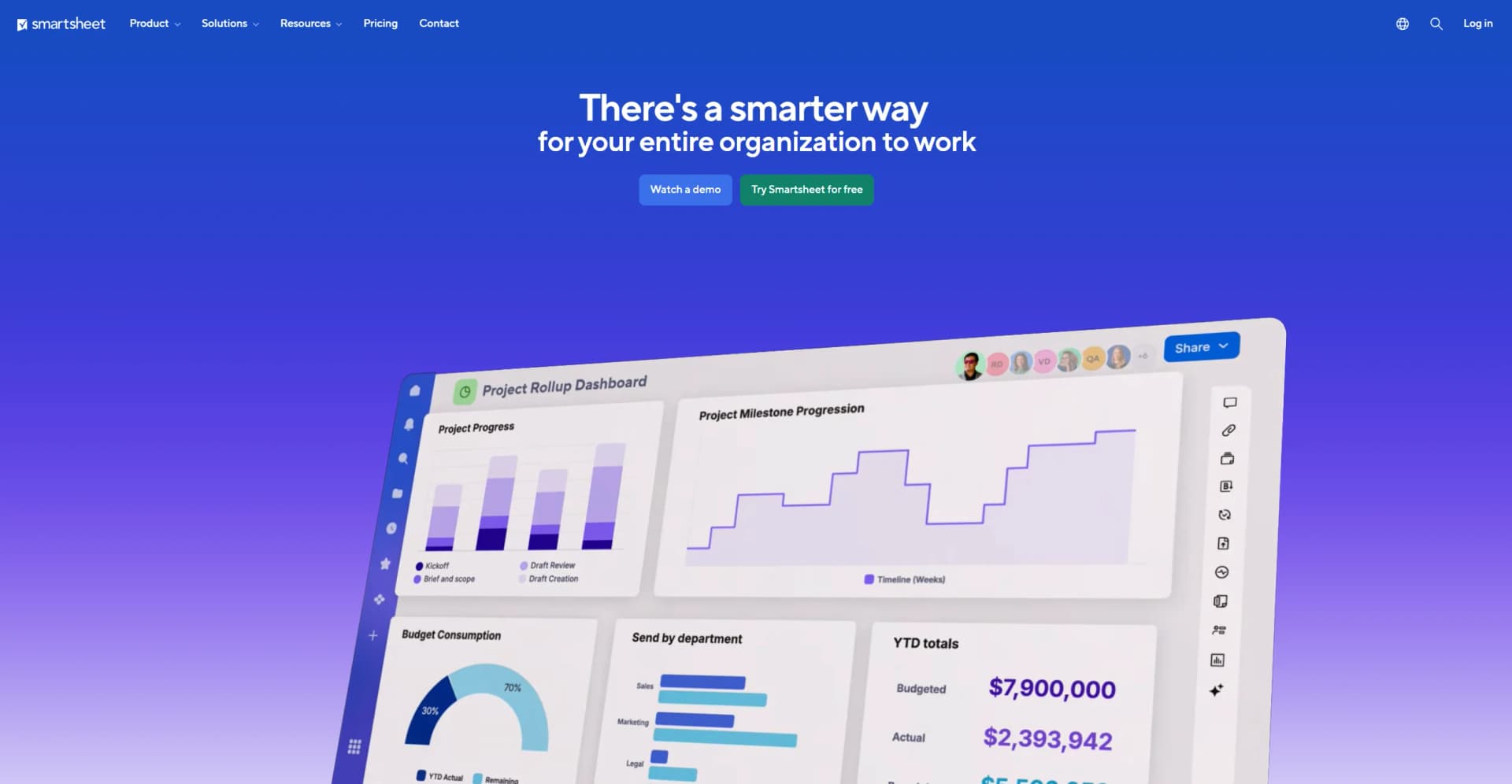
In my quest to discover and evaluate the best AI tools for enhancing productivity and streamlining workflow management, I've recently turned my attention to Smartsheet. This platform is not just a simple project management tool; it's a comprehensive enterprise work management solution that enables users to manage projects, automate workflows, and build solutions at scale. With its robust set of features including advanced automation, team collaboration, and real-time dashboards, Smartsheet is designed to cater to a diverse range of business needs, from small projects to complex enterprise operations.
Smartsheet sets itself apart with its comprehensive integration capabilities and no-code application development, which empower users to customize their workflows extensively without needing specialized technical skills. Its ability to scale from small projects to enterprise-wide solutions makes it uniquely versatile.
Smartsheet excels in providing a robust, scalable solution for managing diverse and complex workflows. Its extensive features, including advanced automation and comprehensive integration capabilities, make it an essential tool for businesses looking to enhance productivity and streamline operations. The platform's strong focus on security and data privacy further solidifies its position as a top choice for enterprises across various industries.
Who is Using Smartsheet?
Enterprise-Level Companies
Utilizing the platform for managing large-scale projects and operations.
Marketing Agencies
Employing Smartsheet for campaign management and client collaboration.
Nonprofits
Leveraging the tool for organizing fundraising events and volunteer coordination.
Educational Institutions
Using Smartsheet for administrative management and student projects.
Uncommon Use Cases
Used by event planners for seamless event management; adopted by healthcare providers for managing patient care coordination.
Key Features
Rating Breakdown
Pricing Plans
Free Trial
- Smartsheet offers a free trial which provides a good opportunity to test its features before committing to a subscription
Standard Plans
- Pricing starts at a competitive rate
- Though specific figures are better obtained directly from the Smartsheet website to ensure accuracy
Which Smartsheet plan should you pick?
Start with Pro for individual project tracking, upgrade to Business for broader team collaboration and automation, and choose Enterprise for SSO and advanced controls.
Pro
Good for people and teams wanting to track, share, and manage projects with core views, AI features, and 250 monthly automations.
Business
Good for businesses needing team alignment, unlimited automations, workload tracking, admin capabilities, and external AI integrations.
Enterprise
Good for organizations needing complex solutions, SAML-based SSO, directory integrations, portfolios, and company-wide security controls.
Smartsheet Use Cases
Project management
Plan, execute, and adapt projects across teams while tracking risks, owners, and progress.
Outcome: Improved visibility into work and delivery status.
Marketing management
Plan, track, and execute marketing activities and campaigns in one place.
Outcome: More consistent delivery and deadline control.
IT portfolio management
Prioritize investments, coordinate IT programs, and report on portfolio performance.
Outcome: Better alignment between IT work and business needs.
Event management
Manage event budgets, timelines, logistics, and coordination across stakeholders.
Outcome: Events executed at scale with greater visibility.
New product launch
Align teams, coordinate workstreams, and manage dependencies across launch activities.
Outcome: Launches remain coordinated and on schedule.
Workflow Ideas with Smartsheet
Campaign approval workflow
- 1Create a campaign sheet with deliverables and owners
- 2Trigger approval requests when content reaches review status
- 3Send launch notifications when approvals are completed
Budget review workflow
- 1Collect budget requests through a Smartsheet form
- 2Route requests for review and approval
- 3Update tracking rows and notify stakeholders automatically
IT access request workflow
- 1Collect system-access requests through a form
- 2Route requests to the appropriate approver
- 3Update request status and notify the requester
How Smartsheet fits into your stack
Microsoft Teams Compatibility
Enhances collaboration within teams.
Google Workspace Integration
Facilitates smooth workflow with Google apps.
API Access
Offers developers the capability to create custom integrations.
Extensive Third-Party Integration
Supports a wide range of third-party applications for enhanced functionality.
Pros
- +Enhanced Productivity: Automates repetitive tasks and streamlines project management processes.
- +Scalability: Adapts to a wide range of business sizes and types, from small teams to large enterprises.
- +User-Friendly Interface: Despite its extensive functionalities, Smartsheet maintains an intuitive interface that is easy to navigate.
- +Strong Security Measures: Offers robust security features, ensuring data integrity and compliance with industry standards.
Cons
- −Learning Curve: New users may require some time to fully leverage the extensive features offered by the platform.
- −Cost Implication: While offering significant value, Smartsheet can be considered pricey for smaller businesses or startups.
- −Heavy Reliance on Internet: Being a cloud-based platform, a stable internet connection is crucial for uninterrupted access.
Limitations & when to consider alternatives
Known limitations
- Mobile app cannot build automated workflows. Smartsheet recommends using the web app to build automated workflows.
- Mobile app has reduced administration capabilities. User management, plan information, project settings, dashboard creation, and report-building require the web app.
- Desktop app is not supported in the AU region. The Smartsheet desktop app is available for Windows and Mac but is not supported in Australia.
- AI formula references are limited. AI-generated formulas support references to cell values in the current sheet, not other sheets or sheet summaries.
- AI-generated text is not automatically refreshed. Text and summaries must be regenerated manually when referenced values change.
Look elsewhere when
- You need image-understanding features.
- You need custom model fine-tuning.
- You need a Linux desktop application.
How to Use Smartsheet
- 1
For those looking to master Smartsheet, the platform offers a comprehensive range of tutorials and user guides available through Smartsheet University and its community resources.
Who is Smartsheet For?
Marketing teams
Plan campaigns, coordinate content production, and track launch timelines in a shared system.
IT and operations teams
Manage deployments, service requests, migrations, infrastructure planning, intake, scheduling, and approvals.
Business PMOs
Standardize delivery, scale governance, and connect project execution to portfolio value.
HR and people operations teams
Coordinate onboarding, employee programs, performance reviews, and organizational initiatives.
Event and field teams
Coordinate moving parts with reminders, task updates, and real-time status sharing.
Frequently Asked Questions
What is Smartsheet?
Smartsheet is an intelligent work management platform for planning, tracking, and managing projects, portfolios, and processes.
What does Smartsheet do?
Teams use Smartsheet to manage projects, portfolios, and processes with AI-powered insights, automations, dashboards, reports, and multiple views.
Is there a free version of Smartsheet?
Smartsheet offers a free plan as well as a free trial for users exploring the platform.
How does Smartsheet automate work?
Smartsheet supports automated reminders, approvals, update requests, alerts, row movement, assignments, and cross-platform workflows.
Does Smartsheet have mobile apps?
The Smartsheet mobile app for iOS and Android provides access to sheets, dashboards, forms, attachments, alerts, requests, and approvals.
Does Smartsheet support integrations?
Smartsheet provides integrations with tools including Slack, Jira, Salesforce, Tableau, Microsoft Teams, Google Workspace, Zapier, and DocuSign.
Community reviews
Be the first to share your experience.
Sign in to leave a review for Smartsheet.
Smartsheet Alternatives
Looking for alternatives to Smartsheet? Here are similar tools in the same category:
Learn to Master Smartsheet
With Skill Leap courses
Get in-depth training on Smartsheet and 50+ other AI tools with our expert-led video courses.
Start 7-Day Free Trial