
Sloyd
Revolutionize 3D model creation with AI, no experience needed.
Key Takeaways
- What it is
- Revolutionize 3D model creation with AI, no experience needed.
- Best for
- Extensive 3D Model Library
- AI-Powered Customization
- Ready-to-Use Models
- Rating
- 4.6/5
What is Sloyd?
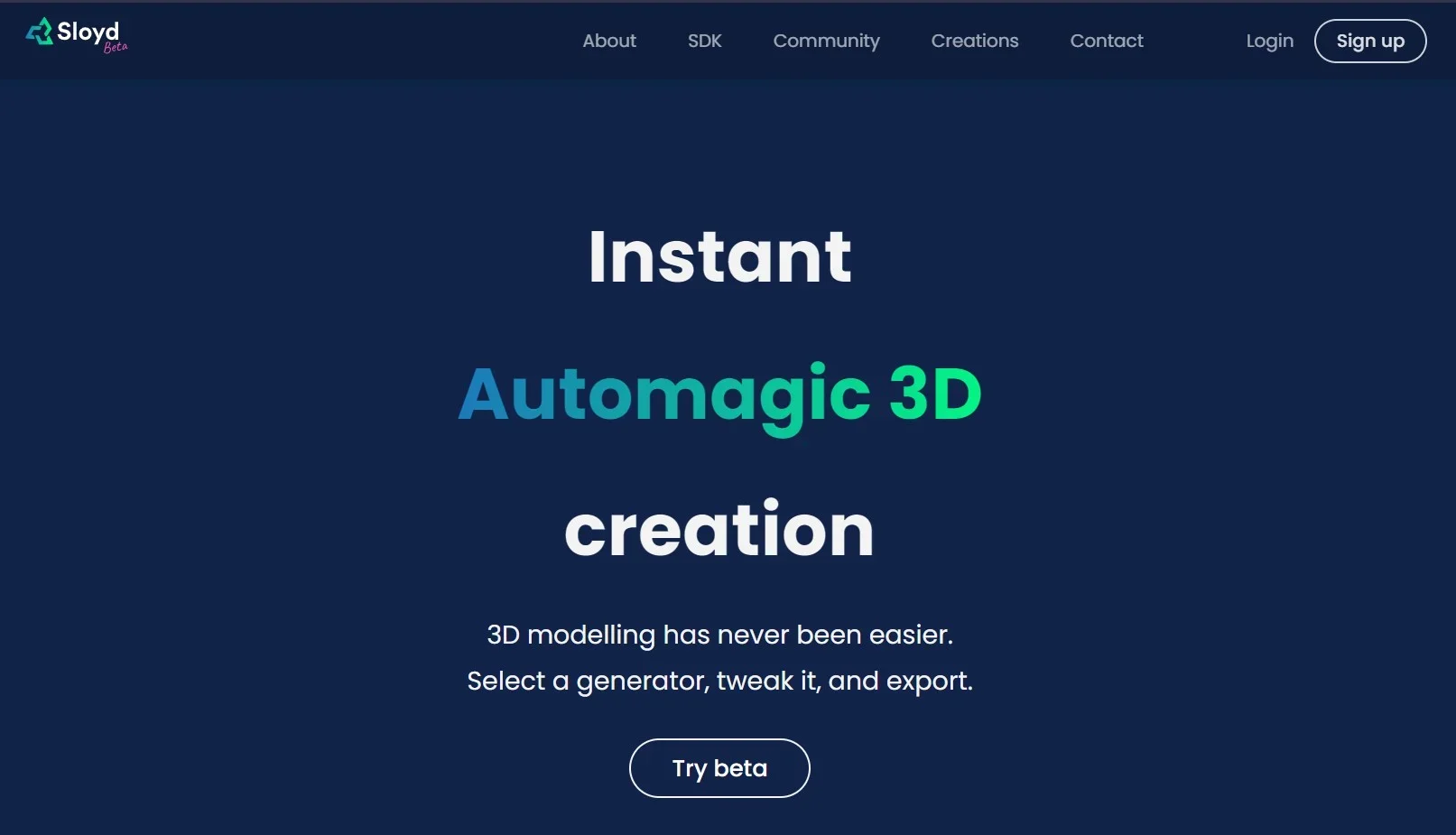
Sloyd represents a groundbreaking AI tool revolutionizing 3D model generation, catering to a diverse audience of creatives, including game developers, designers, and 3D enthusiasts. It simplifies the intricate process of creating and customizing high-quality 3D models, making it an invaluable resource for projects spanning from mobile game development to virtual reality experiences.
Sloyd distinguishes itself with seamless AI integration into the 3D modeling process, pioneering new frontiers in the field. Real-time generation of optimized, game-ready models sets it apart, offering unparalleled speed, quality, and creativity.
Sloyd redefines 3D model generation with innovation and efficiency. Its blend of AI-driven tools and community contributions makes it indispensable for 3D designers and game developers alike. With its accessibility and powerful customization features, Sloyd promises to transform creative workflows for both seasoned professionals and newcomers to the world of 3D design.
Who is Using Sloyd?
Game Developers
Quick creation of diverse, optimized game assets.
3D Designers
Visualization of architectural concepts and interior designs.
Educators
Integration into STEAM curriculums for teaching 3D modeling.
Hobbyists
Exploration of 3D creation for personal projects and skill development.
Uncommon Use Cases
Prototyping for VR/AR/XR applications, enhancing procedural game worlds.
Key Features
Rating Breakdown
Pricing Plans
Free Access
- Generous free tier for exploration
- Downloadable models available at no cost
Pro Plans
- Details on advanced features and pricing tiers not disclosed
Which Sloyd plan should you pick?
Start with Guest to test template editing and daily AI generations; upgrade to Plus for unlimited individual creation and Pro for higher capacity, priority support, and reselling rights.
Guest
Good for users who want to preview Sloyd, customize templates, and try limited daily AI generation for personal use.
Sloyd Plus
Good for individual creators who need unlimited core generations, plugins, commercial use, custom styles, and monthly AI credits.
Sloyd Pro
Good for power users and teams who need higher generation priority, more monthly credits, unlimited custom styles, priority support, and marketplace reselling.
Sloyd Use Cases
Generate a 3D model from text
Describe an object or concept in a prompt and generate a 3D asset.
Outcome: A textured 3D model for ideation or production use.
Convert an image into 3D
Upload a photo, sketch, or reference image and generate a model based on its shape and proportions.
Outcome: A textured 3D asset derived from the reference.
Create parametric game assets
Customize handcrafted templates with sliders, toggles, and AI assistance.
Outcome: Predictable, editable, game-ready geometry.
Prepare assets for 3D printing
Use printing-oriented generation and export workflows for figurines, prototypes, and other objects.
Outcome: Manifold printable models, including STL exports.
Create consistent art styles
Upload a reference image as a custom style guide and apply it across generated assets.
Outcome: A more visually cohesive collection of models.
Workflow Ideas with Sloyd
Create a game-ready asset from a concept
- 1Enter a text prompt or upload a reference image
- 2Choose topology, polycount, texture, and style settings
- 3Export or send the model to Unity, Unreal, Blender, Godot, or Roblox
Build a printable figurine from a photo
- 1Choose a 3D-printing app or image-to-3D workflow
- 2Upload a photo or reference image
- 3Generate and download a printable model such as STL
Create a consistent asset set
- 1Upload a reference image as a custom style
- 2Generate multiple props or characters using text prompts
- 3Reuse the style across assets for a cohesive visual direction
How Sloyd fits into your stack
Web-Based Platform
Accessible via any modern browser without the need for downloads.
Export Capabilities
Models exportable in formats compatible with major 3D software and game engines.
Community Contributions
Users can enrich the model library through the Sloyd Maker tool, promoting collaboration.
Pros
- +Speed and Efficiency: Real-time generation of unique assets accelerates the 3D modeling process significantly.
- +Ease of Use: Intuitive web editor and AI prompting make the platform accessible to users with minimal 3D modeling experience.
- +Flexibility: Suited for a broad range of projects, from architectural designs to game assets.
- +Community Driven: Tools for community contributions enrich the model library, fostering collaboration and resource sharing.
Cons
- −Beta Limitations: As a beta product, certain features may be imperfect and subject to change.
- −Specialization in Text-to-3D: Limited support for image-to-3D model conversion may restrict certain creative workflows.
Limitations & when to consider alternatives
Known limitations
- Generative geometry is less editable. Generative models have fixed geometry and may require manual cleanup; the Template Editor is recommended when precise edits are needed.
- Free usage is limited. The Guest plan provides one AI 3D generation per day and limits exports to community models.
- Commercial rights vary by plan. The free Guest plan is personal-use only, while marketplace reselling is restricted to the Pro plan.
- API credits are separate. API credits and Web App plans are purchased and managed separately.
- Runtime generation is not generally available. Sloyd states that runtime 3D generation is separate from current plugin downloads and requires waitlist access.
Look elsewhere when
- You need a native mobile application.
- You need code generation.
- You need a shared named-user workspace with roles.
How to Use Sloyd
- 1
A wealth of tutorials available on the Sloyd website covers everything from basic customization to model integration into game engines, facilitating user skill development and platform mastery.
Who is Sloyd For?
Indie game developers
Create optimized game assets, populate levels, and export models to engines such as Unity, Unreal, Godot, and Roblox.
3D printing hobbyists
Generate miniatures and other printable models using the 3D-printing workflow and STL exports.
Graphic and motion designers
Create transparent PNG renders and visual references for design and motion workflows.
Educators and students
Teach and explore 3D fundamentals without requiring advanced software such as Blender.
Concept artists and 3D artists
Generate references, explore variations, and create image-to-3D or text-to-3D starting points.
Frequently Asked Questions
Is there a free plan?
Yes. The Guest plan is free and includes browser-based template customization, editor and texturing tools, image exports, and one daily AI 3D generation.
What can Sloyd generate?
Sloyd generates 3D models from text, images, multiple images, and parametric templates. It also offers AI images, textures, rigging, animation, and skyboxes.
What formats can Sloyd export?
Supported formats include GLB, OBJ, FBX, STL, PLY, BLEND, and other formats depending on the workflow.
Which tools can Sloyd integrate with?
Sloyd provides plugins or sending workflows for Blender, Maya, Unity, Unreal, Godot, Roblox, OrcaSlicer, and Bambu Studio.
Are Sloyd models suitable for commercial use?
Plus and Pro plans include commercial use. Pro additionally permits redistribution and marketplace reselling.
What are the main workflow choices?
Use Parametric AI for clean, editable assets and Generative AI for image-to-3D or text-to-3D assets with more detail but less geometric editability.
Community reviews
Be the first to share your experience.
Sign in to leave a review for Sloyd.
Sloyd Alternatives
Looking for alternatives to Sloyd? Here are similar tools in the same category:
Learn to Master Sloyd
With Skill Leap courses
Get in-depth training on Sloyd and 50+ other AI tools with our expert-led video courses.
Start 7-Day Free Trial