Sloneek
Conversational HR management for small and midsize companies.
Key Takeaways
- What it is
- Conversational HR management for small and midsize companies.
- Pricing
- $6.50 per user/month – Best for small teams · $8.70 per user/month
- Best for
- Sloneek Intelligence
- AI HR Workflows
- Core HR
- Rating
- 4.0/5
What is Sloneek?
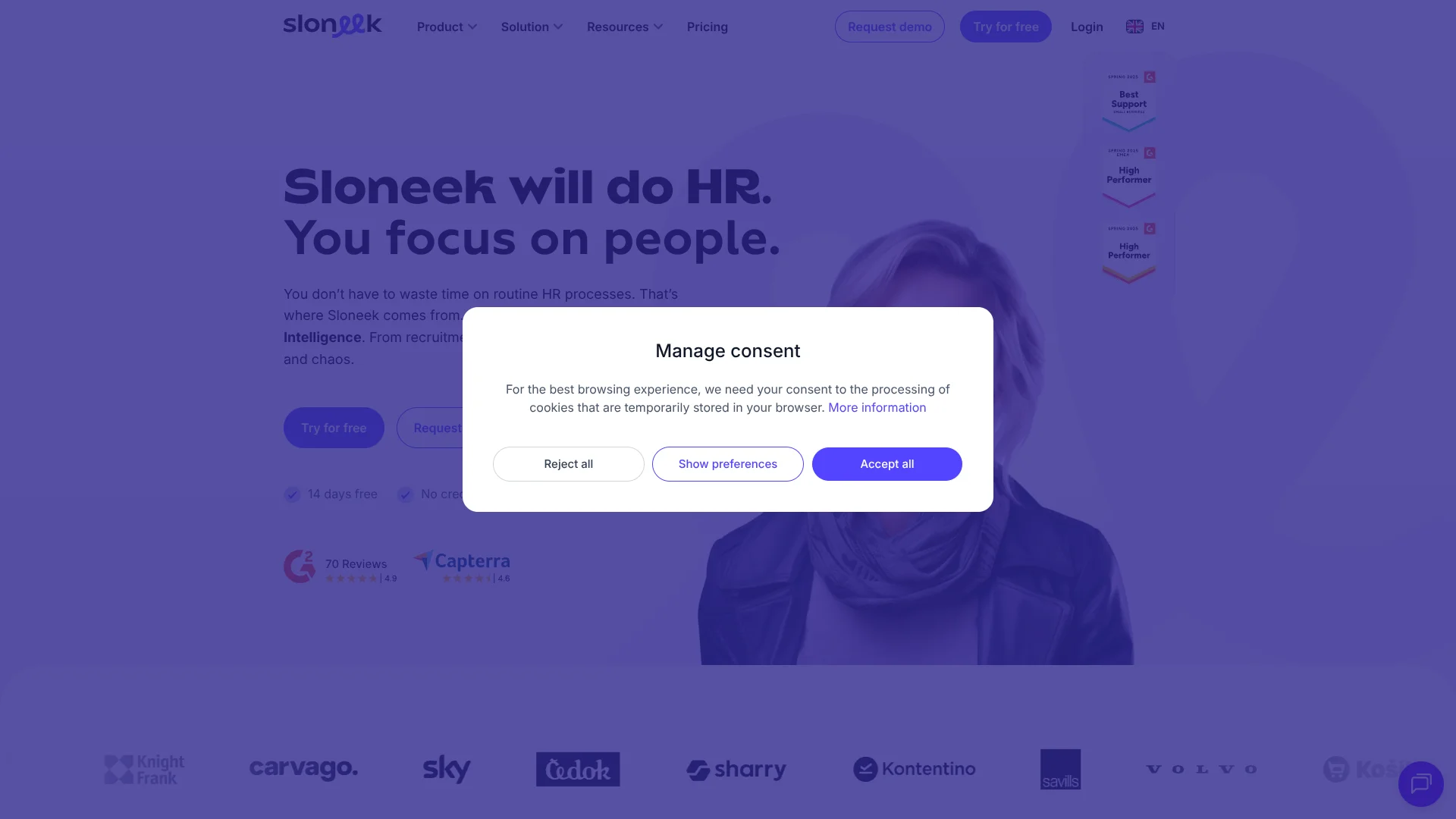
Sloneek brings employee records, time tracking, absences, documents, recruiting, onboarding, performance, and payroll support into one HR workspace. Its Sloneek Intelligence feature adds an AI layer that can answer HR questions, summarize information, generate surveys, recommend actions, and help run routine workflows. It is aimed at HR teams, managers, and employees in small and midsize companies.
Sloneek can turn HR workflows into conversational tasks through Sloneek Intelligence, including access to employee data, documents, team structure, absence records, and reminders.
HR teams get the broadest value when they want employee administration, attendance, documents, and people analytics connected in one system. The tradeoff is that some advanced capabilities, including enterprise security options and selected modules, require a tailored package or additional setup. Sloneek is strongest when HR work needs structure, mobile access, and AI-supported routine processing.
Who is Using Sloneek?
HR Managers
Employee folders, documents, absences, workflows, and people analytics reduce manual HR administration.
Recruiters
Candidate records, recruitment stages, talent pools, bulk CV imports, and AI shortlisting support hiring work.
Team Leaders
Absence approvals, time reports, attendance information, and performance reviews give managers visibility into their teams.
Payroll and Finance Staff
Working-time reports, activity records, invoicing documentation, and cost information support payroll preparation and internal billing.
Employees
Employees can submit absences, clock in and out, track work, review documents, and access company information from the web or mobile app.
Uncommon Use Cases
GPS-supported attendance for distributed work locations; AI-generated employee surveys with summarized results
Key Features
Rating Breakdown
Pricing Plans
Essential
$6.50 per user/month – Best for small teams
- Includes core HR tools like attendance, absences, time tracking, AI assistant, documents, e-signatures, and basic reporting
Professional
$8.70 per user/month
- Adds onboarding
- Asset tracking
- Performance reviews
- Project tracking
- Surveys
- Advanced analytics
Custom
- Includes everything in Professional plus ATS, API, SSO, multi-org structures, and premium support
Which Sloneek plan should you pick?
Start with the 14-day trial to validate the required modules, then request a custom quote because Sloneek prices its current offerings by configurable HR modules.
Sloneek Intelligence
Good for HR teams that need an AI agent to query HR data, analyze information, and execute supported HR actions.
Core HR
Good for organizations that need employee records, documents, e-signatures, assets, absences, engagement, checklists, and reporting.
Time management
Good for teams that need attendance, time tracking, timesheets, absences, project reporting, GPS, and mobile time management.
Performance management
Good for organizations managing competencies, evaluations, KPIs, OKRs, and 360-degree feedback.
Surveys
Good for teams running employee surveys, pulse surveys, eNPS, health checks, engagement surveys, and exit interviews.
Hiring (ATS)
Good for recruiting teams that need AI candidate shortlisting, bulk CV import, and a talent pool.
Workflows
Good for HR teams automating onboarding, pre-boarding, offboarding, and related HR actions.
Sloneek Use Cases
Employee Records and Documents
A centralized employee folder keeps personal information, contracts, company documents, assets, and electronic signatures together.
Outcome: Less reliance on scattered spreadsheets and paper records.
Attendance and Time Tracking
Teams can record attendance, track work on projects, submit timesheets, and manage absences through web and mobile tools.
Outcome: Clearer working-time records for teams, payroll preparation, and invoicing.
Recruiting and Onboarding
Candidate management, AI shortlisting, talent pools, preboarding, and onboarding checklists cover the move from applicant to employee.
Outcome: More consistent hiring and employee setup.
Employee Surveys
AI tools help generate surveys, analyze responses, summarize findings, and produce recommendations for employee engagement work.
Outcome: Faster survey preparation and review.
HR Workflow Automation
Onboarding, offboarding, and preboarding workflows assign and track recurring steps across HR and managers.
Outcome: Fewer missed tasks during employee transitions.
Workflow Ideas with Sloneek
New Hire Onboarding
- 1Create the employee record and assign the onboarding workflow.
- 2Send documents, collect electronic signatures, and assign equipment tasks.
- 3Track completion through the onboarding checklist.
Absence to Calendar
- 1An employee submits an absence in Sloneek.
- 2A manager reviews and approves the request.
- 3The approved absence syncs with Google Calendar or Microsoft 365.
Recruitment to Employee Record
- 1Import CVs and organize candidates in the ATS.
- 2Shortlist candidates with AI support and move them through recruitment stages.
- 3Create the employee record and begin preboarding after hiring.
How Sloneek fits into your stack
HR Records and Documents
Sloneek can serve as the main employee information layer for records, contracts, documents, assets, signatures, and company knowledge.
Calendars and Collaboration
Approved absences can connect with Google Calendar and Microsoft 365. Slack can support absence, time-tracking, and attendance reports.
Recruiting and Employee Lifecycle
The ATS connects hiring with preboarding, onboarding, and offboarding workflows so candidate and employee information can follow the lifecycle.
Reporting and Payroll Preparation
Time records, attendance, activity reports, and invoicing documentation provide source data for payroll preparation and internal or external billing.
Automation and APIs
The open API supports connections to external systems, while AI HR Workflows automate recurring onboarding and offboarding tasks.
Mobile Workforce Management
The iOS and Android apps extend attendance, absence management, time tracking, document signing, and employee reporting beyond the desktop.
Pros
- +AI-assisted HR work: Sloneek Intelligence can work with HR records, documents, absences, and team information.
- +Broad HR coverage: The product spans recruiting, onboarding, documents, attendance, performance, surveys, and reporting.
- +Mobile access: Employees and managers can track time, record attendance, manage absences, and review HR information from iPhone and Android apps.
- +Integration options: Google Calendar, Microsoft 365, Google Workspace, Jira, Slack, Okta, Microsoft Active Directory, and an open API are supported.
- +Security controls: Sloneek documents encrypted servers, HTTPS/SSL 256-bit transmission, daily backups, role-based access, and ISO 27001 auditing.
Cons
- −Enterprise features: MFA and some identity-management options are limited to higher-level packages.
- −Mobile experience: App store reviews include reports of slow responses, crashes, and unreliable saving.
- −Pricing clarity: The current public pricing page emphasizes custom quotes rather than showing a complete US price table.
Limitations & when to consider alternatives
Known limitations
- Minimum License Count. The help center states that the minimum number of user licenses is 10, whether or not all licenses are used.
- Active User Billing. Billing is based on activated users who can log in, while inactive user data remains stored in the application.
- Enterprise MFA. The security documentation states that MFA is available for the Enterprise package.
- SSO Options. Documented single sign-on support includes Google Workspace, Microsoft Active Directory, and Okta rather than a general list of identity providers.
- Trial Rather Than Permanent Free Plan. The official site advertises a 14-day trial without requiring a credit card, not a permanent free plan.
Look elsewhere when
- You need a permanent free HR system rather than a time-limited trial.
- Your organization requires a desktop application or browser extension.
- Your team needs advanced payroll processing built for a specific US payroll system.
- Your HR stack depends on an integration that is not covered by the documented connectors or API.
How to Use Sloneek
- 1
Set Up the Company Workspace
Add the company structure, users, roles, locations, working-time rules, and absence settings before inviting employees.
- 2
Import Employee Data
Create employee folders or import users through supported integrations such as Google Workspace or Microsoft Active Directory.
- 3
Choose HR Modules
Enable the modules that match your work, such as Core HR, Time Management, Performance Suite, Surveys, ATS, Workflows, or Sloneek Intelligence.
- 4
Connect Calendars and Other Systems
Link Google Calendar, Microsoft 365, Jira, Slack, Okta, or the open API where your HR processes need shared data.
- 5
Create Onboarding and Offboarding Checklists
Turn recurring employee arrival and departure tasks into workflows with assigned steps and tracked completion.
- 6
Bring Employees Into the Mobile App
Let employees submit absences, record attendance, track time, review documents, and access HR information from their phones.
Who is Sloneek For?
HR Managers
Employee records, documents, attendance, recruiting, and analytics give HR teams a central place to manage the employee lifecycle.
Small and Midsize Companies
Sloneek is positioned for companies that need structured HR administration without assembling separate tools for every process.
Hybrid Teams
Mobile attendance, GPS-supported clock-ins, time tracking, and calendar integrations support employees working across locations.
Managers and Team Leaders
Approvals, team reports, absence visibility, performance tools, and employee information help managers handle daily people responsibilities.
Recruiting and People Operations Teams
ATS tools, AI candidate shortlisting, onboarding workflows, surveys, and people analytics support hiring and workforce planning.
Frequently Asked Questions
Does Sloneek have a free plan?
The official site offers a 14-day trial without requiring a credit card. It does not advertise a permanent free plan.
Does Sloneek have mobile apps?
Yes. Sloneek has native iOS and Android apps for contacts, time tracking, absence management, attendance, and related employee tasks.
Can Sloneek connect to other tools?
Yes. Documented integrations include Google Calendar, Microsoft 365, Google Workspace, Microsoft Active Directory, Jira, Slack, IceWarp, Okta, and an open API.
Does Sloneek support single sign-on?
Yes. Sloneek documents SSO through Google Workspace, Microsoft Active Directory, and Okta.
Is Sloneek's data encrypted?
Sloneek states that customer data is stored on encrypted servers and that application transmission uses HTTPS/SSL 256-bit security.
How does Sloneek charge for users?
The help center says billing is based on active users who can log in, with a minimum of 10 user licenses.
Community reviews
Be the first to share your experience.
Sign in to leave a review for Sloneek.
Sloneek Alternatives
Looking for alternatives to Sloneek? Here are similar tools in the same category: