
Skyflow
Secure, integrate, and manage data privacy effortlessly.
Key Takeaways
- What it is
- Secure, integrate, and manage data privacy effortlessly.
- Best for
- Polymorphic Encryption
- Tokenization
- LLM Data Protection
- Rating
- 4.6/5
What is Skyflow?
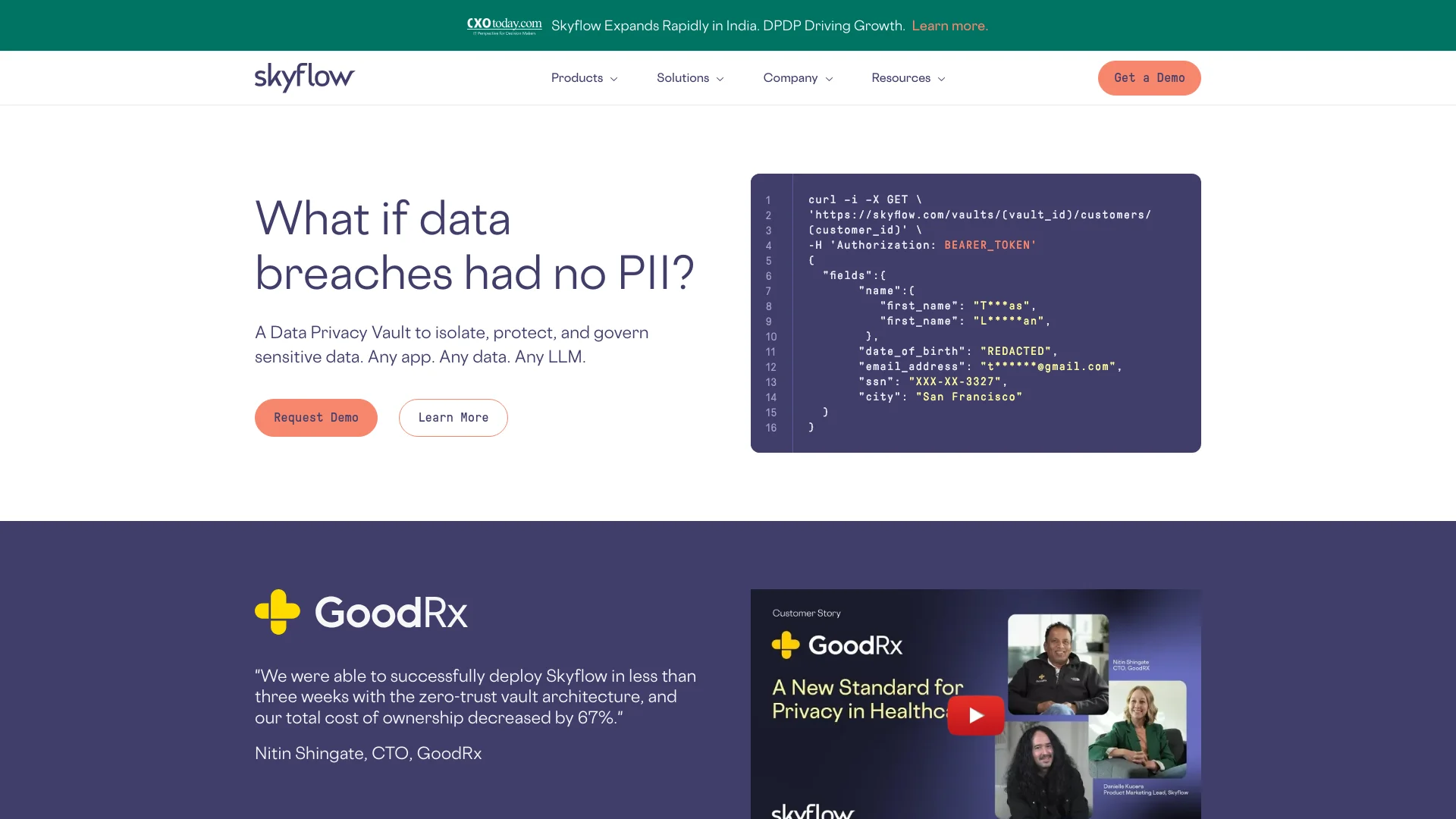
Skyflow is a cutting-edge data privacy vault designed to isolate, protect, and govern sensitive data across any application, data cloud, or large language model (LLM). As a professional deeply entrenched in the world of artificial intelligence and data security, I've explored numerous tools that promise robust data protection and privacy compliance. However, Skyflow stands out with its API-based approach, enabling seamless integration with any tech stack and enforcing privacy policies effortlessly across applications.
Skyflow's unique selling point is its ability to provide a comprehensive data privacy solution via an API-first approach. This not only simplifies the integration into any existing tech stack but also ensures that data privacy can be managed with minimal disruption to existing workflows. The polymorphic encryption and tokenization capabilities set it apart, offering unprecedented levels of data security while maintaining usability.
Skyflow excels in providing robust data privacy solutions, making it an essential tool for any organization serious about securing sensitive data. Its innovative approach to data encryption and compliance, coupled with a developer-friendly API, offers an unmatched advantage in the realm of data security. For businesses looking to safeguard their data while ensuring compliance with global regulations, Skyflow is a formidable choice.
Who is Using Skyflow?
Healthcare Providers
Utilize Skyflow to protect PHI and comply with HIPAA regulations.
Financial Services
Employ Skyflow to streamline PCI compliance and secure payment data.
Tech Companies
Integrate Skyflow to protect user data and manage data residency requirements efficiently.
Compliance Officers
Leverage Skyflow to set global policies and audit data access and usage.
Uncommon Use Cases
Academic institutions use Skyflow for secure research data management; Non-profits use it for donor data protection.
Key Features
Rating Breakdown
Pricing Plans
Custom Pricing
- Skyflow offers tailored pricing based on the specific needs and scale of your organization
Request a Demo
- Potential users can request a personalized demo to understand how Skyflow can be integrated and utilized within their specific environment
Skyflow Use Cases
Secure payment acceptance
Collect and tokenize card data, then connect securely to payment processors.
Outcome: Reduce PCI compliance scope while remaining payment-processor agnostic.
Protect healthcare data
Store and govern PHI and PII with granular policies and de-identification.
Outcome: Support HIPAA-oriented data protection and secure data sharing.
Privacy-safe communications
Tokenize customer contact information and route detokenized data to messaging, voice, or email services.
Outcome: Send communications without exposing raw sensitive data to application infrastructure.
Secure LLM and AI workflows
Detect and de-identify sensitive data in prompts, files, audio, images, and model-training datasets.
Outcome: Keep raw sensitive data out of AI workflows.
Bulk data migration
Use pipelines to transfer and tokenize sensitive data from S3, FTPS, SFTP, or vault file columns.
Outcome: Process large volumes of sensitive data without exposing backend infrastructure.
Workflow Ideas with Skyflow
Tokenize data before sending it to a third-party API
- 1Collect sensitive data through a Skyflow client-side SDK or API
- 2Store sensitive values in a vault and return tokens to the application
- 3Use a Connection to detokenize authorized values and call the third-party API
De-identify files for AI processing
- 1Upload a PDF, image, audio file, or document to Skyflow
- 2Detect and replace sensitive information with tokens
- 3Send the de-identified output to an AI or analytics workflow
Run a governed batch migration
- 1Connect a source such as S3, FTPS, or SFTP to a Pipeline
- 2Map incoming fields to vault columns
- 3Trigger the Pipeline on demand to tokenize or de-identify the data
How Skyflow fits into your stack
Extensive API Access
Easily integrate with existing systems across various programming environments.
Cloud Compatibility
Fully compatible with major cloud providers like AWS and Snowflake, ensuring seamless data operations.
Regulatory Compliance
Meets stringent compliance requirements across a broad spectrum of regulations.
Flexible Data Handling
Supports a variety of data types and structures for comprehensive data privacy management.
Pros
- +Enhanced Data Security: Keeps data encrypted at rest, in transit, and in memory, fortifying data security.
- +Compliance Simplification: Skyflow streamlines compliance with various standards such as HIPAA, PCI, and more, reducing the compliance burden.
- +Scalability: Whether you're a small startup or a large enterprise, Skyflow scales to meet your data privacy needs without additional complexity.
- +Developer-Friendly: Offers simple yet powerful APIs that are easy to integrate and a joy to use, enhancing developer engagement and productivity.
Cons
- −Learning Curve: New users may require some time to fully grasp the capabilities and integration processes of Skyflow.
- −API Dependency: Heavy reliance on API integration might be challenging for teams with limited technical expertise.
- −Cost Implications: For smaller businesses, the cost might be a consideration, depending on the scale of deployment and features required.
Limitations & when to consider alternatives
Known limitations
- Try Accounts are evaluation-only. Try Accounts are intended for internal evaluation and testing, do not permit production use, and may be suspended or terminated.
- Try Accounts cannot process production or regulated data. The terms prohibit uploading, processing, storing, or transmitting production, personal, PHI, PCI, or other regulated data in a Try Account.
- Function environment variables are limited. The total size of environment variables for a function cannot exceed 4 KB.
- API keys have restricted use. Skyflow recommends API keys only for specific cases and limits their documented use to inserting records into a vault.
- Production access requires additional review. Production access is available only after development in Sandbox and a Skyflow security review.
Look elsewhere when
- You need a native mobile application.
- You need a desktop installer.
- You need built-in model fine-tuning.
How to Use Skyflow
- 1
Skyflow provides an extensive resource library, including detailed documentation, webinars, and a community-driven knowledge base that helps users understand and implement its features effectively.
Who is Skyflow For?
Fintech companies
Protect payment, banking, card, and other regulated financial data while supporting secure integrations.
Healthcare organizations
Isolate, protect, and govern sensitive health data while supporting analytics and third-party sharing.
Retail companies
Manage sensitive customer and payment information while reducing compliance and data-security scope.
Travel companies
Use a data privacy vault to protect sensitive customer information and support data-residency requirements.
Developers and security teams
Build API-first applications with tokenization, encryption, governance, and secure third-party workflows.
Frequently Asked Questions
What APIs does Skyflow provide?
Skyflow provides Management, Data, and Detect APIs for resource management, vault data operations, and de-identification.
How does Skyflow authenticate API requests?
API requests use JWT bearer tokens or API keys generated from service accounts.
What account environments are available?
Skyflow provides Trial for exploration, Sandbox for development and testing, and Production for active integrations.
What types of data can Skyflow de-identify?
Skyflow can process text, PDFs, CSVs, DOCs, images, and audio files.
Does Skyflow support third-party integrations?
Skyflow supports integrations with systems including Snowflake, Databricks, Salesforce, Stripe, Adyen, Plaid, and HubSpot.
Does Skyflow support single sign-on?
Skyflow supports SAML-based SSO through providers including Okta, Auth0, Google Workspace, Azure AD, and Ping.
Community reviews
Be the first to share your experience.
Sign in to leave a review for Skyflow.
Skyflow Alternatives
Looking for alternatives to Skyflow? Here are similar tools in the same category:
Learn to Master Skyflow
With Skill Leap courses
Get in-depth training on Skyflow and 50+ other AI tools with our expert-led video courses.
Start 7-Day Free Trial