SITE123
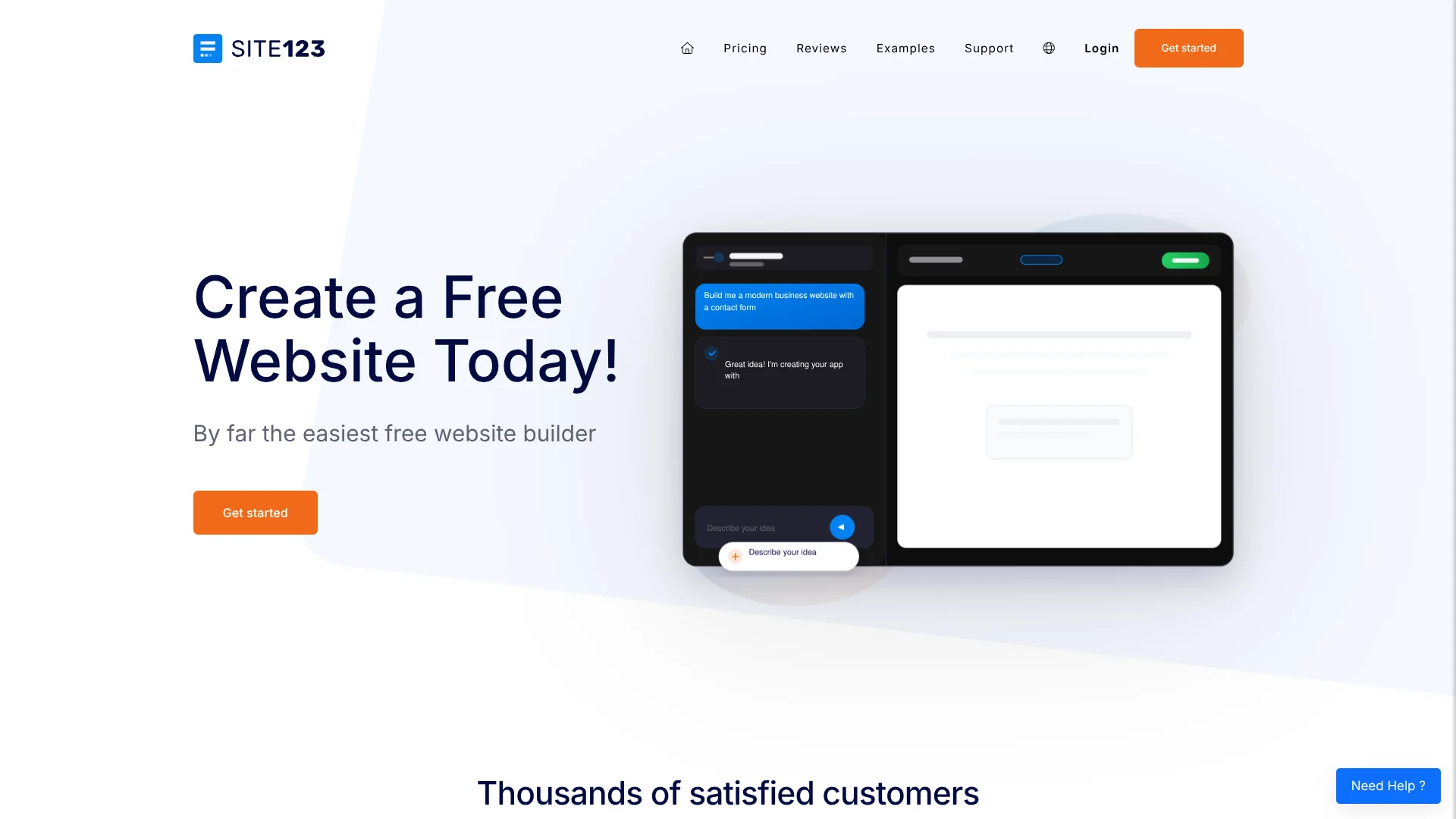
Small businesses create websites by describing them to SITE123’s AI builder.
Watch SITE123 in Action
Key Takeaways
- What it is
- Small businesses create websites by describing them to SITE123’s AI builder.
- Pricing
- Freemium
- Best for
- AI Builder
- Planner
- Builder Advisor
- Rating
- 4.1/5
What is SITE123?
SITE123’s AI Builder turns a written description, screenshot, or link into a website or web app, then lets you refine it through chat. It is aimed at people who want to publish a business site, store, blog, or landing page without writing code. The built-in editor also handles everyday changes to text, images, pages, and SEO settings.
A screenshot or link can act as a visual brief: the AI Builder can use it to create or revise site elements, while its Planner lets you discuss changes before asking the AI to build them.
SITE123 is a fit for small businesses and independent creators who want guided website creation, with store and multilingual-site tools available as their needs grow. Its editor does not let you edit or export the site’s source code, so it is less suited to projects that need full control over the underlying code.
Who is Using SITE123?
Small business owner
A written brief or screenshot can help them create a business website and refine its pages through chat.
Online store owner
Product descriptions, SEO text, inventory, and order tools help manage a small web shop.
Freelance designer
The AI Builder can turn a client’s screenshot or link into a starting point for a web design.
Marketing specialist
Per-page AI SEO tags and integrations such as Google Analytics support website promotion and tracking.
Uncommon Use Cases
A community organizer can build an event or booking site; a creator can draft a multilingual portfolio.
Key Features
Rating Breakdown
Pricing Plans
Free
Free
- 250 MB storage
- 250 MB bandwidth
- SITE123 subdomain
Premium
- Free domain for 1 year
- 3 GB storage
- 3 GB bandwidth
- Remove the SITE123 floating tag
- Connect your domain
- The FAQ gives a starting cost of $10.80 per month for connecting a custom domain on an annual plan, paid up front
Which SITE123 plan should you pick?
Start with Free for a basic site, and consider Premium when you need a custom domain, more storage, or store features.
Free
Good for testing the editor or publishing a small site on a SITE123 subdomain with limited storage and bandwidth.
Premium
Consider it when you need a custom domain, more storage and bandwidth, removal of SITE123 branding, or store features; confirm the current price in your account before upgrading.
SITE123 Use Cases
Build a business website
A clear brief gives the AI a starting point for the site’s pages, forms, and layout.
Outcome: A draft website that can be edited and published through SITE123.
Create a web store
Product listings, stock settings, shipping, and tax details form the basis of a store.
Outcome: A site visitors can use to browse products and place orders.
Refresh a page from a visual reference
A screenshot or link shows the AI the layout or element you want to recreate or change.
Outcome: A revised page or site element to review before publishing.
Publish a site in multiple languages
Translated site versions can be managed with a language menu and separate URLs.
Outcome: Visitors can choose a language version of the website.
Prepare product copy and SEO text
TextAI can draft product descriptions, while AI SEO tools can prepare page titles and descriptions.
Outcome: Draft copy and search-result metadata for review.
Workflow Ideas with SITE123
Plan and build a business site with AI
- 1Describe the business, audience, and pages you need in the AI Builder.
- 2Use Planner mode to discuss the proposed changes before building.
- 3Review the generated site and edit details before publishing.
Create a store with product pages
- 1Set up the store and add products with pricing and stock details.
- 2Draft product descriptions and SEO text with the AI tools.
- 3Check payment, shipping, and tax settings before publishing.
Make a site available in more languages
- 1Choose the site’s main language and add the languages you need.
- 2Review automatic translations and manually correct text that needs editing.
- 3Check the language menu and each language-specific URL.
How SITE123 fits into your stack
AI website creation
The AI Builder handles creation and edits through chat, with screenshots and links available as visual references.
Website editor and SEO
The editor is where you refine pages and use AI tools for text, product descriptions, and page metadata.
Online store
Product catalogs, inventory, coupons, shipping, taxes, and payment options sit inside SITE123’s website store tools.
App Market integrations
The App Market connects sites with named services such as Google Analytics, Stripe, PayPal, Jotform, and Tidio Chat.
Pros
- +Visual prompts: Screenshots and links give the AI a concrete design reference.
- +Review before building: Planner mode lets you discuss a proposed change before generating it.
- +Store support: Product pages, inventory, coupons, and payment options are built into the website offering.
- +Multilingual publishing: Translated versions can have separate URLs for different languages.
Cons
- −Limited code control: Site owners cannot edit or export the generated source code.
- −AI needs review: SITE123 says generated content and code can be inaccurate or unsuitable, so check outputs before publishing.
- −Plan details are unclear: The public pricing page does not clearly confirm the current paid price.
Limitations & when to consider alternatives
Known limitations
- 200-page maximum. SITE123 limits a website to 200 pages, including pages within multi-section pages.
- No source-code editing or site export. Websites run on SITE123’s service, and the source code cannot be edited or exported for hosting elsewhere.
- Free-plan storage and bandwidth. The Free plan includes 250 MB of storage and 250 MB of bandwidth.
- Manual translation above 500 characters. The support documentation says content over 500 characters must be translated manually.
- AI results require checking. SITE123 does not guarantee AI output will be accurate, functional, secure, or suitable for a particular purpose.
Look elsewhere when
- You need to edit or export the website’s source code.
- Your site needs more than 200 pages.
- You need a confirmed, clearly displayed paid-plan price before choosing a builder.
How to Use SITE123
- 1
Start with a specific brief
Describe the site or app you want, including its audience, purpose, pages, and preferred look.
- 2
Plan complex changes first
Open Planner mode to discuss the change before asking the AI to build it.
- 3
Add a visual reference
Attach a screenshot or link and explain which part the AI should use as a guide.
- 4
Review the AI’s work
Check the generated pages and content, then make manual edits where the result does not match your needs.
- 5
Check the site on different screens
Preview desktop, tablet, and mobile layouts before publishing.
- 6
Publish and refine
Publish the site when it is ready, then return to the editor to make and publish later changes.
Who is SITE123 For?
Small businesses
A chat-based builder and built-in store tools can help put a business site online without coding.
Online sellers
Store pages support products, inventory, coupons, shipping, and payment options.
Freelancers and independent creators
Templates and AI-assisted editing help present services, portfolios, or creative work on a website.
Multilingual site owners
Automatic translation and language-specific URLs help make a site available to visitors in multiple languages.
Frequently Asked Questions
Can I build a website with SITE123 for free?
Yes. The Free plan costs $0 per month and includes 250 MB of storage, 250 MB of bandwidth, and a SITE123 subdomain.
Can SITE123’s AI Builder use a screenshot?
Yes. You can attach a screenshot or link as a reference and describe what you want the AI to create or change.
Can I export a website made with SITE123?
No. SITE123 says its websites run on its service and cannot be downloaded or exported with their source code.
Does SITE123 support integrations?
Yes. Its App Market lists integrations including Google Analytics, Stripe, PayPal, Jotform, and Tidio Chat.
Does SITE123 have a mobile app?
The site can be added to a device as an app-like shortcut, but SITE123 says this is not an app downloaded from the App Store or Google Play.
Community reviews
Be the first to share your experience.
Sign in to leave a review for SITE123.
SITE123 Alternatives
Looking for alternatives to SITE123? Here are similar tools in the same category: