
Simetrik
Automate complex financial reconciliations with AI-driven insights.
Key Takeaways
- What it is
- Automate complex financial reconciliations with AI-driven insights.
- Best for
- Automated Reconciliation
- Big Data Infrastructure
- AI-Driven Insights
- Rating
- 4.6/5
What is Simetrik?
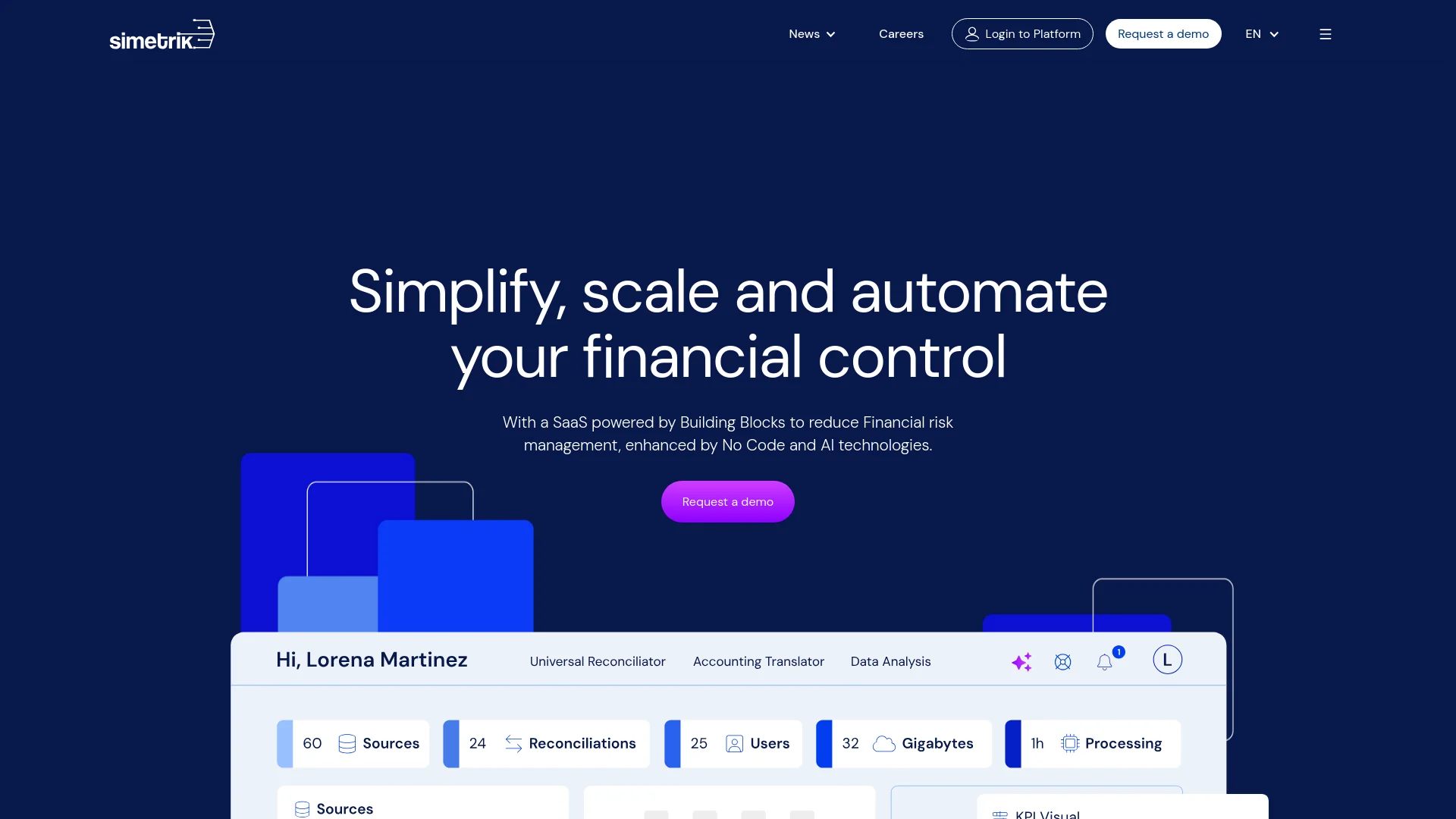
In the bustling world of finance, where accuracy and efficiency are paramount, Simetrik emerges as a groundbreaking tool designed to empower FinOps, accounting, and FP&A teams. This robust platform utilizes advanced No Code and AI technology to streamline and enhance financial operations. By automating complex, high-volume reconciliations, Simetrik not only saves time but also significantly reduces the potential for human error, ensuring data integrity and compliance.
Simetrik stands out with its powerful No Code technology, allowing users to manage complex financial tasks with ease and precision. Its ability to integrate seamlessly with over 1200 sources and handle big data makes it a formidable tool in the financial sector.
Simetrik excels in transforming the landscape of financial operations with its sophisticated automation and reconciliation capabilities. It is particularly beneficial for large-scale enterprises and financial teams looking to enhance efficiency, security, and data integrity. Its standout feature, the robust No Code platform, offers unmatched adaptability and ease of use, setting Simetrik apart as an essential tool for modern financial operations.
Who is Using Simetrik?
Large E-commerce Platforms
Use Simetrik for seamless financial data management across multiple payment methods.
Financial Institutions
Employ the platform to manage and reconcile vast amounts of transaction data efficiently.
Multinational Corporations
Leverage Simetrik to handle complex financial data across various countries and currencies.
Tech Startups
Utilize the tool to ensure financial accuracy while focusing on scaling operations.
Uncommon Use Cases
Non-profit organizations use Simetrik for transparent and compliant financial reporting; educational institutions adopt it to teach financial technology courses.
Key Features
Rating Breakdown
Pricing Plans
Custom Pricing Model
- Simetrik offers tailored pricing depending on the scale and specific needs of the business
Simetrik Use Cases
Cash-in reconciliation
Reconcile incoming payments, deposits, remittances, and settlement data across financial counterparties.
Outcome: Improved visibility and control over incoming cash.
Cash-out reconciliation
Reconcile outgoing disbursements, transfers, payouts, and related settlement records.
Outcome: Fewer unexplained payout and settlement discrepancies.
Claims and chargebacks
Manage transaction claims, refunds, partial refunds, chargebacks, and related operational exceptions.
Outcome: Faster discrepancy resolution and better traceability.
Accounting automation
Generate journal entries from verified transactional data and synchronize entries with ERP systems.
Outcome: Faster, more traceable financial close.
Reporting and regulatory controls
Create reconciled reports, compliance documents, dashboards, and exportable audit logs.
Outcome: Audit-ready reporting with end-to-end traceability.
Workflow Ideas with Simetrik
Automate a reconciliation
- 1Connect payment, banking, ERP, or file-based sources
- 2Configure matching logic and reconciliation rules
- 3Review exceptions and generate auditable results
Automate accounting close
- 1Standardize transactional and ERP data
- 2Generate journal entries from reconciled results
- 3Validate, post, and certify balances with an audit trail
Manage exceptions continuously
- 1Monitor reconciliation status and operational KPIs
- 2Detect discrepancies with alerts and agent-powered workflows
- 3Resolve, reprocess, and document exceptions
How Simetrik fits into your stack
ERP Systems
Direct integration with various ERP systems enhances financial reporting and accuracy.
Multi-Source Compatibility
Handles data from a wide range of sources and formats, ensuring versatile data processing capabilities.
Security and Compliance Tools
Integrates with tools to maintain strict compliance with global security standards.
Custom API Access
Offers API access for custom integrations, providing flexibility for specialized needs.
Pros
- +Efficiency Gains: Reduces manual hours significantly, as evidenced by Rappi's 90% reduction in man-hours for data reconciliation.
- +Scalability: Easily adapts to growing transaction volumes without the need for proportional increases in financial team size.
- +Security Compliance: Guaranteed AICPA security compliance, ensuring data is handled with the highest standards of security and integrity.
- +User-Friendly Interface: Inspired by spreadsheets, the interface is intuitive yet powerful enough to meet complex business needs.
Cons
- −Initial Setup Complexity: Integrating and setting up the system with existing financial processes may require initial technical expertise and effort.
- −Dependence on Data Quality: The effectiveness of the tool is contingent on the quality and consistency of the input data.
- −Learning Curve: New users might require some time to fully leverage the advanced features offered by the platform.
Limitations & when to consider alternatives
Known limitations
- Enterprise-oriented access model. The public site directs prospects to request a demo rather than offering self-serve pricing or signup.
- Regional MCP availability. The MCP connection guide currently requires a production workspace in the US region; other regions are not served yet.
- MCP cannot upload local files. Local file loading requires the CLI or web app because the MCP server has no filesystem access.
- Directory role changes are not real-time. Microsoft Entra ID role changes take effect on the user's next Simetrik sign-in.
- Agent changes require confirmation. The MCP Agent asks for confirmation before operations that build or change Simetrik resources.
Look elsewhere when
- You need a native mobile application.
- You need a browser extension.
- You need fine-tuning of a general-purpose AI model.
- You need MCP-based local file ingestion.
How to Use Simetrik
- 1
Explore a range of tutorials on the Simetrik platform, from basic navigation to advanced features, available directly on their website.
Who is Simetrik For?
Banks and neobanks
They can reconcile banking, settlement, cash-flow, accounting, and regulatory data at scale.
Payment service providers and aggregators
They can connect payment sources and automate transaction-level reconciliation and exception management.
Marketplaces
They can control marketplace cash flows, settlements, fees, and partner transactions.
Finance and accounting teams
They can automate reconciliations, journal entries, close processes, reporting, and audit trails.
Treasury and payments teams
They can monitor liquidity, settlements, payment flows, discrepancies, and operational balances.
Frequently Asked Questions
What is Simetrik?
Simetrik is an AI-powered financial control infrastructure for reconciliation, reporting, exception management, and audit readiness.
How can users operate Simetrik?
Users can operate Simetrik through its Web Experience, Simetrik Agent, MCP, or CLI.
What types of data can Simetrik connect?
Simetrik connects transaction sources, payment processors, card networks, banking partners, ERPs, core business applications, and custom integrations.
Does Simetrik support enterprise identity management?
Enterprise accounts can manage access and workspace roles through Microsoft Entra ID security groups.
Can Simetrik process uploaded files?
Yes. The CLI and web app can load files into Simetrik sources; MCP itself does not upload local files.
Community reviews
Be the first to share your experience.
Sign in to leave a review for Simetrik.
Simetrik Alternatives
Looking for alternatives to Simetrik? Here are similar tools in the same category:
Learn to Master Simetrik
With Skill Leap courses
Get in-depth training on Simetrik and 50+ other AI tools with our expert-led video courses.
Start 7-Day Free Trial