Selfstorming
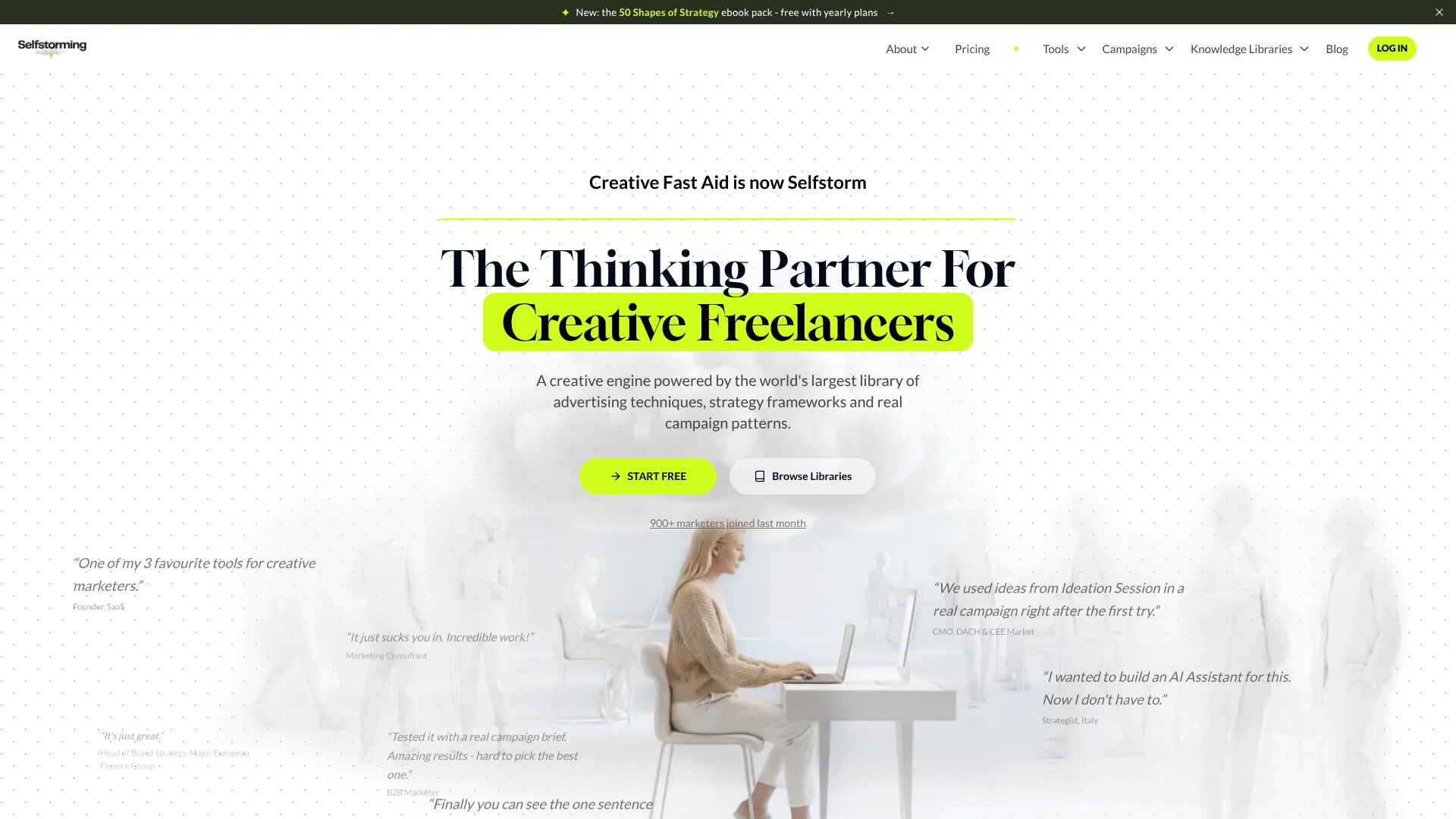
Marketing strategists turn briefs into campaign ideas inspired by award-winning work.
Key Takeaways
- What it is
- Marketing strategists turn briefs into campaign ideas inspired by award-winning work.
- Pricing
- Freemium
- Best for
- Ideation Session
- Research Session
- Strategy Session
- Rating
- 4.2/5
What is Selfstorming?
Selfstorming turns a marketing brief into campaign ideas, strategy directions, research, names, and hooks. Its AI tools are built for creative strategists, freelancers, consultants, brand managers, founders, and copywriters who need a stronger starting point than a blank slide or a generic brainstorm.
Its ideas draw on a curated library of award-winning campaigns, creative techniques, marketing findings, and strategy frameworks. In an Ideation Session, you can generate several formats from one brief, check an insight with sourced research, then export selected ideas to an editable PowerPoint deck.
Selfstorming fits people who develop brands, campaigns, and marketing pitches and want examples and methods behind the AI’s suggestions. Research decks can include pictures and real data with source attribution. The product focuses on marketing work, so it is not a fit for general-purpose coding or image-generation tasks.
Who is Using Selfstorming?
Creative Director
Campaign breakdowns and Ideation Sessions help shape creative directions for a brief.
Brand Strategist
Strategy frameworks and sourced marketing findings provide material for brand recommendations.
Marketing Consultant
Research decks and editable slides help turn client questions into a sourced presentation.
Copywriter
Hook and storytelling techniques support headline, post, and campaign writing.
Uncommon Use Cases
A naming session can check candidate names for domain availability, use, and meaning; Share of Search reports can compare brand search interest across markets.
Key Features
Rating Breakdown
Pricing Plans
The Calm Before
Free
- Includes 1 free deck generation from any tool or 1 Search report.
- Includes selected framework templates, guides, reports, and campaign breakdowns.
The Storm
- Equivalent to €15.92 per month.
- Includes unlimited ideas, marketing sessions, and access to every library.
Which Selfstorming plan should you pick?
Start with The Calm Before to try a single deck generation or Search report, and consider The Storm when you need unlimited ideas, sessions, and library access.
The Calm Before
Good for exploring Selfstorming with one free deck generation or Search report and selected library access.
The Storm
Good for regular marketing work that needs unlimited ideas, the named AI sessions, and access to every library.
Selfstorming Use Cases
Campaign Ideation
A single brief can produce campaign ideas in formats such as big ideas, reels, claims, stories, and activations.
Outcome: A set of concepts to review, favorite, and export to PowerPoint.
Marketing Research
A topic, brief, or uploaded PDF or DOCX can be turned into a visual research dossier with cited findings.
Outcome: An editable PowerPoint research deck with live citations.
Creative Strategy
Frameworks and real-world examples give a strategy brief a structured starting point.
Outcome: An editable strategy direction deck.
Brand or Product Naming
Naming techniques guide name generation, while checks cover domains, use, and meaning.
Outcome: Candidate names informed by established naming methods.
Marketing Hooks
A library of tested hook techniques offers angles for social content and headlines.
Outcome: Hooks and headlines to adapt for a brief or post.
Workflow Ideas with Selfstorming
From Brief to Campaign Deck
- 1Paste the brief into an Ideation Session.
- 2Generate several campaign formats and favorite the strongest ideas.
- 3Export the selected concepts to editable PowerPoint.
From Topic to Sourced Research
- 1Enter a research topic or upload a PDF or DOCX brief.
- 2Review the research deck’s findings and live citations.
- 3Export the editable PowerPoint and extend the research with a follow-up prompt if needed.
Marketing Work Inside an AI Client
- 1Add the Selfstorming MCP Connector in a supported AI client.
- 2Approve access with your Selfstorming account.
- 3Ask the client to find campaign examples, research findings, or generate ideas from your project context.
How Selfstorming fits into your stack
Briefs and creative work
The web app is where you enter a brief and run sessions for ideas, strategy, research, naming, or hooks.
Campaign and knowledge libraries
Selfstorming’s libraries provide campaign breakdowns, frameworks, creative techniques, and sourced marketing findings as reference material.
Presentations
Selected ideas and research can be exported to editable PowerPoint for further editing and presentation.
Other AI clients
The MCP Connector links Selfstorming tools and libraries with supported clients including Claude, ChatGPT, Claude Code, Codex, and Cursor.
Pros
- +Marketing-specific context: Ideas draw on campaign examples and named creative techniques.
- +PowerPoint exports: Selected ideas and research can become editable presentation slides.
- +Sourced research: Research decks include live citations, while Ideation Session can check an insight with supporting sources.
- +AI client connector: The MCP Connector brings Selfstorming libraries and tools into supported AI clients.
Cons
- −Narrow focus: The tools are built around marketing and creative strategy, not general AI tasks.
- −Annual billing shown: The paid plan price on the pricing page is displayed as a monthly equivalent billed yearly.
- −Connector limits: MCP use has daily fair-use caps, even though the web app is described as having none.
Limitations & when to consider alternatives
Known limitations
- MCP daily fair-use limits. The MCP documentation lists daily limits of 500 generated ideas, names, and hooks; 10 new sessions; and 200 library lookups per user. These limits apply to MCP use, not the web app.
- MCP results are capped. An MCP library lookup returns up to 20 items per call, with paging reaching the first 100 results of a query.
- MCP needs a compatible client. Connecting through MCP requires an AI client that supports remote MCP servers with OAuth.
Look elsewhere when
- You need a general-purpose AI tool for work outside marketing and creative strategy.
- Your main goal is generating or analyzing images rather than developing marketing ideas, research, or presentations.
How to Use Selfstorming
- 1
Choose a session
Pick Ideation, Strategy, Research, Naming, or Hooks based on the work you need to move forward.
- 2
Give it the brief
Paste your brief or challenge; for Research Session, you can also upload a PDF or DOCX or enter a topic.
- 3
Review the results
Compare generated directions, check sourced research where available, and favorite ideas worth developing.
- 4
Export your work
Send selected ideas or research to an editable PowerPoint deck.
- 5
Connect an AI client if useful
Set up the MCP Connector in a supported client such as Claude or ChatGPT to access Selfstorming libraries and tools from that conversation.
Who is Selfstorming For?
Creative Strategists
Campaign examples, creative techniques, and strategy sessions support the work of shaping campaign directions.
Creative Freelancers
Ideation and editable PowerPoint exports can help turn client briefs into presentable concepts.
Brand Managers
Naming, research, and campaign tools address common brand planning tasks.
Copywriters
Hooks, headlines, storytelling techniques, and naming tools offer focused ways into marketing copy.
Founders
Founders can explore positioning, campaign concepts, and names using marketing frameworks and examples.
Frequently Asked Questions
Is Selfstorming free?
The Calm Before is listed at €0 per month and includes one free deck generation from any tool or one Search report, along with access to selected libraries and templates.
What does the paid plan cost?
The pricing page lists The Storm at €15.92 per month when billed yearly, with a yearly total of €191.04. It displays prices in euros and says applicable taxes may apply.
Can I export work to PowerPoint?
Yes. The site describes editable PowerPoint exports for its AI-generated ideas, strategy work, and research decks.
Can I upload documents for research?
Research Session accepts PDF and DOCX briefs, and can also start from pasted text or a topic.
Which AI clients work with the MCP Connector?
The connector documentation gives setup instructions for Claude, Claude Code, ChatGPT, Codex, and Cursor, as well as other clients that support remote MCP servers with OAuth.
Community reviews
Be the first to share your experience.
Sign in to leave a review for Selfstorming.
Selfstorming Alternatives
Looking for alternatives to Selfstorming? Here are similar tools in the same category: