
Sage AI
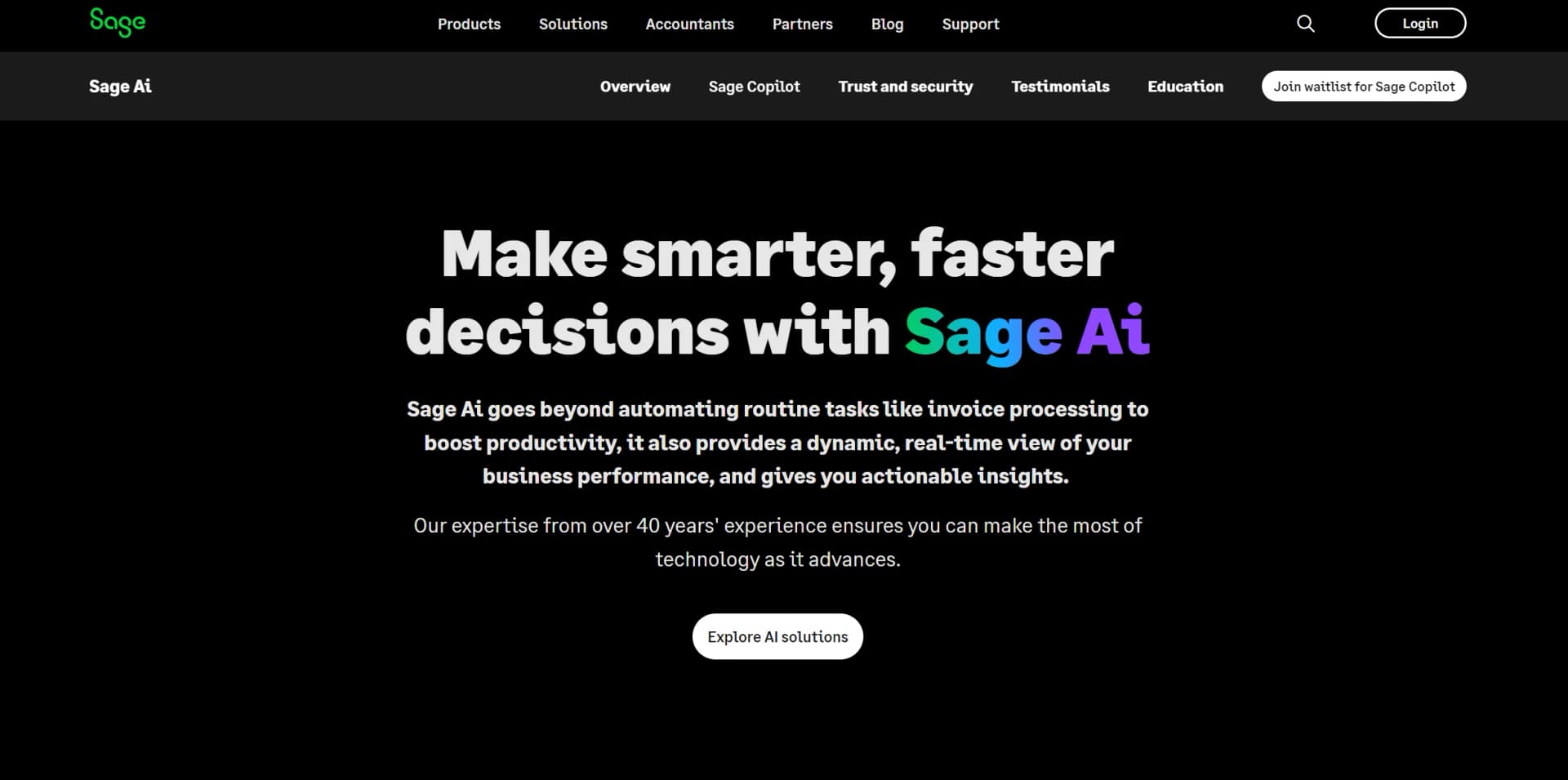
Streamline accounting, finance, and HR with AI-driven automation.
Key Takeaways
- What it is
- Streamline accounting, finance, and HR with AI-driven automation.
- Pricing
- $25 per month
- Best for
- Advanced Analytics
- Automated Task Management
- Customizable Dashboards
- Rating
- 4.5/5
What is Sage AI?
Sage AI is an advanced artificial intelligence tool from Sage designed to streamline and enhance operations in accounting, finance, and HR. Its primary goal is to simplify complex data analysis, automate repetitive tasks, and provide predictive insights to improve decision-making and operational efficiency.
Sage AI distinguishes itself with its robust integration capabilities and tailored analytics. Its ability to enhance existing systems and provide predictive insights offers a competitive edge, making it a valuable tool for various business needs.
Sage AI offers sophisticated analytical tools and automated solutions, making it a crucial asset for professionals in finance, accounting, and HR. Its strong focus on data security and customizable features ensures businesses can efficiently manage their operations and maintain a competitive edge.
Who is Using Sage AI?
Accounting Firms
Enhancing accuracy and efficiency in financial reporting.
HR Departments
Streamlining payroll processing and employee data management.
Retail Managers
Predicting inventory needs and optimizing supply chain decisions.
Financial Analysts
Gaining deeper financial insights and making accurate forecasts.
Uncommon Use Cases
Non-profits for budget management and compliance; startups for rapid financial scenario modeling.
Key Features
Rating Breakdown
Pricing Plans
Free Trial
- Available for a 30-day free trial
Standard Plan
$25 per month
Which Sage AI plan should you pick?
Start with Start for basic accounting and Sage Copilot; upgrade to Standard or Plus when you need more users, reporting, forecasting, inventory, or multi-currency support.
Start
Good for VAT-registered sole traders or small businesses needing one user, payroll, invoicing, reconciliation, VAT, and Sage Copilot; £20 per month after the one-month trial.
Standard
Good for small businesses needing three users, supplier and CIS management, custom reports, quotes, cash-flow forecasting, receipt scanning, and Sage Copilot; £43 per month after the one-month trial.
Plus
Good for businesses needing unlimited users, budgeting, multi-currency invoicing, exchange-rate management, inventory, receipt scanning, and Sage Copilot; £59 per month after the one-month trial.
Sage AI Use Cases
Automate invoice processing
Upload or email supplier invoices so Sage Ai extracts invoice data, identifies duplicates, and prepares drafts.
Outcome: Less manual data entry and faster processing.
Manage month-end close
Track close tasks, identify blockers, compare ledgers, and notify decision-makers about issues.
Outcome: Shorter, more controlled close cycles.
Detect anomalies and errors
Monitor transactions and financial data to surface unusual entries, variances, and potential errors.
Outcome: Earlier investigation and improved financial integrity.
Analyze financial performance
Ask questions about financial data and receive contextual insights, trends, and recommended actions.
Outcome: Faster, better-informed decisions.
Monitor operational risks
Use Sage Copilot in Sage X3 to identify shipping delays, order-volume changes, and churn-risk customers.
Outcome: Earlier intervention across operations and customer workflows.
Workflow Ideas with Sage AI
AI-assisted invoice-to-approval workflow
- 1Upload or email a supplier invoice
- 2Let Sage Ai extract and classify invoice information
- 3Review the generated draft, matching, and anomalies before approval
Month-end close workflow
- 1Track close activities across accounting workflows
- 2Review missing tasks, discrepancies, and blockers
- 3Notify decision-makers and complete close actions with human oversight
Continuous financial monitoring workflow
- 1Monitor ledgers, budgets, and operational metrics
- 2Surface anomalies, variances, and emerging trends
- 3Investigate recommended actions and update financial processes
How Sage AI fits into your stack
Microsoft Excel Compatibility
Integrates seamlessly with Excel for enhanced data analysis and reporting.
Cloud-Based Platforms
Compatible with major cloud services for flexible access and scalability.
API Access
Provides an API for custom integrations, allowing developers to extend functionality.
Third-Party Integration
Supports integration with popular financial and HR management tools.
Pros
- +Efficiency Boost: Speeds up financial reporting and analysis, freeing up time for strategic activities.
- +Error Reduction: Reduces human errors through automation of data handling and calculations.
- +Scalability: Adapts to the growing needs of businesses, whether small or large.
- +User-Friendly Interface: Features an intuitive design that is accessible to users of all technical levels.
Cons
- −Initial Learning Curve: New users may need time to fully understand and utilize all features.
- −Integration Limits: Integration with some niche or legacy systems might be challenging.
- −Subscription Cost: The cost may be high for small businesses or startups.
Limitations & when to consider alternatives
Known limitations
- Not a standalone AI application. Sage Copilot is embedded in Sage products, especially Sage Intacct, rather than offered as an independent general-purpose assistant.
- Product and regional availability varies. Access and capabilities depend on the Sage product and geographic region.
- Some capabilities are illustrative or rolling out. Sage states that some displayed Copilot features are illustrative and should not be relied on for purchase decisions.
- Requires a Sage subscription. Users must purchase a Sage product subscription before accessing or adding Sage Copilot.
Look elsewhere when
- You want a standalone general-purpose AI assistant.
- You need a developer-facing Sage Ai API.
- You need a dedicated mobile or desktop Sage Copilot application.
How to Use Sage AI
- 1
A variety of tutorials are available on the Sage website, ranging from basic setup to advanced feature utilization.
Who is Sage AI For?
Small and midsize businesses
Sage Ai is purpose-built for SMB finance and business operations, helping automate routine work and improve decisions.
Finance teams
Finance teams can use Sage Ai for close management, reconciliation, anomaly detection, invoice processing, and financial insights.
Accountants
Accountants can use Sage Copilot and Sage Ai to streamline client and business accounting workflows.
CFOs and finance leaders
Finance leaders get real-time insights, proactive recommendations, controls, and faster access to financial answers.
Manufacturing and distribution teams
Sage Copilot for Sage X3 helps these teams monitor orders, shipping, fulfillment issues, and operational risks.
Frequently Asked Questions
What does Sage Ai do?
Sage Ai creates finance and operations AI solutions that automate accounting tasks, surface insights, and support faster decisions.
What is Sage Copilot?
Sage Copilot is a generative AI productivity assistant embedded in Sage products for finance, operations, and business management.
Can Sage Copilot automate month-end close?
Yes. It tracks, manages, and executes close activities, provides proactive notifications, and identifies potential errors.
How does Sage Copilot help with financial data?
It monitors financial data, analyzes patterns, highlights trends, identifies discrepancies, and recommends actions.
Is Sage Copilot a standalone product?
No. Sage describes it as a built-in layer embedded within Sage products such as Sage Intacct.
Is Sage Copilot available everywhere?
Availability differs by Sage product and region, and some displayed capabilities are illustrative or still rolling out.
Community reviews
Be the first to share your experience.
Sign in to leave a review for Sage AI.
Sage AI Alternatives
Looking for alternatives to Sage AI? Here are similar tools in the same category:
Learn to Master Sage AI
With Skill Leap courses
Get in-depth training on Sage AI and 50+ other AI tools with our expert-led video courses.
Start 7-Day Free Trial