
S10.AI
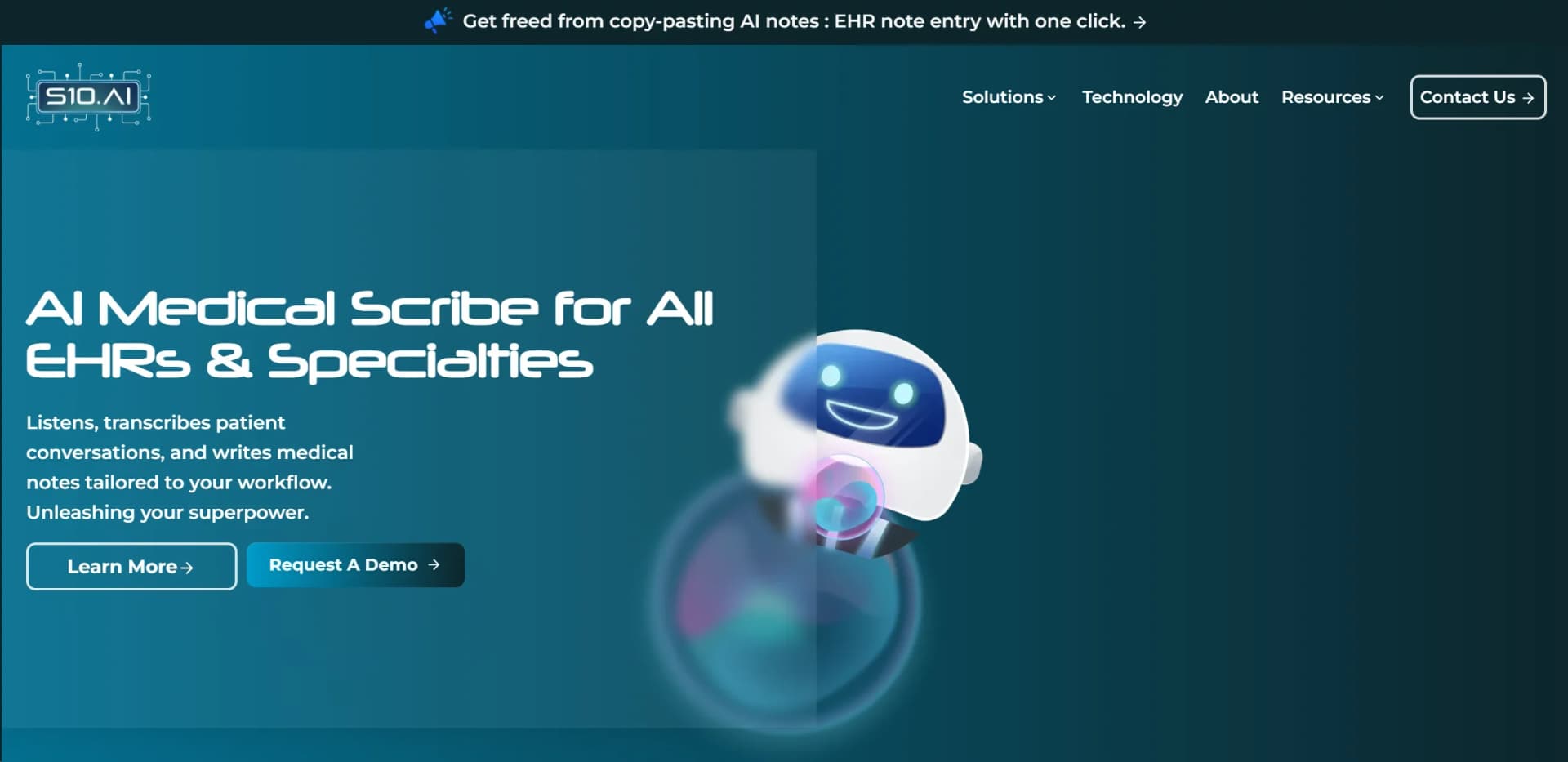
Automate medical scribing, enhance patient care, integrate EHRs effortlessly.
Watch S10.AI in Action
Key Takeaways
- What it is
- Automate medical scribing, enhance patient care, integrate EHRs effortlessly.
- Best for
- Real-Time Transcription
- EHR Integration
- Multi-Lingual Support
- Rating
- 4.7/5
What is S10.AI?
Exploring the realm of healthcare, S10.AI stands out as a revolutionary AI tool designed to alleviate the administrative burden on healthcare professionals by automating medical scribing. With its robust technology, S10.AI listens to patient conversations, transcribes them, and integrates these transcriptions seamlessly into Electronic Health Records (EHRs) across all specialties. This not only enhances the efficiency of medical documentation but also allows clinicians to focus more on patient care, significantly improving the overall healthcare delivery experience.
S10.AI distinguishes itself by offering a fully customizable and ambient AI-powered medical scribe that works flawlessly within any existing EHR system. Its ability to support multiple languages and adapt to any medical specialty makes it a versatile choice for healthcare providers globally.
S10.AI excels in providing a streamlined, efficient approach to medical documentation, making it an indispensable tool for healthcare providers. Its robust integration capabilities, coupled with high accuracy and customization options, offer significant advantages, enhancing both the quality of care and operational efficiency in clinical settings.
Who is Using S10.AI?
Primary Care Physicians
Utilize S10.AI for efficient documentation during patient visits.
Hospitals
Implement AI scribing to streamline various clinical documentation tasks across departments.
Mental Health Professionals
Leverage the tool for accurate transcription of therapeutic sessions.
Specialty Clinics
Use AI scribing for specialty-specific documentation needs such as psychiatry or podiatry.
Uncommon Use Cases
Utilized in telemedicine encounters and multi-lingual medical consultations.
Key Features
Rating Breakdown
Pricing Plans
Standard Plan
- Get started with no initial cost
Custom Solutions
- Tailored plans available based on specific organizational needs and scale
Which S10.AI plan should you pick?
Start with Solo for independent clinicians, choose Practice for group workflows and front-desk automation, and upgrade to Enterprise for health-system controls and SSO.
Solo
Good for independent clinicians who need unlimited ambient scribing, coding, specialty templates, and EHR connectivity.
Practice
Good for group practices that need receptionist automation, insurance verification, custom templates, analytics, and onboarding.
Enterprise
Good for health systems that need AI teams, deep EHR integrations, SSO, audit logs, dedicated tenancy, and 24/7 support.
S10.AI Use Cases
Ambient clinical documentation
Capture clinician-patient conversations and generate structured, EHR-ready notes during or after visits.
Outcome: Faster chart completion and less after-hours documentation.
Automated medical coding
Generate ICD-10, CPT, HCC, and E/M coding suggestions alongside clinical notes.
Outcome: Billing-ready documentation with less manual coding work.
Patient reception and call handling
Use BRAVO for scheduling, intake, insurance verification, refills, and patient calls.
Outcome: More front-desk coverage with fewer manual tasks.
EHR and practice workflow integration
Connect S10.AI to EHRs, calendars, telehealth systems, cloud storage, communications, and legacy applications.
Outcome: Bidirectional workflow automation without replacing the existing EHR.
AI clinical staffing
Configure AI Nurse, Medical Assistant, Pharmacy Technician, and Administrative agents for practice workflows.
Outcome: Automated handling of triage, refills, rooming, prior authorization, and eligibility tasks.
Workflow Ideas with S10.AI
Ambient visit documentation
- 1Start recording before or during the patient encounter
- 2Let S10.AI capture and reason over the conversation
- 3Review and sign the structured note in the EHR
Automated EHR workflow
- 1Pull patient history, allergies, medications, and problem-list data
- 2Generate structured notes, orders, codes, and tasks
- 3Push the resulting data back into the chart
Patient access automation
- 1Trigger BRAVO from an inbound call, email, voicemail, or message
- 2Automate scheduling, intake, verification, or refill handling
- 3Route the completed action and documentation into the practice workflow
How S10.AI fits into your stack
EHR Systems Compatibility
Works with any EHR system without the need for additional software.
Cross-Platform Support
Functional on both desktop and mobile devices, facilitating easy access in various clinical settings.
Security and Compliance
Ensures data protection with HIPAA, PIPEDA, and GDPR compliance, along with ISO 27001 certification.
Pros
- +Time Savings: Clinicians can save up to 99% of the time typically spent on manual documentation.
- +Increased Focus on Patient Care: Reduces clerical workload, allowing doctors to concentrate more on patient interaction and care.
- +High Accuracy: Provides 99% accurate documentation, reducing errors associated with manual note-taking.
- +Cost Efficiency: Helps cut operational costs by minimizing the need for human scribes and reducing administrative tasks.
Cons
- −Technology Adoption: Requires initial training and adaptation period for staff to become proficient in using the AI scribe.
- −Dependency on Technology: Reliance on the AI system may pose challenges if technical issues arise.
- −Privacy Concerns: While compliant with HIPAA and GDPR, the digital handling of sensitive patient data always requires stringent security measures.
Limitations & when to consider alternatives
Known limitations
- No permanent free plan is listed. The pricing page lists paid Solo, Practice, and Enterprise plans; the free access described is a 14-day trial.
- Enterprise pricing is custom. Health-system pricing is not publicly stated and requires contacting sales.
- SOC 2 Type II is still in progress. S10.AI states that its SOC 2 Type II audit is currently in progress, while HIPAA and GDPR controls are in production.
- Some advanced capabilities require higher plans. SSO, audit logs, dedicated tenancy, AI Team, and deep EHR integrations are listed under Enterprise.
- The Android listing reports data is not encrypted. Google Play’s data-safety section for the Android app states that data isn’t encrypted, which conflicts with S10.AI’s website security claims.
Look elsewhere when
- You need a publicly documented developer API with API keys and endpoints.
- You need programming-code generation or editing.
- You need uploaded-image analysis or computer-vision understanding.
How to Use S10.AI
- 1
Explore the comprehensive tutorial series available on the official website, covering everything from basic setup to advanced features of S10.AI.
Who is S10.AI For?
Independent clinicians
The Solo plan is designed for independent clinicians needing ambient documentation, coding, templates, and EHR connectivity.
Group practices
The Practice plan adds receptionist automation, insurance verification, custom templates, analytics, and onboarding.
Health systems
Enterprise supports health systems with AI teams, deep EHR integrations, SSO, audit logs, dedicated tenancy, and named customer success support.
Primary care and specialty clinicians
S10.AI names specialties including primary care, cardiology, neurology, oncology, psychiatry, orthopedics, pediatrics, and urgent care.
Behavioral health and therapy practices
Behavioral health and therapy are listed among the supported specialty areas and templates.
Frequently Asked Questions
Does S10.AI offer a free plan?
No free plan is listed. Every plan starts with a 14-day free trial with full features and no credit card required.
Which EHRs does S10.AI support?
S10.AI supports more than 100 EHRs, including Epic, Cerner, athenahealth, eClinicalWorks, NextGen, DrChrono, ModMed, and AdvancedMD.
Is S10.AI available on mobile?
Yes. S10.AI has dedicated iPhone, iPad, and Android applications.
Does S10.AI support SSO?
SSO is included in the Enterprise plan, along with audit logs and a dedicated tenant.
Is customer data used to train models?
S10.AI says PHI is redacted on-device before inference and is never used to train foundation models.
Can S10.AI connect to legacy systems?
Yes. Clinical RPA bots can connect to systems through FHIR, HL7, or screen-only interfaces.
Community reviews
Be the first to share your experience.
Sign in to leave a review for S10.AI.
S10.AI Alternatives
Looking for alternatives to S10.AI? Here are similar tools in the same category:
Learn to Master S10.AI
With Skill Leap courses
Get in-depth training on S10.AI and 50+ other AI tools with our expert-led video courses.
Start 7-Day Free Trial