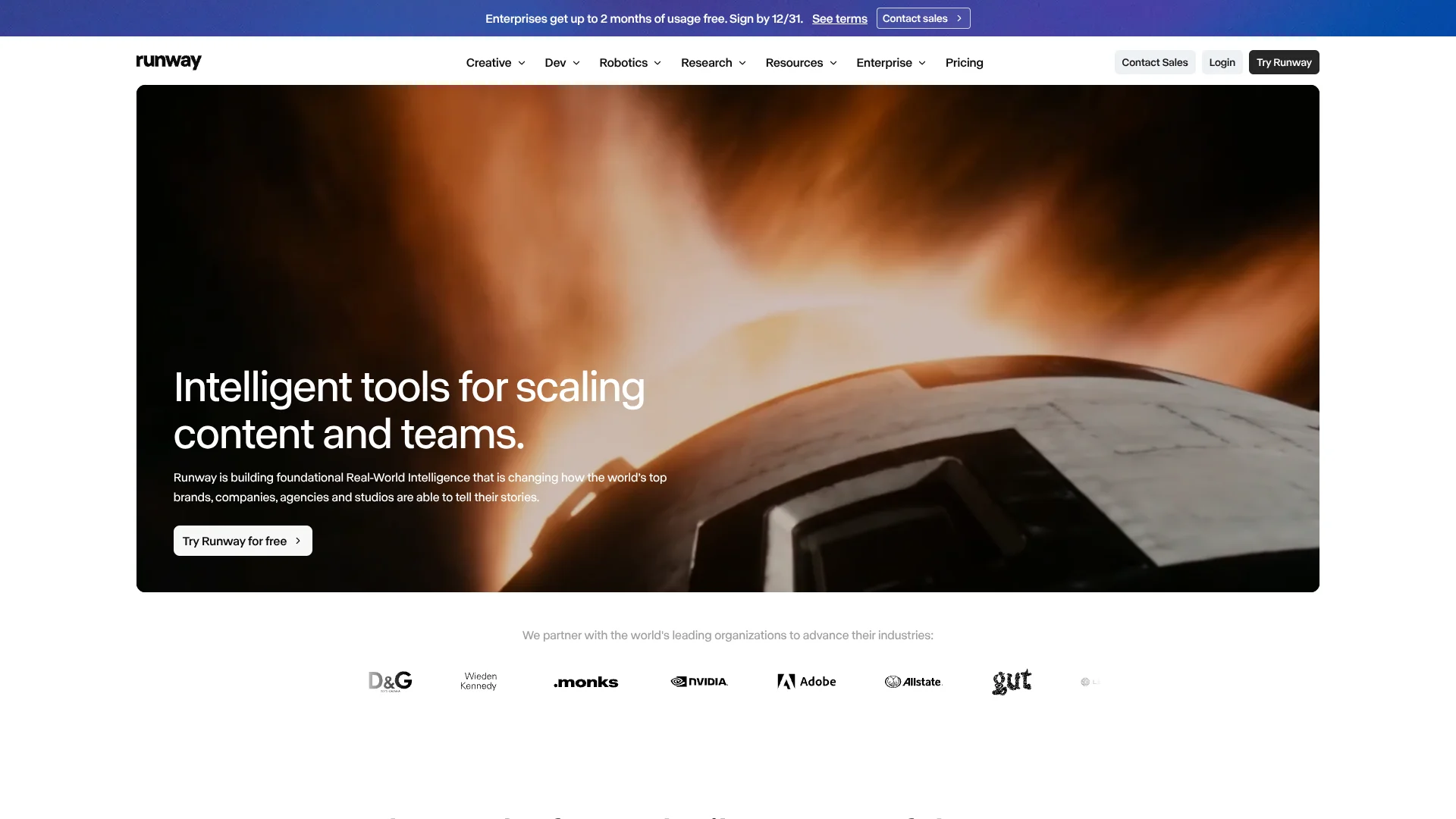
Runway
Text-to-video creation for filmmakers and creative teams building visual stories.
Watch Runway in Action
Key Takeaways
- What it is
- Text-to-video creation for filmmakers and creative teams building visual stories.
- Pricing
- Freemium · $15 per month · $35 per month · $95 per month · $69 per seat per month
- Best for
- Gen-4.5
- Runway Agent
- Workflows
- Rating
- 4.3/5
What is Runway?
Runway turns text prompts, reference images, and existing footage into AI-generated videos and images. Its Creative tools are aimed at creators and production teams who need visual material for ads, stories, and other projects. The company also offers Runway Dev, an API for developers, and Runway Robotics tools for teams working with robot simulations.
Runway Workflows can link media generation and editing steps into reusable pipelines, then publish a workflow as an App or API endpoint. That lets a team turn a repeated creative task, such as making video variations from product images, into a process others can run.
Runway is a strong fit for people producing visual content who want to generate and revise media with AI. Results can take several attempts, and generations spend credits, so it is less suited to work that needs predictable output at a fixed cost.
Who is Using Runway?
Filmmakers
Scene generation, reference images, and multi-shot planning help explore visual ideas before production.
Creative producers
Agent and Workflows can help turn a brief into planned shots and repeatable media output.
Digital marketers
Runway Ads can create variations from ads connected through Meta, TikTok, or Google Ads.
Software developers
The Runway Dev API provides endpoints for building image, video, and audio generation into apps.
Robotics engineers
Runway Robotics supports simulation and evaluation work involving robot policies.
Uncommon Use Cases
Generate product views from a 3D model inside a Workflow; create synthetic data for robotics work.
Key Features
Rating Breakdown
Pricing Plans
Free
Free
- 125 one-time credits
- 5GB asset storage
- A selection of generative creative models
Standard
$15 per month
- 625 credits per month
- Annual billing is $12.00 per month, billed yearly.
- Up to 3 projects and 20GB storage
- No watermarks and 4K upscaling
Pro
$35 per month
- 2,250 credits per month
- Annual billing is $28.00 per month, billed yearly.
- One Brand Kit and one custom voice clone
- 100GB storage and unlimited 4K video upscaling
Max
$95 per month
- 9,500 credits per month
- Annual billing is $76.00 per month, billed yearly.
- Unused credits roll over for one month
- 500GB storage and unlimited 4K video upscaling
Team
$69 per seat per month
- Annual billing is $55.00 per seat per month, billed yearly.
- For teams of 2 to 9 people
- 6,900 monthly credits per seat, pooled across the workspace
- Shared projects, comments, and 1TB of workspace storage
Enterprise
- Pricing and credits sized to the organization
- Unlimited members and workspaces
- SSO, roles, permissions, and sharing policies
- Dedicated support, training, and onboarding
Which Runway plan should you pick?
Start with Free to test Runway, choose Standard for regular individual use, and move to Pro, Max, Team, or Enterprise when your generation volume or collaboration needs grow.
Free
Good for people exploring Runway's creative tools with 125 one-time credits.
Standard
Good for individual creators who need a monthly credit allowance and access to paid creative tools.
Pro
Good for creators who generate more often and want additional monthly credits, a Brand Kit, and a custom voice clone.
Max
Good for heavy individual use that benefits from a larger credit allowance and one month of credit rollover.
Team
Good for groups of 2 to 9 people who need shared projects, pooled credits, and collaboration features.
Enterprise
Good for larger organizations that need SSO, admin controls, or more than nine seats.
Runway Use Cases
Ad variations
A connected ad account gives Runway Ads material to build alternative versions of campaigns that are performing.
Outcome: More creative variations to review and test.
Video from a still image
An image and a description of the desired motion become a short generated video.
Outcome: A moving visual based on a supplied image.
Storyboards and mood boards
Agent can generate reference sheets, storyboards, mood boards, and character sheets to help shape a project.
Outcome: Visual references for planning a creative project.
Repeatable media production
Workflows connect generation and editing steps so a recurring task can run as a saved pipeline.
Outcome: A reusable creative process with linked steps.
Generative features in an app
The Runway Dev API lets developers send media-generation requests from their own software.
Outcome: AI image, video, or audio generation inside an application.
Workflow Ideas with Runway
Turn a product image into a video ad
- 1Add a product image and a brief description.
- 2Have Agent plan a short ad and propose its shots.
- 3Review the plan and credit estimate before generating.
Build a repeatable social video pipeline
- 1Create a Workflow with an image or text input.
- 2Connect generation and editing steps for the desired format.
- 3Run the Workflow again with new campaign material.
Explore a scene before production
- 1Describe the scene or provide a reference image.
- 2Generate a storyboard or visual references with Agent.
- 3Revise the prompts and images until the direction is clear.
How Runway fits into your stack
Creative workspace
The web app brings together image, video, and audio generation with tools for editing and organizing outputs. Generated assets are organized in Sessions.
Mobile creation
Runway has iOS and Android apps, and work syncs between phone and computer for users signed into the same account. Some Apps are not available in the iOS app.
Team review
The Team plan adds shared projects, comments, pooled credits, and Agent Connectors for Figma, Dropbox, and Notion.
Automated creative pipelines
Workflows link media inputs, AI models, and editing steps. A Workflow can be shared or published as an App or API endpoint, with some restrictions.
Developer tools
Runway Dev offers a documented API for adding generative media tasks to software. It is separate from the Creative workspace subscription.
Pros
- +Image-to-video: Turn a still image into a moving clip with a text description of the motion.
- +Creative control: Gen-4 Image supports image references for keeping characters and scenes visually consistent.
- +Reusable pipelines: Workflows can connect generation and editing steps for repeat creative tasks.
- +Model choice: Runway offers its own models alongside models from other providers.
- +Team review: Team workspaces include shared projects, pooled credits, and comments on generations.
Cons
- −Credit planning: Different models and output types use different amounts of credits.
- −Iteration: Agent may make mistakes, and generated media can take more than one attempt to get right.
- −Mobile gaps: Apps are not available in the iOS app, though they can be accessed through a mobile browser.
Limitations & when to consider alternatives
Known limitations
- Free credits are one-time. The Free plan includes 125 credits once, rather than a monthly credit allowance.
- Unused credits expire on Standard and Pro. Monthly credits on Standard and Pro do not roll over to the next billing cycle.
- 3D Workflows cannot be published. A Workflow containing 3D nodes cannot currently be published as an App or API endpoint.
- Apps are not available in the iOS app. Runway says Apps can be accessed through a mobile browser instead.
Look elsewhere when
- You need free credits that renew monthly.
- You need to publish a Workflow with 3D nodes as an App or API endpoint.
- You need to access Runway Apps directly through the iOS app.
How to Use Runway
- 1
Choose where to start
Open Runway on the web or use its iOS or Android app; the apps support voice input for Agent.
- 2
Try the Free plan
The Free plan includes 125 one-time credits and 5GB of asset storage for exploring the tools.
- 3
Pick a creation method
Tool mode gives direct control over inputs and prompts, while Agent can plan a larger creative task through conversation.
- 4
Describe the output
Write what you want to make and add an image or other media when it should guide the result.
- 5
Check the generation plan
Agent can show its proposed model, prompt, and estimated credit cost before it generates media.
- 6
Review and continue
Adjust the prompt or inputs if needed, then save the output or continue working with it in Runway.
Who is Runway For?
Creators
Individual creators can make and revise AI-generated video, images, and audio for visual projects.
Creative teams
Shared projects, comments, Brand Kits, and pooled credits support teams making content together.
Developers
Runway Dev provides an API for adding generative media features to software.
Robotics teams
Runway Robotics provides tools for policy inference, evaluation, simulation, and synthetic data generation.
Frequently Asked Questions
Does Runway have a free plan?
Yes. Free includes 125 one-time credits and 5GB of asset storage.
How much does Runway cost?
Individual paid plans start at $15 per month for Standard. Pro is $35 per month and Max is $95 per month; Team is $69 per seat per month.
Do Runway credits roll over?
Free credits do not expire. Standard and Pro monthly credits do not roll over, while Max allows up to one month of unused credits to carry over.
Can Runway connect to other services?
Team includes Agent Connectors for Figma, Dropbox, and Notion. Runway Ads connects with Meta, TikTok, and Google Ads.
Can developers use Runway through an API?
Yes. Runway Dev has a documented API for tasks such as image-to-video, text-to-video, image generation, and audio generation.
Community reviews
1 review from people who use Runway.
Sign in to leave a review for Runway.
Andrew Oliver
Runway Alternatives
Looking for alternatives to Runway? Here are similar tools in the same category: