
Responsum
Boost productivity with AI-driven task automation and insights.
Key Takeaways
- What it is
- Boost productivity with AI-driven task automation and insights.
- Best for
- Sales Assistant
- Automation Engine
- Intelligent WorkQ
- Rating
- 4.6/5
What is Responsum?
Responsum is an advanced Productivity Acceleration Platform designed to help organizations enhance their efficiency by automating repetitive tasks, streamlining workflows, and leveraging generative AI. It aims to transform how teams prioritize, manage, and scale their processes, making it a valuable tool for businesses seeking to boost productivity and operational effectiveness.
Responsum stands out with its integrated approach to productivity, combining advanced AI technologies with automation and data analysis. Its ability to merge various AI-driven tools into a cohesive platform offers unique advantages in enhancing organizational efficiency and customization.
Responsum excels in driving productivity and operational efficiency for organizations. Its robust suite of AI-driven features, combined with effective automation and data management tools, provides significant benefits in scalability and user engagement. Whether for enhancing sales processes, streamlining workflows, or extracting actionable data insights, Responsum is a valuable asset for modern enterprises seeking to optimize their operations.
Who is Using Responsum?
Sales Teams
Enhancing sales workflows and improving overall sales performance.
Enterprise Executives
Utilizing the platform for strategic insights and overseeing team operations.
IT Departments
Managing and analyzing data more efficiently to support organizational goals.
Human Resources
Streamlining onboarding processes and managing organizational knowledge.
Uncommon Use Cases
Employed by airports to enhance customer experience through better operational data management.
Key Features
Rating Breakdown
Pricing Plans
Subscription Model
- Pricing is customized based on organizational requirements
- Prospective users should contact Responsum for specific details
Custom Solutions
- Costs vary depending on the level of customization and scale of deployment
Which Responsum plan should you pick?
Start with Account Executives if you are an individual; upgrade to Team for up to 20 users and expanded automations, or Enterprise for larger teams and customizations.
Account Executives
Good for individual account executives who need Salesforce read/write access, meeting preparation, copywriting, pipeline management, and administration.
team - annual
Good for teams of up to 20 users who need the AE features plus a knowledge base, expanded automations, and executive KPIs.
enterprise - annual
Good for organizations with more than 20 users that need customizations, improved model training, and dedicated support.
Responsum Use Cases
Sales Assistant
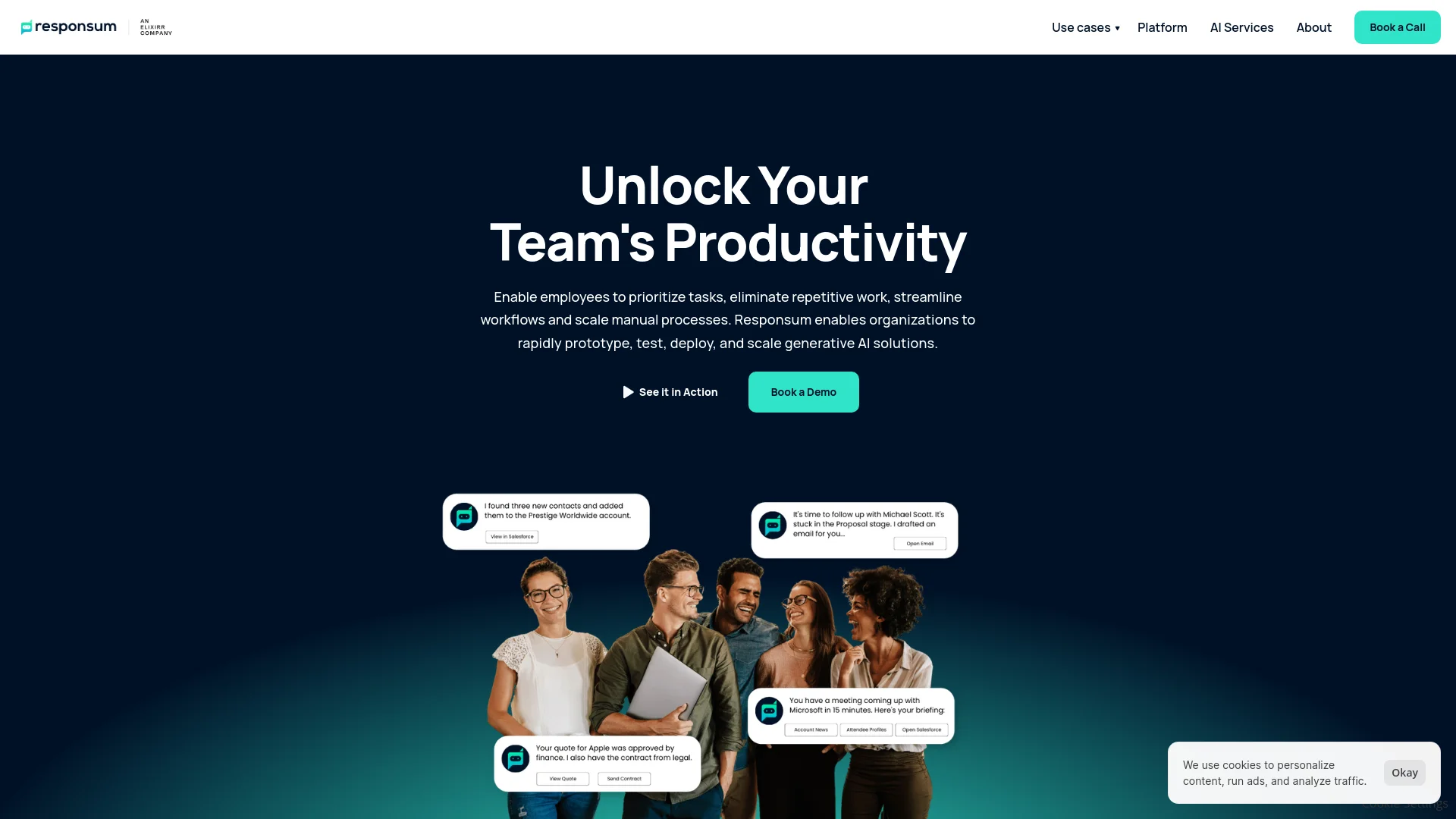
Use a generative AI agent in Slack and Microsoft Teams to manage sales processes, knowledge, and pipeline activity.
Outcome: Improve forecast accuracy and pipeline conversion.
Knowledge Assistant
Connect internal wikis, SharePoint, Slack, Microsoft Teams, or a standalone app to find documents and answers.
Outcome: Scale team knowledge and reduce time spent searching.
Document Analysis
Summarize, extract, and analyze reports, receipts, transcripts, legal documents, finance documents, billing documents, and resumes.
Outcome: Reduce analysis time and improve accuracy.
Insights Assistant
Connect team tools and data to find answers, metrics, and KPIs using natural-language queries.
Outcome: Improve decision-making, collaboration, and coaching.
Pipeline Management
Monitor sales pipelines, identify at-risk deals, prepare for meetings, and make CRM updates.
Outcome: Keep pipeline data current and prevent missed follow-ups.
Workflow Ideas with Responsum
Deploy an AI productivity solution
- 1Identify the problem
- 2Connect the solution
- 3Configure data and preferences
- 4Use Responsum and measure improvement
Analyze documents at scale
- 1Crawl websites or databases
- 2Extract relevant details from documents
- 3Analyze extracted data with selected criteria
- 4Review results for accuracy
Improve sales pipeline execution
- 1Connect Salesforce and other sales tools
- 2Prepare for meetings and identify at-risk deals
- 3Make CRM updates and follow up on next steps
How Responsum fits into your stack
API Access
Facilitates custom integration with existing systems.
Microsoft Office Compatibility
Enhances productivity tools with integrated AI capabilities.
Customizable AI Models
Provides a library of AI models that can be tailored to specific business needs.
Data Integration Capabilities
Supports diverse data formats for comprehensive analysis and automation.
Pros
- +Enhanced Productivity: Automation of routine tasks leads to significant time savings and increased efficiency.
- +Data Insight Extraction: Extracts actionable insights from unstructured data, aiding in better decision-making.
- +Scalability: Adapts to growing organizational needs with ease, providing scalable solutions.
- +User-Friendly Interface: Designed to be intuitive, making it accessible for users with varying levels of technical expertise.
Cons
- −Initial Setup Complexity: Customizing and setting up the platform can be complex and may require technical expertise.
- −Dependence on Data Quality: The effectiveness of the platform's insights and automation is contingent on the quality of the input data.
- −Limited Third-Party Integrations: Some users might find the integration options limited compared to their specific needs.
Limitations & when to consider alternatives
Known limitations
- Enterprise-oriented implementation. The platform is positioned around discovery calls, configuration, deployment, and custom solutions rather than immediate self-serve setup.
- Team pricing is annual. The published team plan is shown at $917 per month billed annually, while enterprise pricing is custom.
- Prototype timeline. Responsum describes a rapid prototyping process lasting six weeks or less, so deployment is not necessarily instantaneous.
- Custom solution dependence. Responsum says teams work with its staff to identify outcomes, connect tools, configure data, and launch solutions.
Look elsewhere when
- You need a documented public developer API with API keys and endpoints.
- You need a native iOS or Android app with an official store listing.
- You need a dedicated Windows, Mac, or Linux desktop application.
How to Use Responsum
- 1
Detailed tutorials and case studies are available on the Responsum website, guiding users through basic setup and advanced functionalities.
Who is Responsum For?
Sales Teams
Sales teams use Responsum to fix pipeline data, automate sales processes, surface insights, and manage sales enablement resources.
Revenue Teams
Revenue teams use the Sales Assistant in Slack and Microsoft Teams to optimize their go-to-market process.
Executives & Managers
Executives and managers use Insights Assistant to find answers, improve decision-making, collaboration, and coaching.
Analysts
Analysts use document analysis to analyze reports at scale and reduce analysis time.
Frequently Asked Questions
What CRMs does Responsum work with?
Responsum connects to Salesforce and other sales tools, data sources, and APIs.
What types of documents can Responsum analyze?
Document analysis examples include reports, receipts, transcripts, legal documents, finance documents, billing documents, and resumes.
How does Responsum improve productivity?
It uses conversational search, automation, document analysis, and digital assistants to reduce repetitive work and speed access to information.
How long does implementation take?
The platform describes a rapid prototyping process that can go from problem to prototype in six weeks or less.
What interfaces does Responsum support?
Solutions can be delivered through Slack, Microsoft Teams, the web, mobile, or voice interfaces.
Community reviews
Be the first to share your experience.
Sign in to leave a review for Responsum.
Responsum Alternatives
Looking for alternatives to Responsum? Here are similar tools in the same category:
Learn to Master Responsum
With Skill Leap courses
Get in-depth training on Responsum and 50+ other AI tools with our expert-led video courses.
Start 7-Day Free Trial