
RepoClip
Auto-create narrated demo videos from GitHub repos.
Key Takeaways
- What it is
- Auto-create narrated demo videos from GitHub repos.
- Pricing
- Freemium · $29 per month ($290 per year) · $79 per month ($790 per year) · $199 per month ($1,990 per year)
- Best for
- AI code analysis
- AI generated visuals
- Professional AI narration
- Rating
- 4.4/5
What is RepoClip?
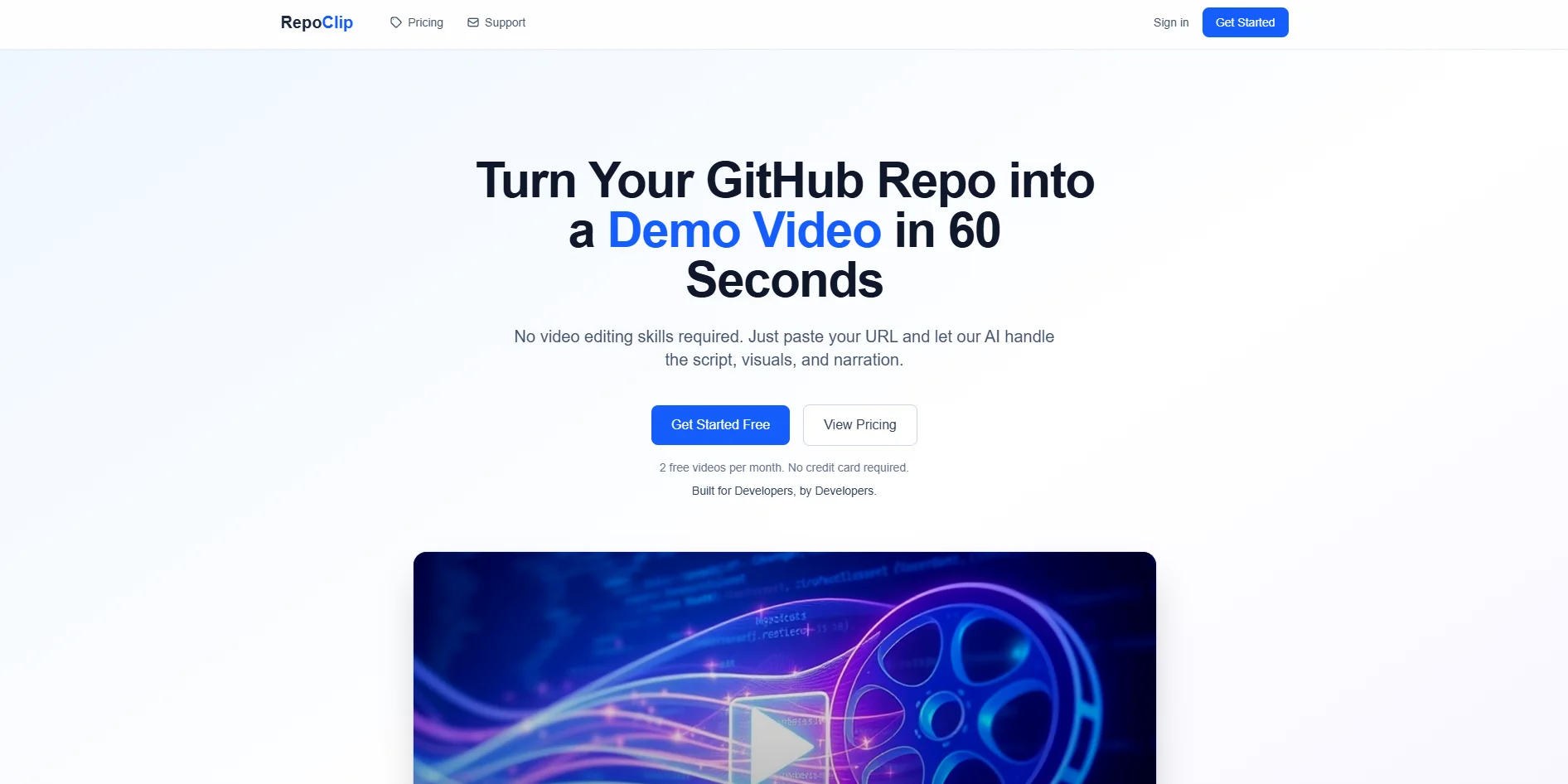
RepoClip turns GitHub repositories into narrated demo videos by applying code-aware AI analysis, image generation, and text to speech. It inspects a repository’s structure and key components, drafts a script, pairs it with AI generated visuals, and outputs a polished video without requiring any traditional editing skills. Built for developers, it targets teams that need product walkthroughs, feature announcements, and investor friendly demos in minutes instead of days.
RepoClip treats the GitHub repository itself as the source of truth for video creation, rather than asking users to storyboard or screen record. Its multi model pipeline reads code, drafts a narrative, then matches that narrative with AI generated visuals and narration, compressing what is normally a multi day production into a few minutes. The focus on code understanding, ethical audio (no cloning), and support for both public and private repositories gives it a distinctly developer oriented flavor that generic marketing video tools often lack.
RepoClip offers a focused way for developers and technical teams to turn real repositories into polished demo videos without touching a timeline or camera. Its strength lies in code aware AI analysis, quick generation times, and a workflow that respects both public and private code. For teams that frequently ship features, maintain open source projects, or pitch technical products, RepoClip can slot in as a practical tool that trades a few minutes and a URL for investor ready or launch ready video content.
Who is Using RepoClip?
SaaS startups and indie hackers
Showcasing new features for launch announcements, landing pages, and release notes without hiring motion designers.
Developer relations and advocacy teams
Turning sample apps, SDKs, and frameworks into short explainers for conferences, docs, and community posts.
Engineering and product teams
Sharing internal demos of new services or refactors with non technical stakeholders who prefer a quick video over reading code.
Open source maintainers
Promoting repositories on social platforms and project sites to attract contributors and users.
Uncommon Use Cases
Used by coding bootcamps to convert capstone repositories into portfolio ready demo videos, and by technical recruiters who want quick overviews of candidate take home projects.
Key Features
Rating Breakdown
Pricing Plans
Free
Free
- 2 videos per month, 720p resolution, logo watermark, and public repositories only
Starter
$29 per month ($290 per year)
- 50 credits (5 videos), 720p resolution, logo watermark, private repositories, and priority support
Pro
$79 per month ($790 per year)
- 200 credits (20 videos), 1080p resolution, no watermark, private repositories, commercial license, and priority support
Agency
$199 per month ($1,990 per year)
- 1,000 credits (100+ videos), 4K resolution, no watermark, private repositories, commercial license, priority rendering, and dedicated support
Which RepoClip plan should you pick?
Start with Free to test one image video monthly; upgrade to Starter for private repositories, Pro for watermark-free 1080p, or Agency for 4K and Video Long.
Free
Good for trying RepoClip with one free image video per month and public repositories.
Starter
Good for individual developers who need 50 monthly credits and private repository access.
Pro
Good for professional use requiring 1080p, no watermark, commercial licensing, and Kling 3.0 Pro clips.
Agency
Good for teams and agencies needing 800 credits, 4K output, Video Long, priority rendering, and dedicated support.
RepoClip Use Cases
Feature announcements
Generate a video that explains new functionality from a repository release.
Outcome: Show complex changes visually instead of relying only on text changelogs.
Product launches
Create a launch video for Product Hunt, a landing page, or social media.
Outcome: Communicate the product's value in a short promotional format.
Investor pitches
Turn a technical project into a narrated product demonstration.
Outcome: Help investors understand the product before a technical explanation.
Open-source promotion
Generate a demo video from an open-source GitHub repository.
Outcome: Increase project visibility and encourage contributors and users.
Client demos
Create videos for client projects from GitHub repositories.
Outcome: Deliver polished demos without dedicated video-production resources.
Workflow Ideas with RepoClip
Generate a release video automatically
- 1Create a RepoClip API key
- 2Add REPOCLIP_API_KEY as a GitHub repository secret
- 3Trigger the official GitHub Action when a release is published
Create a customized product demo
- 1Paste a public or private GitHub repository URL
- 2Add instructions for tone, voice, visual style, and content focus
- 3Generate and download the rendered MP4 video
Create an open-source README video
- 1Submit the repository URL for analysis
- 2Generate an image or video-based demo
- 3Embed or share the resulting video from its public share page
How RepoClip fits into your stack
Browser
RepoClip is a web-based SaaS application where users submit GitHub repository URLs and generate downloadable promotional videos.
Knowledge and files
The product reads public or authorized private GitHub repositories, analyzes their source code, and converts that repository context into narrated demo videos.
Automation and APIs
RepoClip provides a documented API and official GitHub Action for triggering video generation from CI/CD workflows, including automatically on GitHub releases.
Pros
- +Developer first experience: Accepting a GitHub URL as the main input fits existing workflows for engineers and open source maintainers.
- +Serious time and cost savings: Auto generated scripts, visuals, and narration remove the need for freelancers or manual editing, which the team positions as more than 500 dollars saved per video.
- +Strong AI stack out of the box: Combining Gemini for understanding code, Flux.1 for imagery, and OpenAI for audio gives non video experts access to a high quality production pipeline.
- +Ethical audio posture: No voice cloning and a fixed set of preset voices lower the risk of abuse and simplify compliance reviews in larger organizations.
Cons
- −GitHub centric: The flow currently revolves around GitHub repositories; teams on GitLab or Bitbucket are not explicitly supported in the public materials.
- −Limited control over voices: Narration focuses on preset AI voices rather than brand specific or custom cloned voices, which some marketing teams may desire.
- −Complex repos may need iteration: Very large or unconventional codebases may require regenerating or refining instructions before the video lands exactly where a team wants it.
Limitations & when to consider alternatives
Known limitations
- Free plan supports public repositories only. Private repository access starts with the Starter plan and above.
- Free and Starter output is 720p. 1080p is available on Pro, while 4K is exclusive to Agency.
- Video Long is Agency-only. The Video Long mode uses 18 AI clips and is restricted to the Agency plan.
- Custom instructions are limited to 500 characters in the API. The documented API prompt field has a maximum length of 500 characters.
- Generation consumes credits. Image, Video Short, Video Long, and background music each consume defined credit amounts.
Look elsewhere when
- You need a native mobile app
- You need file or image uploads
- You need model fine-tuning or custom voice models
How to Use RepoClip
- 1
Submit a repository
Paste a public GitHub URL, or connect GitHub through OAuth for a private repository.
- 2
Add creative instructions
Describe the desired narration tone, voice, visual style, audience, or feature focus.
- 3
Choose a generation mode
Use Image, Video Short, or—on Agency—Video Long, depending on the desired output and available credits.
- 4
Generate the video
RepoClip analyzes the code, writes the script, creates visuals and narration, and renders the video.
- 5
Download or share
Download the MP4, embed it in a README, or share the generated public video page.
- 6
Automate releases
Use the public API or official GitHub Action to generate videos automatically from CI/CD workflows.
Who is RepoClip For?
SaaS product teams
Create launch videos for Product Hunt, social media, and landing pages.
Investors and founders
Add polished product demos to investor and pitch decks.
Open-source maintainers
Promote projects and attract contributors with videos embedded in README files.
Agencies
Generate client project demos without maintaining a dedicated video-production team.
Developers
Showcase projects in portfolios or on LinkedIn using videos generated directly from repositories.
Frequently Asked Questions
What does RepoClip do?
RepoClip analyzes a GitHub repository and automatically creates a promotional video with an AI-written script, visuals, narration, and rendering.
Can RepoClip use private repositories?
Yes. Paid plans support private repositories through GitHub OAuth access.
How long does video generation take?
Most videos are generated within five minutes, depending on repository size and current demand.
Can I customize the generated video?
Custom instructions can control narration tone, visual style, voice selection, and content focus.
Does RepoClip offer an API or CI/CD integration?
Yes. RepoClip provides a public API and an official GitHub Action for automated video generation.
What happens when I run out of credits?
You can purchase a one-time Credit Pack or upgrade to a plan with more monthly credits.
Community reviews
Be the first to share your experience.
Sign in to leave a review for RepoClip.
RepoClip Alternatives
Looking for alternatives to RepoClip? Here are similar tools in the same category:
Learn to Master RepoClip
With Skill Leap courses
Get in-depth training on RepoClip and 50+ other AI tools with our expert-led video courses.
Start 7-Day Free Trial