Quivr
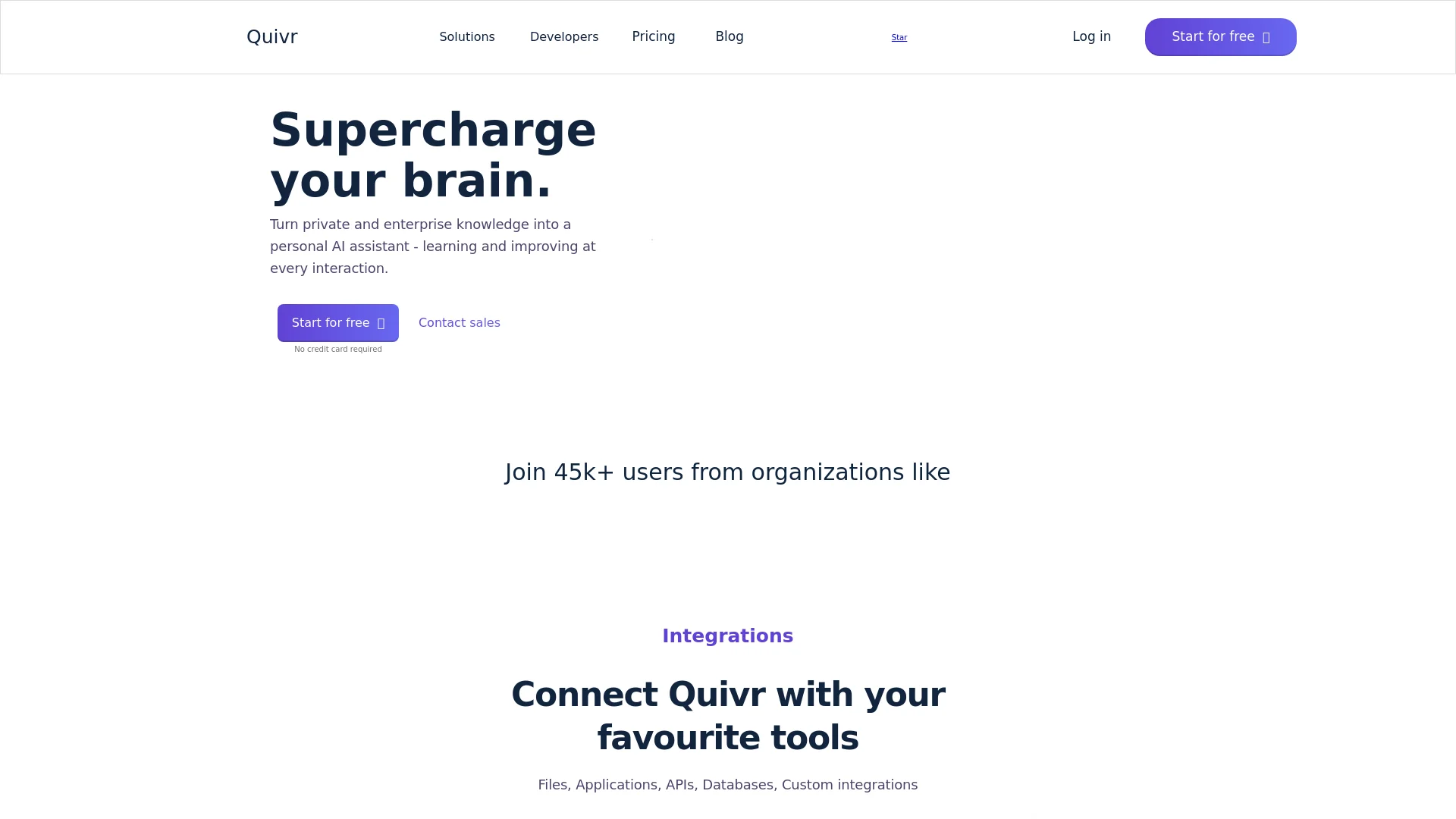
Enhance productivity with AI-driven unified search across all data.
Key Takeaways
- What it is
- Enhance productivity with AI-driven unified search across all data.
- Pricing
- Freemium
- Best for
- Unified Search Engine
- AI-Powered Enhancements
- Extensive Integrations
- Rating
- 4.4/5
What is Quivr?
Quivr is an innovative AI tool designed to act as a "second brain" for its users, enhancing the way individuals and organizations interact with their data. At its core, Quivr serves as a powerful, open-source, chat-powered search engine that integrates seamlessly across all your documents, tools, and databases. This AI-powered solution aims to revolutionize how we store, search, and utilize information in a digital environment, making it a vital asset for anyone looking to boost their productivity and streamline their information management processes.
Quivr stands out due to its open-source framework and the capability to function as a comprehensive knowledge management tool that is adaptable to various user requirements. Its powerful AI-driven search enhancements and extensive customization options make it a pioneering tool in the field of intelligent data management.
Quivr excels in transforming the way we interact with our digital information, making it an indispensable tool for anyone from educators to data analysts. Its unique feature of being an open-source, customizable AI-powered search engine offers an unmatched advantage in managing and retrieving data efficiently.
Who is Using Quivr?
Educational Institutions
Facilitates research and access to extensive academic databases.
Tech Companies
Manages large volumes of data and streamlines project management tasks.
Individual Researchers
Assists in handling diverse data sets for comprehensive analyses.
Data Analysts
Provides rapid insights through efficient data retrieval and processing.
Uncommon Use Cases
Used by bloggers for organizing and retrieving content efficiently; beneficial for legal professionals in managing case files and precedents.
Key Features
Rating Breakdown
Pricing Plans
Free Tier
Free
- Start using Quivr with no initial cost and no credit card required
Contact Sales for Advanced Features
- Tailored plans available for enterprise-level needs
- Pricing provided upon request
Which Quivr plan should you pick?
Start with the Base Subscription for a support team needing the full agent platform; upgrade spending through usage-based actions as automation volume grows.
Base Subscription
Good for support teams who need six AI agents, custom integrations, premium support, configuration assistance, admin access, and a ticketing-tool app.
Knowledge Manager
Good for teams that need documentation freshness and accuracy; listed as free under usage-based pricing.
Insight Analyzer
Good for teams that need analytics and insights on support data; listed as free under usage-based pricing.
Ticket Router
Good for teams that need automated categorization and routing at €0.03 per tag per ticket.
Draft Composer
Good for teams that need AI-suggested support replies at €0.50 per used drafted answer.
Action Executor
Good for teams that want complete ticket resolution without human intervention at €1.00 per auto-resolved ticket.
Quivr Use Cases
Draft support responses
Generate context-aware replies from ticket history and the company knowledge base.
Outcome: Agents respond faster with more consistent answers.
Resolve order and refund requests
Retrieve customer, order, shipping, and payment data, then perform actions such as refunds or updates.
Outcome: Routine requests can be resolved without human intervention.
Route and categorize tickets
Automatically tag, categorize, enrich, and route incoming support tickets.
Outcome: Support queues become more organized and actionable.
Keep knowledge current
Detect outdated help content and draft updates when policies or answers change.
Outcome: Documentation stays fresher and more accurate.
Analyze support operations
Use topic clustering, sentiment analysis, process mining, and support analytics.
Outcome: Teams gain insight into customer issues and support performance.
Workflow Ideas with Quivr
Automated ticket resolution
- 1Connect Quivr to the helpdesk and business systems
- 2Configure knowledge sources, rules, and agent actions
- 3Enable autopilot to draft or automatically send resolutions
Order-status support workflow
- 1Receive the customer's order-status question
- 2Retrieve order, customer, and shipping information
- 3Send the current status and tracking details automatically
Knowledge-maintenance workflow
- 1Monitor support answers and knowledge articles
- 2Detect discrepancies or outdated policies
- 3Draft updated documentation for human review
How Quivr fits into your stack
Broad File Format Support
Compatible with various file types including PDF, CSV, PPT, and TXT.
API Integration
Allows for extensive API connectivity enhancing functionality.
Custom Integration Capability
Supports unique user-defined integrations for specialized needs.
Platform Independence
Accessible on multiple operating systems and devices, ensuring flexibility across different work environments.
Pros
- +Enhanced Productivity: Significantly reduces the time spent searching for information across various platforms.
- +Cost-Effective: Open-source nature allows for a reduction in operational costs associated with information management.
- +Flexibility: Customizable features ensure that it can adapt to various organizational needs and user preferences.
- +Community Supported: Backed by a strong community of over 45,000 users, providing robust support and continuous improvements.
Cons
- −Complex Setup for Beginners: Might require a learning curve for users unfamiliar with AI and custom integrations.
- −Dependency on Digital Infrastructure: Relies heavily on the user's existing digital systems being compatible and robust.
- −Limited Offline Capabilities: Primarily designed for online use, which might restrict accessibility in areas with poor internet connectivity.
Limitations & when to consider alternatives
Known limitations
- Requires a €150/month base subscription. The pricing page lists a €150 monthly base subscription before usage-based charges.
- Usage charges apply to several actions. Drafted answers, ticket tags, and auto-resolved tickets are priced separately.
- Designed around support systems. The documented product experience is integrated into ticketing tools such as Zendesk and Freshdesk.
- Some automated actions execute immediately. The workflow documentation warns that tools modifying data execute immediately, even in autodraft mode.
Look elsewhere when
- You need a native iOS or Android app.
- You need a dedicated desktop installer.
- You need SSO or SAML documentation.
- You need model fine-tuning on proprietary data.
How to Use Quivr
- 1
Explore a range of tutorials available on platforms like YouTube, which cover everything from basic setup to advanced utilization of Quivr's features, ensuring users can maximize the tool's capabilities.
Who is Quivr For?
Customer support teams
Quivr is designed to draft, route, summarize, translate, and resolve support tickets.
Support leaders
The platform targets teams seeking faster resolution, greater ticket capacity, and automated support operations.
E-commerce businesses
Quivr connects to commerce, shipping, CRM, and payment systems to answer order and refund questions.
Enterprise support organizations
Quivr lists enterprise readiness, custom integrations, premium support, configuration assistance, and admin access.
Frequently Asked Questions
What is Quivr?
Quivr is an AI-powered customer-support platform with six specialized agents for drafting, routing, analytics, knowledge management, engagement, and automated actions.
How much does Quivr cost?
The base subscription starts at €150 per month. Usage-based charges apply to actions such as ticket routing, drafted answers, and auto-resolved tickets.
Which helpdesks does Quivr support?
Quivr integrates directly with Zendesk and Freshdesk, and its site also lists Intercom and Gorgias.
Can Quivr connect to business systems?
Yes. Quivr lists integrations across e-commerce, CRM, shipping, payments, communications, knowledge systems, databases, and cloud or ERP platforms.
Can Quivr automate customer-support actions?
Yes. Its agents can perform actions such as processing refunds, updating contact information, modifying orders, escalating to humans, and sending notifications.
Does Quivr provide security controls?
Quivr states that it provides end-to-end encryption in transit and at rest, SOC 2 Type II compliance, GDPR compliance, and access controls.
Community reviews
Be the first to share your experience.
Sign in to leave a review for Quivr.
Quivr Alternatives
Looking for alternatives to Quivr? Here are similar tools in the same category: