
Polycam
Transform spaces into 3D models with LiDAR and photogrammetry.
Key Takeaways
- What it is
- Transform spaces into 3D models with LiDAR and photogrammetry.
- Pricing
- $7.99 per month. offering full access to advanced features
- Best for
- LiDAR Scanning
- Photogrammetry
- 360 Photos
- Rating
- 4.7/5
What is Polycam?
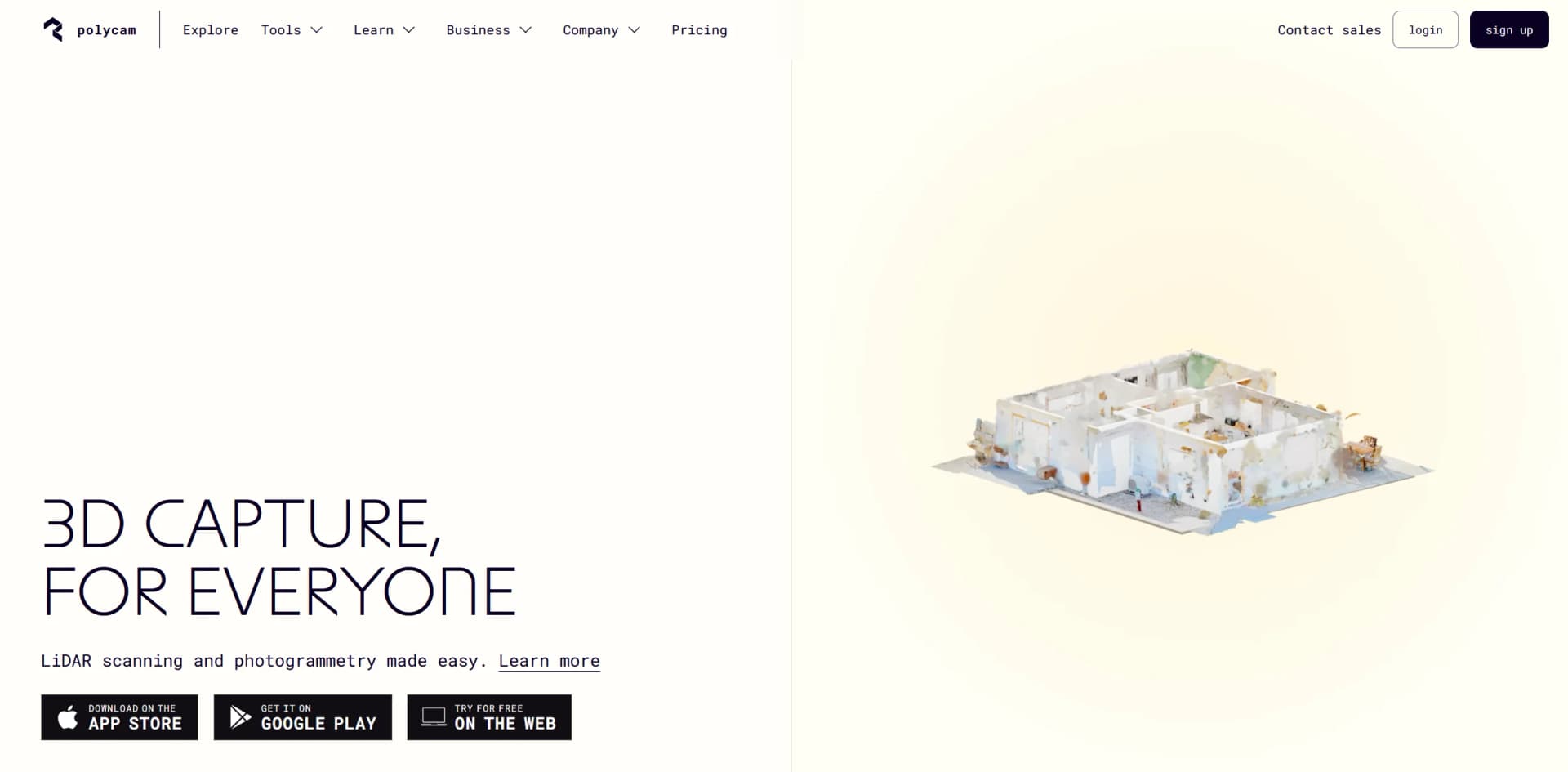
Polycam is a state-of-the-art 3D scanning application that utilizes LiDAR and photogrammetry technology to create detailed 3D models. Available on iOS, Android devices, and the web, Polycam democratizes 3D scanning by making advanced technology accessible to both professionals and enthusiasts. With an intuitive interface and a suite of powerful features, it enables users to capture and create high-quality 3D representations of their environments.
Polycam distinguishes itself with its dual approach of combining LiDAR and photogrammetry, ensuring versatility and accessibility. Its AR integration allows users to interact with 3D models in real-world contexts, providing a transformative experience for both professionals and casual users. The community-driven 3D model library also enhances the tool’s utility by offering a rich resource for various applications.
Polycam excels in providing an accessible and feature-rich 3D scanning solution. Its combination of LiDAR and photogrammetry, coupled with AR integration and a vibrant community, makes it a leading tool for creating high-quality 3D models. With its competitive pricing and extensive support resources, Polycam is an excellent choice for professionals and hobbyists alike seeking to capture and visualize their environments in 3D.
Who is Using Polycam?
Architects and Interior Designers
Create detailed 3D models of buildings and interior spaces for planning and visualization.
VFX Professionals
Generate accurate 3D assets for visual effects and animations in film and game production.
Educational Institutions
Utilize the technology for teaching and learning in design, engineering, and technology fields.
Real Estate Agents
Offer virtual tours and enhanced property listings through detailed 3D models.
Uncommon Use Cases
Hobbyists recreate artifacts; event planners visualize and plan event layouts.
Key Features
Rating Breakdown
Pricing Plans
Free Version
- Provides basic scanning capabilities with some feature limitations
Pro Subscription
$7.99 per month. offering full access to advanced features
- High-resolution exports
- Additional tools
Which Polycam plan should you pick?
Start with Free for basic personal scanning, choose Basic for individual production work, and upgrade to Business or Enterprise for collaboration, administration, and API access.
Free
Good for beginners who need limited captures, GLTF exports, and public link sharing.
Basic
Good for freelancers and creators who need unlimited captures, Gaussian Splats, private sharing, and expanded export formats.
Business
Good for teams who need shared libraries, floor plans, measurements, reports, and collaboration.
Enterprise
Good for organizations needing API access, advanced administration, enhanced privacy, custom branding, SSO, and scale.
Polycam Use Cases
Create 3D models from photos
Capture objects using photogrammetry, Gaussian splats, or AI Capture.
Outcome: Produce shareable and exportable 3D models.
Generate floor plans
Upload or scan a floor plan and let AI detect walls, doors, windows, and dimensions.
Outcome: Create editable plans exportable to CAD, PDF, or images.
Document rooms and buildings
Scan spaces with LiDAR or non-LiDAR capture modes and add measurements and annotations.
Outcome: Create as-built documentation and spatial records.
Import scans into SketchUp
Use the Polycam SketchUp extension to browse and import scans from a Polycam library.
Outcome: Continue 3D modeling with captured real-world data.
Digitize aerial or drone imagery
Process drone images and video into detailed 3D models.
Outcome: Support roof, exterior, site-survey, and mapping workflows.
Workflow Ideas with Polycam
Capture to CAD workflow
- 1Scan a room or building with Polycam
- 2Generate measurements or a floor plan
- 3Export the result to CAD, PDF, or DXF
Photo to 3D model workflow
- 1Upload photos or video from a camera roll
- 2Process the media with Object Mode or AI Capture
- 3Edit and export the resulting 3D model
Enterprise API workflow
- 1Create an Enterprise API token
- 2Receive capture-created or capture-updated webhooks
- 3Retrieve metadata and export capture artifacts programmatically
How Polycam fits into your stack
iOS and Android Compatibility
Works across a range of mobile devices for seamless user experiences.
Web Platform Support
Facilitates model management and processing on desktop computers.
Integration with Major 3D Software
Compatible with popular 3D software such as Blender, Unity, and Unreal Engine.
Cloud Storage
Supports storage and sharing of large 3D files, simplifying collaboration and access.
Pros
- +Accessibility: Brings advanced 3D scanning technology to commonly used mobile devices, broadening its accessibility.
- +Ease of Use: Features an intuitive user interface that simplifies the complex process of 3D scanning.
- +Versatility: Suitable for a range of applications, from professional architectural projects to creative VFX and filmmaking.
- +Community Engagement: Fosters a collaborative environment through a shared library of 3D models and user contributions.
Cons
- −Hardware Limitations: Advanced features like LiDAR scanning are limited to newer, high-end devices, potentially restricting access for users with older technology.
- −Learning Curve: New users might need time to master the more advanced features and functionalities.
- −Data Intensity: High-resolution models can be large and require significant storage space, which may challenge devices with limited capacity.
Limitations & when to consider alternatives
Known limitations
- Free Object Mode limits. The Free plan supports up to 150 images per model and does not include Gaussian Splats.
- Platform-specific features. Space Mode scanning is limited to compatible iOS devices, while some AI features are iOS-only.
- API availability. The Content Management API requires an active Enterprise plan with the API add-on.
- Android capture limitations. Android Object Mode documentation lists photogrammetry availability but not Gaussian Splats.
- Subscription-only purchasing. Polycam does not offer a one-time purchase option; subscriptions are required.
How to Use Polycam
- 1
Access a range of tutorials and instructional resources on Polycam’s website and YouTube channel, covering everything from basic scanning techniques to advanced model editing.
Who is Polycam For?
Architects, engineers, and construction professionals
Polycam provides scans, measurements, floor plans, CAD exports, and documentation workflows.
Real estate professionals
The platform supports property scanning, floor plans, measurements, virtual walkthroughs, and shareable links.
Retail and ecommerce teams
Teams can capture and create 3D models of physical products and environments.
Healthcare organizations
Polycam lists healthcare among its supported industries for reality-capture workflows.
Forensics and law-enforcement teams
The platform supports documented 3D capture, measurements, sharing, and export workflows.
Frequently Asked Questions
What devices can I use Polycam on?
Polycam is available on iOS, Android, and web browsers. Space Mode scanning requires a compatible iOS device.
What are the image limits?
The Free plan supports up to 150 images per Object Mode model, Basic supports 300, and Business and Enterprise support 2,000.
Does Polycam offer a free plan?
Yes. Polycam has a $0 Free plan with limited captures, GLTF exports, and public link sharing.
Does Polycam offer free trials?
Basic and Business annual plans include seven-day trials. Enterprise does not offer a trial.
What file types can Polycam export?
Exports include GLTF on all plans, with additional mesh, point-cloud, documentation, media, CAD, and georeferenced formats on paid plans.
Can teams collaborate in Polycam?
Business and Enterprise users can collaborate through shared libraries, team workspaces, editor invitations, and shared captures.
Community reviews
Be the first to share your experience.
Sign in to leave a review for Polycam.
Polycam Alternatives
Looking for alternatives to Polycam? Here are similar tools in the same category:
Learn to Master Polycam
With Skill Leap courses
Get in-depth training on Polycam and 50+ other AI tools with our expert-led video courses.
Start 7-Day Free Trial