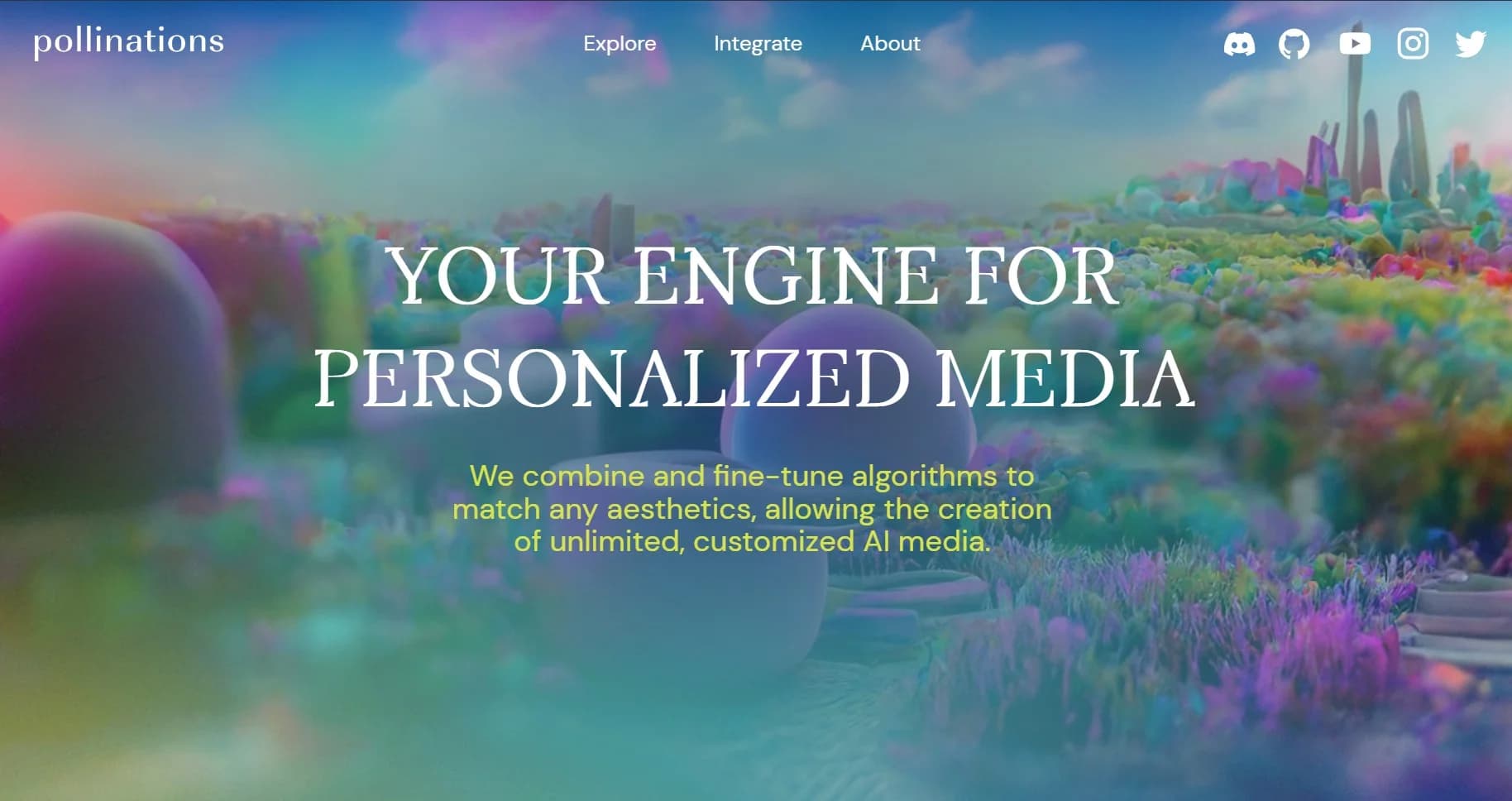
Pollinations
Build AI apps through one API spanning community-published generative models.
Key Takeaways
- What it is
- Build AI apps through one API spanning community-published generative models.
- Best for
- Unified Generation API
- Live Model Catalog
- Polli CLI
- Rating
- 4.3/5
What is Pollinations?
Pollinations gives developers one API for generating text, images, video, audio, speech, transcriptions, embeddings, and 3D assets. It is built for AI-native builders who want to add model features to apps, agents, coding workflows, and experiments without creating separate connections for each media type.
Its clearest distinction is the Pollen system, where users can bring their own balance to apps through Pollinations Pay while developers can publish models, agents, and apps through the same network.
Pollinations fits developers, AI app builders, and creators who want a broad model catalog with API, CLI, MCP, and agent support. It is less suited to teams seeking a polished shared workspace or a fixed subscription with predictable monthly pricing, because usage is billed by model and request.
Who is Using Pollinations?
Full-Stack Developers
Their applications can call text and media models through the same authenticated API.
AI Agent Engineers
Managed agents, MCP tools, and coding harness profiles help them build agents that take actions across several steps.
Creative Developers
Interactive projects can generate images, video, music, speech, sound effects, and 3D assets from prompts.
Model Providers
Their own endpoints can be registered as private or public models with Pollinations handling discovery, routing, and Pollen billing.
App Publishers
Apps can use Pollinations Pay so users authorize their own spending while the publisher can opt into earnings.
Uncommon Use Cases
Coding harness access for tools such as Claude Code, Cursor, and Codex; GitHub-based code agents that redeploy from a repository
Key Features
Rating Breakdown
Pricing Plans
Pay as you go
- Pollinations uses usage-based Pollen billing, with rates varying by model and request.
- Prepaid API keys can be purchased in arbitrary amounts from $0.01 to $10,000.
- Model prices vary by usage type, including tokens, generated images, video seconds, audio characters, and transcription duration.
- Free Pollen is available for testing and can be earned through eligible activities such as GitHub Quests, model trials, and app or agent building.
Which Pollinations plan should you pick?
Start with free Quest Pollen or the Free API Classic for testing, then add Pollen when your app needs paid models or higher usage.
Free Access
Good for exploring the API, trying models, completing Quests, and building early prototypes without a recurring subscription.
Pay as you go
Good for production apps and larger experiments that need paid model calls, with spending based on each model's listed usage rate.
Pollinations Use Cases
Multimedia App Prototyping
A prototype can generate text, images, audio, and video through one developer connection.
Outcome: A broader AI feature set with fewer separate integrations to maintain.
Terminal-Based Generation
The Polli CLI brings model discovery and text, image, audio, video, 3D, and transcription commands into a developer's terminal.
Outcome: Repeatable generation workflows that fit coding and automation habits.
User-Paid AI Apps
Pollinations Pay lets an app request permission to spend a user's Pollen balance within defined limits.
Outcome: Users fund their own model usage while the app avoids paying for every request.
Custom Agents
Prompt agents and GitHub-based code agents can call models and selected MCP tools to complete multi-step tasks.
Outcome: A callable agent that can perform work beyond a single text response.
Community Model Hosting
Model owners can connect compatible endpoints and publish them to the Pollinations catalog when they have publisher access.
Outcome: More discoverable model endpoints with usage tracked through Pollen.
Workflow Ideas with Pollinations
Build a Media Prototype
- 1Choose text, image, audio, or video models from the live catalog.
- 2Create an API key with the required model permissions and budget.
- 3Call the selected endpoint from your app and store the returned media URL.
Create a Coding Agent
- 1Add an agent configuration or GitHub repository with the agent code.
- 2Create the managed agent through the Pollinations CLI or account API.
- 3Sync the repository after changes and call the agent through its model listing.
Let Users Fund Generation
- 1Register a publishable App Key for your application.
- 2Send users through the authorization flow with the requested spending scope.
- 3Use the returned user-authorized key for model requests.
How Pollinations fits into your stack
Application Backend
Pollinations fits behind your server as a shared generation layer for text and media. Secret keys should stay on the server rather than in browser code.
Frontend and Mobile Apps
Pollinations Pay gives client applications a user-authorization path where users approve spending and receive a scoped temporary key.
Developer Terminal
The Polli CLI covers generation, model discovery, transcription, embeddings, agent setup, and coding harness connections from the command line.
Agent and Tool Layer
MCP support lets agents discover models, generate media, transcribe audio, inspect usage, and call selected external tool servers.
Model Infrastructure
Teams with compatible endpoints can register private models or publish them to the community catalog when publisher access is available.
Pros
- +Broad media coverage: Text, image, video, audio, transcription, embeddings, and 3D endpoints share one API.
- +Developer flexibility: OpenAI SDK compatibility, GET endpoints, CLI commands, MCP tools, and model discovery support different build styles.
- +User-funded apps: Pollinations Pay lets app users authorize their own Pollen balance for generation.
- +Open model ecosystem: Developers can publish models, agents, and apps for discovery and usage-based earnings.
- +Low-friction testing: Quest Pollen and the Free API Classic provide ways to try the system without starting with a paid subscription.
Cons
- −Usage-based billing: Costs vary by model and generation type instead of following a simple monthly plan.
- −Developer-first experience: The strongest features require API keys, terminal commands, or integration work.
- −Provider variability: Community models can have different reliability, privacy, and data-handling practices.
Limitations & when to consider alternatives
Known limitations
- No Fixed Subscription Tier. The published billing model uses Pollen and model-specific usage charges rather than a standard monthly plan.
- Community Provider Dependence. Community models may send requests to independent providers whose retention, security, and training practices can differ from Pollinations.
- Public Publishing Access. Public model and agent publishing requires community publisher access, and the documentation describes community publishing as alpha.
- Media Safety Coverage. Safety checks inspect request text, while generated images, video, and audio are not reviewed by those checks.
- Synchronous Video Contract. Registered video providers must return a completed MP4 within the documented request window instead of returning a later job result.
Look elsewhere when
- You need a polished no-code workspace for nontechnical users.
- Your team requires shared editing, roles, or enterprise single sign-on.
- You need a predictable monthly subscription instead of usage-based model billing.
- Your project requires guaranteed data handling across every community model provider.
How to Use Pollinations
- 1
Create an Account
Sign in through enter.pollinations.ai so you can manage balances, keys, apps, and usage.
- 2
Choose a Model
Check the live model catalog for the media type, supported inputs, current price, and model health.
- 3
Create a Key
Generate a secret key for server-side requests, or create an App Key when users should authorize their own Pollen.
- 4
Make a Request
Call the API with an SDK, a GET endpoint, the Polli CLI, or an MCP-connected agent.
- 5
Track Usage
Review balance, request history, model costs, and key activity through the account endpoints and dashboard.
- 6
Add Safety Controls
Enable supported checks such as privacy, secrets, sexual content, violence, or shield filtering for applicable requests.
Who is Pollinations For?
AI App Builders
A single API can add several kinds of generative media to an app without maintaining separate model connections.
AI-Native Developers
The CLI, SDK compatibility, model catalog, and MCP support fit people building directly in code.
Agent Builders
Managed agents and callable tools support applications that need models to perform multi-step work.
Creative Technologists
Image, video, music, speech, sound, and 3D generation support interactive prototypes and media experiments.
Open Model Contributors
Community publishing gives model owners a way to register endpoints and let others call them through Pollinations.
Frequently Asked Questions
Is Pollinations free?
Pollinations offers free Quest Pollen for activities such as trying models, solving GitHub Quests, or building an app or agent. The Free API Classic also provides no-account access for text and image requests, subject to its free limits.
How does Pollinations pricing work?
Pollinations uses Pollen for model and tool usage. The site states that one Pollen equals $1, while individual models can charge different amounts based on tokens, images, seconds, characters, or other usage units.
Does Pollinations have an API?
Yes. The Gen API supports text, image, video, audio, speech, transcription, embeddings, and 3D generation, with authentication through secret keys or user-authorized keys.
Can Pollinations generate images and video?
Yes. Image generation and editing are supported, and video generation can use text prompts, reference images, and model-specific duration settings.
Can I use Pollinations with coding tools?
Yes. The Polli CLI includes harness profiles for tools such as Claude Code, Cursor, Codex, DeepSeek Harness, OpenCode, OpenClaw, Pi, Prime Agent, and tgpt.
Can developers publish their own models or agents?
Developers can register private models and agents. Public publishing requires community publisher access, and published models use Pollinations discovery, routing, and Pollen billing.
Community reviews
1 review from people who use Pollinations.
Sign in to leave a review for Pollinations.
tracy nthiga
Pollinations Alternatives
Looking for alternatives to Pollinations? Here are similar tools in the same category: