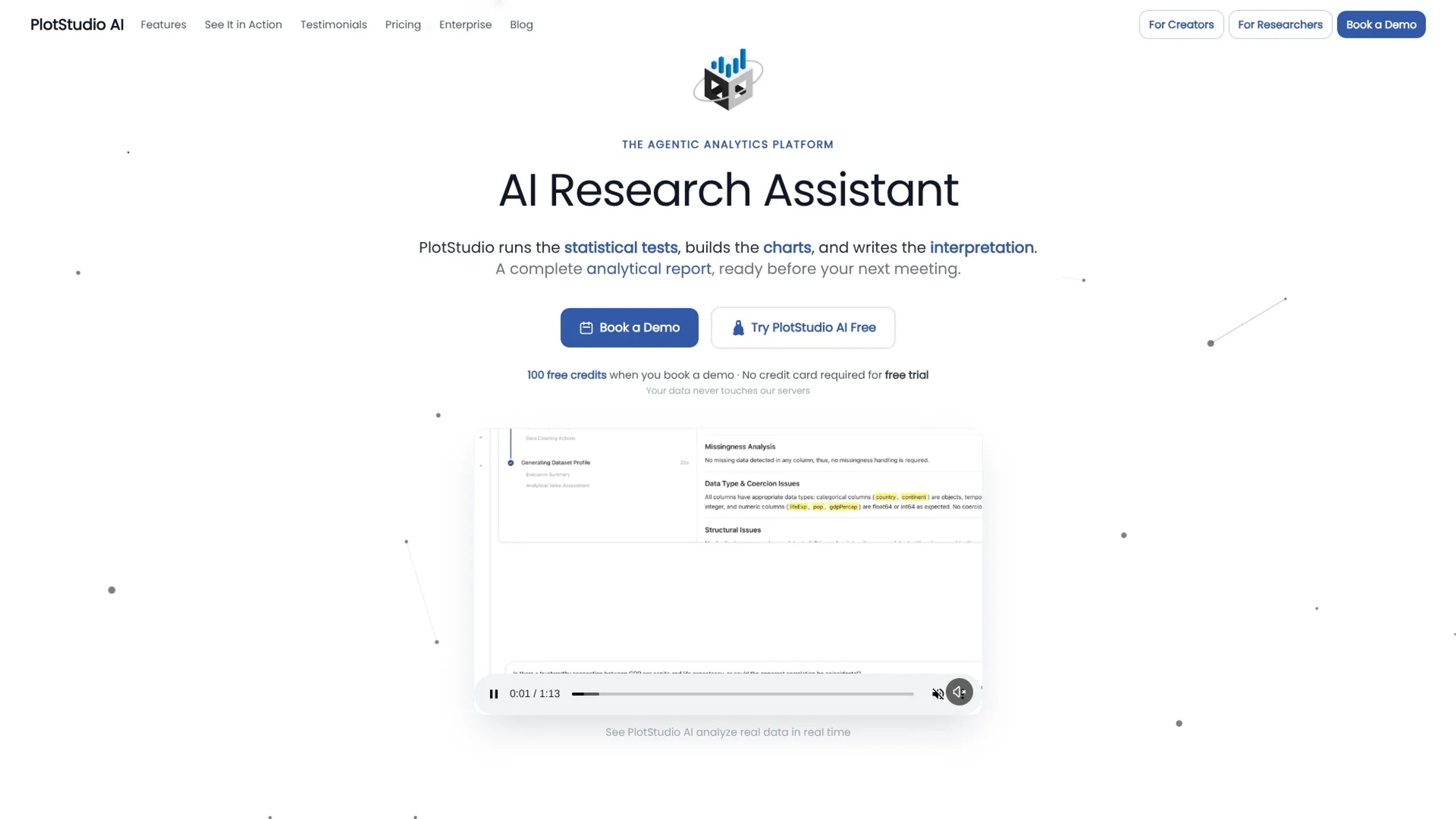
PlotStudio AI is a desktop agentic analytics tool that behaves like a hands-on data analyst rather than a chat window. Users upload CSV or Excel files, ask questions in plain language, and a team of coordinated AI agents plans the methodology, writes Python, runs the code, and narrates results. It targets analyst-grade work such as profiling, statistical testing, modeling, and report writing, while keeping data on the local machine so sensitive datasets never sit in a vendor cloud.
Key Features:
Agentic Multi‑Agent Workflow: Separate AI agents handle planning, coding, execution, and narrative synthesis, enabling multi-step analyses that look much closer to what a senior analyst would produce than a one-off chart.
Automated Data Profiling and Cleaning Plans: New datasets are profiled on upload, with quality scores and a proposed cleaning plan that explains what to drop or preserve and why, reducing tedious setup work.
Analysis Pages and Exports: Each question becomes a persistent analysis page containing tables, charts, tests, and narrative, all exportable as a polished PDF or a fully reproducible Jupyter notebook.
Domain Intelligence and Verification Mode: The system auto-detects relevant domains (for example econometrics or finance) and can pick specialized methods such as IV/2SLS or Cox models, while Verification Mode lets experts review and edit the entire plan before any code runs.
Local‑First Privacy and BYOK: Analyses execute on the user’s machine, with model calls going directly to SOC 2 model providers or to an organization’s own Azure OpenAI instance, supporting strict data-governance requirements.
Pros
Analyst‑grade depth: Produces multi-step, caveated analyses with transparent code and methods rather than superficial summaries.
Significant time savings: Common analytics projects that normally take hours or days often complete in minutes.
High transparency and auditability: Full reasoning chains, code, and data lineage support compliance reviews, peer review, and teaching.
Strong fit for non‑coders and experts alike: Plain-English questions work for business users, while Verification Mode and domain controls appeal to statisticians and data scientists.
Cons
Desktop only today: No pure web version, which may limit use on locked‑down or Chromebook environments.
Limited direct data connectors: The strongest support currently targets CSV and Excel files, with warehouses and live databases still emerging.
Best with some statistical literacy: Interpreting advanced models and editing plans benefits from users who understand methodology basics.
Who is Using PlotStudio AI?
Business Analysts: Using it to answer ad hoc questions without waiting on overbooked data teams, then sharing PDF reports with stakeholders.
Data Scientists and Econometricians: Offloading boilerplate coding and repetitive tests while keeping control over model choice, controls, and specifications.
Product Managers: Turning product and usage exports into structured analyses and a living knowledge base of past investigations.
Researchers and Academics: Running reproducible, methodologically explicit studies on local machines that meet ethics and IRB data-handling rules.
Consultants and Freelancers: Rapidly producing client-ready analytics deliverables with code and notebooks that justify recommendations.
Uncommon Use Cases: Adopted by policy institutes for quick econometric prototypes on public data; used by solo founders to validate metrics before investing in traditional BI stacks.
Pricing:
Free Trial: $0 per month; includes 30 free credits, no credit card required, no API key needed, and priority support.
Managed Credits: $69.99 per month; includes 300 credits per month, no API key required, option to purchase additional credits, predictable billing, and priority support.
Bring Your Own Key (BYOK): $39.99 per month; includes unlimited usage with your own OpenAI API key, no token markup, lower cost at scale, and priority support.
Disclaimer: Please note that pricing information may not be up to date. For the most accurate and current pricing details, refer to the official PlotStudio AI website.
What Makes PlotStudio AI Unique?
PlotStudio AI treats analytics as a full workflow rather than a chat reply. Its combination of multi-agent planning, domain-aware statistical methods, and permanent analysis pages yields outputs that resemble careful human work, not quick sketches. Local execution and Verification Mode make it unusually attractive for regulated data, teaching environments, and any team that cares about methodology as much as speed.
How We Rated It:
Accuracy and Reliability: 4.7/5
Ease of Use: 4.3/5
Functionality and Features: 4.6/5
Performance and Speed: 4.5/5
Customization and Flexibility: 4.2/5
Data Privacy and Security: 4.8/5
Support and Resources: 4.1/5
Cost-Efficiency: 4.4/5
Integration Capabilities: 3.8/5
Overall Score: 4.4/5
Analyst-Grade Agentic Analytics On Your Desktop
PlotStudio AI suits teams that want serious, auditable analysis without sacrificing speed or privacy. It does not replace judgment or domain expertise, but it strips out much of the mechanical work and turns plain-language questions into structured, reproducible studies. For anyone weighing AI data tools on depth, transparency, and local control rather than just quick visualizations, PlotStudio AI stands out as a strong contender.