Plot Factory
Keep your novel’s world-building and manuscript connected in one writing workspace.
Watch Plot Factory in Action
Key Takeaways
- What it is
- Keep your novel’s world-building and manuscript connected in one writing workspace.
- Pricing
- Freemium · $9 per month · $14 per month · $19 per month
- Best for
- Universe Notebook
- Plot Organizer
- Character Sheets
- Rating
- 3.8/5
What is Plot Factory?
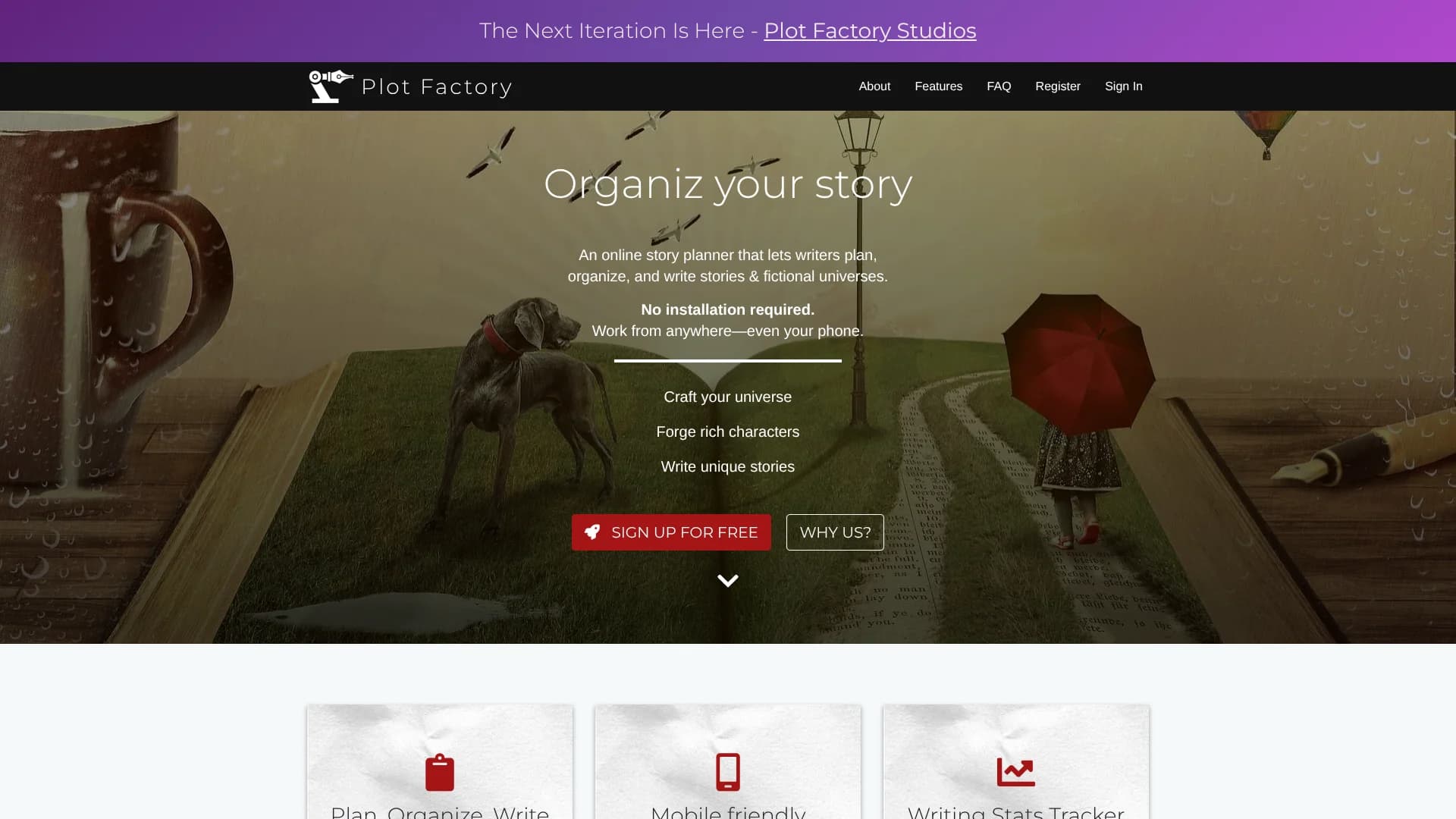
Plot Factory gives fiction writers one browser workspace for outlining stories, organizing fictional universes, building characters, and drafting chapters. Its editor works on computers, tablets, and phones, while writing statistics and daily goals help turn a large manuscript into regular writing sessions. Audio narration also lets you hear passages read back for flow and grammar checks.
Plot Factory helps users plan and organize fictional universes, characters, chapters, scenes, notes, and stories.
Plot Factory fits novelists, hobbyist writers, and both detailed planners and discovery writers who want more structure than a blank document provides. It is not an offline app or a generative AI writing tool, and collaboration remains limited, so its value comes from organizing and reviewing your own writing. Choose it when story structure and fictional-world continuity matter as much as typing pages.
Who is Using Plot Factory?
Novelists
A complete manuscript can be divided into chapters and scenes while character viewpoints and word counts remain visible.
Fantasy and Science Fiction Writers
Universe notebooks, places, objects, and character records help track details across complex fictional settings.
Plotters
Outline templates, plot points, acts, and story questionnaires provide a planned route from premise to draft.
Pantsers
Beats Mode and flexible scene organization support writers who shape the plot as they discover it.
Editors and Beta Readers
Sharing links let writers send a chapter or full novel for reading without requiring the recipient to create an account.
Uncommon Use Cases
Nonfiction authors can organize research, notes, chapters, and outlines; writers can replay narration to review rhythm and dialogue.
Key Features
Rating Breakdown
Pricing Plans
Basic
Free
- 1 story and 1 universe
- Dark mode, automated backups, daily goal tracking, and thesaurus lookup
- 250-word audio narrations per day
Hobbyist
$9 per month
- Or $90.00 billed annually
- Unlimited stories and universes
- Character sheets, ad removal, and 1,000-word audio narrations per day
Enthusiast
$14 per month
- Or $140.00 billed annually
- Plot Organizer, story questionnaires, Sidebar Quick Viewer, and unlimited narration
- Includes the Hobbyist features
Novelist
$19 per month
- Or $190.00 billed annually
- ePub exports, story drafts and versioning, Advanced Word Analysis, and Beats Mode
- Unlimited narration, beta preview narrations, and MP3 story export
Which Plot Factory plan should you pick?
Start with Basic to test the planning and writing workflow, then upgrade when you need more stories, richer plot tools, higher narration limits, or advanced exports.
Basic
Good for trying the editor, writing daily, and managing one story with limited narration.
Hobbyist
Good for writers who need unlimited stories and universes, character sheets, and a higher narration allowance.
Enthusiast
Good for active fiction writers who need Plot Organizer, story questionnaires, Sidebar Quick Viewer, and unlimited narration.
Novelist
Good for authors preparing serious long-form projects who need ePub exports, versioning, Advanced Word Analysis, Beats Mode, and MP3 export.
Plot Factory Use Cases
Plan a Novel
A plot outline can grow from a basic premise into organized plot points, acts, chapters, and scenes.
Outcome: A visible story structure before or during drafting.
Build a Fictional Universe
The Universe Notebook holds settings, objects, characters, and other facts that support one story or a series.
Outcome: More consistent world-building across related books.
Draft and Organize Chapters
The online editor keeps prose, notes, scenes, and chapter divisions in the same writing project.
Outcome: A manuscript that is easier to navigate and revise.
Review Writing by Ear
Audio narration reads selected passages aloud so awkward wording, repetition, and pacing problems are easier to notice.
Outcome: A second review method beyond reading from the screen.
Prepare Files for Sharing or Publishing
Export tools turn a completed story into Word, ePub, Text, PDF, or HTML files.
Outcome: A manuscript that is easier to query, share, or prepare for self-publishing.
Workflow Ideas with Plot Factory
Outline to Draft
- 1Choose a story planning outline or add plot points.
- 2Group major events into acts and chapters.
- 3Draft scenes beneath the planned chapter structure.
World-Building Reference
- 1Create a Universe Notebook for the project.
- 2Add characters, places, objects, and research notes.
- 3Keep the reference material available while drafting scenes.
Draft Review
- 1Write toward a daily word-count goal.
- 2Play selected passages through audio narration.
- 3Revise flow, dialogue, or sentence structure before exporting.
How Plot Factory fits into your stack
Browser Writing Space
Plot Factory sits in the browser and works on computers, tablets, and phones. No installation is required.
Story Knowledge Base
Universe Notebook, character lists, places, objects, and notes provide a reference layer for fictional projects.
Planning and Structure
Outline templates, Plot Organizer, story questionnaires, and Beats Mode cover both detailed planning and more flexible drafting.
Review and Progress
Writing statistics, daily goals, autosave, and audio narration support regular drafting and revision.
Export and Sharing
Sharing links support readers and reviewers, while exports move chapters or complete stories into Word, ePub, Text, PDF, or HTML.
Pros
- +World-building context: Universe Notebook, characters, places, and objects stay tied to the writing project.
- +Free writing access: The Basic plan does not limit daily writing volume.
- +Browser flexibility: The editor works from a PC, tablet, or phone without installation.
- +Export options: Paid features can export work to Word, ePub, Text, PDF, or HTML.
- +Read-back review: Audio narration provides another way to catch awkward flow and run-on sentences.
Cons
- −No offline mode: Writing requires an internet connection.
- −Limited collaboration: The product is built around individual authors rather than shared editing.
- −Narrow AI role: Narration is the main AI-adjacent feature, not text generation or automated rewriting.
Limitations & when to consider alternatives
Known limitations
- No Offline Mode. Plot Factory currently requires an internet connection for writing and access.
- Limited Free Story Count. The Basic plan allows one story and one universe, although it does not limit how many words you write per day.
- Narration Quotas. The Basic plan includes 250-word narrations per day, while Hobbyist includes 1,000 words per day.
- Collaboration Is Not Fully Available. The FAQ says collaborative writing is planned, while Novelist hosts can invite collaborators to access shared work.
- Post-Cancellation Editing. After unsubscribing, stories beyond the third cannot be edited, though they remain available to view and export.
Look elsewhere when
- You need offline writing when an internet connection is unavailable.
- You want generative AI to draft, rewrite, or brainstorm prose for you.
- Your team needs real-time co-editing with roles and shared editing controls.
- Your workflow depends on a native desktop or mobile installation.
How to Use Plot Factory
- 1
Start a Story
Create a free account and begin with one story and one universe on the Basic plan.
- 2
Choose Your Planning Depth
Add an outline, plot points, beats, or story questionnaires depending on how much structure you want before drafting.
- 3
Build Reference Notes
Record characters, places, objects, and universe details so important facts remain close to the manuscript.
- 4
Write in Chapters and Scenes
Draft in the online editor, organize scenes under chapters, and track progress with writing statistics and daily goals.
- 5
Listen and Revise
Generate audio narration for selected text, then revise passages that sound awkward or move too slowly.
- 6
Export the Manuscript
Choose a supported export format when the story is ready for querying, sharing, or ebook preparation.
Who is Plot Factory For?
Novelists
Long-form fiction writers can manage chapters, scenes, characters, plots, and exports in one project.
Hobbyist Writers
Casual authors get structured planning tools without needing a paid plan to begin writing.
Story Planners
Outliners can work from plot helpers, story questionnaires, beats, and plot points organized into acts.
Discovery Writers
Writers who prefer to discover the story while drafting can still keep characters, notes, and world details nearby.
Self-Publishing Authors
Authors preparing a manuscript can export chapters or complete projects into common document and ebook formats.
Frequently Asked Questions
Is Plot Factory free?
Yes. The Basic plan is free and includes one story, one universe, daily goal tracking, automated backups, and 250-word audio narrations per day.
How much does Plot Factory cost?
Paid plans start at $9 per month for Hobbyist. Enthusiast costs $14 per month, and Novelist costs $19 per month. Annual pricing is available for Hobbyist at $90, Enthusiast at $140, and Novelist at $190.
Can Plot Factory work on a phone?
Yes. Plot Factory is a browser-based app optimized for phones, tablets, and computers. It does not offer an offline mode.
Can I export my story?
Yes. The feature pages list Word, ePub, Text, PDF, and HTML exports. The Novelist plan also lists MP3 story export.
Does Plot Factory use generative AI to write stories?
The official feature pages describe planning, writing, narration, statistics, and exports, but do not document a generative AI writing feature.
Can other people read my work?
Yes. Sharing links can provide access to a chapter or full novel, and readers do not need an account. Work remains private unless you share it.
Community reviews
Be the first to share your experience.
Sign in to leave a review for Plot Factory.
Plot Factory Alternatives
Looking for alternatives to Plot Factory? Here are similar tools in the same category: