Pixmax.ai
Turn story ideas into editable storyboards for AI video production.
Key Takeaways
- What it is
- Turn story ideas into editable storyboards for AI video production.
- Pricing
- Freemium · $15 per month · $60 per month · $360 per month · $720 per month
- Best for
- AI Video Agent
- Infinite Canvas
- Unified Model Hub
- Rating
- 4.0/5
What is Pixmax.ai?
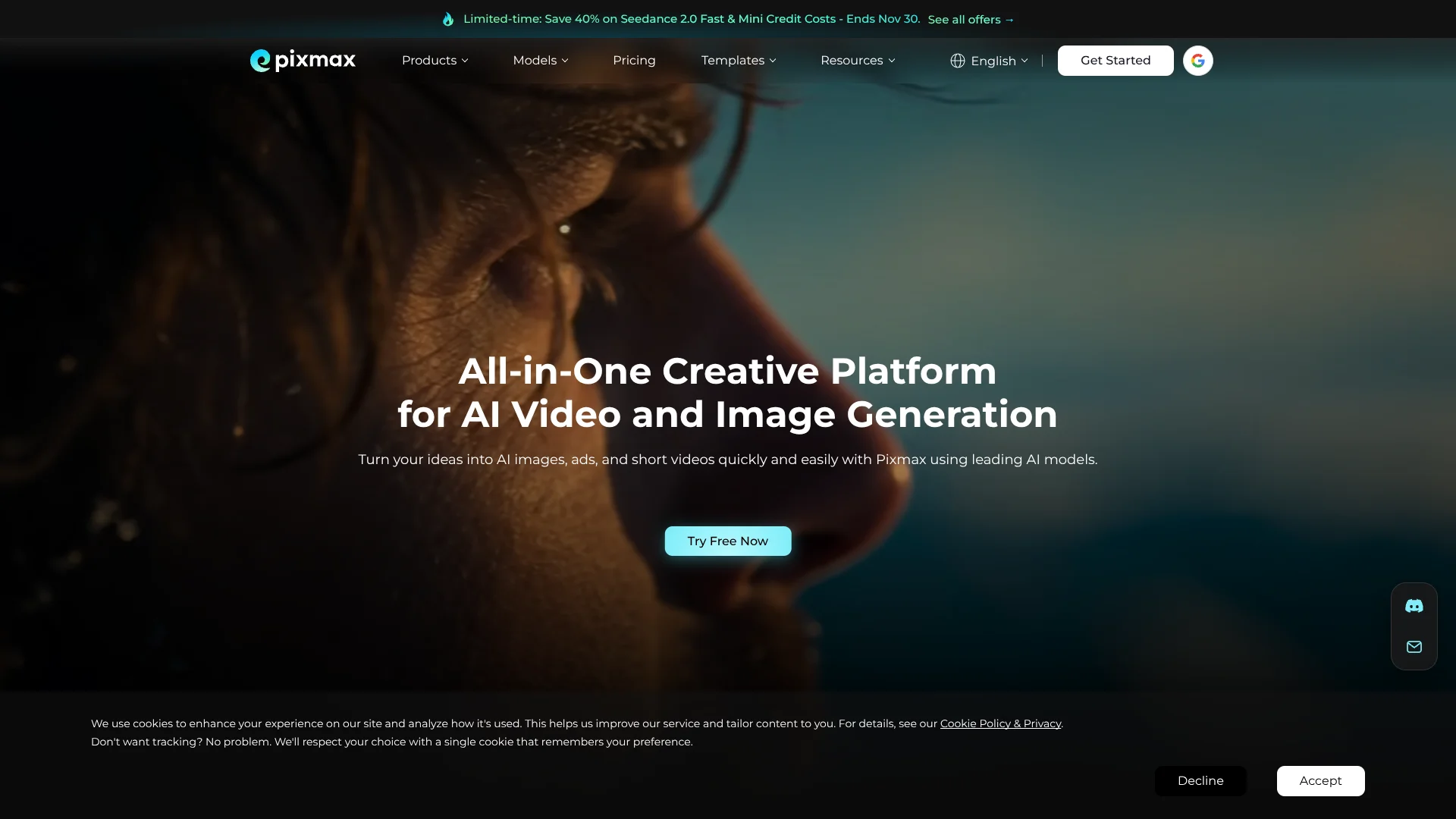
Pixmax turns scripts and ideas into storyboards, characters, scenes, and short videos using a workspace of AI models for video, images, text, and audio. Creators can arrange prompts, references, and outputs on a visual canvas, then refine the results and export them for publishing or post-production. It is built for solo creators and teams making ads, social videos, animations, and story-driven projects.
A script can become an editable production plan: Pixmax generates characters, scene visuals, and storyboard panels from the plot, then lets creators review frames and clips in the same canvas.
Pixmax fits creators who want to test different AI models while organizing a multi-scene project from script through export. The number of generations varies with the chosen model and settings, so credit costs can be harder to predict than a fixed-output video editor; its clearest strength is keeping model choices and story assets tied to the same project.
Who is Using Pixmax.ai?
Video Producer
A script-to-storyboard workflow helps shape scenes and clips before export or post-production.
Social Media Creator
Short-video models and export workflows support content for platforms such as TikTok, Reels, and YouTube Shorts.
Advertising Creative
Image and video models help develop ad concepts, product visuals, and short campaign videos.
Animator
Storyboard and character-generation tools help explore scenes and visual concepts before production.
Game Cinematics Creator
Cinematic templates and AI-generated visuals help develop trailer and game-scene concepts.
Uncommon Use Cases
Generate background music or voiceovers for a video; prepare 3D assets for product visualization or game projects.
Key Features
Rating Breakdown
Pricing Plans
Free
Free
- Limited credits and selected model access
- One concurrent task
Starter
$15 per month
- 1,500 credits per month
- Five concurrent tasks
- Annual billing: $144 per year
Pro
$60 per month
- 6,000 credits per month
- 10 concurrent tasks
- Annual billing: $432 per year
Ultra
$360 per month
- 36,000 credits per month
- Unlimited concurrent tasks
- Annual billing: $2,160 per year
Max
$720 per month
- 72,000 credits per month
- Unlimited concurrent tasks
- Annual billing: $4,320 per year
Enterprise
- Custom credit packages and volume-based pricing
- Unlimited members and concurrent tasks
- Shared projects and real-time collaboration
Which Pixmax.ai plan should you pick?
Try Free to test models and credit use, then choose a paid plan based on your monthly generation volume and team needs.
Free
Good for creators who want to test selected models with limited credits.
Starter
Good for solo creators who need 1,500 credits per month and five concurrent tasks.
Pro
Good for regular creators who need 6,000 monthly credits and up to ten concurrent tasks.
Ultra
Good for power users and small teams that need 36,000 monthly credits and unlimited concurrent tasks.
Max
Good for studios that need 72,000 monthly credits and unlimited concurrent tasks.
Enterprise
Good for organizations that need shared projects, real-time collaboration, and custom credit packages.
Pixmax.ai Use Cases
Script to Video
A written idea becomes characters, scenes, storyboard panels, and clips that can be revised before export.
Outcome: A storyboard-based video project ready for publishing or post-production.
Social Video Production
Short-video models and a project canvas help turn a prompt into organized clips for social channels.
Outcome: Export-ready video files for TikTok, Reels, and YouTube Shorts.
Ad Concepts
Image and video models help a creative team explore product visuals and commercial concepts.
Outcome: AI-generated ad visuals and short video concepts.
Multi-Episode Short Dramas
Canvases and storyboards help keep scenes and assets organized across episodes.
Outcome: A set of storyboards and generated assets for a multi-episode project.
Game Cinematics
Templates and generated visuals help develop cinematic game trailer and CG concepts.
Outcome: AI-generated cinematic visuals for game projects.
Workflow Ideas with Pixmax.ai
Script to Storyboard to Video
- 1Add a script or story idea to the project.
- 2Generate characters, scenes, and storyboard panels.
- 3Review frames and clips, refine prompts, then export the video.
Social Video Drafts
- 1Choose a video model suited to the clip you want.
- 2Generate and review short video drafts.
- 3Organize the selected output and export it for social publishing.
Team Ad Production
- 1Create a shared project and add references or brand assets.
- 2Generate and review image and video concepts with teammates.
- 3Select final outputs and export them for post-production.
How Pixmax.ai fits into your stack
Creative workspace
The web workspace brings scripts, references, model settings, and generated outputs into a project canvas.
AI model selection
The model hub covers video, image, text, audio, and 3D generation, with model options such as Seedance, Kling, Veo, and ElevenLabs.
Production assets
The Asset Library stores characters, scenes, and brand styles for reuse across creative projects.
Team projects
Invited teammates can co-create, review, and iterate on shared projects and assets in real time.
Delivery
Pixmax exports finished videos for publishing or further editing in a post-production workflow.
Pros
- +Script-to-storyboard: Turns a plot into editable characters, scenes, and storyboard panels.
- +Model choice: Supports multiple named AI models for different creative tasks.
- +Project organization: Keeps references, prompts, and generated assets on a visual canvas.
- +Free access: Lets new users try the platform with free credits and no credit card.
Cons
- −Variable credit use: A generation's cost depends on its model and settings.
- −Canvas learning curve: Multi-step creative projects may take more setup than a single-prompt generator.
- −Model differences: Inputs and outputs vary by model, so not every model suits every task.
Limitations & when to consider alternatives
Known limitations
- Subscription credits reset. Unused monthly subscription credits do not carry over to the next billing cycle.
- Generation estimates vary. The number of images or videos a plan can generate depends on the model and settings selected.
- Free model access is limited. Free users receive limited credits and access to selected models.
- Model inputs and outputs differ. Not every model accepts or creates the same types of content.
Look elsewhere when
- You need a fixed generation cost that does not vary by model or settings.
- You need every model to accept the same inputs and produce the same kinds of outputs.
- Your workflow requires a dedicated mobile app or desktop installer.
How to Use Pixmax.ai
- 1
Start with free credits
Create a Pixmax account and try the available models before choosing a paid plan.
- 2
Choose a model
Pick a video, image, text, audio, or 3D model based on the kind of output you need.
- 3
Build the project
Add a script, idea, or reference assets to the canvas to organize the work.
- 4
Generate and review
Create storyboards or media, then adjust prompts and visuals based on the results.
- 5
Save reusable assets
Store characters, scenes, and brand styles in the Asset Library for later projects.
- 6
Export or collaborate
Export finished videos for publishing or post-production, or invite teammates to review and iterate.
Who is Pixmax.ai For?
Solo Creators
A visual canvas helps keep AI-generated scenes, storyboards, and references organized for individual projects.
Professional Creators
Multiple models and reusable assets support repeatable work on videos, ads, and animations.
Agencies and Teams
Shared projects, assets, and real-time collaboration can support coordinated creative production.
Studios
Higher-volume plans offer more credits and concurrent generation tasks for ongoing production.
Frequently Asked Questions
Does Pixmax have a free plan?
Yes. Pixmax offers free credits and access to selected models. Its pricing page says no credit card is required to try it.
How do Pixmax credits work?
Credits pay for generations and other supported features. The amount used can vary by model, output settings, duration, and resolution.
Do monthly credits roll over?
No. Unused subscription credits reset at the start of the next billing cycle. Separately purchased credits do not expire.
Can teams collaborate in Pixmax?
Yes. Pixmax supports invited teammates working together on projects and shared assets in real time.
Can I use different AI models in one project?
Yes. Pixmax lets users choose from video, image, text, audio, and 3D models, though each model may support different inputs and outputs.
Community reviews
Be the first to share your experience.
Sign in to leave a review for Pixmax.ai.
Pixmax.ai Alternatives
Looking for alternatives to Pixmax.ai? Here are similar tools in the same category: