PitchMonster
Transform sales training with AI-driven role-play simulations and feedback.
Key Takeaways
- What it is
- Transform sales training with AI-driven role-play simulations and feedback.
- Best for
- AI-Driven Role-Plays
- Personalized Feedback
- Customizable Role-Play Scenarios
- Rating
- 4.6/5
What is PitchMonster?
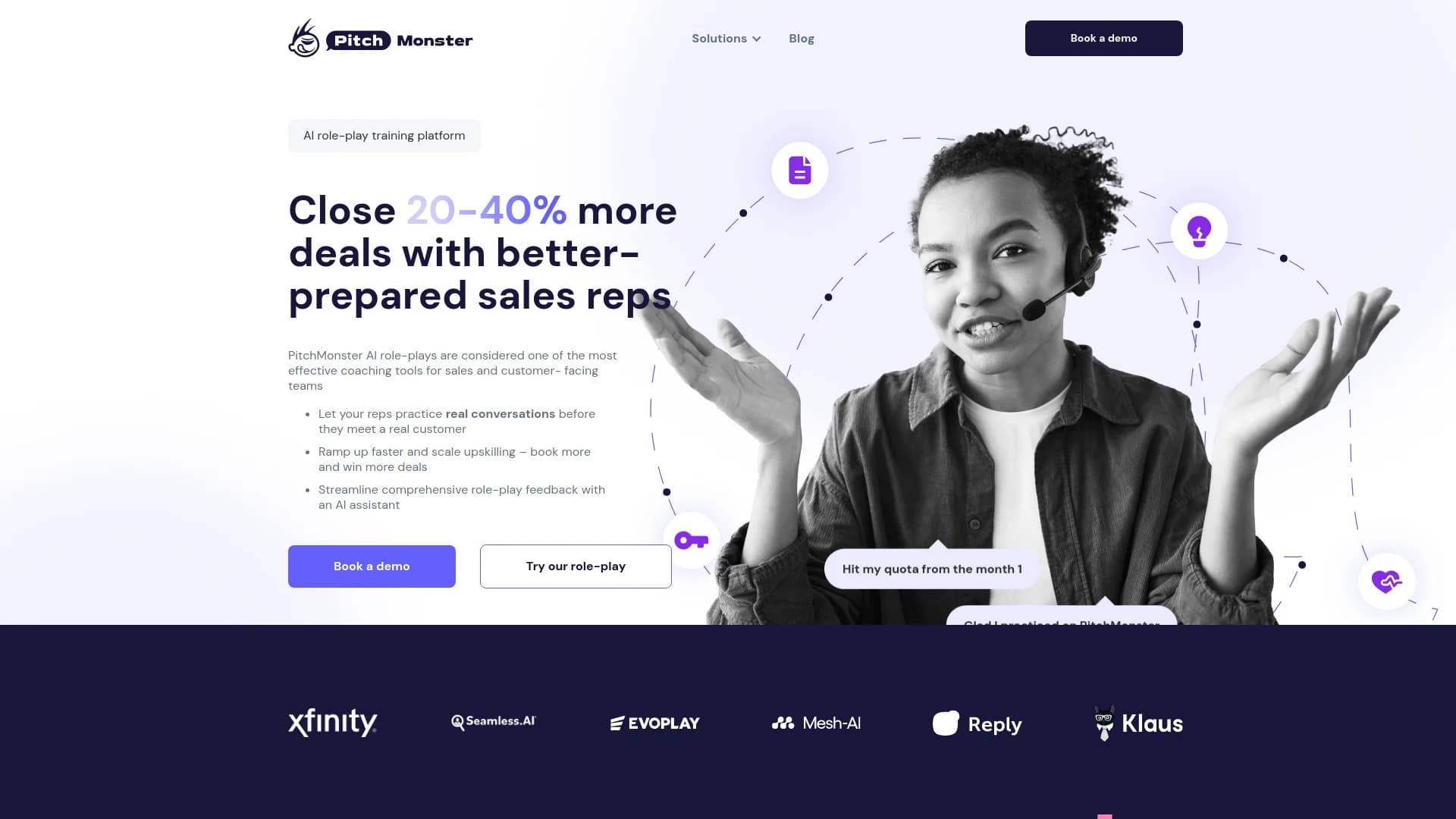
PitchMonster is a cutting-edge AI-powered sales role-play training software designed to enhance the performance of sales teams. By simulating real-life sales scenarios, PitchMonster allows sales representatives to practice and refine their sales techniques in a controlled, feedback-rich environment. This tool is particularly beneficial for organizations looking to increase deal closures, improve sales readiness, and accelerate the onboarding process for new sales personnel.
PitchMonster stands out by offering a real-time, AI-driven approach to sales training that is both scalable and personalized. Its ability to provide immediate feedback and integrate seamlessly with existing sales technologies makes it a valuable tool for sales teams aiming to improve their effectiveness and efficiency.
PitchMonster excels in transforming the way sales teams train and prepare, making it an indispensable tool for companies committed to sales excellence. Its innovative use of AI to simulate and analyze sales scenarios offers a unique advantage, ensuring that sales reps are not only well-prepared but continuously improving.
Who is Using PitchMonster?
Mid-Market B2B SaaS Companies
Utilizing the tool to train sales reps and integrate with existing sales tech stacks.
Large Sales Teams
Over 100+ SDRs use PitchMonster to conduct remote role-plays and improve booking rates.
Sales Enablement Leaders
Employ the platform for efficient onboarding and ongoing sales training.
Corporate Training Programs
Incorporate AI-driven role-plays into their curriculum to provide hands-on learning experiences.
Uncommon Use Cases
Used in academic settings for teaching sales techniques; also utilized by remote teams to maintain training consistency.
Key Features
Rating Breakdown
Pricing Plans
Free Trial
- Get started with a comprehensive free trial to explore the features
Subscription Plans
- Detailed subscription costs are available upon request through a demo booking
Which PitchMonster plan should you pick?
Start with AI Role-plays for scenario practice and certification; upgrade to AI Role-plays + AI Analysis + AI Coach when you need call analysis, AI coaching, speech coaching, Gong, LMS integration, or webhooks.
AI Role-plays
Good for teams that need AI practice, custom scenarios, scorecards, certifications, analytics, and Salesforce integration.
AI Role-plays + AI Analysis + AI Coach
Good for teams that need everything in AI Role-plays plus call analysis, AI Coach conversations, speech coaching, Gong integration, LMS integration, and webhooks.
PitchMonster Use Cases
New-hire onboarding
Reps practice objections, discovery, and product knowledge before their first live calls.
Outcome: Faster ramp-up and earlier readiness.
Post-training certification
Managers assign role-plays and scorecards to verify that reps can apply the required methodology.
Outcome: A measurable readiness gate before live selling.
Low-performer upskilling
Reps repeat targeted scenarios and receive AI feedback on specific skill gaps.
Outcome: Focused improvement without risking live opportunities.
Channel and reseller training
Partners practice standardized presentations and customer conversations remotely.
Outcome: More consistent presentation quality across partner teams.
Candidate screening
Sales candidates complete role-play simulations during the hiring process.
Outcome: Additional evidence for evaluating sales performance before hiring.
Workflow Ideas with PitchMonster
Build and assign a custom role-play
- 1Choose a language and role-play mode.
- 2Create the scenario from a link, files, transcript, or recording.
- 3Add guidelines and a scorecard, then invite users or assign groups.
Run a practice-to-coaching loop
- 1Assign a scenario to a rep.
- 2Run and record the AI role-play.
- 3Review the scorecard, transcript, speech coaching, and AI Coach debrief.
Automate recording follow-up
- 1Configure a PitchMonster webhook endpoint.
- 2Receive recording-completed or feedback-received events.
- 3Store results, notify a team channel, or trigger downstream evaluation workflows.
How PitchMonster fits into your stack
Browser
PitchMonster is used as a web-based sales training platform where reps practice AI role-plays, review recordings, and receive coaching.
Knowledge and files
Teams upload product documents, transcripts, scripts, and call recordings to generate role-plays or analyze real sales calls.
Automation and APIs
Webhooks send recording and feedback events to external systems, enabling CRM updates, notifications, dashboards, and LMS workflows.
Pros
- +Enhanced Sales Performance: Demonstrated to increase sales team performance by an average of 37%.
- +Faster Onboarding: Reduces ramp-up time for new sales reps by up to 30%, allowing them to contribute to team goals sooner.
- +Scalable Training: Whether 10 or 10,000 role-plays, the platform scales seamlessly, providing consistent feedback across all sessions.
- +Increased Engagement: Features like leaderboards and competition among reps boost engagement and motivation within sales teams.
Cons
- −Learning Curve: New users may require some time to familiarize themselves with the system’s features and capabilities.
- −Dependence on Tech: As a tech-driven platform, its effectiveness is contingent on the user's technological setup and connectivity.
- −Limited Offline Functionality: Primarily an online tool, which might limit accessibility for users without consistent internet access.
Limitations & when to consider alternatives
Known limitations
- Quote-based pricing. The two main plans do not publish fixed prices; quotes depend on plan, seat count, and contract length.
- Minimum team size is typical. PitchMonster says most teams start with five or more seats, although smaller teams can contact the company.
- Uploaded-file scoring limitation. The help center says uploaded transcripts and recordings do not currently generate scores automatically; users must create or insert a scorecard.
- Role-play time limit. The role-play creation guide documents a maximum recording time of up to 30 minutes.
- Interface language limitation. The language guide states that the interface remains in English even when a role-play uses another supported language.
Look elsewhere when
- You need public self-serve pricing.
- You need a documented developer API.
- You need a native mobile application.
- You need automated fine-tuning on your own data.
How to Use PitchMonster
- 1
Create a role-play
Open the dashboard, select a language and mode, then start from a link, uploaded files, or a real call recording or transcript.
- 2
Add context and scoring
Add user guidelines, reference files, objectives, and a scorecard so the AI evaluates the behaviors your team cares about.
- 3
Invite and assign users
Invite users individually or in bulk, assign groups and role-plays, and use CSV onboarding for larger cohorts.
- 4
Run the recording
Users review the scenario, allow microphone or camera access, and complete the AI conversation or solo practice.
- 5
Review coaching results
Use the scorecard, transcript, speech coaching, and AI feedback to identify skill gaps and plan repeated practice.
- 6
Connect downstream systems
Use Salesforce, Gong, LMS integration, or webhooks to connect practice and feedback with existing sales and training workflows.
Who is PitchMonster For?
SDR teams
SDR teams can rehearse cold calls, objections, and discovery conversations before practicing on live prospects.
Enterprise AE teams
Enterprise account executives can rehearse security objections, multi-stakeholder demos, negotiations, renewals, and other high-value conversations.
Sales trainers and agencies
Sales trainers and agencies can scale their methodology across client teams using role-play and screen-share practice.
Non-English sales teams
Global teams can practice in multiple languages using consistent scoring criteria.
Customer support and success teams
Customer-facing teams can practice renewals, upsells, difficult conversations, and post-sale scenarios.
Frequently Asked Questions
How is PitchMonster priced?
PitchMonster offers two quote-based, per-seat plans: AI Role-plays and AI Role-plays + AI Analysis + AI Coach. Pricing depends on seats, plan, and contract length.
Can I try PitchMonster before purchasing?
The pricing page says teams can request a demo and be set up to try PitchMonster with scenarios built around their sales process.
Which integrations are available?
Salesforce and SSO are included with both plans. The larger plan adds Gong, LMS integration, and webhooks.
What languages does PitchMonster support?
PitchMonster supports multilingual role-plays and documents 29 supported languages, with additional languages available through a Customer Success Manager.
Can PitchMonster create role-plays from my materials?
Yes. Users can create role-plays from websites, documents, transcripts, and call recordings, then refine the generated scenario.
Does PitchMonster train AI models on customer data?
PitchMonster states that customer role-plays, calls, and content are not used to train AI models for other customers.
Community reviews
Be the first to share your experience.
Sign in to leave a review for PitchMonster.
PitchMonster Alternatives
Looking for alternatives to PitchMonster? Here are similar tools in the same category: