
Pismo
AI-powered tool enhances writing with suggestions, translations, corrections.
Key Takeaways
- What it is
- AI-powered tool enhances writing with suggestions, translations, corrections.
- Pricing
- $6.25 per month
- Best for
- AI-Powered Enhancements
- Multilingual Translation
- Customizable Text Length and Tone
- Rating
- 4.5/5
What is Pismo?
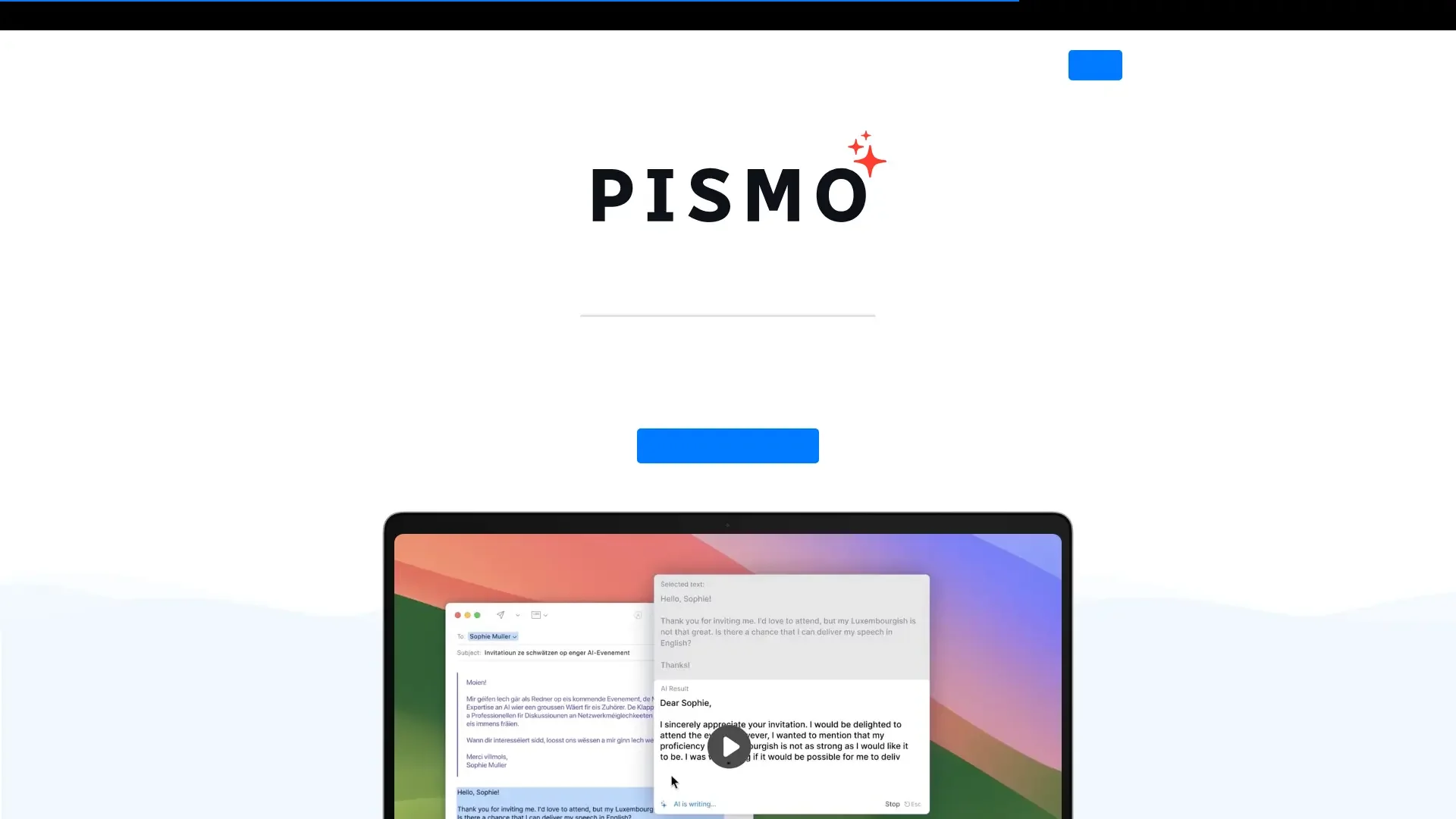
Pismo is an AI-powered writing assistant designed to enhance the writing experience for users on both Mac and Windows platforms. By integrating seamlessly with email, documents, messengers, and browsers, Pismo aims to revolutionize the way we write by offering smart suggestions and corrections. This tool is perfect for individuals and professionals looking to improve their writing quality, translate content into multiple languages, and adjust the tone and length of their text with ease.
Pismo stands out with its seamless integration across all desktop applications, allowing users to enhance their writing without leaving their preferred platforms. Its ability to customize prompts and shortcuts provides unmatched flexibility, making it a versatile tool for diverse writing needs.
Pismo excels in providing a comprehensive AI-powered writing solution that enhances productivity and writing quality. Its unique integration capabilities and customizable features make it an essential tool for anyone looking to streamline their writing process and communicate effectively across different languages and contexts.
Who is Using Pismo?
Content Writers
Enhancing the quality of articles, blogs, and reports with AI-driven writing improvements.
Business Professionals
Crafting professional emails, presentations, and documentation with greater precision and clarity.
Students and Academics
Assisting in writing essays, theses, and research papers, ensuring academic rigor and coherence.
Multilingual Communicators
Translating and simplifying text for international communication and collaboration.
Uncommon Use Cases
Used by travel bloggers to quickly translate local content; adopted by non-native English speakers to improve language proficiency in professional settings.
Key Features
Rating Breakdown
Pricing Plans
Annual Subscription
$6.25 per month
- A 30-day money-back guarantee
- Offering a cost-effective solution for consistent writing improvement
Which Pismo plan should you pick?
Start with the Monthly subscription for a short evaluation, or choose the Annual subscription when you expect ongoing use.
Monthly subscription
Good for users who want full access while evaluating Pismo month to month.
Annual subscription
Good for users who want full access and lower effective monthly pricing through yearly billing.
Pismo Use Cases
Email improvement
Highlight an email draft in Outlook, Gmail, Spark, or another supported app and apply grammar, tone, or professionalism prompts.
Outcome: Clearer, more polished messages before sending.
Meeting-note summaries
Select unpolished notes in Notion, Obsidian, Google Docs, or Slack and use “Summarize & Format.”
Outcome: Organized updates and actionable insights.
Multilingual communication
Highlight foreign-language text and invoke a translation prompt without leaving the active application.
Outcome: Faster in-context translation.
Content repurposing
Select key points from long-form content and convert them into social posts such as Twitter threads or Instagram captions.
Outcome: Content adapted for multiple platforms.
Code explanation
Highlight a complex code block in an IDE or document viewer and use a custom prompt to explain it.
Outcome: Faster code review and understanding.
Workflow Ideas with Pismo
Polish an email
- 1Draft the message in Gmail, Outlook, or another supported email app.
- 2Highlight the draft and invoke Pismo with a hotkey or widget.
- 3Choose a grammar, tone, or professional-writing prompt and replace the draft.
Summarize meeting notes
- 1Write or paste rough notes into Notion, Obsidian, Google Docs, or Slack.
- 2Select the notes and open Pismo.
- 3Choose “Summarize & Format” and insert the organized result.
Translate a workplace message
- 1Compose or select text in Slack, email, or another supported application.
- 2Trigger Pismo using the configured hotkey.
- 3Choose a target-language prompt, review the translation, and insert it.
How Pismo fits into your stack
Browser
Pismo runs as a native desktop overlay while users work in Chrome, Safari, Edge, Arc, Gmail, and other browser text fields.
Docs and writing
It applies rewriting, proofreading, translation, summarization, and custom prompts inside Word, Google Docs, Notion, Obsidian, and Evernote.
Team chat and tickets
Pismo works across Slack, Discord, Telegram, WhatsApp Desktop, Outlook, Spark, Superhuman, and Apple Mail through selected text and hotkeys.
Desktop / IDE
The downloadable Windows and macOS application provides system-wide AI actions, including code assistance in VS Code and text editing in desktop applications.
Pros
- +Seamless Integration: Works across all applications on Mac and Windows, allowing for consistent use without the need to switch between tools.
- +User-Friendly Interface: The intuitive design ensures a smooth user experience, making it easy to access features with just a hotkey.
- +Highly Customizable: Offers the ability to create custom prompts and shortcuts, enhancing productivity by tailoring the tool to specific needs.
- +Privacy-Focused: Prioritizes user privacy by securely transferring and storing data, without processing the text externally.
Cons
- −Initial Learning Curve: Some users might need time to fully utilize all advanced features and customizations.
- −Internet Dependency: Requires an active internet connection to function, which might be a limitation for users with unreliable network access.
Limitations & when to consider alternatives
Known limitations
- Internet connection required. Pismo relies on cloud-based AI models, so it cannot function offline.
- PDFs require selectable text. PDF translation depends on editing software being able to detect text for highlighting.
- Practical text-length limits. Pismo recommends processing large content in smaller sections when length or complexity affects performance.
- No direct OpenAI connection. BYOK currently works through OpenRouter; Pismo does not directly connect to OpenAI.
Look elsewhere when
- You need a browser extension rather than a desktop application.
- You need image analysis rather than selectable-text processing.
- You need an official developer API with endpoints.
How to Use Pismo
- 1
Install the desktop app
Download the Windows or macOS installer and launch Pismo as a standalone application.
- 2
Select text in any supported app
Highlight text in email, documents, browsers, messaging apps, design tools, or IDEs.
- 3
Open Pismo
Use the floating widget or configured keyboard shortcut to open the AI overlay.
- 4
Choose an action
Apply a built-in prompt for rewriting, proofreading, translation, summarization, or tone changes.
- 5
Create a custom prompt
Open Settings, choose “Create Prompt,” and define instructions for a recurring writing or coding task.
- 6
Configure hotkeys or BYOK
Assign shortcuts to frequently used prompts, or add an OpenRouter API key under Settings → Customization.
Who is Pismo For?
Everyday professionals
Managers, sales representatives, and support agents can improve emails, summaries, and workplace writing.
International teams
Global teams, sales professionals, and translators can translate and refine multilingual communications.
Marketers and founders
Marketers, founders, and social media managers can repurpose content and create social posts.
Students and researchers
Students, researchers, and academics can clarify drafts and summarize dense information.
Developers and technical users
Developers, engineers, and technical writers can improve documentation and explain code snippets.
Frequently Asked Questions
Is Pismo a browser extension?
No. Pismo is a standalone desktop application that works across browsers, email apps, text editors, and other applications.
Which operating systems does Pismo support?
Pismo provides desktop installers for Windows and macOS, including Intel and Apple Silicon Macs.
Does Pismo work offline?
No. Pismo requires an internet connection because it relies on cloud-based AI models.
Does Pismo support languages other than English?
Yes. Pismo supports multiple languages for text improvement, translation, and custom prompts.
Does Pismo support PDF translation?
Yes, when PDF editing software can detect text. Users highlight the required text and invoke Pismo.
Does Pismo support BYOK?
Yes. Users can add an OpenRouter API key in Settings and choose a model.
Community reviews
Be the first to share your experience.
Sign in to leave a review for Pismo.
Pismo Alternatives
Looking for alternatives to Pismo? Here are similar tools in the same category:
Learn to Master Pismo
With Skill Leap courses
Get in-depth training on Pismo and 50+ other AI tools with our expert-led video courses.
Start 7-Day Free Trial