
Picsart
Unleash creativity: edit photos, videos, and designs with AI-enhanced tools.
Key Takeaways
- What it is
- Unleash creativity: edit photos, videos, and designs with AI-enhanced tools.
- Pricing
- Freemium · $4.66 per month
- Best for
- AI-Powered Photo Effects
- Video Editor
- Layer-Based Editing
- Rating
- 4.6/5
What is Picsart?
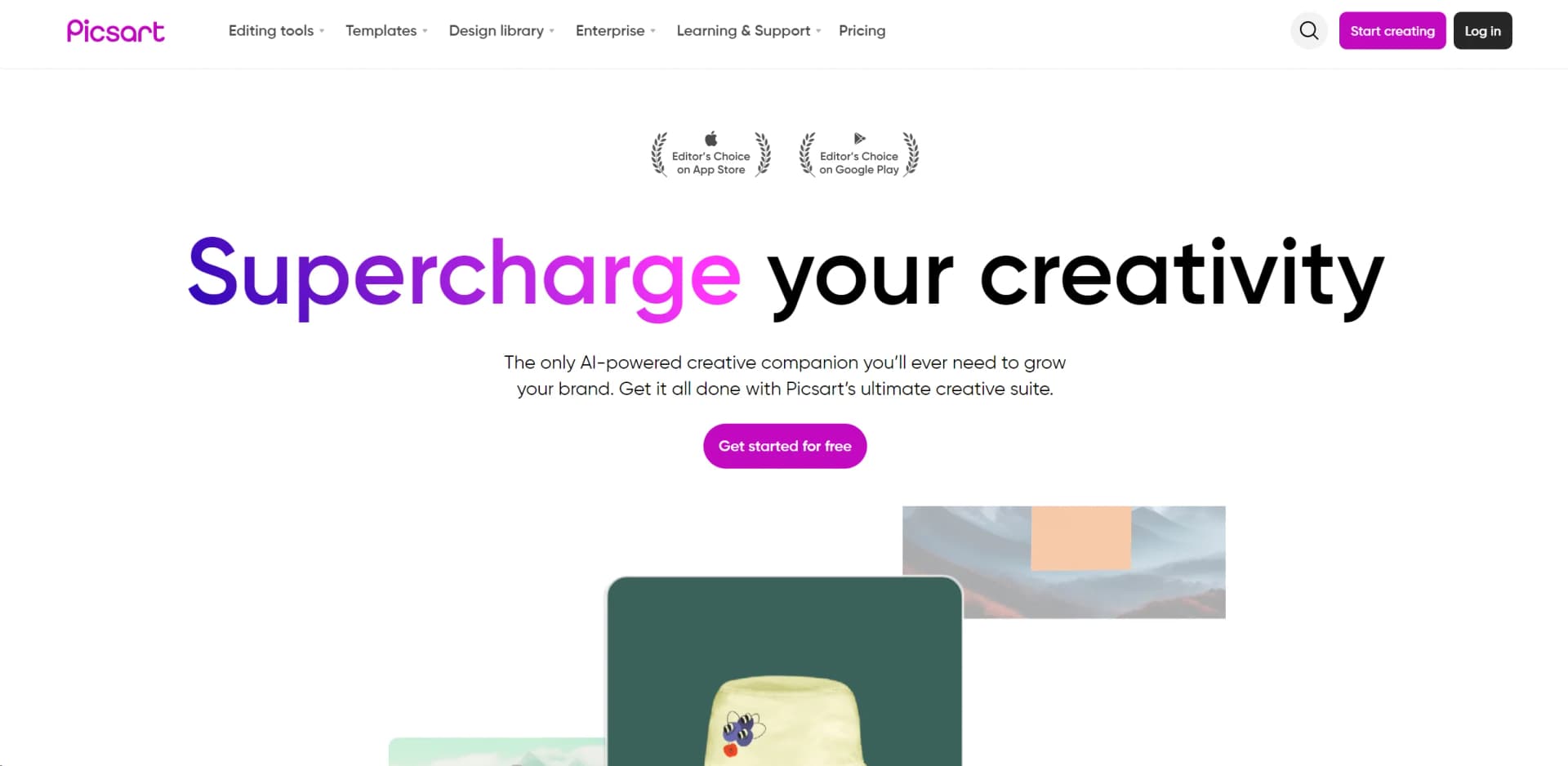
Picsart is a comprehensive photo and video editing tool that empowers creators to bring their artistic visions to life. With a robust suite of intuitive editing tools, AI-powered features, and a vast library of content, Picsart is designed to enhance the creative process for both amateurs and professionals alike. Whether you're looking to refine photos, design graphics, or produce captivating videos, Picsart offers a versatile platform to explore and express your creativity.
Picsart sets itself apart with its blend of simplicity and power, providing tools that cater to both quick edits and complex design tasks. Its community-driven aspect also enriches the user experience by fostering a platform for creative collaboration and sharing.
Picsart excels in providing a dynamic and versatile platform for photo and video editing, making it an indispensable tool for a wide range of users. Its innovative features and user-friendly interface offer an unmatched advantage in creating professional-quality visuals with ease. Whether you’re a hobbyist looking to spice up your social media feeds or a professional designer in need of a powerful editing suite, Picsart stands out as a top choice in digital creativity tools.
Who is Using Picsart?
Social Media Enthusiasts
Enhancing personal and professional social media posts with high-quality visuals.
Graphic Designers
Creating complex designs and artwork efficiently.
Small Business Owners
Producing marketing materials and advertisements.
Educators and Students
Utilized in digital art and media courses to teach design principles.
Uncommon Use Cases
Non-profits use it for creating impactful visuals for campaigns; bloggers use it to design featured images and infographics.
Key Features
Rating Breakdown
Pricing Plans
Free Tier
Free
- Explore basic features with the free version of Picsart
Gold Subscription
$4.66 per month
- When billed annually for more advanced features and content
Which Picsart plan should you pick?
Start with Pro for everyday creative work and upgrade to Ultra when you need heavier AI usage, more storage, more brand kits, or additional team seats.
Pro
Good for everyday creators and small businesses that need AI editing, templates, bulk editing up to 50 images, brand kits, and 100 GB of storage.
Ultra
Good for creators and teams that need higher AI usage, 10+ brand kits, bulk editing up to 100 images, team seats, and 300 GB of storage per seat.
Picsart Use Cases
Social media content
Create posts, stories, reels, and other platform-specific visuals using templates and AI tools.
Outcome: Faster production of social-ready content.
Product photography
Remove backgrounds, replace objects, and create polished product imagery.
Outcome: More usable product visuals for marketing and commerce.
Advertising variations
Generate ad variations, resize creative, and localize campaigns for different audiences.
Outcome: Campaign assets adapted across formats and markets.
Video creation
Generate, edit, trim, merge, and enhance videos with AI tools and templates.
Outcome: Short-form and promotional videos ready for publishing.
Brand design
Use brand kits, custom fonts, brand colors, templates, and AI-generated visuals.
Outcome: More consistent branded creative.
Workflow Ideas with Picsart
Shared campaign workflow
- 1Open or create a Picsart Flow project
- 2Invite collaborators to the project
- 3Build the image, motion, and audio pipeline together in real time
Reusable social content workflow
- 1Create and save a workflow as a template
- 2Invite team members or add it to the shared team library
- 3Let collaborators run or edit the workflow for new content
AI agent production workflow
- 1Choose an agent for the creative task
- 2Describe the desired output in plain language
- 3Review the proposed plan or preview
- 4Approve generation and continue the workflow
How Picsart fits into your stack
Multi-Platform Support
Works seamlessly across various devices and operating systems.
Extensive File Support
Supports a wide range of image and video file formats for import and export.
Cloud Storage Integration
Easily integrate with cloud storage services for efficient workflow.
Social Media Integration
Directly share your creations to social media platforms.
Pros
- +Versatility: Suitable for both novice users and professional designers.
- +Cross-Platform Availability: Available on iOS, Android, and web platforms.
- +Regular Updates: Continuously updated with new features and improvements.
- +Collaborative Features: Share and collaborate on projects with others directly within the app.
Cons
- −Subscription Model: Premium features require a subscription, which might be a barrier for some users.
- −Resource Intensive: Can be demanding on older devices, potentially leading to slower performance.
- −Complexity for Beginners: The sheer number of features can be overwhelming for new users at first.
Limitations & when to consider alternatives
Known limitations
- Monthly credits expire. Monthly subscription credits expire at the end of each billing cycle.
- Bulk editing limits. The Pro plan supports bulk editing of up to 50 images, while Ultra supports up to 100.
- Cloud storage varies by plan. Pro includes 100 GB of cloud storage; Ultra includes 300 GB per seat.
- Generation still requires connectivity. The desktop app's on-device features work offline, but generation that accesses the model catalog requires an internet connection.
Look elsewhere when
- You need a dedicated browser extension.
- You need a code-generation tool.
How to Use Picsart
- 1
Explore an extensive range of tutorials available on the Picsart blog and YouTube channel, covering everything from basic edits to advanced design techniques.
Who is Picsart For?
Casual creators
Picsart provides beginner-friendly editing, design, and AI creation tools for everyday projects.
Students
Students can create social content, invitations, collages, and other visual projects without advanced design experience.
Entrepreneurs
Entrepreneurs can produce branded graphics, product visuals, and promotional content.
Marketers
Marketers can create campaigns, ads, social posts, videos, and localized creative assets.
Agencies and creative collaborators
Teams can brief clients, invite collaborators, and build shared AI workflows in real time.
Frequently Asked Questions
What are the benefits of a subscription and which plan should I choose?
Subscriptions unlock advanced editing tools, exclusive content, increased cloud storage, and additional AI credits.
Will I get a free trial before I subscribe?
Most plans include a free trial, although eligibility depends on the account and selected plan.
Can I upgrade or downgrade my plan later?
Users can upgrade from Pro to Ultra at any time when the subscription was purchased.
What are credits?
Credits are virtual tokens used for Picsart's generative AI tools.
Can I use my benefits across multiple devices and platforms?
Subscription benefits are available across iOS, Android, web, and other supported platforms.
Community reviews
Be the first to share your experience.
Sign in to leave a review for Picsart.
Picsart Alternatives
Looking for alternatives to Picsart? Here are similar tools in the same category:
Learn to Master Picsart
With Skill Leap courses
Get in-depth training on Picsart and 50+ other AI tools with our expert-led video courses.
Start 7-Day Free Trial