
Photor AI
Revolutionize photo editing with AI-driven analysis, automated enhancements, and cloud accessibility.
Key Takeaways
- What it is
- Revolutionize photo editing with AI-driven analysis, automated enhancements, and cloud accessibility.
- Pricing
- Freemium
- Best for
- AI-Driven Analysis
- Automated Enhancements
- User-Friendly Interface
- Rating
- 4.5/5
What is Photor AI?
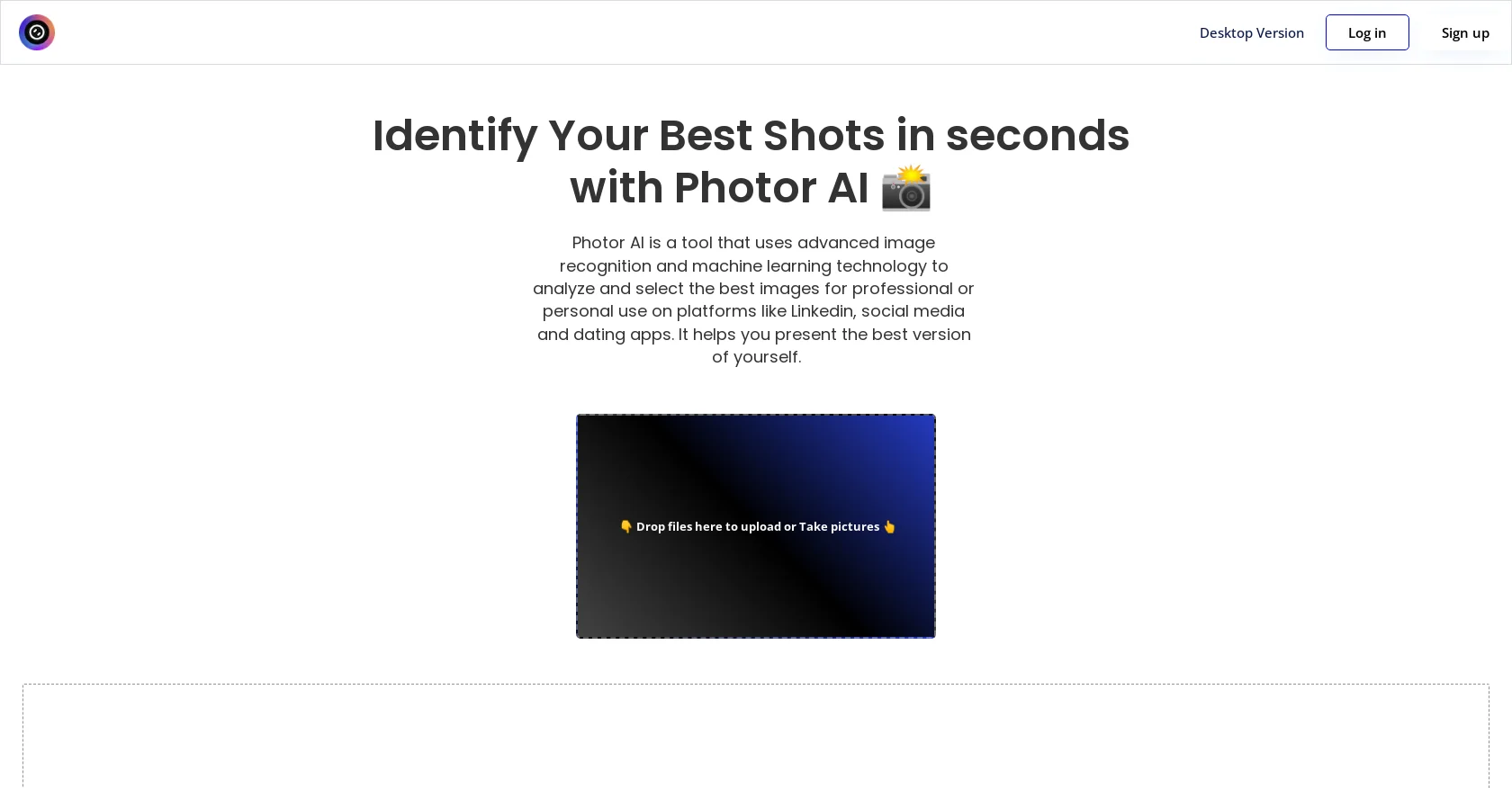
In the ever-evolving landscape of digital photography and image editing, Photor AI emerges as a revolutionary tool designed to redefine the way we interact with our images. At its core, Photor AI is about leveraging the power of artificial intelligence to analyze and enhance photos with unprecedented ease and efficiency. Whether you're a professional photographer looking to streamline your workflow, a digital marketer in need of quick image adjustments, or simply someone who loves to capture life's moments in the best light possible, Photor AI offers a suite of functionalities that cater to a wide array of needs.
Photor AI distinguishes itself through its sophisticated AI analysis and enhancement capabilities, which democratize professional photo editing for a wide audience. Its unique selling point lies in the seamless integration of cutting-edge technology with user-friendly design, enabling users to achieve superior photo quality with minimal effort.
Photor AI excels in transforming the photo editing landscape, making it an indispensable tool for a wide range of users. Its blend of AI-driven analysis, user-friendly interface, and accessible pricing model offers an unmatched advantage for anyone looking to enhance their images efficiently. Whether you're a seasoned photographer or just starting out, Photor AI provides the tools you need to elevate your photos to the next level, reaffirming its position as a leader in the AI photo editing space.
Who is Using Photor AI?
Professional Photographers
Streamlining their editing workflow while maintaining high-quality outputs.
Digital Marketing Agencies
Quickly enhancing imagery for campaigns and social media content.
Social Media Managers
Creating visually appealing posts with minimal effort.
Graphic Designers
Incorporating it into their design processes for faster turnaround times.
Uncommon Use Cases
Educational institutions are using it to introduce students to photo editing concepts; real estate agents employ it to improve property photos for listings.
Key Features
Rating Breakdown
Pricing Plans
Free Tier
Free
- Experience Photor AI's basic features at no cost
Pro Tier
- More advanced capabilities
- The Pro Tier starts at a competitive price point
Which Photor AI plan should you pick?
Start with Free to test the core tools; upgrade to Personal for regular hobby use, Professional for full access and priority processing, or Premium for the highest daily credit allowance.
Free
Good for trying core AI photo tools with five daily credits.
Personal
Good for hobbyists and casual creators who need 50 daily credits and image enhancement tools.
Professional
Good for serious photographers and creators who need advanced analysis, all 30-plus tools, priority processing, and no watermarks.
Premium
Good for power users who need 200 daily credits, premium features, early access, and priority support.
Photor AI Use Cases
Analyze photo quality
Upload a photo for feedback on composition, lighting, color balance, and technical quality.
Outcome: Actionable photography feedback and an overall assessment.
Enhance and restore photos
Use AI enhancement, face restoration, retouching, or super-resolution tools on an uploaded image.
Outcome: A clearer, restored, or improved photo.
Remove or replace backgrounds
Upload a subject image and apply AI background removal or replacement.
Outcome: A subject isolated or placed into a new scene.
Create stylized images
Apply style transfer or generate artwork from text prompts and reference images.
Outcome: A transformed or newly generated image.
Chat about an image
Provide a photo and ask questions, request insights, or describe edits using natural language.
Outcome: Image-specific analysis or an AI-directed edit.
Workflow Ideas with Photor AI
Improve a photo before publishing
- 1Upload the photo
- 2Run AI Photo Analysis
- 3Apply Smart Enhancement and download the result
Create a stylized portrait
- 1Upload a portrait
- 2Choose a style-transfer or image-generation tool
- 3Review, refine, and download the generated image
Prepare a clean product image
- 1Upload the product photo
- 2Remove or replace the background
- 3Export the edited image for social, e-commerce, or other use
How Photor AI fits into your stack
Browser
Photor AI is primarily a web-based photo-analysis and enhancement toolkit. Users upload JPG, PNG, or WebP images and receive analysis, OCR, object detection, or image-editing results online.
Mobile
The vendor promotes an iOS app for accessing Photor AI tools on mobile; its official pages state that Android is coming soon.
Pros
- +Time Efficiency: Dramatically reduces the time required for photo editing and enhancement.
- +High-Quality Results: Delivers professional-level outcomes without the need for extensive manual adjustments.
- +Ease of Use: Intuitive design and automated features make it accessible to users of all skill levels.
- +Cost-Effective: Offers a powerful editing solution without the hefty price tag of traditional software.
Cons
- −Dependence on Internet Connectivity: Being cloud-based, a stable internet connection is crucial for uninterrupted access.
- −Limited Customization: While automation is a key strength, it may not satisfy those looking for deep, manual editing controls.
- −Learning Curve for Advanced Features: New users may require some time to fully leverage the more sophisticated functionalities.
Limitations & when to consider alternatives
Known limitations
- Daily credit limits. The Free plan provides five credits per day; Personal, Professional, and Premium provide 50, 150, and 200 daily credits respectively.
- Credit costs vary by operation. Analysis costs one credit, enhancement costs two credits, and video or premium operations cost two to five credits.
- Upload size and format limits. The documented upload formats are JPG, PNG, and WebP, with a maximum file size of 10 MB.
- Sign-in required for tool use. Tool pages state that users must sign in to use daily credits and run the tools.
- Android availability is pending. The official site says the iOS app is live while Android is coming soon.
Look elsewhere when
- You need a documented developer API.
- You need shared team workspaces or role-based collaboration.
- You need a desktop installer instead of an online tool.
- You need a browser extension.
How to Use Photor AI
- 1
Choose a tool
Open Photo Score AI, Face Restoration, Remove Background, Image Generator, Chat with Images, or another tool from the tool catalog.
- 2
Upload your image
Provide a JPG, PNG, or WebP image within the documented 10 MB limit.
- 3
Analyze or edit
Run analysis, enhancement, background removal, style transfer, image generation, or image chat depending on the selected tool.
- 4
Review the result
Inspect the generated feedback or image and rerun or refine the operation if needed.
- 5
Download or share
Save the finished image or share the result for social, creative, photography, or business use.
Who is Photor AI For?
Photographers
Photor AI provides composition, lighting, color, enhancement, restoration, and background-removal tools for photography workflows.
Creators
Creators can use style transfer, image generation, chat with images, and social-oriented creative transformations.
Hobbyists and casual creators
The Personal plan is explicitly positioned for hobbyists and casual creators who need regular AI analysis and enhancement.
Professional photographers and creators
The Professional plan provides advanced analysis, all listed tools, priority processing, and watermark-free results.
Power users
The Premium plan is positioned for power users needing higher daily credits, premium features, early access, and priority support.
Frequently Asked Questions
How does the AI photo analysis work?
Photor AI analyzes composition, lighting, color balance, and subject focus, then provides feedback and improvement suggestions.
Is my data safe and private?
The site says photos are processed securely and are not stored on its servers after analysis.
What is included in the free plan?
The Free plan costs $0 forever and includes five daily credits, basic photo analysis, core tools, and standard processing.
How many credits does an enhancement use?
The pricing page says analysis uses one credit, enhancement uses two credits, and video or premium features use two to five credits.
Can I use Photor AI for professional photography?
The site positions Photor AI for photographers and creators, including professional photo analysis, enhancement, restoration, and editing.
Can I cancel my subscription?
The pricing page says subscriptions can be canceled anytime.
Community reviews
Be the first to share your experience.
Sign in to leave a review for Photor AI.
Photor AI Alternatives
Looking for alternatives to Photor AI? Here are similar tools in the same category:
Learn to Master Photor AI
With Skill Leap courses
Get in-depth training on Photor AI and 50+ other AI tools with our expert-led video courses.
Start 7-Day Free Trial