PDF Flex
Revolutionizes PDF interaction with AI chat and versatile conversion options.
Key Takeaways
- What it is
- Revolutionizes PDF interaction with AI chat and versatile conversion options.
- Best for
- AI Chat with PDF
- Broad Conversion Spectrum
- High-Quality Outcomes
- Rating
- 4.7/5
What is PDF Flex?
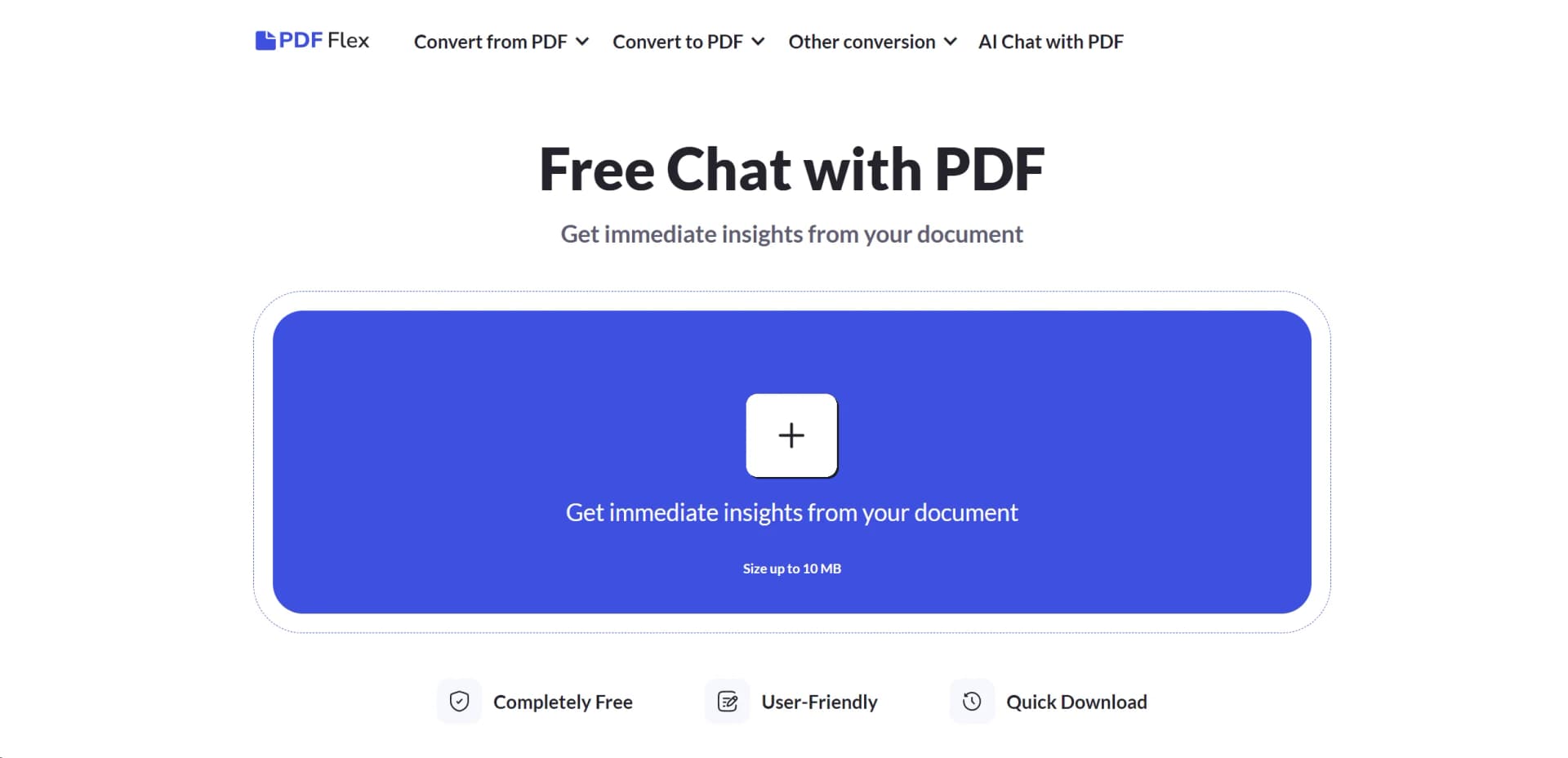
In today's fast-paced digital environment, PDF Flex emerges as a revolutionary tool designed to enhance our interaction with PDF documents. With its core functionality centered around AI-driven chat capabilities, PDF Flex allows users to ask any PDF document questions, ranging from content summaries to specific information queries. This tool is especially crafted for individuals and professionals who are constantly seeking ways to save time, cut costs, and boost efficiency in handling documents. PDF Flex stands out by offering a wide range of PDF conversion options alongside its innovative chat feature, making it a comprehensive solution for document management.
What sets PDF Flex apart is its unique combination of AI-driven chat functionality with a comprehensive PDF conversion toolkit. This blend not only simplifies document management tasks but also transforms how we interact with digital documents. The ability to directly converse with PDFs and instantly receive targeted information or summaries is a game-changer, particularly for users looking to streamline their study, research, or professional activities.
PDF Flex stands as an essential tool for anyone dealing with PDF documents, offering a unique AI chat feature that revolutionizes document interaction. Its comprehensive conversion capabilities, combined with a user-friendly interface and robust security measures, make it an invaluable resource across various user demographics. Whether for academic research, professional documentation, or personal use, PDF Flex enhances efficiency and accessibility, solidifying its position as a top contender in the realm of document management solutions.
Who is Using PDF Flex?
Students and Academics
For summarizing research papers and extracting key information from study materials.
Professionals
Utilized in various fields such as legal, healthcare, and finance for efficient document handling and information retrieval.
Content Creators
Aids in converting digital content into preferred formats for distribution or archival purposes.
IT and Software Developers
Leveraged for documentation management and integrating PDF functionalities into custom applications.
Uncommon Use Cases
Beneficial for individuals with visual impairments requiring document content to be easily accessible; also used by librarians for archiving and digitizing print materials.
PDF Flex caters to a diverse user base, offering valuable functionalities for
Key Features
Rating Breakdown
Pricing Plans
Completely Free
- PDF Flex offers all its features
- Including the AI chat with PDF
- Without any cost
PDF Flex Use Cases
Studying and exams
Summarize textbook chapters and lecture notes before an exam.
Outcome: Study-ready summaries and quick reviews.
Academic research
Review research papers, identify methods and findings, and ask questions about limitations.
Outcome: Faster access to key research details.
Legal documents and contracts
Summarize contracts, clarify obligations, and surface important clauses, terms, and dates.
Outcome: A plain-language understanding of dense legal text.
Books and stories
Create chapter-by-chapter breakdowns and ask questions about themes, characters, and plot connections.
Outcome: A faster way to understand long reads.
Work and reports
Summarize annual reports and meeting notes, then ask questions in a Q&A chat.
Outcome: Clear takeaways and next steps.
Workflow Ideas with PDF Flex
Summarize and question a document
- 1Upload a document, image, or e-book
- 2Let the AI analyze the file and create a summary
- 3Ask follow-up questions in the PDF chat
Review a research paper
- 1Upload the research paper
- 2Review the extracted methods, findings, and conclusion
- 3Ask targeted questions about the data or limitations
Prepare a contract review
- 1Upload the contract
- 2Read the plain-language summary
- 3Ask about obligations, clauses, terms, and dates
How PDF Flex fits into your stack
Cross-Platform Support
Works seamlessly across major operating systems including Windows, Mac OS, Linux, iOS, and Android.
Secure Document Handling
Employs HTTPS encryption to ensure data privacy and security throughout the document conversion process.
User-Friendly Design
The interface is crafted for ease of use, requiring no specialized knowledge or training to navigate.
Pros
- +Rapid File Transformation: Speeds up the process of document conversion and information retrieval, significantly enhancing productivity.
- +No Login Requirement: Offers immediate and hassle-free access to all features without the need for user registration or login.
- +Versatility in Use: Suitable for a wide array of users, from students and researchers to professionals across various industries.
- +Quality Assurance: Delivers high-quality conversion results, maintaining the original document's layout and formatting.
Cons
- −File Size Limitation: Currently supports documents up to 10 MB, which may restrict the processing of larger files.
- −Language Support: While it supports multiple languages, the accuracy and effectiveness of non-English document interactions may vary.
- −Internet Dependency: Requires a stable internet connection for all functionalities, which might limit offline accessibility.
Limitations & when to consider alternatives
Known limitations
- 100 MB upload limit. The PDF summarizer page specifies a maximum upload size of 100 MB.
- Limited free access. Free use covers the first summary and three chat questions; continued use requires a subscription.
- Internet required. The service is web-based and requires a stable internet connection; no setup or installed app is provided.
- AI output may contain mistakes. The site advises users to double-check AI-generated summaries and details.
- Electronic rather than digital signatures. The FAQ states that PDF Guru supports electronic signatures, not cryptographic digital signatures.
Look elsewhere when
- You need a native desktop application rather than a browser-based service.
- You need programmatic API access for automated integrations.
- You need shared workspaces, user roles, or collaborative editing.
How to Use PDF Flex
- 1
For those looking to maximize their use of PDF Flex, the platform offers intuitive guides and how-to instructions directly on their website, ensuring you can leverage all functionalities to their fullest potential.
Who is PDF Flex For?
Students
Turn textbook chapters and lecture notes into study-ready summaries and review points.
Teachers
Condense educational documents and create clearer summaries from long material.
Researchers
Extract methods, findings, conclusions, and answers from research papers.
Lawyers and busy professionals
Break down dense legal documents and contracts into plain language and surface important clauses.
Business owners
Turn reports and meeting notes into actionable takeaways and next steps.
Frequently Asked Questions
Can AI summarize a PDF file?
Yes. Upload a PDF and the AI scans it, extracts key points, and produces a concise summary.
How do I analyze PDF using AI?
Upload the document, review the generated summary, choose a suggested question if needed, and ask follow-up questions in chat.
Can I use your tool to summarize PDFs for free?
Yes. The first PDF summary and up to three chat questions are free; continued use requires a subscription.
How do I summarize a PDF on Mac?
Use the online tool in a browser. No app installation or setup is needed, but an internet connection is required.
In what languages can I chat with PDF?
The tool supports chatting with PDFs in more than 90 human languages.
How accurate are AI-generated summaries?
Summaries are generally accurate, but users should verify details because AI tools can make mistakes.
Community reviews
Be the first to share your experience.
Sign in to leave a review for PDF Flex.
PDF Flex Alternatives
Looking for alternatives to PDF Flex? Here are similar tools in the same category: