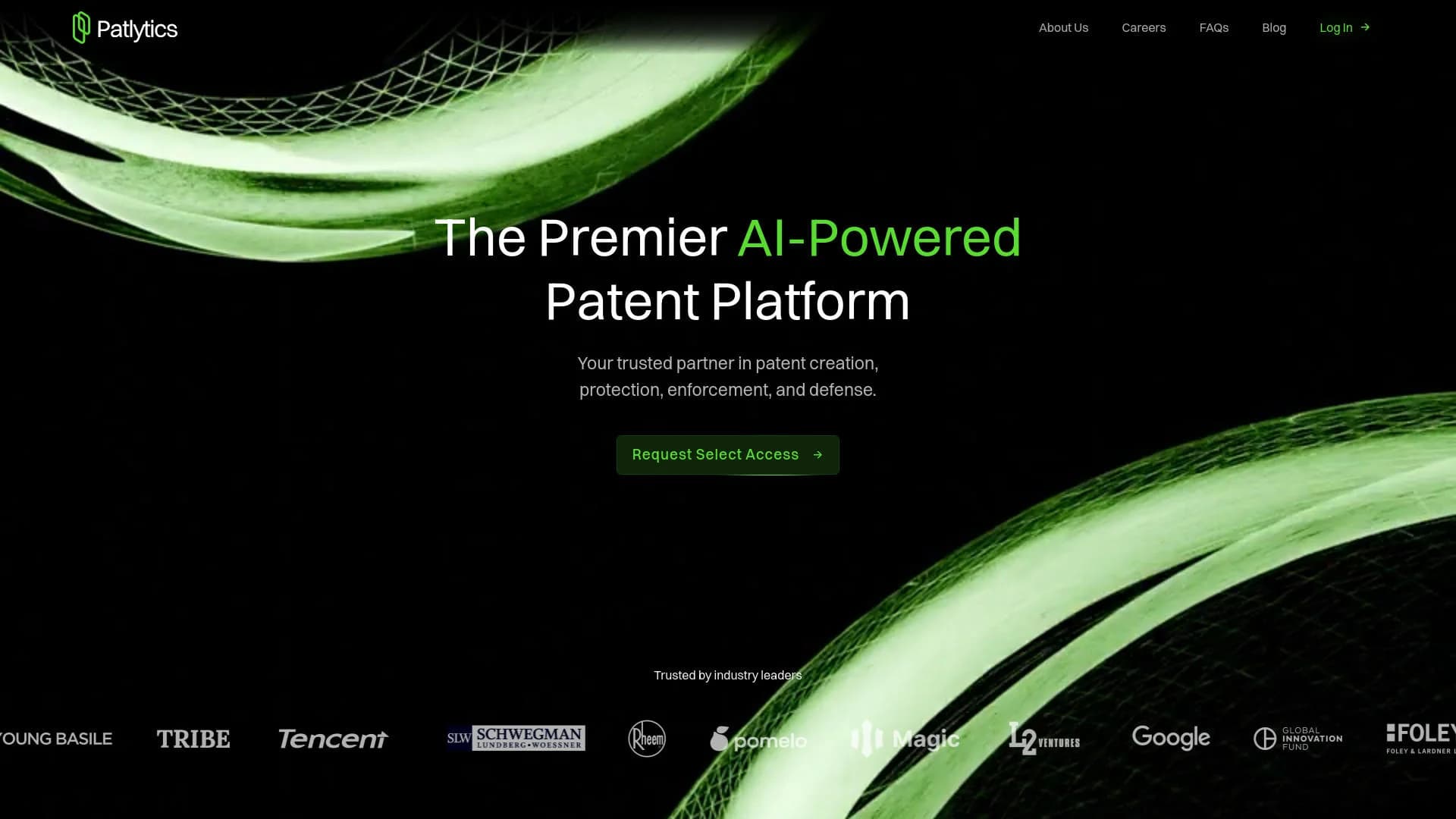
Patlytics
AI-driven platform optimizing patent creation, protection, and litigation.
Key Takeaways
- What it is
- AI-driven platform optimizing patent creation, protection, and litigation.
- Best for
- AI Patent Drafting CoPilot
- Litigation Intelligence
- Office Action Response
- Rating
- 4.5/5
What is Patlytics?
Patlytics is an advanced AI-powered platform tailored for the intellectual property sector, offering comprehensive tools for patent creation, protection, enforcement, and defense. By leveraging cutting-edge AI technologies, Patlytics enhances the patent lifecycle management process, providing valuable support to patent professionals.
Patlytics distinguishes itself with its sophisticated AI engine that enhances patent drafting and provides comprehensive litigation intelligence, making it a vital tool for intellectual property professionals.
Patlytics provides a robust, AI-driven approach to patent management, from drafting to defense. With its comprehensive suite of tools and real-time data accuracy, it is a crucial asset for patent professionals. Its focus on enhancing efficiency and security is revolutionizing the management and protection of intellectual properties.
Who is Using Patlytics?
Patent Attorneys
For drafting and litigation processes.
R&D Departments
Leveraging AI insights for innovation management.
IP Managers
Managing and safeguarding intellectual property portfolios.
Legal Scholars
Conducting research and analysis on patent-related litigation.
Uncommon Use Cases
Academic institutions for IP law education; governmental agencies for patent regulation and compliance.
Key Features
Rating Breakdown
Pricing Plans
Subscription Plans
- Custom pricing based on specific needs and scale of the organization
Patlytics Use Cases
Office action response preparation
Upload an office action, pending claims, and specification; analyze rejections and draft arguments or amendments.
Outcome: A structured, editable response workflow.
Invention disclosure intake
Upload technical materials such as slides, transcripts, PDFs, DOCX files, or rough notes.
Outcome: Structured disclosures with extracted inventive features and follow-up questions.
Patent infringement analysis
Analyze patents against products and gather evidence of use for claim-level mapping.
Outcome: Citation-backed claim charts and infringement reports.
Invalidity and prior-art analysis
Search patents and non-patent literature, then map references against claim limitations.
Outcome: Evidence-backed invalidity charts and arguments.
Portfolio analysis
Analyze and rank large patent portfolios against competitors, technologies, or strategic objectives.
Outcome: Prioritized portfolio insights and strategic recommendations.
Workflow Ideas with Patlytics
Turn an invention into a draft application
- 1Upload invention disclosures and supporting technical materials
- 2Run the invention disclosure workflow and identify missing information
- 3Send the structured disclosure into patent drafting
Prepare an office-action response
- 1Upload the office action, claims, and specification
- 2Review rejection analysis and retrieved cited prior art
- 3Edit arguments and amendments in the response workspace
Build an infringement report
- 1Provide a patent and target product information
- 2Search for product evidence and map claim limitations
- 3Review and export the citation-backed claim chart
How Patlytics fits into your stack
Microsoft Office
Planned integration to streamline workflows.
Secure Cloud Platforms
Ensures robust security and data integrity.
AI Model Training
Avoids using client data for training, respecting privacy.
Pros
- +Efficiency in Management: Reduces time spent on patent drafting and responses.
- +Advanced Security: SOC2 certified, ensuring high standards of data security and integrity.
- +Comprehensive Coverage: Manages all aspects of patent workflow from drafting to litigation.
- +Real-Time Data Accuracy: Utilizes over 50 million global patent data points, regularly updated for accuracy.
Cons
- −Limited Initial Access: Currently available only to select partners, which may restrict early adoption.
- −Complex Features: May require a learning curve for new users unfamiliar with advanced AI tools.
- −Integration Capabilities: Currently limited, with plans for future expansion.
Limitations & when to consider alternatives
Known limitations
- My Drive storage limit. My Drive provides up to 2GB of centralized file storage per user.
- Individual file-size limit. My Drive supports individual files up to 50MB.
- MCP access is read-only. Claude and ChatGPT can retrieve Patlytics information but cannot add, edit, or remove stored data.
- MCP requires an existing account. The Patlytics MCP connector is available to existing Patlytics users who authenticate with their account.
- Human verification remains required. Patlytics states that users are responsible for evaluating AI output before relying on it for legal work.
Look elsewhere when
- You need a native mobile application.
- You need a downloadable Windows, Mac, or Linux application.
- You need a free self-service plan.
How to Use Patlytics
- 1
Explore detailed guides and tutorials on the Patlytics website, covering everything from basic setup to advanced features.
Who is Patlytics For?
Law firms
Patlytics supports drafting, office-action responses, claim charting, invalidity, infringement, and client-matter workflows.
In-house IP teams
The platform provides portfolio analysis, invention disclosures, prosecution workflows, infringement detection, and strategic patent analysis.
R&D professionals
R&D teams can upload slides, transcripts, rough notes, and technical materials to create structured invention disclosures.
Licensing and monetization teams
Patlytics supports product mapping, evidence-backed claim charts, licensing analysis, and SEP or essentiality checks.
Patent prosecution professionals
The office-action and drafting modules help analyze rejections, cited art, claims, specifications, and response strategies.
Frequently Asked Questions
What is Patlytics?
Patlytics is an AI-native platform for patent analysis, drafting, prosecution, litigation support, and portfolio strategy.
Who can use Patlytics Agent?
Agent is documented for existing Patlytics users and provides patent-specific skills, workflows, and organization-scoped context.
What files can users upload?
Supported materials include PDFs, spreadsheets, images, DOCX files, PowerPoints, transcripts, specifications, claims, and office actions.
Does Patlytics train AI models on customer materials?
No. Patlytics states that customer materials are not used to train AI models or systems.
Can Patlytics analyze office actions?
Yes. Users can upload office actions, pending claims, and specifications for parsing, rejection analysis, prior-art retrieval, and response preparation.
Does Patlytics integrate with other AI tools?
Patlytics provides read-only MCP integrations for Claude and ChatGPT, scoped to the user's organization.
Community reviews
Be the first to share your experience.
Sign in to leave a review for Patlytics.
Patlytics Alternatives
Looking for alternatives to Patlytics? Here are similar tools in the same category: