Parky.AI
Effortlessly decode parking signs with instant photo analysis.
Key Takeaways
- What it is
- Effortlessly decode parking signs with instant photo analysis.
- Pricing
- Freemium
- Best for
- AI-Driven Interpretation
- Multilingual Support
- Cross-Platform Availability
- Rating
- 4.4/5
What is Parky.AI?
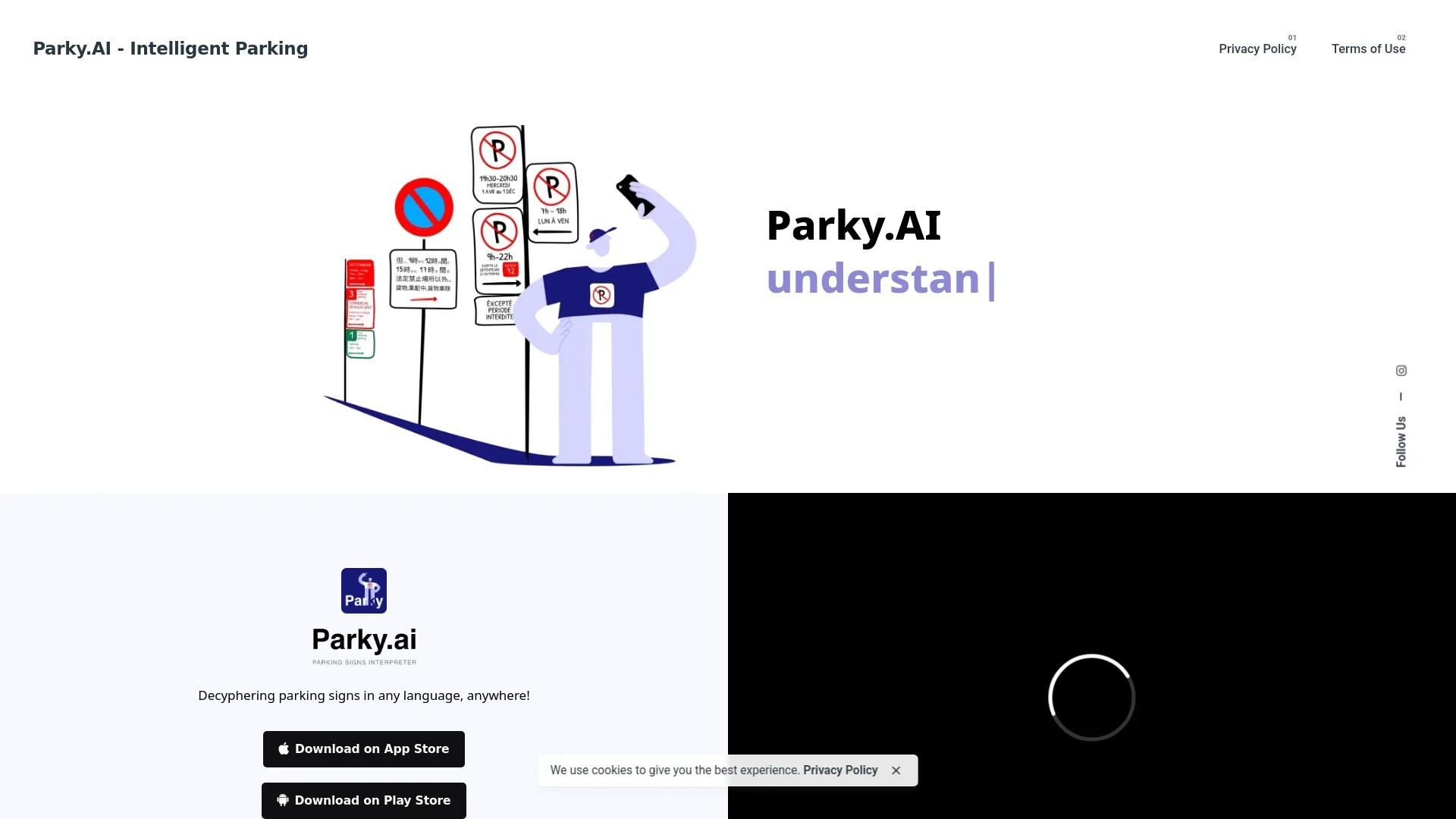
Parky.AI is an intelligent parking assistant designed to revolutionize the way drivers navigate parking regulations. By utilizing cutting-edge artificial intelligence, Parky.AI interprets parking signs and regulations with a simple photo, providing instant parking information. This tool is particularly beneficial for drivers in bustling city streets or unfamiliar neighborhoods, offering clear explanations on whether parking is permissible, any conditions that apply, and relevant time restrictions. Optimized for use in Canada, the United States, the United Kingdom, and Australia, Parky.AI is a versatile solution supporting 85 languages, making it an indispensable tool for drivers worldwide.
Parky.AI stands out with its ability to interpret parking regulations in real-time using just a photo. Its multilingual support and cross-platform availability make it an invaluable tool for drivers worldwide, setting it apart as a truly global parking assistant.
Parky.AI offers a revolutionary solution for drivers facing the complexities of parking regulations. Its AI-driven capabilities provide instant, multilingual guidance, making it a must-have tool for urban drivers, tourists, and delivery services alike. While users should verify parking signs to ensure compliance, Parky.AI significantly reduces the stress associated with finding suitable parking, saving time and potentially avoiding costly fines.
Who is Using Parky.AI?
Urban Drivers
Benefiting from quick and accurate parking information in busy cities.
Tourists
Utilizing the app to navigate parking signs in unfamiliar locations.
Delivery Services
Employing the tool for efficient parking during deliveries.
Commuters
Using Parky.AI to streamline daily parking routines.
Uncommon Use Cases
Adopted by municipalities for parking management training; Used by driving schools to educate students on parking regulations.
Key Features
Rating Breakdown
Pricing Plans
Free Tier
Free
- Parky.AI offers a free version with essential features
Pro Tier
- Pro Tier details and pricing are not explicitly provided
Which Parky.AI plan should you pick?
Start with the free app experience or trial, then choose Unlimited Yearly for frequent use or Unlimited Quarterly for shorter commitments.
Unlimited (Quarterly)
Good for occasional or seasonal users who need unlimited parking-sign analyses for a shorter commitment; listed at $3.99 in the App Store.
Unlimited (Yearly)
Good for regular drivers and travelers who want unlimited use at the lowest listed annual cost; listed at $12.99 in the App Store.
Parky.AI Use Cases
Check whether parking is allowed
Photograph the visible parking signs and receive a Yes, No, or Not sure conclusion.
Outcome: A plain-language parking decision with an explanation.
Interpret multiple signs on one pole
Capture the entire sign stack, including arrows, dates, time windows, and permit information.
Outcome: Overlapping visible rules are combined into one conclusion.
Understand foreign parking signs
Photograph a sign written in another supported language.
Outcome: The result is explained in the user's chosen language.
Resolve an uncertain result
Retake a wider, sharper photo when signs are distant, dark, obstructed, or incomplete.
Outcome: A clearer image may provide enough context for a more confident result.
Check parking before leaving the vehicle
Use Parky at the curb, then inspect nearby notices, markings, hydrants, driveways, and other physical conditions.
Outcome: The app's interpretation is supplemented with an on-site verification.
Workflow Ideas with Parky.AI
Interpret a complete sign stack
- 1Photograph every relevant sign on the pole
- 2Include arrows, dates, nearby notices, and the curb
- 3Review Parky's Yes, No, or Not sure conclusion
Improve an uncertain result
- 1Move closer and reduce glare
- 2Retake the image with all panels legible
- 3Check the surrounding area for restrictions outside the frame
Verify before parking
- 1Review Parky's explanation of the visible rules
- 2Walk in both directions to inspect nearby signs and markings
- 3Confirm temporary notices and local conditions before parking
Pros
- +Ease of Use: Simple photo capture functionality makes it user-friendly for all age groups.
- +Time-Saving: Quickly provides parking information, reducing the time spent deciphering complex signage.
- +Global Accessibility: Multilingual support makes it a tool for international travelers.
- +Comprehensive Guidance: Offers detailed explanations, helping to avoid parking fines.
Cons
- −Accuracy Limitations: While striving for accuracy, users are advised to double-check signs to ensure compliance.
- −Liability Disclaimer: Users are responsible for parking fines despite the app's guidance.
Limitations & when to consider alternatives
Known limitations
- Only visible information can be interpreted. Restrictions outside the submitted image, including nearby signs, curb markings, hydrants, driveways, or temporary notices, may be missed.
- Image quality affects results. Missing, distant, dark, blurry, or obstructed sign information can produce an uncertain or incorrect result.
- Results are not legal advice. Parky does not determine whether parking is lawful and does not replace direct observation or verification.
- Accuracy is not guaranteed. Automated results may be incorrect, incomplete, outdated, inconsistent, or inappropriate for a specific location.
- Do not use while driving. Users must park safely before capturing images, reviewing results, or interacting with the application.
Look elsewhere when
- You need programmatic access through an API.
- You need a desktop or browser-based application.
- Your use case requires custom model training.
- You need workflow automation or integrations with business tools.
How to Use Parky.AI
- 1
Open Parky on your phone
Install the official iPhone or Android app from the relevant app store.
- 2
Photograph the full sign pole
Include every stacked sign, arrow, date, nearby notice, and enough curb context to identify the applicable space.
- 3
Make the text readable
Move closer, steady the phone, avoid glare, and retake the image if any panel is blurred.
- 4
Review the conclusion
Read the Yes, No, or Not sure result and the explanation of which visible rules apply.
- 5
Perform a curbside check
Inspect the surrounding area for temporary notices, road markings, hydrants, driveways, construction, and other conditions outside the photo.
Who is Parky.AI For?
Drivers in unfamiliar neighborhoods
Parky helps interpret confusing or stacked parking signs before choosing a space.
Travelers abroad
Parky can read parking signs in 85 languages and explain the conclusion in the user's language.
Drivers facing complex sign clusters
Parky combines arrows, time windows, permits, dates, and seasonal restrictions instead of translating each panel separately.
Frequently Asked Questions
Does Parky work worldwide?
Parky is designed to interpret visible parking signs worldwide, but local conditions outside the image may affect the result.
Which languages can Parky read?
Parky supports parking signs written in 85 languages.
Can Parky analyze several signs together?
Yes. Photograph the full sign stack so Parky can combine arrows, days, times, dates, permits, and overlapping rules.
Does Parky store uploaded photos?
No. Uploaded parking-sign images are processed for interpretation and are not retained afterward.
What does “Not sure” mean?
It means the visible information is incomplete, contradictory, or ambiguous enough that Parky cannot provide a confident Yes or No.
Can Parky guarantee that I will not receive a ticket?
No. Users remain responsible for checking the curb, road markings, temporary notices, and current local conditions.
Community reviews
Be the first to share your experience.
Sign in to leave a review for Parky.AI.
Parky.AI Alternatives
Looking for alternatives to Parky.AI? Here are similar tools in the same category:
Learn to Master Parky.AI
With Skill Leap courses
Get in-depth training on Parky.AI and 50+ other AI tools with our expert-led video courses.
Start 7-Day Free Trial