Panjaya
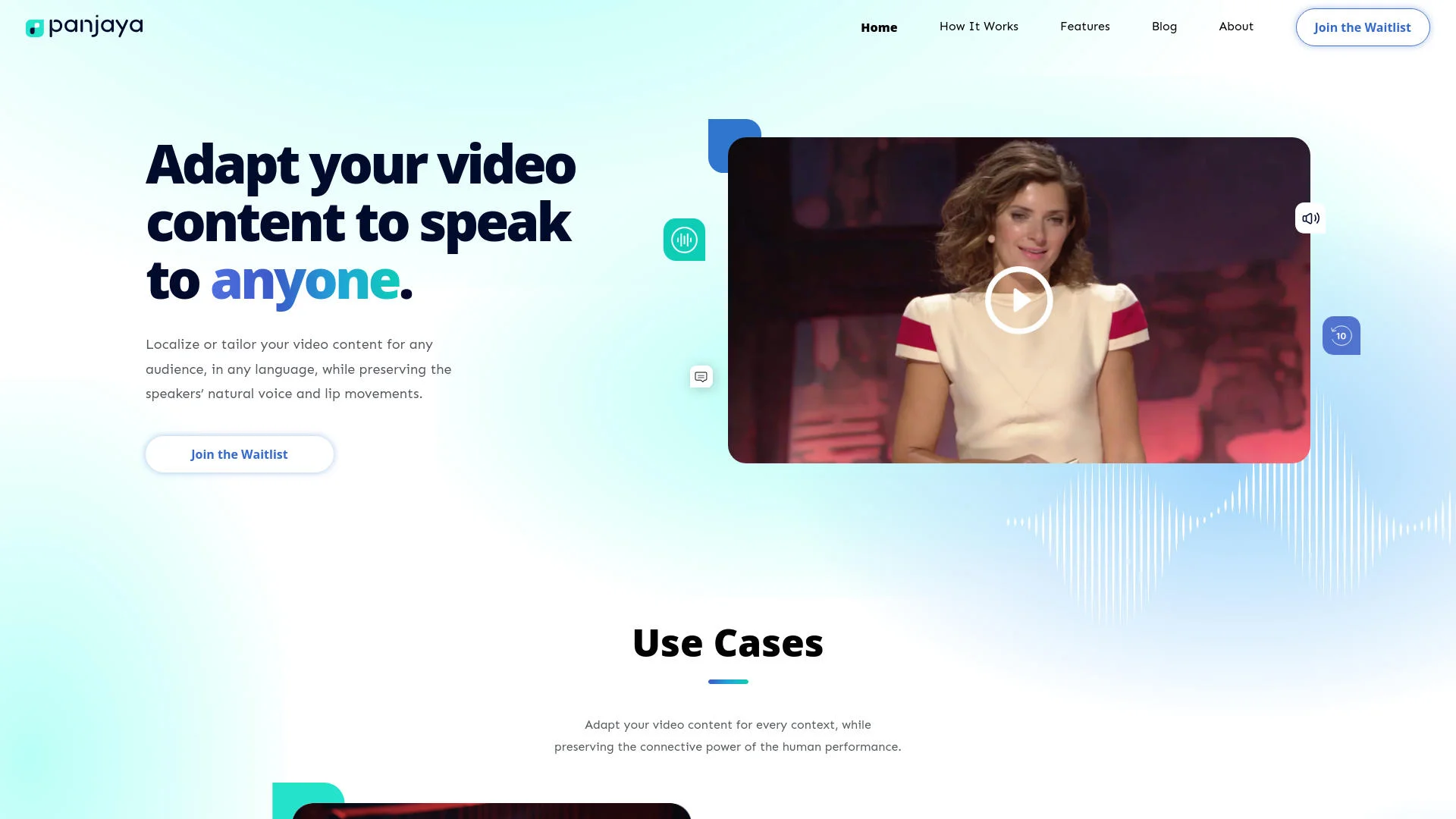
Transform videos for global audiences while preserving originality.
Key Takeaways
- What it is
- Transform videos for global audiences while preserving originality.
- Best for
- All-In-One Solution
- Highly Flexible
- Human Performance Transformation
- Rating
- 4.6/5
What is Panjaya?
As a seasoned reviewer of AI tools, I've seen my fair share of innovative technologies, but Panjaya stands out with its unique approach to video content adaptation. This AI-powered tool is designed to transform video content to cater to different languages and cultural contexts while maintaining the original speaker's voice and style. Whether it's for presentations, educational content, or marketing, Panjaya ensures that the essence and impact of the spoken message are preserved across various audiences.
Panjaya sets itself apart by offering a seamless, end-to-end solution for video content adaptation that is not just about translating text but transforming the entire presentation to resonate with different audiences while keeping the original speaker's essence intact. This capability is especially crucial in a globalized world where maintaining the authenticity of the message is as important as the message itself.
Panjaya excels in providing a robust, intuitive platform for adapting video content across languages and cultures. Its unique ability to maintain the original speaker's voice and style sets it apart, making it an invaluable tool for anyone looking to expand their reach while preserving the integrity and impact of their message. Whether you're a global enterprise, an educator, or a content creator, Panjaya offers a powerful solution to bridge communication gaps and connect with audiences around the world.
Who is Using Panjaya?
Multinational Corporations
Localizing internal training and corporate communications to ensure consistency across global offices.
Educational Institutions
Adapting educational materials to make them accessible and engaging for students worldwide.
Content Creators
Expanding the reach of social media content by creating versions in multiple languages.
Marketing Professionals
Tailoring advertising campaigns to resonate with diverse markets, enhancing global reach and impact.
Uncommon Use Cases
Non-profits using the tool to localize awareness campaigns; film producers adapting documentaries for international distribution.
Key Features
Rating Breakdown
Pricing Plans
Free Trial
- Get to know Panjaya with a comprehensive free trial period
Subscription Plans
- Details on specific pricing plans are available upon request
Which Panjaya plan should you pick?
Start with Free to test a short dub, use Pay-As-You-Go for occasional production, and upgrade to Enterprise or Managed Services for scale or hands-on support.
Free
Good for testing Panjaya with 1 minute of lip-sync dubbing and a watermark.
Pay-As-You-Go
Good for users who need Dubbing Studio, editing, exports, and uploads up to 30 minutes.
Enterprise
Good for teams needing unlimited seats, unlimited video duration, advanced editing, glossaries, and professional outputs.
Managed Services
Good for organizations that want Panjaya experts to handle translation review, editing, and end-to-end dubbing.
Panjaya Use Cases
Product demos and training
Dub and lip-sync product demonstrations and training videos into additional languages.
Outcome: Showcase product features in any language.
Educational talks
Localize educational talks so the content can reach viewers in different languages.
Outcome: Share knowledge with wider audiences.
Documentaries and behind-the-scenes
Create audio-only localized versions of documentary and behind-the-scenes content.
Outcome: Tell stories to international audiences.
Creator shorts and series
Dub and voice-clone creator content for new markets while preserving the original tone and emotion.
Outcome: Expand a creator’s global fanbase.
Event presentations and webinars
Turn presentations and webinars into multilingual video experiences.
Outcome: Reach audiences across markets without reshooting.
Workflow Ideas with Panjaya
API video localization
- 1Create an API key
- 2Upload a source video and choose target languages
- 3Generate and download the final dubbed video
Human-reviewed dubbing
- 1Upload an asset and create initial dubs
- 2Review and fine-tune text and voice in Dubbing Studio
- 3Generate an audio-only or full lip-synced video
Automated pipeline notifications
- 1Submit a dubbing job through the API
- 2Configure a callback URL
- 3Receive status updates and the final result URL
How Panjaya fits into your stack
API Access
Developers can integrate Panjaya's capabilities into existing systems with API support.
Cloud-Based Platform
Ensures easy access and compatibility with various operating systems and devices.
Video Editing Software Integration
Can be coupled with leading video editing tools to streamline the content creation process.
Social Media Platforms
Direct compatibility with social media channels for easy sharing and distribution.
Pros
- +Cultural Adaptation: Makes content accessible and relevant to international audiences without losing the original's emotional impact.
- +Enhanced Engagement: By maintaining the speaker's original style and voice, Panjaya helps keep the audience engaged, regardless of language barriers.
- +Time and Cost Efficiency: Reduces the need for multiple reshoots and dubbing sessions, providing a cost-effective solution for content localization.
- +Ease of Use: With an intuitive interface, users can easily upload videos, modify scripts, and generate adapted content without prior technical expertise.
Cons
- −Initial Learning Curve: New users may need some time to familiarize themselves with the tool's features and capabilities.
- −Dependency on Quality Inputs: The effectiveness of the output heavily depends on the quality of the original video and script provided.
- −Limited Language Options: While Panjaya supports multiple languages, the range may not cover all global languages, which could be a limitation for some users.
Limitations & when to consider alternatives
Known limitations
- Free usage is limited. The Free plan includes 1 minute of lip-sync dubbing and adds a watermark.
- Pay-As-You-Go upload limit. The Pay-As-You-Go plan supports uploads of up to 30 minutes.
- API video-size limit. Direct API video uploads are limited to 5GB.
- Background-audio upload limit. Direct API background-audio uploads are limited to 500MB.
- Language direction restrictions. Some languages are source-only or target-only; for example, Hebrew is source-supported but not target-supported, while Thai is target-supported but not source-supported.
Look elsewhere when
- You need a native mobile app
- You need named third-party integrations
- You need model fine-tuning on your own data
How to Use Panjaya
- 1
Explore a range of tutorials on the Panjaya website, offering everything from basic setup guidance to advanced feature utilization.
Who is Panjaya For?
Media & Entertainment
Adapt premium video content, documentaries, interviews, and news segments for global audiences.
Marketing & Advertising
Localize product demos, webinars, explainers, training videos, UGC ads, and social content.
Creators
Adapt videos, courses, podcasts, and short- or long-form content while preserving personality and performance.
Platforms & Integrators
Integrate Panjaya into an existing platform or content pipeline through its API.
Frequently Asked Questions
What is Panjaya?
Panjaya is an AI video adaptation and dubbing platform for translating, voicing, and lip-syncing video content across languages.
What languages are supported?
The free plan advertises 35+ languages. Panjaya’s API documentation lists supported source and target locales including English, Spanish, French, German, Japanese, Korean, Portuguese, and many others.
What kinds of videos can I localize with Panjaya?
Panjaya describes support for educational series, documentaries, interviews, post-game pressers, news segments, product demos, webinars, training videos, UGC ads, courses, and social content.
Can I adjust the translation or voice delivery?
Yes. Dubbing Studio supports translation editing plus controls for tone, timing, pauses, emphasis, rhythm, and pacing.
Do you voice clone the original speaker?
Yes. Panjaya says its system recreates the original speaker’s tone, cadence, and expressiveness in the target language.
What file formats can I upload and export?
Panjaya supports industry-standard audio and video inputs, optional SRT files, and exports including SRT, speaker-only audio, and dubbed video.
Community reviews
Be the first to share your experience.
Sign in to leave a review for Panjaya.
Panjaya Alternatives
Looking for alternatives to Panjaya? Here are similar tools in the same category: