
Originality.AI
Detects AI content, checks plagiarism, verifies facts efficiently.
Key Takeaways
- What it is
- Detects AI content, checks plagiarism, verifies facts efficiently.
- Pricing
- $30 · $14.95 · $179
- Best for
- Most Accurate AI Content Detector
- Plagiarism Checker
- Fact Checking Aid
- Rating
- 4.6/5
What is Originality.AI?
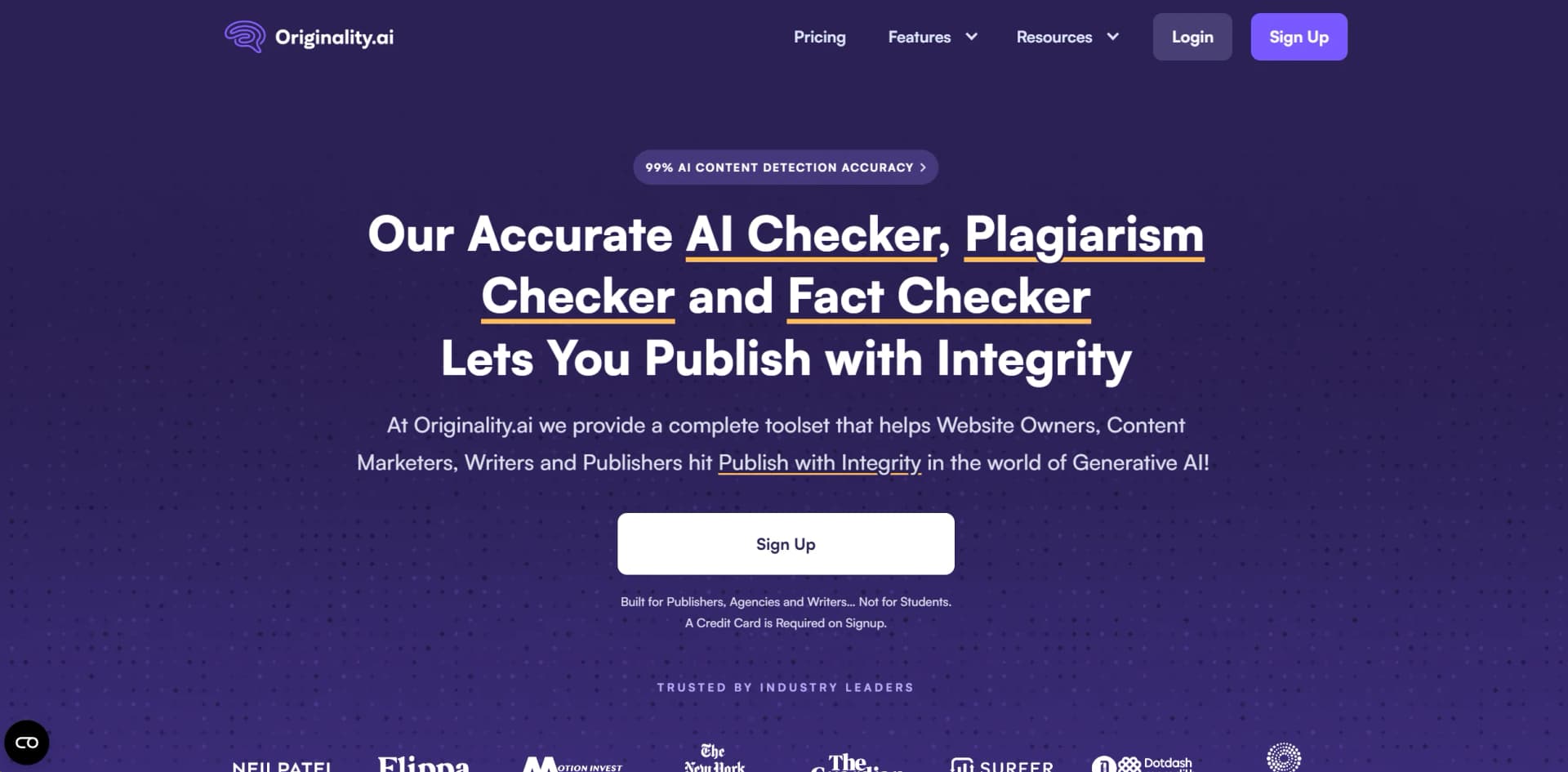
Originality.AI is a cutting-edge tool designed to ensure the integrity of digital content in the era of AI-generated text. Tailored for web publishers, content marketers, and writers, it provides robust features including AI content detection, plagiarism checking, and fact verification, ensuring original and accurate content.
Originality.AI excels with unparalleled accuracy in detecting AI-generated content and a comprehensive toolset covering plagiarism, fact-checking, and readability analysis, including detection of paraphrased content.
Originality.AI offers a reliable solution for ensuring the originality and accuracy of digital content, crucial for web publishers and content creators. Its ability to detect AI-generated and paraphrased content, along with support for multiple languages, positions it as a leader in content verification tools.
Who is Using Originality.AI?
Content Marketing Agencies
Ensures content authenticity before publication.
Web Publishers
Safeguards against risks of AI-generated content.
Freelance Writers
Validates work as original and plagiarism-free.
SEO Consultants
Enhances content quality and compliance with search engine guidelines.
Uncommon Use Cases
Used in academia to verify scholarly articles; by legal professionals for document authenticity.
Key Features
Rating Breakdown
Pricing Plans
Pay As You Go
$30
- 3,000 credits
- Additional credits at $0.01 each
Pro Plan
$14.95
- Or annually at $12.45 per month
- Offering 2,000 credits
Enterprise Plan
$179
- Or annually at $136.58 per month
- Providing 15,000 credits and priority support
Which Originality.AI plan should you pick?
Start with Basic for occasional AI detection, upgrade to Pro for regular individual or small-team use, and choose Enterprise for agencies, publishers, API access, and higher-volume collaboration.
Basic
Good for users who need free, limited AI detection with occasional scans and document uploads.
Pro
Good for individuals and small teams who need recurring credits, file uploads, site scans, team management, tags, and browser extensions.
Enterprise
Good for agencies and publishers who need higher scan volume, API access, priority support, shared reports, and team management.
Originality.AI Use Cases
AI content detection
Paste text, upload a document, or scan a URL to estimate whether content was written or edited by AI.
Outcome: A sentence-level AI score and explanatory report.
Plagiarism checking
Scan articles, essays, papers, or website content for matching and paraphrased material.
Outcome: A report showing potential matches and sources.
Fact checking
Upload or paste content and run the Fact Checker to identify statements that may require verification.
Outcome: Highlighted claims with supporting sources and citations.
Writing-process verification
Use the Chrome extension with Google Docs to replay revisions, inspect paste events, and view contributors.
Outcome: Evidence about how a document was created and who contributed.
Moodle assignment review
Connect the Moodle plugin so instructors can scan student submissions for AI writing and plagiarism inside Moodle.
Outcome: Scan results available within the assignment workflow.
Workflow Ideas with Originality.AI
Pre-publication content review
- 1Upload or paste the draft into Originality.ai
- 2Run AI, plagiarism, fact, grammar, and readability checks
- 3Review highlighted issues and share the report with editors
Google Docs authorship review
- 1Install the Originality.ai Chrome extension
- 2Open the Google Doc and run AI or plagiarism scans
- 3Replay the writing process and review contributors, revisions, and paste events
Moodle assignment screening
- 1Install and configure the Originality.ai Moodle plugin
- 2Enable scanning for an assignment
- 3Review AI and plagiarism findings alongside the student's submission and institutional policies
How Originality.AI fits into your stack
Seamless Workflow Integration
Integrates into existing content management workflows.
Multilanguage Compatibility
Supports content analysis in 15 languages.
API Access
Robust options for custom integration into various platforms.
Pros
- +Enhanced Content Integrity: Maintains high standards of originality and accuracy.
- +Efficiency in Content Verification: Reduces time and effort for manual checks.
- +Support for Multiple Languages: Versatile tool for global content operations.
- +Comprehensive Dashboard: Offers detailed overview ideal for team management.
Cons
- −No Free Tier: Lack of a free plan might deter potential users.
- −Complex Features for Beginners: Sophisticated features may overwhelm new users initially.
- −Limited API Access in Lower Plans: Full API access restricted to higher subscription tiers.
Limitations & when to consider alternatives
Known limitations
- AI scores are probabilistic. Originality.ai says AI-detection results can produce false positives or false negatives and should not be treated as conclusive proof.
- Fact checking is an aid, not a final authority. Fact-check results may be incomplete or inaccurate and require human verification before publication or decision-making.
- Short or formulaic text can be harder to evaluate. The help center identifies short, formulaic, academic, translated, and heavily edited content as potential sources of false positives.
- Subscription credits expire monthly. Unused subscription credits expire at the end of each monthly billing period.
- The free plan is limited. The Basic plan provides AI detection only, three scans per day, and a 2,000-word limit per scan.
Look elsewhere when
- You need a native mobile app rather than a web app or browser extension.
- You need a dedicated desktop installer for Windows, macOS, or Linux.
- You need built-in SSO or SAML authentication.
How to Use Originality.AI
- 1
Explore tutorials covering setup and advanced features on the Originality.AI website.
Who is Originality.AI For?
Website owners
They can check published or planned website content for AI writing, plagiarism, factual issues, and readability.
Content marketers
They can verify outsourced or AI-assisted content before publication and organize scans with tags and reports.
Writers and editors
They can review originality, plagiarism, grammar, readability, and factual accuracy during editorial workflows.
Publishers
They can apply content-quality checks and review material at scale across editorial operations.
Students and teachers
They can review essays and assignments, inspect writing history, and share reports supporting authorship transparency.
Frequently Asked Questions
Can I use Originality.ai for free?
Yes. The Basic plan is free, requires no subscription, provides AI detection, allows three scans per day, and supports files up to 2,000 words per scan.
What does Originality.ai detect?
The platform offers AI detection, plagiarism checking, fact checking, grammar and spelling checking, readability analysis, content quality checks, and guideline checking.
Does Originality.ai have an API?
Yes. Its REST API lets developers submit text, trigger scans, and receive AI-detection and plagiarism results.
What languages does Originality.ai support?
Its multilingual AI detector supports 30 languages and can automatically select an appropriate non-English model.
Can I upload documents?
Yes. Supported uploads include Microsoft Word files and PDFs, in addition to pasted text, editor input, and URLs.
Are Originality.ai browser extensions free?
The Chrome, Google Docs, and Firefox extensions can be used for free, while some premium features require a subscription.
Community reviews
1 review from people who use Originality.AI.
Sign in to leave a review for Originality.AI.
Thibault BM
Originality.AI Alternatives
Looking for alternatives to Originality.AI? Here are similar tools in the same category:
Learn to Master Originality.AI
With Skill Leap courses
Get in-depth training on Originality.AI and 50+ other AI tools with our expert-led video courses.
Start 7-Day Free Trial