
Opus Clip
Transform videos into viral shorts effortlessly with AI-driven editing and curation.
Key Takeaways
- What it is
- Transform videos into viral shorts effortlessly with AI-driven editing and curation.
- Pricing
- Freemium
- Best for
- AI Curation
- AI Virality Score
- AI Co-Pilot
- Rating
- 4.6/5
What is Opus Clip?
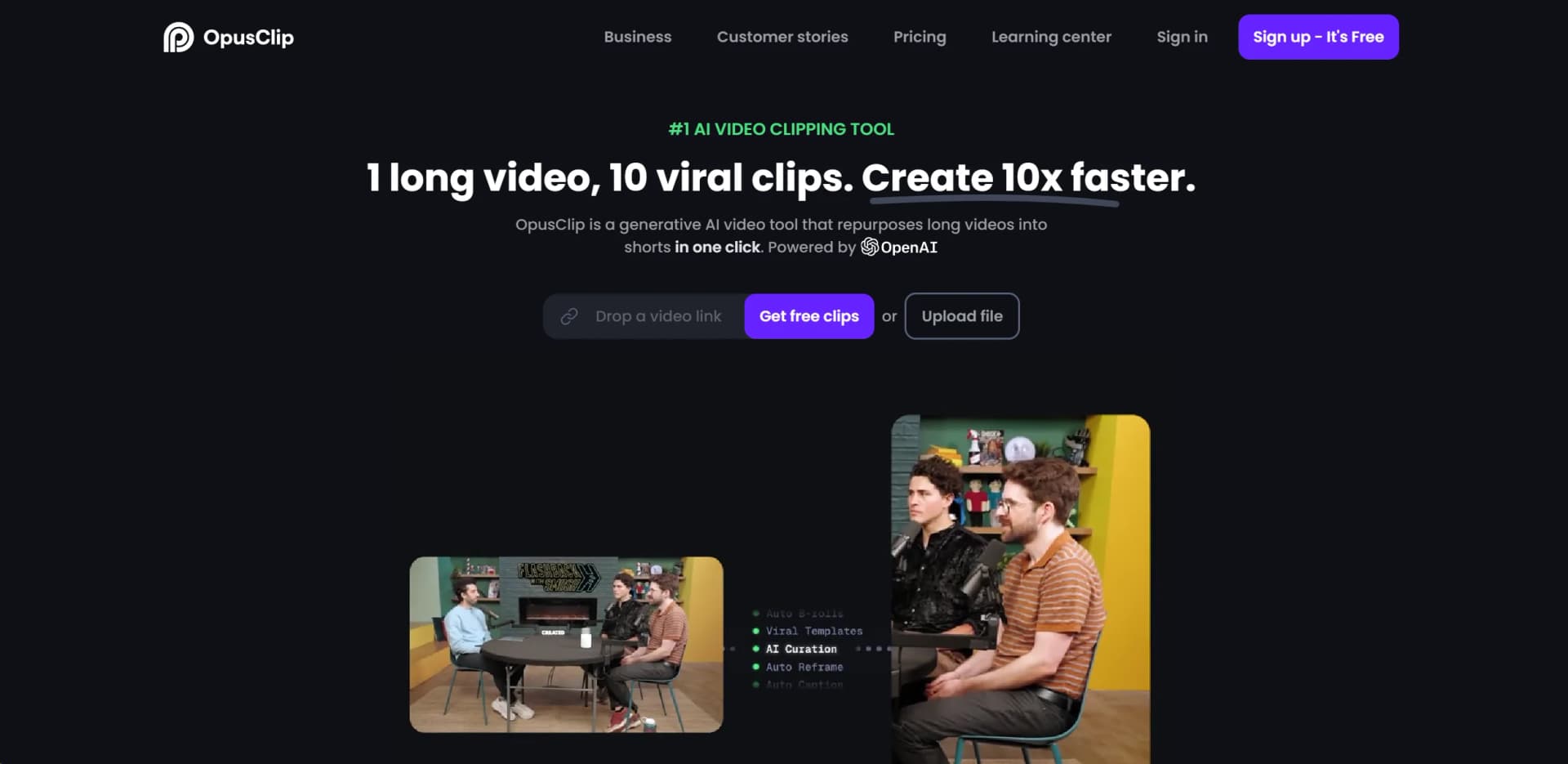
Opus Clip is an AI-powered video repurposing tool that transforms long videos into engaging shorts with just a single click. Designed for content creators, marketers, and businesses looking to maximize their video content's reach and effectiveness, Opus Clip simplifies the process of creating viral-worthy clips. Utilizing advanced AI technologies, it analyzes, curates, and edits videos to highlight the most compelling parts, ensuring that the final product is not only cohesive but primed for social media success.
Opus Clip stands out for its comprehensive AI-driven approach to video editing, offering a blend of features like AI curation, virality scoring, and dynamic layout adjustments that are not commonly found in other tools. Its capability to automatically generate engaging clips from longer content, with minimal input from the user, sets it apart in the landscape of video editing tools.
Opus Clip excels at transforming long video content into short, engaging clips with ease, making it an indispensable tool for content creators, marketers, and businesses aiming to amplify their online presence. Its unique blend of AI-driven features, such as virality scoring and dynamic editing, offers users a powerful platform to create high-quality content quickly and efficiently. With its user-friendly interface and broad compatibility, Opus Clip is poised to become a go-to solution for video repurposing needs across various industries.
Who is Using Opus Clip?
Social Media Marketers
For creating daily engaging posts that drive views and interactions.
Content Creators
To repurpose long-form content into short clips suitable for platforms like Instagram, TikTok, and Twitter.
Digital Agencies
For enhancing client video content with minimal effort and time investment.
E-commerce Brands
To generate product videos that capture consumer attention quickly.
Uncommon Use Cases
Educational institutions use it to create engaging learning materials; Podcasters repurpose episodes into short, shareable clips.
Key Features
Rating Breakdown
Pricing Plans
Free Tier
Free
- Opus Clip offers a 7-day free trial of the Pro Plan
- Providing 90 minutes of video processing time
Pro Plan
- Details on pricing after the trial period are available on the Opus Clip website
- Options for monthly and yearly subscriptions
Which Opus Clip plan should you pick?
Start with Free to test the clipping workflow; upgrade to Starter for editing and higher monthly volume, Pro for collaboration and advanced features, or Business for API, custom integrations, and enterprise support.
Free
Good for users who need basic AI clipping, captions, auto-reframing, and 60 monthly credits.
Starter
Good for individual creators who need 150 monthly credits, editing, more import sources, and social posting.
Pro
Good for professional creators, marketers, and teams who need a team workspace, AI B-roll, scheduling, multiple formats, and limited API access.
Business
Good for organizations that need customized credits, seats, social connections, dedicated storage, API access, custom integrations, and priority support.
Opus Clip Use Cases
Repurpose long-form videos
Upload or link a podcast, webinar, livestream, interview, or other long video and generate multiple short clips.
Outcome: Ready-to-post short-form content.
Create social clips
Reframe videos for vertical, square, or landscape formats and add animated captions.
Outcome: Platform-optimized clips for TikTok, Instagram, YouTube, LinkedIn, and other channels.
Automate publishing
Connect social accounts, generate titles and descriptions, and schedule or publish clips.
Outcome: A repeatable social publishing pipeline.
Build video pipelines with the API
Submit projects, upload source videos, retrieve clips and transcripts, and configure processing preferences programmatically.
Outcome: Scalable, code-driven video processing.
Create branded content
Apply brand templates, custom fonts, captions, colors, and uploaded media assets to clips.
Outcome: Consistent on-brand short-form videos.
Workflow Ideas with Opus Clip
Turn one recording into a social content queue
- 1Upload a long-form video or paste a supported video URL
- 2Generate clips with captions and platform-specific reframing
- 3Review, edit, and schedule the finished clips
Automate clipping with Zapier
- 1Connect OpusClip to Zapier
- 2Trigger a project from a video URL
- 3Retrieve clips or transcripts when processing completes
Batch-process a local video library
- 1Point an AI agent at a folder of local videos
- 2Upload each file and create an OpusClip project
- 3Review the generated clips and schedule the strongest results
How Opus Clip fits into your stack
Video Source Support
Compatible with videos from YouTube, Vimeo, Zoom, Facebook, LinkedIn, Twitter, StreamYard, and more.
Language Support
Offers extensive language support, catering to a global audience with over 20 languages.
Export Options
Provides the ability to export edited clips to Adobe Premier Pro for further refinement.
Pros
- +Efficiency Boost: Dramatically reduces the time needed to create short, engaging video content.
- +High-Quality Outputs: Produces professionally styled clips with high resolution and dynamic editing.
- +Versatility: Supports a wide array of video sources and languages, making it suitable for a global user base.
- +Ease of Use: Designed with a user-friendly interface that requires no professional editing skills to navigate.
Cons
- −Initial Learning Curve: New users may need time to fully grasp all the features and functionalities.
- −Language Limitations: While it supports many languages, there might be nuances in dialects or slang that are less accurately captured.
- −Dependency on Original Video Quality: The effectiveness of the output heavily relies on the quality of the input video.
Limitations & when to consider alternatives
Known limitations
- Free exports are watermarked. The Free plan includes a watermark and does not provide full editing capabilities.
- Free clips expire from export. On the Free plan, clips are no longer exportable after three days.
- Local uploads have size and duration limits. Local files are limited to 10GB and 10 hours, and non-integer frame rates are not supported.
- Uploaded media assets have separate editor limits. Custom media uploads support files up to 200MB, and uploaded videos used as assets cannot exceed 15 minutes.
- Mobile editing is limited compared with the web version. The iOS app does not currently support features such as AI enhancements, B-roll, image overlays, XML export, bulk export, or cloud saving.
Look elsewhere when
- You need a dedicated desktop application.
- You need a browser extension.
- You need image analysis or computer-vision understanding.
How to Use Opus Clip
- 1
Opus Clip offers a range of tutorials and a learning center on its website, guiding users through the process of creating viral video content, from basic setup to advanced features.
Who is Opus Clip For?
Developers
Use the OpusClip API to build autonomous video pipelines and programmatic clipping workflows.
Media companies
Scale video creation and repurpose long-form media into short-form content.
Professional creators
Turn long videos into ready-to-post clips, captions, reframes, and translations.
Agencies
Increase video output and manage content production without adding equivalent headcount.
Marketers and teams
Use team workspaces, brand templates, social scheduling, and multi-platform publishing.
Frequently Asked Questions
What languages does OpusClip support?
OpusClip supports over 25 video languages, including English, German, Spanish, French, Portuguese, Japanese, Korean, and Vietnamese.
Is there a free plan?
Yes. The Free plan is available forever and includes 60 processing credits per month, AI captions, auto-reframing, and watermarked exports.
What video sources can OpusClip import?
Supported sources include YouTube, Google Drive, Vimeo, Zoom, Rumble, Twitch, Facebook, LinkedIn, X, Dropbox, Riverside, Loom, Frame.io, and StreamYard.
Can I upload local video files?
Yes. Local uploads can be up to 10GB and 10 hours long, subject to supported-format and frame-rate requirements.
Does OpusClip have mobile apps?
Official iOS and Android apps are available. Mobile supports uploading, AI clipping, captions, basic editing, templates, and sharing.
Can OpusClip automate workflows?
Yes. Zapier can trigger OpusClip projects, retrieve clips and transcripts, and start workflows when projects are completed.
Community reviews
Be the first to share your experience.
Sign in to leave a review for Opus Clip.
Opus Clip Alternatives
Looking for alternatives to Opus Clip? Here are similar tools in the same category:
Learn to Master Opus Clip
With Skill Leap courses
Get in-depth training on Opus Clip and 50+ other AI tools with our expert-led video courses.
Start 7-Day Free Trial