
OpenCall.ai
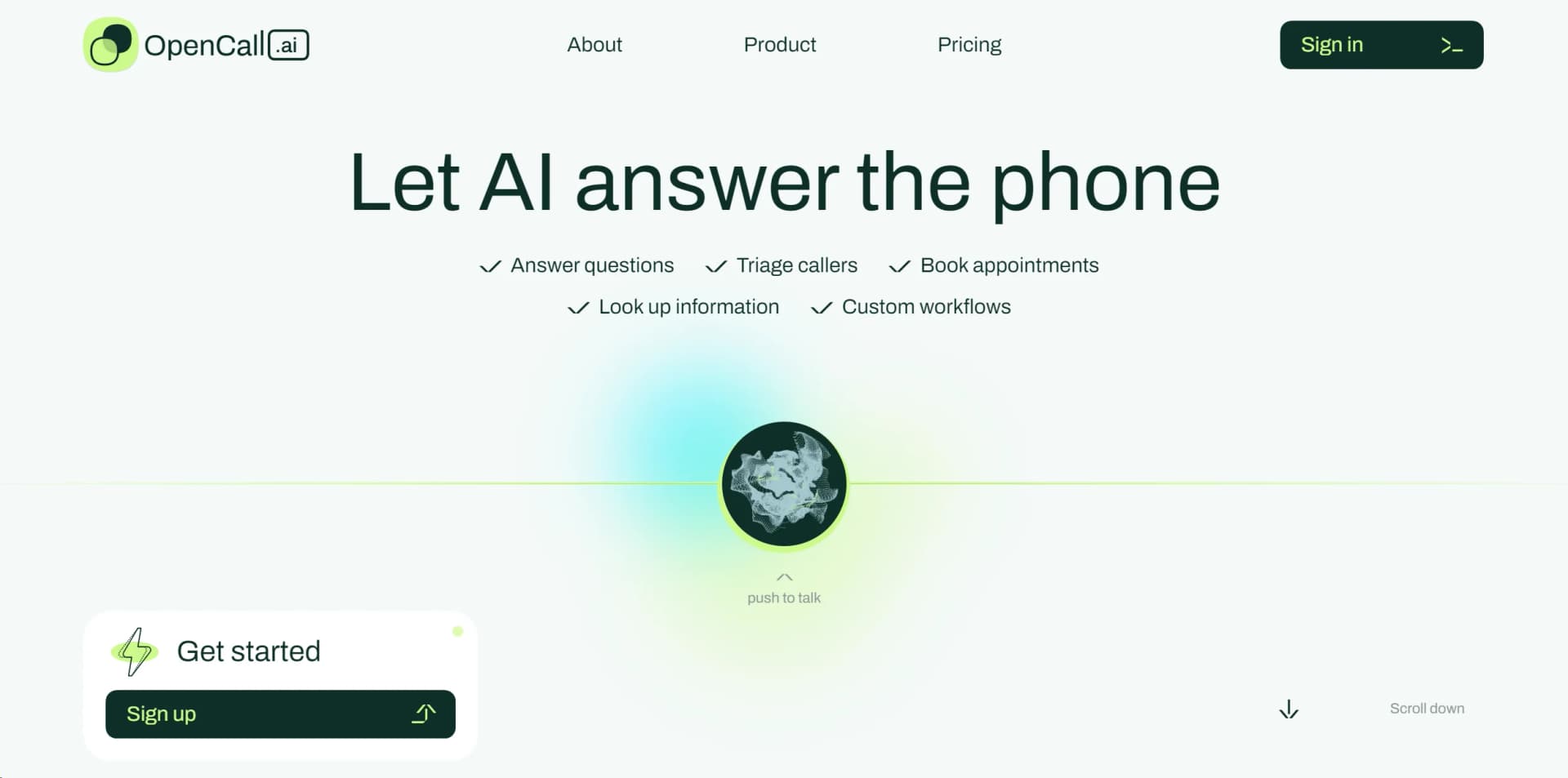
Automate call handling, appointments, and workflows effortlessly with AI-driven precision and HIPAA compliance.
Watch OpenCall.ai in Action
Key Takeaways
- What it is
- Automate call handling, appointments, and workflows effortlessly with AI-driven precision and HIPAA compliance.
- Pricing
- $9.99 per month
- Best for
- AI-Powered Summarization
- Automated Transcription
- Smart Scheduling
- Rating
- 4.4/5
What is OpenCall.ai?
In the ever-evolving landscape of artificial intelligence tools, opencall.ai emerges as a groundbreaking platform designed to streamline and enhance communication processes. At its core, opencall.ai is an AI-driven tool that revolutionizes the way we conduct meetings and calls, offering a suite of features aimed at making virtual interactions more efficient and productive. Designed for a wide range of users, from professionals to individuals seeking to optimize their communication efforts, opencall.ai simplifies the complexities often associated with virtual meetings.
opencall.ai stands out with its AI-powered meeting summarization, a game-changer for anyone looking to save time and enhance meeting productivity. Its ability to seamlessly integrate action item tracking into the user's workflow sets it apart, making it an indispensable tool for anyone seeking to optimize their communication processes.
OpenCall.ai excels in providing innovative solutions to common communication challenges, making it an essential tool for a wide range of users. Its AI-powered summarization and action item tracking, in particular, offer unmatched advantages for enhancing meeting productivity and efficiency. Whether you're part of a remote team, a project manager, or an educator, OpenCall.ai's features can significantly contribute to your success and organizational efficiency.
Who is Using OpenCall.ai?
Remote Teams
Facilitating efficient communication across different time zones and locations.
Project Managers
Employing the tool to track meeting outcomes and action items effectively.
HR Professionals
Using it for conducting and summarizing interviews and team meetings.
Educators
Leveraging the tool to host virtual classes and provide accessible material to students.
Uncommon Use Cases
Non-profit organizations use it for coordinating volunteer efforts; Podcasters utilize the transcription feature for content creation.
Key Features
Rating Breakdown
Pricing Plans
Free Trial
- Opencall.ai offers a 14-day free trial
- Allowing users to explore its features without commitment
Premium Plan
$9.99 per month
- Providing full access to all features
Which OpenCall.ai plan should you pick?
Start with Voice AI for inbound-call handling, upgrade to Voice + SMS for messaging and follow-ups, or choose Full Platform for outbound campaigns and multi-location workflows.
Voice AI
Good for practices that need unlimited inbound calls, routing, scheduling, recordings, transcripts, and standard CRM or EMR integration.
Voice + SMS
Good for practices that need two-way SMS, reminders, text-to-schedule, automated follow-ups, and broadcast messaging.
Full Platform
Good for organizations that need outbound calling campaigns, custom workflows, advanced routing, multi-location orchestration, and white-label options.
OpenCall.ai Use Cases
Appointment scheduling
Answer patient calls and texts, then book, reschedule, or cancel appointments in connected systems.
Outcome: Fewer missed calls and fuller schedules.
Insurance and eligibility intake
Collect insurance details and verify benefits during patient conversations.
Outcome: Patients arrive with more complete information.
Recall and no-show recovery
Run reminder, recall, reactivation, and no-show-recovery campaigns.
Outcome: More overdue patients rebooked and more schedule gaps filled.
Urgency triage and escalation
Capture practice-approved warning signs and route urgent or sensitive cases to the appropriate human team.
Outcome: Urgent calls reach the correct escalation path faster.
Billing and collections outreach
Handle billing calls, payment reminders, collections conversations, and related staff tasks.
Outcome: Less manual follow-up for front-desk and back-office teams.
Workflow Ideas with OpenCall.ai
New-patient intake to appointment
- 1Answer the inbound call or text
- 2Collect demographics, insurance, reason for visit, and onboarding details
- 3Book the appropriate appointment in the connected practice system
No-show recovery
- 1Identify a missed appointment
- 2Launch an outbound call or SMS follow-up
- 3Rebook the patient into an available slot
Urgent symptom escalation
- 1Capture symptoms, timing, and practice-approved warning signs
- 2Apply the configured urgency and routing rules
- 3Escalate to the appropriate staff member with transcript and context
How OpenCall.ai fits into your stack
Zoom Integration
Enhances virtual meetings with real-time transcription and summarization.
Microsoft Teams Compatibility
Allows users to leverage opencall.ai's features within the Teams environment.
Google Calendar Sync
Simplifies scheduling by integrating with users' existing calendars.
API Access
Offers developers the ability to create custom integrations, extending the utility of opencall.ai.
Pros
- +Enhanced Productivity: By automating meeting summaries and transcription, opencall.ai significantly reduces the time spent on post-meeting tasks.
- +Improved Meeting Efficiency: The smart scheduling and action item tracking features ensure meetings are more focused and outcome-oriented.
- +Accessibility: Easy access to transcriptions and summaries makes it simpler for team members to stay informed, regardless of their attendance in the meeting.
- +Seamless Integration: opencall.ai easily integrates with popular platforms like Zoom and Microsoft Teams, enhancing its utility without disrupting existing workflows.
Cons
- −Learning Curve: New users may require some time to fully utilize all the features available on opencall.ai.
- −Internet Dependency: Being an online tool, its performance is heavily reliant on internet connectivity.
- −Feature Overload: Some users might find the wide array of features overwhelming at first glance.
Limitations & when to consider alternatives
Known limitations
- Does not diagnose. OpenCall captures symptoms and follows configured escalation policies but does not diagnose medical conditions.
- Does not prescribe or interpret results. Refill, referral, and results workflows route requests to staff; OpenCall does not prescribe medication or interpret results.
- Pricing depends on deployment details. Final pricing depends on location count, integration complexity, and custom requirements; setup fees may apply for unsupported integrations.
- Some capabilities require higher plans. SMS, outbound campaigns, advanced workflows, legacy-system support, and multi-location features vary by plan.
- Human escalation remains necessary. Complex, licensed, sensitive, or urgent cases are designed to be transferred or escalated to staff.
Look elsewhere when
- You need a native iOS or Android app for the OpenCall healthcare platform.
- You need documented developer API endpoints and API keys.
- You need image analysis rather than image-upload links.
How to Use OpenCall.ai
- 1
Explore the comprehensive tutorial series on the opencall.ai website, covering everything from basic setup to advanced features, ensuring users can fully leverage the platform's capabilities.
Who is OpenCall.ai For?
Dental practices
OpenCall handles patient calls, insurance intake, appointment booking, recalls, and follow-ups.
Primary care practices
It supports new-patient registration, visit-type routing, chronic-care coordination, refills, results, and referrals.
Dermatology practices
It handles dermatology triage, cosmetic leads, referral and insurance collection, and treatment follow-ups.
Eye-care practices
It books exams, checks benefits, manages recalls, captures contact-lens reorders, and supports eyewear upsells.
Healthcare organizations with multiple locations
The Full Platform plan provides multi-location orchestration and per-location configuration.
Frequently Asked Questions
How does OpenCall handle urgent symptoms?
It captures practice-approved symptom details and follows configured escalation rules; it does not diagnose.
Can OpenCall schedule appointments?
Yes. It books, reschedules, and cancels appointments using practice rules and connected scheduling or practice-management systems.
How does OpenCall handle refills, referrals, and results?
It gathers required details and routes requests to the correct team; it does not prescribe medication or interpret results.
Which systems does OpenCall integrate with?
Examples include Dentrix, Eaglesoft, Open Dental, Athena, eClinicalWorks, Google Calendar, Google Sheets, and Zendesk.
How does OpenCall protect patient information?
OpenCall states that it is HIPAA compliant and uses AES-256 encryption at rest, TLS in transit, role-based access, audit trails, and a BAA.
How quickly can OpenCall go live?
Industry pages state that typical go-live takes about a week; dental materials cite approximately three to five business days.
Community reviews
Be the first to share your experience.
Sign in to leave a review for OpenCall.ai.
OpenCall.ai Alternatives
Looking for alternatives to OpenCall.ai? Here are similar tools in the same category:
Learn to Master OpenCall.ai
With Skill Leap courses
Get in-depth training on OpenCall.ai and 50+ other AI tools with our expert-led video courses.
Start 7-Day Free Trial