Ollama
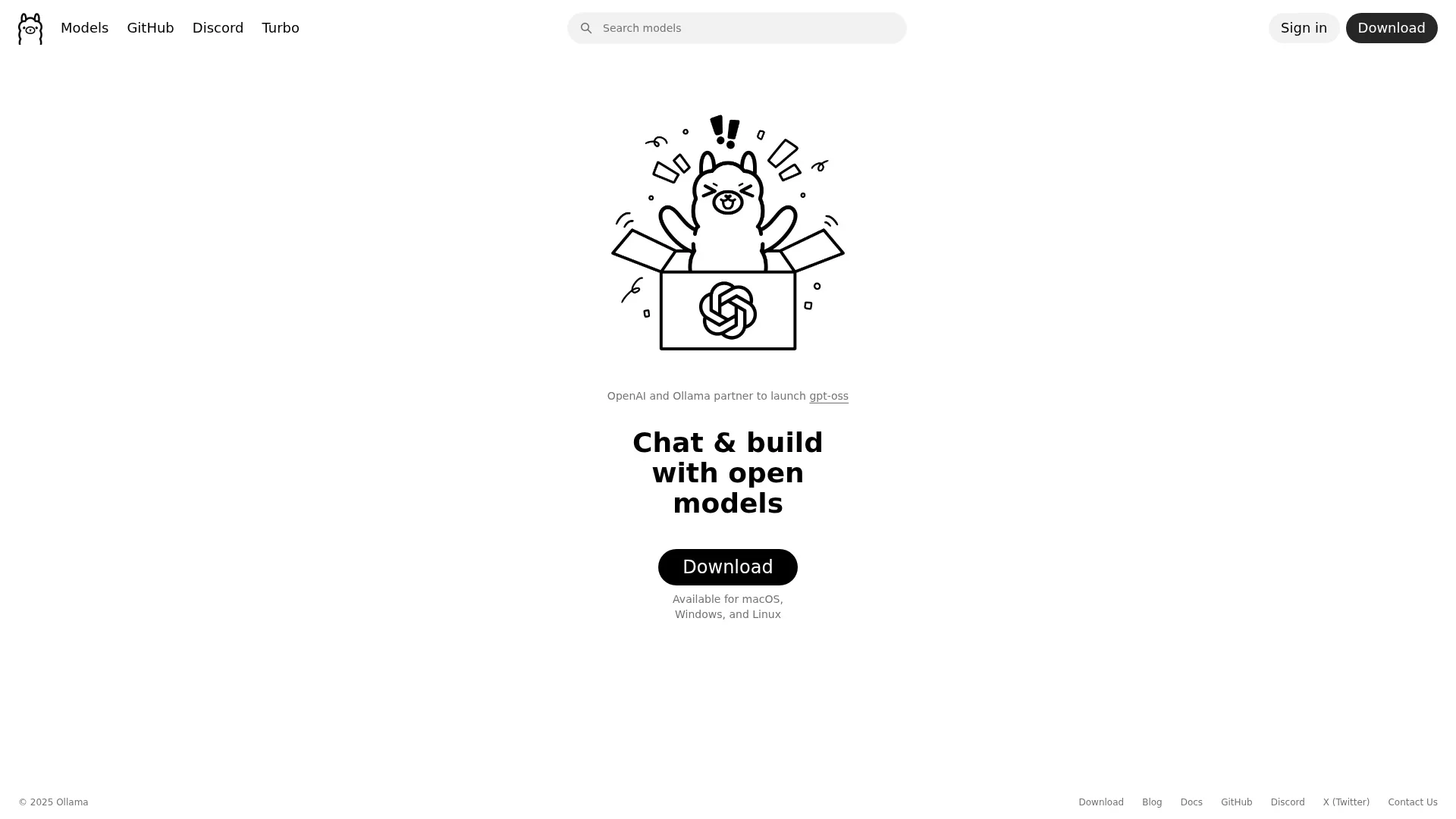
Chat, build, and explore with open AI models.
Key Takeaways
- What it is
- Chat, build, and explore with open AI models.
- Pricing
- Freemium
- Best for
- Open Model Access
- Cross-Platform Availability
- Community Engagement
- Rating
- 4.3/5
What is Ollama?
Ollama offers an intriguing AI experience by providing a platform to chat and build with open models. It's designed for developers, tech enthusiasts, and AI researchers who want to explore and utilize AI models in their projects. Whether you're working on macOS, Windows, or Linux, Ollama simplifies the process of engaging with AI models by offering a user-friendly interface and diverse functionalities.
Ollama stands out with its open model access, which democratizes AI technology by making it accessible to a wide audience. Its collaboration with OpenAI and strong community focus set it apart, fostering an environment of innovation and shared learning.
Ollama offers a compelling platform for anyone interested in exploring the world of AI. With its open model access and strong community support, it provides a unique opportunity for users to experiment and innovate. Whether you're a developer, researcher, or tech enthusiast, Ollama delivers a rich environment to expand your AI capabilities.
Who is Using Ollama?
Developers
Utilizing Ollama to integrate AI models into software applications.
AI Researchers
Exploring and experimenting with open models for academic and practical purposes.
Tech Enthusiasts
Engaging with the platform to learn more about AI and its potential applications.
Educators
Using Ollama in educational settings to teach AI concepts and practices.
Uncommon Use Cases
Adopted by DIY tech hobbyists for personal projects; Employed by startup incubators for prototype development.
Key Features
Rating Breakdown
Pricing Plans
Free
Free
- Ollama is completely free to use. As an open-source platform
- It allows developers to run and customize large language models locally
- Giving full control without licensing costs or restrictions
Which Ollama plan should you pick?
Start with Free for local models, unlimited local usage, API access, and desktop apps; upgrade to Pro for larger cloud models, higher cloud usage, concurrency, and private model sharing, or choose Team and Enterprise for organizational administration and support.
Free
Good for individuals and developers who need local models, unlimited local usage, API access, desktop apps, and light cloud usage.
Pro
Good for users who need larger cloud models, three concurrent cloud models, substantially more cloud usage, and private model sharing.
Max
Good for demanding workloads requiring up to ten concurrent cloud models and five times Pro usage; new sign-ups are currently paused.
Team
Good for groups needing shared billing, seat-based access, usage included per seat, and organizational administration.
Enterprise
Good for larger organizations needing custom terms, volume pricing, security and procurement support, and deployment planning.
Ollama Use Cases
Coding assistance
Run coding agents and connect Ollama models to IDEs and editors for code generation, modification, and project understanding.
Outcome: Use open models in existing development workflows.
Document analysis
Drag and drop text files or PDFs into the desktop app for model-assisted reasoning and analysis.
Outcome: Extract information and reason over documents locally.
Image analysis and OCR
Send images to vision models for description, classification, question answering, or text extraction.
Outcome: Understand visual and scanned content.
Private local AI
Run open models entirely on local hardware without sending local prompts or data to Ollama’s cloud.
Outcome: Keep sensitive model interactions on the device.
Workflow automation
Connect Ollama to n8n and use an Ollama node inside a multi-step automation workflow.
Outcome: Add open-model intelligence to automated processes.
Workflow Ideas with Ollama
Analyze a document locally
- 1Open the Ollama desktop app
- 2Drag and drop a text file or PDF
- 3Ask the model to summarize, extract, or analyze the document
Set up a coding assistant
- 1Install Ollama and pull a coding-capable model
- 2Run an integration such as Claude Code, Codex, OpenCode, or VS Code
- 3Use the connected coding tool to inspect and modify a project
Build an n8n AI workflow
- 1Create Ollama credentials in n8n
- 2Select an Ollama model and add an Ollama node
- 3Connect the node to other workflow steps and run the automation
How Ollama fits into your stack
Desktop / IDE
Ollama provides downloadable macOS, Windows, and Linux applications and connects local or cloud models to VS Code, JetBrains, Xcode, Zed, Cline, and other coding tools.
Automation and APIs
Its documented REST API, Python and JavaScript libraries, OpenAI-compatible endpoints, and n8n integration let teams embed Ollama models into applications and automated workflows.
Knowledge and files
The desktop app accepts dragged-and-dropped text and PDF files, while vision-capable models process supplied images and multimodal inputs.
Coding agents
Ollama serves as a model runtime for Claude Code, Codex, OpenCode, Droid, Goose, Pi, and other coding agents that read, modify, or execute project code.
Pros
- +Versatile Model Options: Provides a wide array of models for different applications, enhancing flexibility.
- +User-Friendly Interface: Simplifies interaction with complex AI models, making it accessible for users with varying levels of expertise.
- +Cross-Platform Support: Ensures compatibility with major operating systems, broadening its usability.
- +Community Support: Strong community presence on platforms like GitHub and Discord offers valuable support and resources.
Cons
- −Initial Setup Required: Users may need to spend some time setting up the environment for optimal use.
- −Limited to Open Models: While it offers open models, users looking for proprietary solutions might find this limiting.
Limitations & when to consider alternatives
Known limitations
- Hardware requirements vary substantially. Local model performance and feasibility depend on model size, GPU support, available VRAM, and system memory.
- Models can require substantial storage. Ollama documentation notes that models may require tens to hundreds of gigabytes of disk space.
- Cloud usage has plan limits. Cloud plans impose usage, concurrency, session, and weekly limits; requests can be queued or rejected when limits are reached.
- Vision requires a compatible model. Image understanding is available only with models that support vision, such as Gemma 3.
- AI outputs require verification. Ollama’s terms state that generated outputs may be inaccurate, incomplete, or inappropriate and should be reviewed.
Look elsewhere when
- You need a native mobile app for iOS or Android
- You need built-in SSO or SAML
- You need vendor-hosted fine-tuning jobs
- You need documented encryption-at-rest or encryption-in-transit guarantees
How to Use Ollama
- 1
Install Ollama
Download Ollama for macOS, Windows, or Linux, then launch the desktop application or run the CLI.
- 2
Run a model
Use the interactive menu or commands such as ollama run gemma3 to start chatting with a local model.
- 3
Use the API
Call the local API at http://localhost:11434/api or use the cloud API with an Ollama API key.
- 4
Analyze files or images
In the desktop app, drag and drop text files or PDFs; for vision models, provide an image with a compatible model.
- 5
Connect a tool
Use ollama launch or the documented integration instructions to connect Ollama with coding tools, editors, notebooks, or n8n.
- 6
Customize a model
Create a Modelfile with a base model, system message, parameters, or adapter, then run ollama create to build a customized model.
Who is Ollama For?
Developers
Ollama provides local and cloud models, a developer API, official libraries, CLI tooling, and integrations with coding environments.
Coding teams
Coding agents and IDE integrations let teams use open models with tools such as VS Code, Claude Code, Codex, and OpenCode.
Organizations using private AI
Local execution keeps prompts and model interactions on the user’s machine, while enterprise deployment support is available.
Researchers and notebook users
The official integrations include marimo, enabling AI chats and inline code completion in interactive notebooks.
Frequently Asked Questions
Is Ollama free?
Ollama has a Free plan costing $0. Local model usage is unlimited, while cloud usage has plan-specific limits.
Which operating systems does Ollama support?
Ollama supports macOS, Windows, and Linux, with native applications or installation packages for each platform.
Does Ollama provide an API?
Yes. Ollama provides local and cloud API endpoints, plus official Python and JavaScript libraries.
Can Ollama analyze documents?
The macOS and Windows desktop app supports file drag and drop for reasoning with text files and PDFs.
Can Ollama understand images?
Vision-capable models accept images alongside text and can describe, classify, answer questions, and extract information from them.
Does Ollama train on prompts or responses?
Ollama states that prompts and responses are never logged or trained on, including for cloud-hosted models.
Community reviews
Be the first to share your experience.
Sign in to leave a review for Ollama.
Ollama Alternatives
Looking for alternatives to Ollama? Here are similar tools in the same category: