Numra
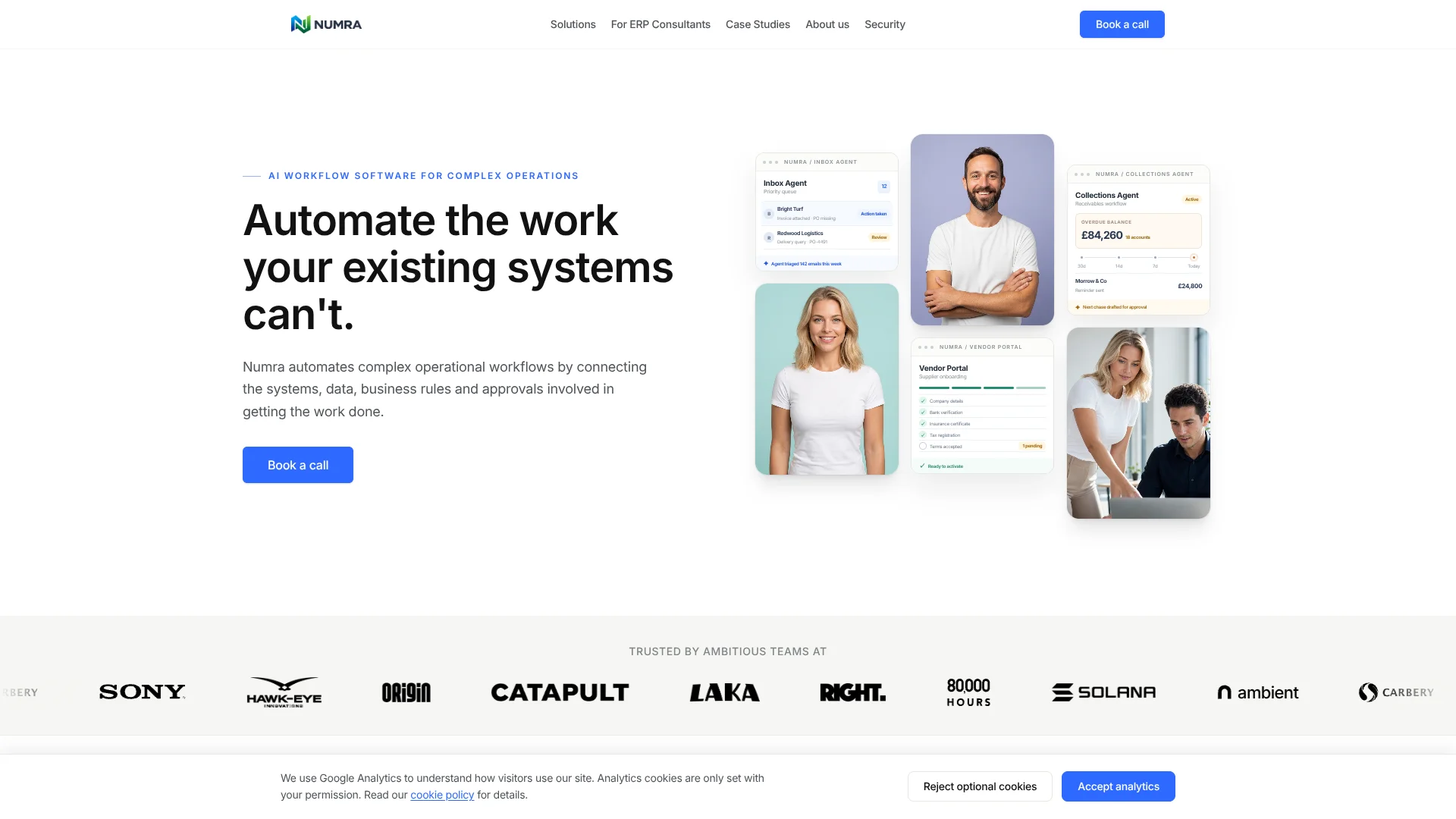
Finance teams automate invoice and inbox workflows across their existing business systems.
Key Takeaways
- What it is
- Finance teams automate invoice and inbox workflows across their existing business systems.
- Best for
- Inbox Agent
- Accounts Payable
- Human review and approvals
- Rating
- 4.0/5
What is Numra?
Numra connects operational work across email, documents, business rules, approvals and the finance systems a company already uses. Its AI agents can read invoices and inbox messages, apply configured rules, prepare actions and route exceptions to a person. Finance and operations teams use it to reduce repetitive processing without replacing their existing systems.
Numra’s agents are configured around a company’s workflow, then carry the work across connected systems while keeping approvals and an audit history in the process. The company says it selects AI models based on workflow performance, cost and data sensitivity rather than requiring one model provider.
It is best suited to organizations with complex, repeatable finance or operational processes and a team ready to work with Numra on implementation. It is not presented as a self-serve tool with published subscription tiers, so teams looking for a quick individual AI app may find the setup heavier than they need.
Who is Using Numra?
Accounts payable manager
Invoice matching and coding rules help the team focus on exceptions instead of repeated data entry.
Finance operations analyst
Inbox automation can sort finance messages, route invoices and draft responses for approval.
Credit controller
Collections workflows help prioritize overdue accounts and coordinate customer follow-up.
Accounting preparer
Source documents, ledger information and preparation checks are brought together for review.
Uncommon Use Cases
Inspection reports and photos can be filed into SharePoint; purchase-order emails can be accepted, forwarded and summarized.
Key Features
Rating Breakdown
Pricing Plans
Free Trial
- Start with a free trial to explore the capabilities of Numra
Subscription Plans
- Specific pricing details are available upon request during a consultation call
Which Numra plan should you pick?
Start by scoping one clearly defined workflow, then consider expanding to more processes after proving its value.
Numra Use Cases
Invoice processing
Invoices are extracted, checked against purchase orders and configured accounting rules, then sent for approval or exception review.
Outcome: Approved transactions reach the connected finance system with their documents and processing history.
Shared inbox triage
Messages are identified by request type so routine replies, routing and filing can happen automatically.
Outcome: The inbox can focus attention on messages that need a person.
Collections and credit control
Overdue accounts, follow-ups and disputes are coordinated through a finance workflow.
Outcome: Teams can prioritize overdue accounts and manage customer follow-up.
Accounts preparation
Ledger information and supporting documents are assembled into schedules, journals and checks for preparer review.
Outcome: Preparers can focus on exceptions and items requiring judgment.
Operational document filing
Inspection reports, certificates and photographs can be reviewed, filed and escalated based on configured rules.
Outcome: Documents are filed and issues needing attention are routed to the team.
Workflow Ideas with Numra
Process and approve supplier invoices
- 1Receive invoices through a shared inbox, portal or connected system.
- 2Extract details and check them against supplier, purchase-order and coding rules.
- 3Route exceptions and approvals, then update the finance system.
Clear routine work from a shared inbox
- 1Read each email, attachment and conversation history.
- 2Check connected systems for the information needed to handle the request.
- 3Reply, route or file routine messages and send judgment calls for review.
Prepare month-end accounts
- 1Collect ledger data and supporting documents for the period.
- 2Prepare schedules and journals, then run configured checks.
- 3Send exceptions to the preparer and hand completed work to review.
How Numra fits into your stack
Email and shared inboxes
Numra can read messages and attachments, then reply, draft, route or file them. Its inbox workflow supports Gmail and Microsoft Outlook.
Finance and ERP systems
Accounts-payable workflows can check finance records and pass completed transactions into connected ERP or accounting platforms, including NetSuite, Microsoft Dynamics and Xero.
Documents and files
Invoices, forms and other documents can be processed from email, portals, uploads or connected systems; SharePoint is among the named integrations.
Approvals and collaboration
Approval requests can go through email, Slack or Microsoft Teams, with higher-risk actions held for a person.
AI model providers
Numra says it can work with providers including OpenAI, Anthropic and Google, selecting models according to each workflow’s needs.
Pros
- +Works with existing systems: Numra is designed to handle work between your current email, finance and operational tools.
- +Clear exception handling: Routine work can proceed while decisions needing judgment are sent to your team.
- +Finance workflow depth: Invoice extraction, coding, purchase-order matching and approvals are covered in the accounts-payable workflow.
- +Documented data protections: Numra states that customer data is not used to train AI models and describes encryption at rest and in transit.
Cons
- −Requires implementation work: Each deployment is scoped around the workflow, connected systems and business rules.
- −No public subscription tiers: Teams need to discuss their workflow with Numra to get deployment pricing.
Limitations & when to consider alternatives
Known limitations
- Scoped deployment. Numra scopes each deployment around the workflow, integrations and business outcomes, with scope, timeline and pricing agreed before implementation.
- European Union hosting. Numra states that its infrastructure is hosted within the European Union.
Look elsewhere when
- You need a self-serve AI tool with published subscription tiers.
- You need a native mobile or desktop app.
How to Use Numra
- 1
Choose a workflow
Identify a recurring operational process with clear manual steps, such as invoice processing or a shared finance inbox.
- 2
Discuss the current process
Book a call to explain the workflow, connected systems and rules Numra needs to account for.
- 3
Agree the deployment scope
Set the workflow scope, timeline and pricing before implementation begins.
- 4
Configure rules and controls
Set the routing, business rules, approval steps and exception paths for the workflow.
- 5
Review and expand
Keep human review for decisions that need judgment, then consider additional workflows after the first one proves its value.
Who is Numra For?
Finance teams
Suitable for teams handling recurring invoice, receivables, billing or shared-inbox work.
Accounting firms
Can support accounts-preparation workflows that bring together ledger data, source documents and review steps.
Operations teams
Useful when work arrives through inboxes and documents but must be routed through rules and approvals.
ERP consultants
Numra offers workflow software for consultants working with ERP systems and operational processes.
Frequently Asked Questions
How much does Numra cost?
Pricing is scoped around the workflow, integrations and business outcomes. Numra says scope, timeline and pricing are agreed before implementation begins.
Does Numra replace existing systems?
No. It is designed to work with the systems a team already uses and manage the workflows between them.
Which systems does Numra connect to?
Named integrations include Microsoft 365, Slack, Google Workspace, Salesforce, NetSuite, Microsoft Dynamics, SharePoint and Xero. The site also mentions internal APIs.
Does Numra train AI models on customer data?
Numra says customer data is not used to train AI models and that its enterprise AI providers prohibit model training and support zero data retention.
Can people review actions before they happen?
Yes. Numra can hold higher-risk work for human review and configure approval steps in the workflow.
Community reviews
Be the first to share your experience.
Sign in to leave a review for Numra.
Numra Alternatives
Looking for alternatives to Numra? Here are similar tools in the same category: