
Nova AI App
Get answers, writing help, and plans across devices.
Key Takeaways
- What it is
- Get answers, writing help, and plans across devices.
- Pricing
- Freemium · $4.99 per week (billed weekly)
- Best for
- Multi-model AI engine
- Cross-platform availability
- Advanced content tools
- Rating
- 4.2/5
What is Nova AI App?
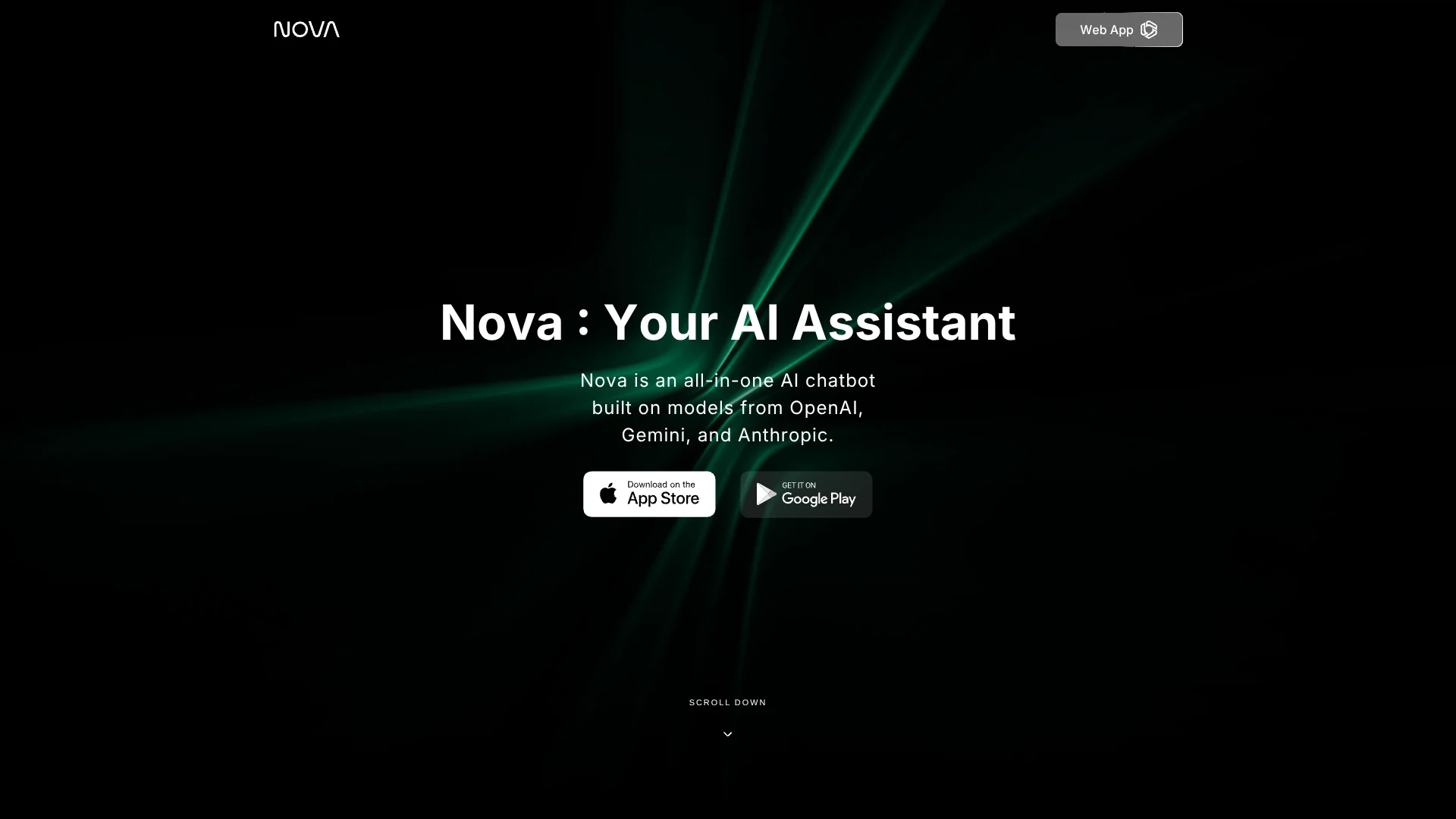
Nova AI App is a cross-platform AI chatbot and writing assistant that connects users to many of the leading frontier models in one place. Built on models from OpenAI, Anthropic, Google Gemini, DeepSeek, Grok, and others, it supports everyday tasks such as Q&A, homework help, drafting documents, code assistance, and travel planning. Accessible on the web, iPhone, iPad, macOS, Apple Watch, and Android, it aims to be a single AI companion that follows users across devices for study, work, and daily life.
Nova AI App stands out by acting as a meta-layer on top of many competing AI models, letting users jump between GPT‑5 variants, Claude, Gemini, DeepSeek, and others from one interface. Instead of forcing a single “house model,” it embraces model diversity and turns that into a feature for power users and curious newcomers alike. Its focus on consumer-friendly use cases such as homework, writing help, and travel planning, combined with document analysis, voice, and image support, gives it a broad utility curve. Being able to keep that experience consistent across web, phone, desktop, and even a watch app makes the assistant feel ever-present without being overly technical.
Nova AI App offers an appealing mix of power and approachability for anyone who wants advanced AI help without managing a pile of separate tools and logins. Its multi-model approach, strong writing and homework support, and true cross-device availability make it especially attractive for students, independent professionals, and busy knowledge workers who work from multiple screens. While pricing details and integrations could be clearer and more enterprise-friendly, the core experience is polished, capable, and surprisingly versatile for a single AI app that lives on both phone and desktop.
Who is Using Nova AI App?
Students and educators
Using it to explain concepts, check homework steps, draft essays, and create study guides.
Knowledge workers and freelancers
Relying on it for research assistance, email drafting, meeting summaries, and quick ideation.
Content creators and marketers
Generating hooks, captions, blog outlines, scripts, and proofreading content across channels.
Developers and technical professionals
Getting help with code snippets, documentation drafts, and high-level architecture explanations.
Uncommon Use Cases
Used by travelers to build on-the-fly itineraries while on the road; adopted by non-native English speakers as a continuous conversation and writing coach.
Key Features
Rating Breakdown
Pricing Plans
Free
Free
- Includes access to OpenAI GPT-4o Mini, multiple AI models, unlimited chats, custom bots, unlimited file uploads, advanced web search, image generation, and chat with PDF files
Pro
$4.99 per week (billed weekly)
- Includes access to OpenAI GPT-5, Anthropic Claude, Gemini 3 Pro, and DeepSeek
- Unlimited chats
- Extended limits on messages, file uploads, advanced data analysis, and image generation
- Text-to-speech voice mode
- Custom bots
- Unlimited file uploads
- Advanced web search
- 3,600 image generations per month
- Chat with PDF files
- Image analysis
Which Nova AI App plan should you pick?
Start with Free to test chat, uploads, and basic features; upgrade to Pro for premium models and higher limits, or Max for the highest usage limits and advanced capabilities.
Free
Good for users who need basic chat, limited messages, basic web search, file upload, image generation, and introductory access to Nova.
Pro
Good for users who need premium AI models, higher message and upload limits, advanced search, Deep Research, image creation, and additional tools.
Max
Good for heavy users who need substantially higher limits, advanced reasoning models, unlimited basic-model usage, and priority access.
Nova AI App Use Cases
Writing and proofreading
Draft, rewrite, proofread, and improve essays, documents, social posts, and other written work.
Outcome: Clearer and more professional writing.
Homework and research
Ask questions, solve math problems, summarize information, and explore topics in depth.
Outcome: Faster research and learning support.
File and document analysis
Upload PDFs, files, photos, audio, or video for Nova to analyze or summarize.
Outcome: Extracted information and concise summaries.
Image creation
Describe a visual and use Nova's image generator to create it.
Outcome: A custom AI-generated image.
Coding assistance
Generate, explain, and debug programming code through the AI assistant.
Outcome: Help writing and troubleshooting code.
Workflow Ideas with Nova AI App
Summarize a document
- 1Open a Nova chat.
- 2Tap the plus button and choose Files or Camera.
- 3Ask Nova to summarize or analyze the uploaded document.
Create an AI image
- 1Tap the plus button in the chat input.
- 2Select Create image.
- 3Describe the desired image and submit the prompt.
Research and verify a topic
- 1Ask Nova a focused research question.
- 2Use web search or Deep Research when available.
- 3Compare the returned information and request clarification or additional analysis.
How Nova AI App fits into your stack
Browser
Nova is available as a web app through its browser interface, providing chat, writing assistance, web search, research, and access to multiple AI models.
Docs and writing
Nova supports writing, rewriting, proofreading, document work, and productivity tasks. It can process Word and Excel files and generate written content.
Knowledge and files
Users can upload documents, PDFs, images, audio, and video for analysis, summaries, question answering, and research.
Desktop / IDE
Nova is offered for macOS and provides coding assistance that can generate, explain, and debug programming code.
Pros
- +Device flexibility: One account covers web and major mobile and desktop platforms, which is handy for users who switch devices often.
- +Model choice in one app: Access to multiple top-tier models without juggling separate subscriptions is genuinely cool in practice.
- +Strong for writing and homework: Templates and examples make it friendly for students and anyone who writes a lot.
- +Good for everyday life tasks: From travel ideas to recipes and entertainment suggestions, it acts as a general-purpose AI companion.
- +Onboarding and UX: The interface is clean and conversational, so new users can start chatting without much setup.
Cons
- −Pricing clarity: Pro exists with weekly and annual billing, but exact prices and limits can feel opaque until users open the billing screens.
- −Limited integrations: Nova AI App currently focuses on its own apps and does not provide a public API for deeper workflow integration.
- −Cloud-only AI: Everything runs in the cloud, so privacy-sensitive users and those who want offline capability may hesitate.
Limitations & when to consider alternatives
Known limitations
- Free usage is limited. Free users receive credits and limited access; premium models and several advanced features require Nova PRO.
- Premium trial auto-renews. The three-day PRO trial converts to a paid subscription unless canceled before it ends.
- Usage limits apply. Nova states that message, file-upload, image-generation, and other usage limits apply by plan.
- AI output may be inaccurate. Nova warns that generated outputs can be incomplete or inaccurate and should be independently verified.
- Critical professional use is restricted. Nova's terms prohibit relying on the app for commercial, medical, legal, or other critical purposes.
Look elsewhere when
- You need a public developer API.
- You need browser-extension functionality.
- You need SSO or SAML.
- You need custom third-party integrations.
How to Use Nova AI App
- 1
Create or access your account
Open Nova on the web or mobile app and sign in with email, Google, or Apple.
- 2
Start a chat
Ask a question or choose a goal such as writing, learning, or creating to receive an AI response.
- 3
Upload content when needed
Use the plus button to add photos, files, PDFs, audio, or video for analysis or summarization.
- 4
Use image generation
Choose Create image from the plus menu and describe the visual you want generated.
- 5
Upgrade for premium features
Use the Upgrade option to start the PRO trial or select the annual plan when you need premium models, higher limits, and advanced tools.
Who is Nova AI App For?
Students
Nova supports homework help, research, document analysis, and problem solving.
Professionals
Nova helps with writing, proofreading, research, coding, and everyday productivity tasks.
Creators
Nova supports idea generation, creative writing, image generation, and social-media content.
Teams
Nova's official comparison page describes Team Workspaces and productivity tools for collaborative use.
Frequently Asked Questions
Can I use Nova for free?
Yes. New users receive free credits to chat and explore Nova without a subscription. Premium models, image generation, and PDF, URL, and web-search summaries require Nova PRO.
What does Nova PRO cost?
The help center lists Nova PRO at $7.99 per week after a three-day trial, or $39.99 annually.
Can I upload files and media?
Yes. Tap the plus button and choose Camera, Photos, Files, Audio, or Video. Nova can also summarize PDFs and URLs.
Can Nova generate images?
Yes. Select Create image from the plus menu, describe the desired visual, and Nova generates it using PRO credits.
How do I sign in?
Nova supports email/password accounts and Google or Apple sign-in. Social-login accounts must continue using their original social provider.
How do I manage my subscription?
Mobile subscriptions are managed through the App Store or Google Play; web subscriptions are managed through the Nova account.
Community reviews
Be the first to share your experience.
Sign in to leave a review for Nova AI App.
Nova AI App Alternatives
Looking for alternatives to Nova AI App? Here are similar tools in the same category:
Learn to Master Nova AI App
With Skill Leap courses
Get in-depth training on Nova AI App and 50+ other AI tools with our expert-led video courses.
Start 7-Day Free Trial