
NLPearl
AI-driven phone agent offering human-like, multilingual customer interactions.
Key Takeaways
- What it is
- AI-driven phone agent offering human-like, multilingual customer interactions.
- Pricing
- $50 per month
- Best for
- Advanced NLP Capabilities
- Multilingual Support
- Real-Time Automated Actions
- Rating
- 4.5/5
What is NLPearl?
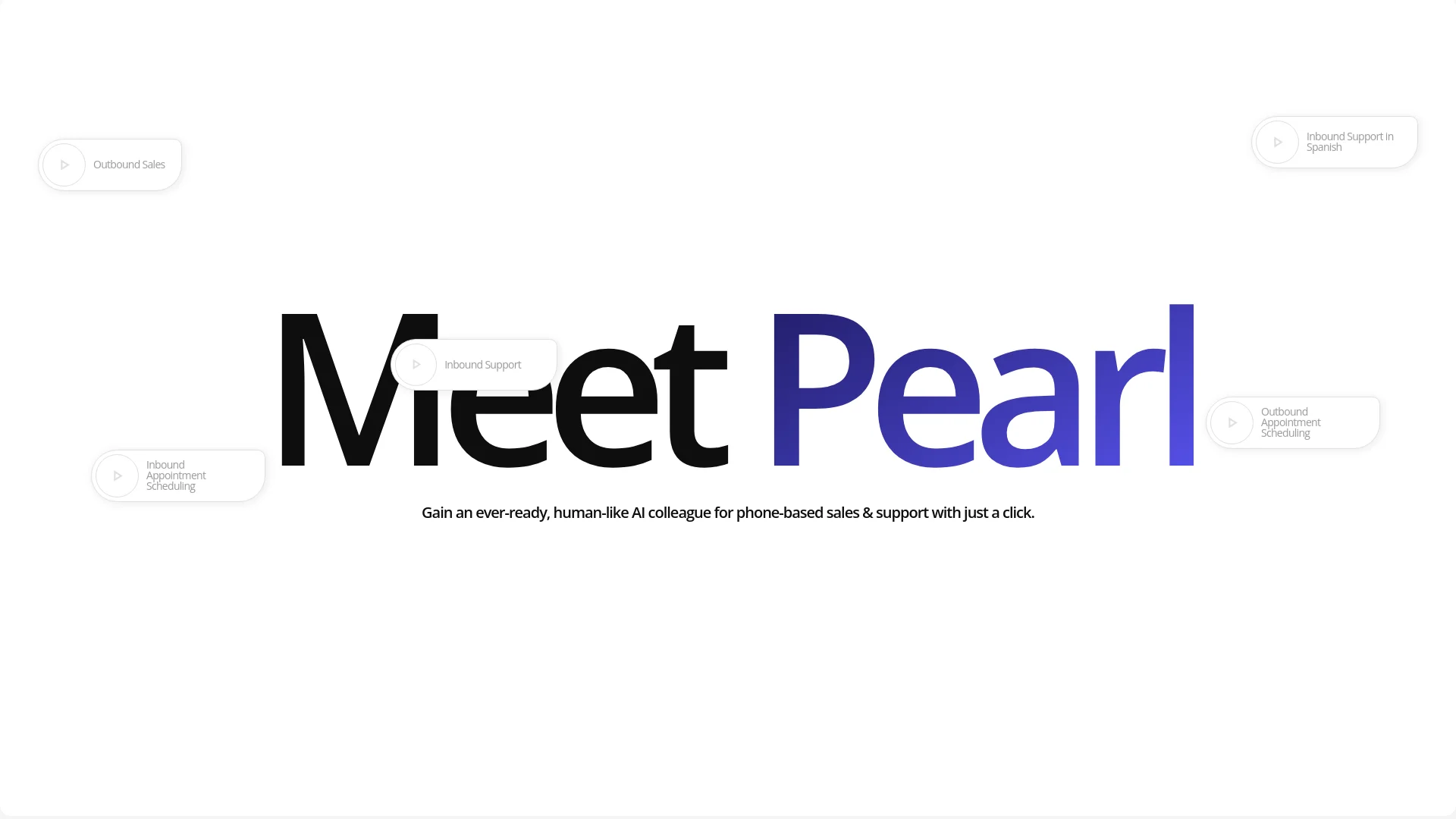
Stepping into the realm of advanced communication technologies, NLPearl emerges as a pioneering platform, redefining how businesses interact with their customers over the phone. At its heart, NLPearl introduces Pearl, an AI-driven phone agent that handles both inbound and outbound calls with a finesse that mimics human interaction. Designed to cater to a wide array of industries, from call centers to e-commerce and beyond, Pearl leverages deep learning and natural language processing to offer solutions that are not just responsive but also intuitive and highly personalized.
NLPearl stands out with its ability to deliver not just automated but genuinely engaging and human-like interactions over the phone. This capability sets it apart in the landscape of AI communication tools, where maintaining a personal touch is often challenging.
NLPearl excels in transforming business communications with Pearl, its AI phone agent that combines the efficiency of automation with the nuance of human interaction. This blend of technology and personal touch makes NLPearl an indispensable tool for businesses looking to enhance their customer interaction, streamline operations, and embrace the future of communication technology.
Who is Using NLPearl?
Call Centers
Employing Pearl to handle both inbound queries and outbound notifications efficiently.
E-commerce Platforms
Using Pearl to enhance customer service by providing instant support and processing transactions.
Healthcare Facilities
Leveraging Pearl for appointment scheduling and patient inquiries.
Real Estate Agencies
Utilizing Pearl to field inquiries and coordinate viewings without human intervention.
Uncommon Use Cases
Political campaigns use Pearl for reaching out to constituents, while travel agencies employ it to manage bookings and provide real-time travel updates.
Key Features
Rating Breakdown
Pricing Plans
Free Trial
- Get started with Pearl with a no-cost trial period to explore its features without financial commitment
Standard Plan
$50 per month
- Offering basic features suitable for small businesses
Enterprise Solution
- Advanced needs
- Including additional Pearls and enhanced capabilities
Which NLPearl plan should you pick?
Start with the complimentary testing allowance to validate an agent, then choose a subscription when you need live inbound or outbound campaigns and included agents, phone numbers, and minutes.
Complimentary minutes
Good for testing agent prompts, conversation flows, variables, and actions before subscribing.
Subscription plan
Good for live inbound and outbound campaigns requiring call minutes, agents, phone numbers, analytics, and ongoing activity.
NLPearl Use Cases
Inbound call handling
Answer incoming calls, resolve questions, collect information, and route callers to the right team.
Outcome: 24/7 automated phone support at scale.
Appointment scheduling
Book, confirm, and reschedule appointments during inbound conversations using calendar integrations.
Outcome: Appointments are scheduled without manual coordination.
Technical support
Guide customers through troubleshooting, collect diagnostic information, and escalate unresolved issues.
Outcome: More consistent first-line support and structured escalation.
Lead qualification
Run outbound campaigns, ask screening questions, collect lead data, and schedule follow-up actions.
Outcome: Qualified lead information is captured automatically.
Order and delivery updates
Let customers request order, shipment, or delivery information through voice interactions connected to external systems.
Outcome: Customers receive immediate status information without waiting for an agent.
Workflow Ideas with NLPearl
Build and launch a voice agent
- 1Describe the agent’s role, tone, knowledge, flow, and actions in PearlVibe
- 2Review the generated configuration and run test calls
- 3Publish the agent, assign a phone number, and launch inbound or outbound activity
Automate a data-backed customer call
- 1Use a pre-call API to retrieve customer or lead information
- 2Collect or update variables during the conversation
- 3Send the collected data to an API, email, SMS destination, or webhook
Run an outbound lead campaign
- 1Create an outbound campaign and upload leads by CSV or add them manually
- 2Configure calling hours, retries, recording, transcripts, and simultaneous agents
- 3Monitor calls, summaries, sentiment, tags, and outcomes in analytics
How NLPearl fits into your stack
CRM Integration
Seamlessly connects with existing CRM systems to enhance customer relationship management.
API for Custom Integration
Developers can use NLPearl's API to create tailored solutions for specific business needs.
E-commerce Platforms
Integrates with major e-commerce platforms to facilitate real-time customer service and transaction processing.
Telecommunication Systems
Easily adapts to existing telecommunication infrastructures, enhancing its utility without the need for extensive modifications.
Pros
- +24/7 Customer Interaction: Pearl operates round-the-clock, ensuring that your business is always responsive to customer needs.
- +Cost Reduction: Automating routine tasks and handling large volumes of calls without additional human agents leads to significant cost savings.
- +Enhanced Customer Experience: With its human-like interactions, Pearl ensures that customers feel heard and valued, enhancing overall satisfaction.
- +Data-Driven Insights: Call recording and analysis features offer actionable insights that can help refine strategies and improve service delivery.
Cons
- −Initial Setup and Customization: Setting up and customizing Pearl to perfectly fit specific business needs can be time-intensive.
- −Dependency on Technical Infrastructure: Effective deployment requires a robust technical setup to integrate seamlessly with existing systems.
- −Language Expansion Awaited: While multilingual capabilities are promising, some languages are still in the pipeline and not immediately available.
Limitations & when to consider alternatives
Known limitations
- Complimentary testing is limited. New accounts receive complimentary minutes for testing, but full inbound and outbound campaigns require a subscription.
- Direct phone-number purchasing is currently US-only. NLPearl’s own phone-number purchasing currently offers US numbers; other regions require Twilio or custom VoIP integration.
- Credits can restrict activity. When credits fall below zero, concurrent agents per activity are reduced to one; activities can be suspended when the debt reaches the documented threshold.
- Webhook retries are not enabled by default. Webhook endpoints must respond with HTTP 200, and NLPearl does not retry failed webhook deliveries by default.
- Recording and transcript availability depends on settings. Recordings and transcripts can be disabled or configured with masking, so post-call data may not be available for every conversation.
Look elsewhere when
- You need a native mobile app.
- You need a browser extension.
- You need image analysis or multimodal file understanding.
How to Use NLPearl
- 1
Create an account
Sign up on the NLPearl platform to receive complimentary test minutes and begin configuring agents.
- 2
Build the agent with PearlVibe
Describe the agent’s use case, personality, knowledge, conversation logic, language, and connected actions in a prompt.
- 3
Add knowledge and variables
Provide reference content or upload supported documents, then define variables for information collected before or during calls.
- 4
Configure actions and integrations
Add API calls, transfers, booking, email, SMS, webhooks, Twilio, custom VoIP, or other supported connections.
- 5
Test and publish
Run test calls, review transcripts and triggered actions, refine the configuration, and publish the agent when it is ready.
- 6
Launch and monitor
Assign a phone number or text channel, launch inbound or outbound activity, and use analytics and post-call data to optimize performance.
Who is NLPearl For?
Customer support teams
Use AI agents to answer questions, troubleshoot issues, process requests, and transfer complex calls to people.
Sales teams
Run outbound campaigns, qualify leads, schedule meetings, and follow up through calls, texts, emails, and connected tools.
Contact centers
Handle inbound and outbound phone activity at scale while monitoring outcomes, sentiment, transcripts, recordings, and costs.
Operations teams
Automate appointment scheduling, order updates, notifications, data collection, and CRM or internal-system actions.
Developers and technical teams
Use REST endpoints, webhooks, API actions, OAuth credentials, and the Python wrapper to integrate NLPearl into existing systems.
Frequently Asked Questions
What is NLPearl?
NLPearl is an AI agent platform for creating and deploying voice and text agents. Voice agents handle inbound and outbound phone conversations, while text agents work across SMS, WhatsApp, email, and chat.
How do I create an AI agent?
Use PearlVibe to describe the agent’s purpose, personality, knowledge, conversation flow, and actions in a prompt. Review the generated configuration, test it, and publish it.
Can NLPearl handle inbound and outbound calls?
Yes. Agents can answer inbound calls or run outbound campaigns, with campaign monitoring available through call analytics.
Which languages does NLPearl support?
NLPearl supports more than 20 languages and multiple regional accents, including English, French, Spanish, Italian, German, Hindi, Japanese, Mandarin, Korean, Portuguese, Arabic, and others.
Can NLPearl connect to external systems?
Yes. Agents can use API actions, webhooks, Twilio, custom VoIP, email providers, calendars, CRMs, support tools, payment systems, and other connected services.
Does NLPearl offer an API?
Yes. The REST API supports authentication with an Account ID and API secret key, and provides endpoints for agents, calls, leads, analytics, phone numbers, and other account data.
Community reviews
Be the first to share your experience.
Sign in to leave a review for NLPearl.
NLPearl Alternatives
Looking for alternatives to NLPearl? Here are similar tools in the same category:
Learn to Master NLPearl
With Skill Leap courses
Get in-depth training on NLPearl and 50+ other AI tools with our expert-led video courses.
Start 7-Day Free Trial