
Ninjachat AI
All-in-one AI platform for writing, image, music, and analysis.
Key Takeaways
- What it is
- All-in-one AI platform for writing, image, music, and analysis.
- Pricing
- Freemium · $11 per month
- Best for
- Multiple AI Models
- AI Writing Tools
- Interactive Story Plotter
- Rating
- 4.6/5
What is Ninjachat AI?
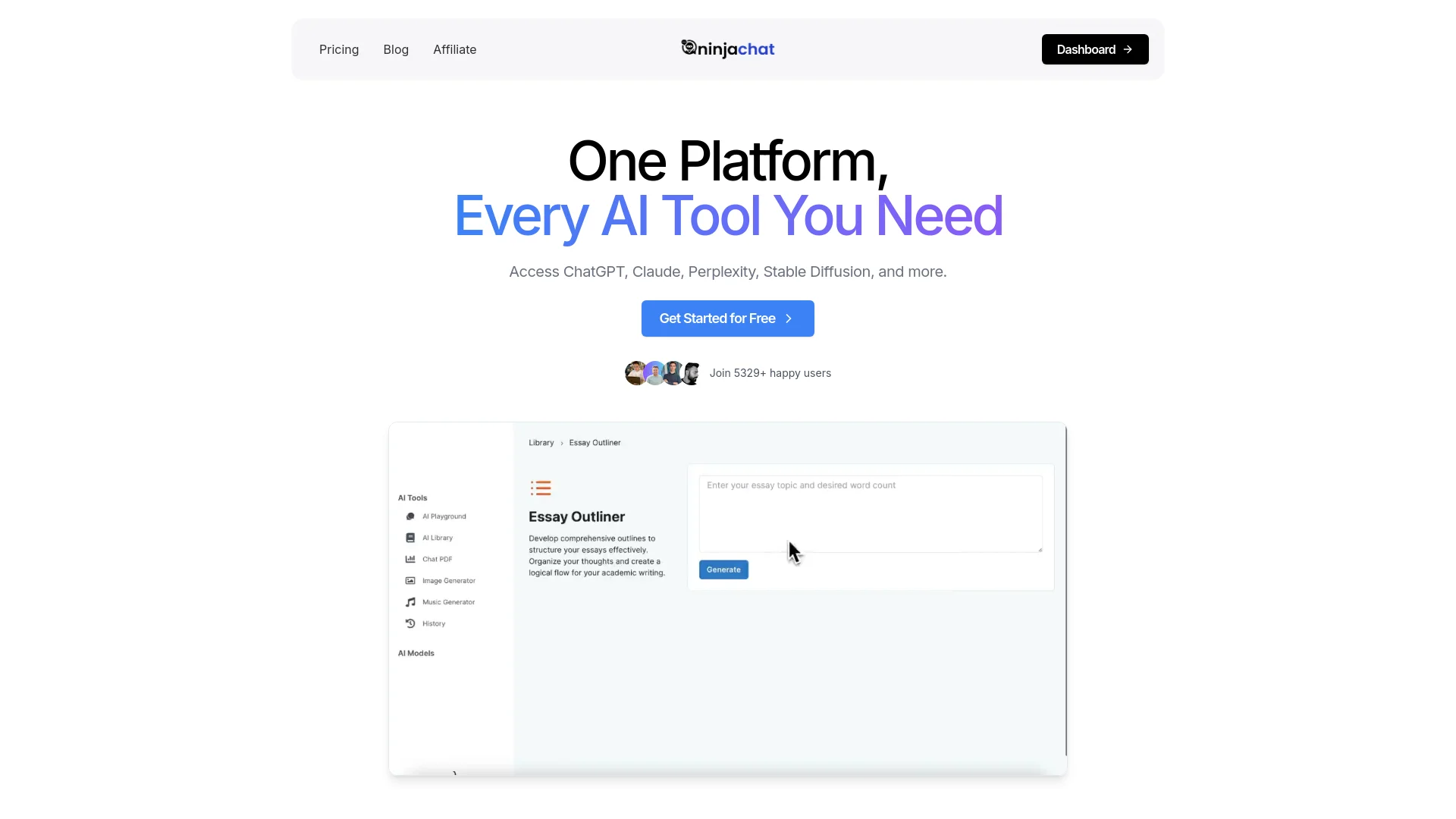
Ninjachat AI revolutionizes the way we interact with artificial intelligence by providing a comprehensive, all-in-one platform that integrates multiple AI models, such as ChatGPT, Claude, and Stable Diffusion. Designed for individuals and professionals seeking efficiency and cost-saving solutions, Ninjachat AI simplifies complex tasks ranging from writing and image generation to document analysis and music composition.
Ninjachat AI stands out with its integration of multiple leading AI models in a single platform, a game-changer for productivity and creativity. Its ability to seamlessly switch between different AI tools and provide a unified user experience sets it apart from other solutions, making it indispensable for users who require a diverse set of AI functionalities.
Ninjachat AI excels in providing a holistic AI experience, making it an essential tool for professionals and creatives alike. Its integration of multiple AI models, coupled with a user-friendly interface and diverse functionalities, offers unmatched value and efficiency.
Who is Using Ninjachat AI?
E-commerce Businesses
Utilizing the tool for enhancing product descriptions and customer emails.
Digital Marketing Agencies
Employing the tool for creating engaging campaign content and social media posts.
Content Creators
Leveraging the tool to generate ideas, outlines, and polished final drafts for blogs, videos, and articles.
Educational Institutions
Using the tool to assist in teaching writing and creativity courses.
Uncommon Use Cases
Adopted by freelance photographers for creating compelling narratives; utilized by game developers for scripting and storyboarding.
Key Features
Rating Breakdown
Pricing Plans
Free Tier
Free
- Experience Ninjachat AI with a 7-day free trial
Pro Tier
$11 per month
Which Ninjachat AI plan should you pick?
Start with the 1,000-credit pack for testing or light usage, then move to larger credit packs as request volume grows.
1,000 credits
Good for initial testing and light API use, providing approximately 1,666 budget chats.
2,500 credits
Good for moderate usage, providing approximately 4,166 budget chats.
10,000 credits
Good for higher-volume applications, providing approximately 16,666 budget chats.
Ninjachat AI Use Cases
Build a production chatbot
Send conversation messages to GPT-5 or another supported model through the chat endpoint.
Outcome: A production chatbot backed by multiple model providers.
Generate code
Route coding prompts to models recommended for high-quality code generation.
Outcome: Generated programming code.
Analyze long documents
Use a model recommended for long-document analysis.
Outcome: AI-generated analysis of lengthy content.
Search the web
Submit a query to the search endpoint with cited-source results enabled.
Outcome: An AI-synthesized answer with source citations.
Generate images or videos
Call the image or video endpoints with a prompt, model, and generation parameters.
Outcome: Generated image files or an MP4 video URL.
Workflow Ideas with Ninjachat AI
Automatic model routing
- 1Send a request to the chat endpoint with model set to auto
- 2Let NinjaChat select a model for the prompt
- 3Read the resolved model and cost from the response
Persistent conversational session
- 1Create a server-side session
- 2Send subsequent chat requests with the session ID
- 3Use the automatically injected conversation history
Asynchronous video generation
- 1Submit a video generation request
- 2Poll the video status endpoint using the request ID
- 3Retrieve the MP4 URL when processing is complete
How Ninjachat AI fits into your stack
Google Workspace Integration
Easily use Ninjachat AI within Google Docs and Sheets for enhanced productivity.
Slack Integration
Integrate with Slack to streamline team communications and automate responses.
API Access
Developers can harness Ninjachat AI's API for custom integrations and tailored solutions.
Third-Party Integration
Supports integration with various third-party tools, enhancing its versatility.
Pros
- +Time Efficiency: Streamlines multiple tasks, reducing the time required to complete them significantly.
- +Cost-Effective: Offers access to numerous AI tools in one package, making it more affordable compared to subscribing to each service individually.
- +Versatility: Suitable for a wide range of applications, from professional writing to creative projects.
- +User-Friendly Interface: Intuitive design makes it easy for users of all skill levels to navigate and utilize the tools effectively.
Cons
- −Initial Learning Curve: Some advanced features may require time to master.
- −Limited Offline Capabilities: Primarily designed for online use, which could be a limitation for users with inconsistent internet access.
Limitations & when to consider alternatives
Known limitations
- Prepaid credits are required. API access requires adding credits, with the smallest documented credit pack priced at $10.
- Chat message history is limited. The chat endpoint accepts between 1 and 50 messages per request.
- Sessions expire after seven days. Server-side session history uses a seven-day TTL.
- Video generation is rate-limited. The documented video endpoint limit is two requests per minute.
- Generated video durations are constrained. Allowed durations vary by model, generally ranging from four to fifteen seconds.
How to Use Ninjachat AI
- 1
Explore the comprehensive tutorial series on YouTube, covering everything from basic setup to advanced features of Ninjachat AI. These tutorials help users maximize the tool's potential and streamline their workflows.
Who is Ninjachat AI For?
Developers
Developers can use one API key to access GPT, Claude, Gemini, DeepSeek, Llama, and other models.
Production chatbot builders
The model guide specifically recommends GPT-5 for building production chatbots.
Code-generation users
The model guide recommends Claude Sonnet for generating high-quality code.
Long-document analysts
The model guide recommends Gemini 2.5 Pro for analyzing long documents.
Web-search users
The platform provides a dedicated web-search endpoint with synthesized answers and cited sources.
Frequently Asked Questions
How does NinjaChat API pricing work?
NinjaChat uses per-request pricing with prepaid credits. Chat requests range from $0.003 to $0.03, while search, image, and video requests have separate prices.
How do I authenticate API requests?
Create an API key in Developer Settings and send it in the Authorization Bearer header. Keys start with nj_sk_ and can be revoked from the developer dashboard.
Can NinjaChat choose the model automatically?
Yes. Set model to auto and NinjaChat selects a model based on the request.
Does NinjaChat support web search?
Yes. The search endpoint returns AI-synthesized answers with cited sources and follow-up questions.
How long do API sessions persist?
Server-side sessions persist for seven days and store conversation history in Redis.
Does NinjaChat support image and video generation?
Yes. Separate API endpoints support image generation, image-to-image editing, and asynchronous video generation.
Community reviews
1 review from people who use Ninjachat AI.
Sign in to leave a review for Ninjachat AI.
Mr. Ace
Ninjachat AI Alternatives
Looking for alternatives to Ninjachat AI? Here are similar tools in the same category:
Learn to Master Ninjachat AI
With Skill Leap courses
Get in-depth training on Ninjachat AI and 50+ other AI tools with our expert-led video courses.
Start 7-Day Free Trial