Navina
Scattered patient records become visit-ready clinical context for value-based care teams.
Key Takeaways
- What it is
- Scattered patient records become visit-ready clinical context for value-based care teams.
- Best for
- Patient Portrait
- AI chart review
- Ambient scribe and note generation
- Rating
- 4.2/5
What is Navina?
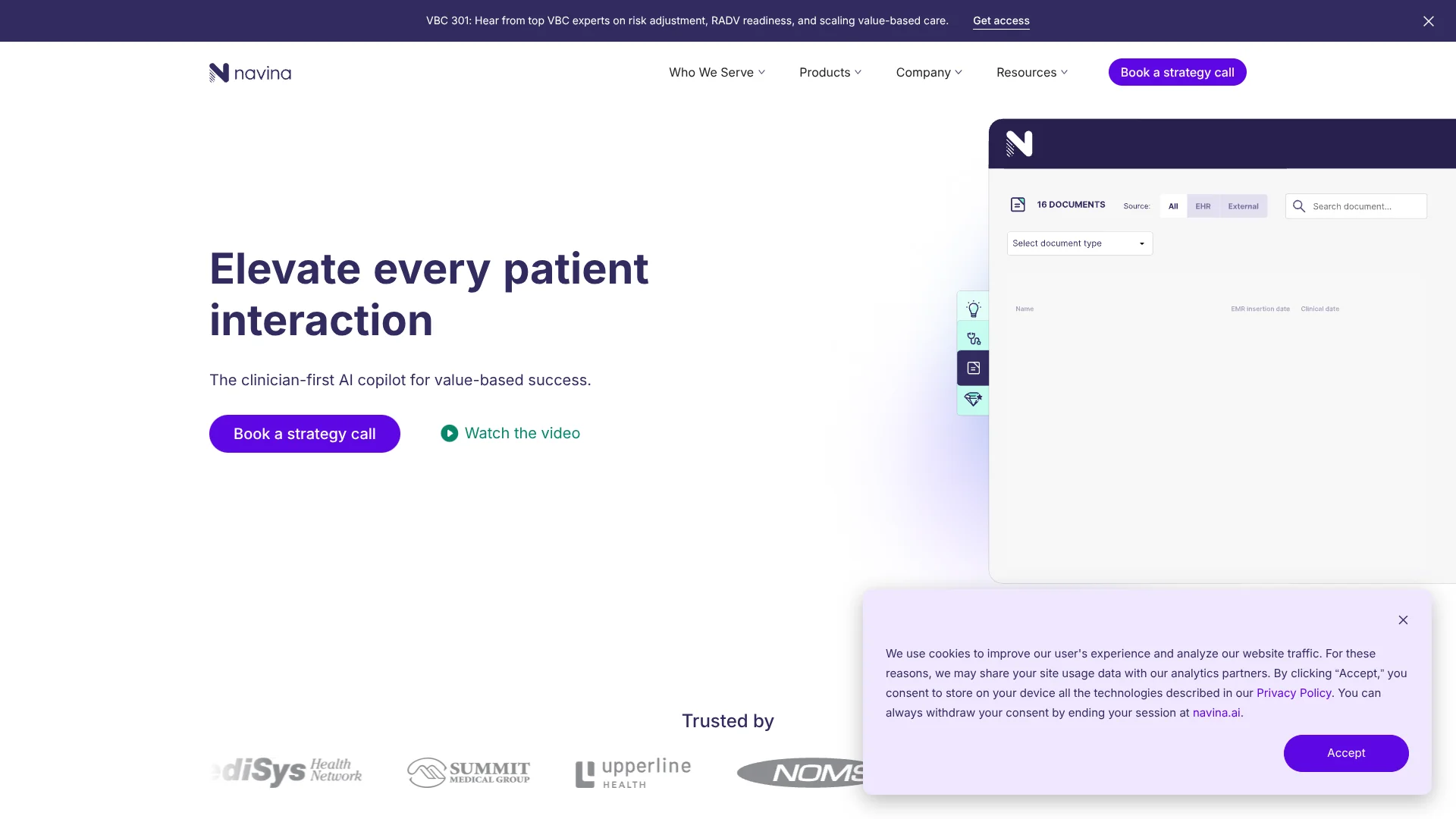
Navina brings a patient’s scattered health records into a concise clinical summary, then surfaces relevant diagnoses and care gaps during the visit. Its AI copilot is built for physician groups, health systems, ACOs, MSOs, and health plans working in value-based care, where clinicians need useful patient context without spending so much time searching charts.
What sets Navina apart is how it combines a patient’s historical records with live visit conversation to support notes and clinical recommendations. Each surfaced insight links back to its supporting evidence in the record.
Navina is best suited to organizations that want clinicians and care teams to act on risk adjustment and quality information inside their existing clinical workflows. It is not a general-purpose AI tool, and its EHR-centered setup and unpublished pricing make it less suited to individuals seeking a self-serve product.
Who is Using Navina?
Primary care physicians
At the point of care, clinicians review patient history, HCC suggestions, and care-gap alerts.
Risk adjustment teams
Coding teams can review evidence-backed condition suggestions and monitor risk adjustment performance.
Quality managers
Quality teams review care-gap evidence and track measure satisfaction across patient groups.
Population health leaders
Organization-wide dashboards help leaders see quality and value-based performance trends.
Uncommon Use Cases
Find clinical evidence in imaging reports that may support a suspected condition; identify evidence in patient records that may support care-gap closure.
Key Features
Rating Breakdown
Pricing Plans
Custom Pricing
- The website invites organizations to book a demo or strategy call.
Which Navina plan should you pick?
Start by requesting a demo and a quote; Navina’s public site does not list self-serve plans or prices.
Custom Pricing
Healthcare organizations evaluating Navina for clinical workflows, risk adjustment, or quality management should request a quote.
Navina Use Cases
Prepare for a patient visit
A consolidated patient summary helps clinicians review history and relevant documents before an appointment.
Outcome: A quicker chart review with patient context in one view.
Document an encounter
Ambient transcription paired with historical records supports visit-note generation and documentation.
Outcome: A draft visit note informed by both the conversation and the patient’s clinical history.
Review suspected conditions
Evidence-linked HCC suggestions help clinicians assess conditions that may be missing from a patient’s record.
Outcome: A clearer view of potential diagnoses and their supporting evidence.
Manage care gaps
Quality teams and clinicians can review evidence, exclusions, and open care gaps across the workflow.
Outcome: More visibility into which gaps may be addressed or supported by existing records.
Track quality performance
Managers can monitor satisfaction rates by measure through the quality dashboard.
Outcome: An organization-wide view of measure status.
Workflow Ideas with Navina
Prepare and document a visit
- 1Review the patient summary and classified records before the appointment.
- 2Capture the live visit conversation with the ambient scribe.
- 3Review the generated note and clinical insights in the EHR workflow.
Review a suspected condition
- 1Open the patient’s surfaced condition or HCC suggestion.
- 2Check the linked clinical evidence in the record.
- 3Review the diagnosis and documentation in the clinical workflow.
Close a care gap
- 1Review care gaps identified from payer files and clinical data.
- 2Check the supporting evidence or exclusion information.
- 3Bring actionable alerts to the clinician’s workflow and monitor measure status.
How Navina fits into your stack
EHR workflow
Navina surfaces clinical insights inside the EHR, where clinicians can review patient information and support documentation.
Clinical data sources
Its AI reconciles information from EHRs, health information exchanges, claims, and care-gap files into a patient summary.
Quality team workflow
Care-gap review connects payer gap information and clinical evidence with clinician follow-up at the point of care.
Performance tracking
Dashboards help managers monitor quality measures and value-based performance across an organization.
iPhone visits
Navina’s iPhone app supports appointment viewing and live visit recording for clinicians.
Pros
- +Patient context: Pulls together records from multiple clinical data sources for a faster chart review.
- +Evidence links: Shows the clinical record behind surfaced insights, helping clinicians assess recommendations.
- +Point-of-care workflow: Puts diagnosis and care-gap insights into the EHR workflow clinicians already use.
- +Quality team visibility: Dashboards let managers track measure status across the organization.
- +iPhone app: Clinicians can view appointments and record live visit conversations in Navina’s iOS app.
Cons
- −Narrow focus: Its features are geared toward value-based care and clinical workflows, not general AI tasks.
- −Organization-oriented: Navina is aimed at healthcare organizations rather than individual consumers.
- −Pricing opacity: The vendor does not show public plan prices.
Limitations & when to consider alternatives
Known limitations
- Value-based care focus. Navina’s product pages center on clinical workflows, risk adjustment, and quality management for value-based care.
- EHR-centered use. The copilot is designed to surface insights within clinical EHR workflows, so its fit depends on an organization’s clinical systems.
- iPhone app availability. The App Store listing is for iPhone; an Android app was not confirmed.
- No public plan prices. Navina’s website directs organizations to request a demo or strategy call rather than listing subscription prices.
Look elsewhere when
- You need a general-purpose AI tool for work outside healthcare.
- Your team needs a self-serve product with publicly listed seat pricing.
- Your clinicians need a native Android app.
How to Use Navina
- 1
Request an organizational demo
Navina directs prospective organizations to book a demo or strategy call rather than sign up for a public self-serve plan.
- 2
Confirm EHR fit
Discuss how Navina will fit into your organization’s existing EHR workflow and data sources.
- 3
Review patient context
Open the patient summary and relevant records to prepare for a visit.
- 4
Check clinical suggestions
Review the evidence behind condition recommendations and care-gap alerts before acting on them.
- 5
Review the visit note
For supported workflows, check the generated note based on the visit conversation and patient history.
- 6
Track quality measures
Quality teams can use the dashboard to monitor measure status and review care-gap workflows.
Who is Navina For?
Physician groups and health systems
Clinical AI in existing EHR workflows can help clinicians review patient history, document visits, and address care gaps.
ACOs and MSOs
Provider networks can use Navina to support documentation, risk adjustment, quality performance, and audit readiness.
Health plans
Payers can track risk adjustment and quality performance across Medicare Advantage, Marketplace, and Managed Medicaid programs.
Frequently Asked Questions
Does Navina have a free plan?
Navina does not show a public free plan. Its website directs organizations to request a demo or strategy call.
How much does Navina cost?
Navina does not publish plan prices on its website. Organizations can contact the vendor for pricing.
What does Navina connect to?
Navina brings together information from EHRs, health information exchanges, insurance claims, and care-gap files. Its product is designed to surface insights within clinical EHR workflows.
Does Navina have a mobile app?
Yes. Navina has an iPhone app for viewing appointments and recording live visit conversations.
Can Navina generate visit notes?
Yes. Its ambient scribe combines live conversation with patient history to support visit-note generation.
Community reviews
Be the first to share your experience.
Sign in to leave a review for Navina.
Navina Alternatives
Looking for alternatives to Navina? Here are similar tools in the same category: