Nanonets Resume Builder
Tailor your resume to each job opening with chat-based editing.
Key Takeaways
- What it is
- Tailor your resume to each job opening with chat-based editing.
- Pricing
- Freemium
- Best for
- Resume import and transformation
- Job description tailoring
- Conversational editing
- Rating
- 4.0/5
What is Nanonets Resume Builder?
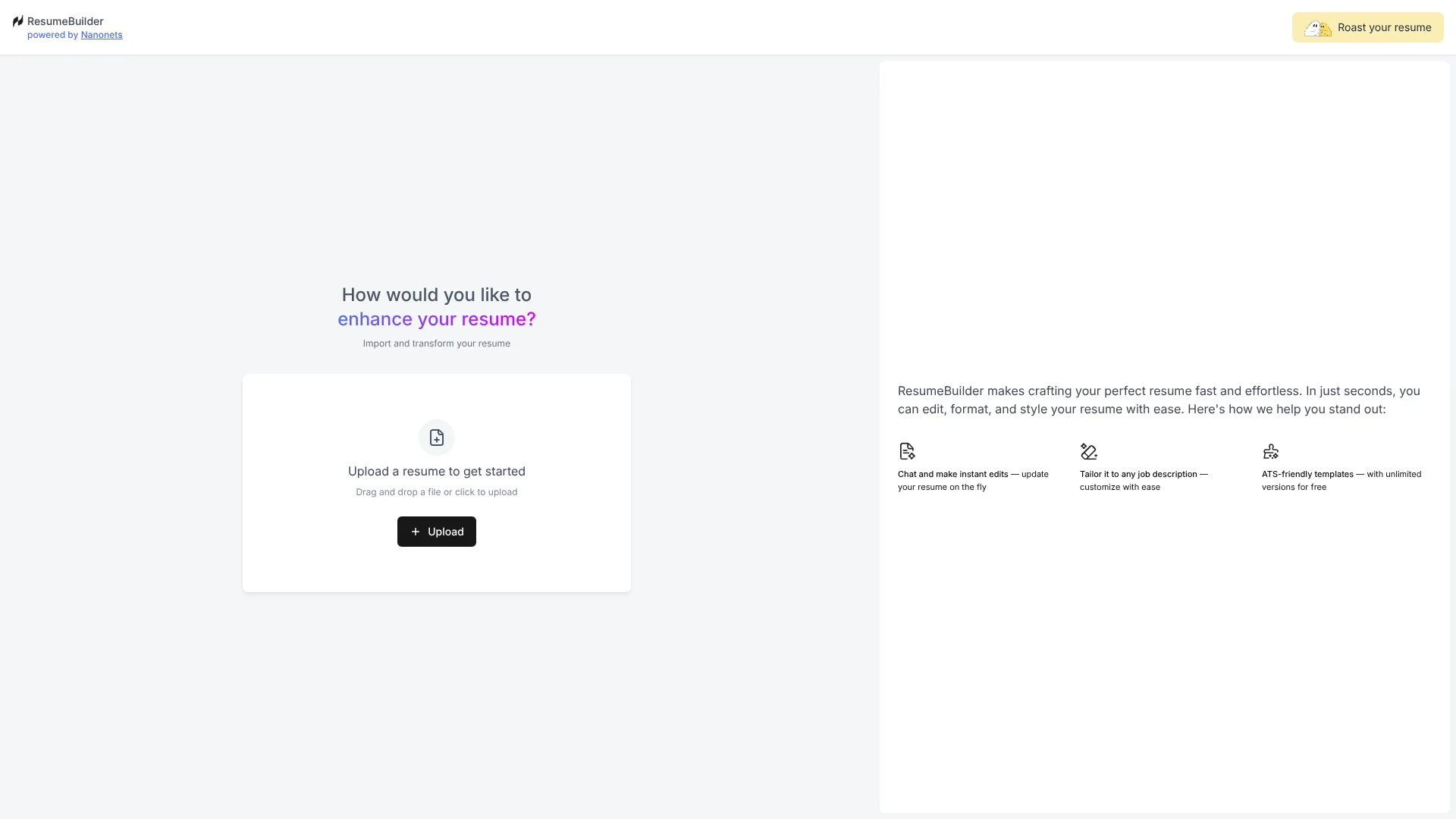
Nanonets Resume Builder helps job seekers turn an existing resume into a version tailored to a specific job description. It suggests relevant language, skills, and keywords, then lets you make edits through chat instead of adjusting each section by hand. Its site also describes ATS-friendly templates and unlimited resume versions, making it useful for applicants who want to adapt their resume for different openings.
A notable part of the experience is that job-description tailoring and conversational editing happen in the same resume workflow, with unlimited versions available for free and no sign-up required.
The builder is best suited to people applying for internships or changing jobs who need to revise their resume for different openings. Its focus is resume creation and editing, not the broader job-search process, so reach for it when the resume itself is the task.
Who is Using Nanonets Resume Builder?
Internship applicants
A job-specific version can bring relevant skills and experience forward when applying for an internship.
Career changers
Chat-based edits can help reshape resume wording around the skills relevant to a new field.
Professionals applying for a new role
A tailored version can reflect the language and keywords in each job description.
Job seekers updating an existing resume
Resume import and transformation provide a starting point for revising existing materials.
Uncommon Use Cases
Trying different resume versions for distinct openings; revising formatting and style through chat
Key Features
Rating Breakdown
Pricing Plans
Free
Free
- Unlimited resume versions
- No sign-up required
- No payments
Which Nanonets Resume Builder plan should you pick?
Start with Free for resume importing, job-specific tailoring, and chat-based edits; the site does not list a paid plan.
Free
Good for job seekers who want to tailor and revise resume versions without paying or signing up.
Nanonets Resume Builder Use Cases
Tailor a resume to an opening
A specific job description guides suggestions for resume language, skills, and keywords.
Outcome: A resume version tailored to that job description.
Revise an existing resume
An uploaded resume gives the builder material to transform and edit.
Outcome: An updated resume with revised formatting and wording.
Make conversational edits
Chat-based revisions let you adjust resume content without working through every formatting change by hand.
Outcome: Resume edits made through chat.
Create versions for different openings
Unlimited versions let job seekers adapt their resume for multiple applications.
Outcome: Separate resume versions for different opportunities.
Workflow Ideas with Nanonets Resume Builder
Tailor an existing resume
- 1Upload your current resume.
- 2Add the job description you are targeting.
- 3Review the suggested language, skills, and keywords.
Refine the resume through chat
- 1Open the imported or tailored resume.
- 2Describe the wording or style change you want.
- 3Review the updated version and make further edits.
Prepare versions for multiple roles
- 1Start with your existing resume.
- 2Tailor a version to one job description.
- 3Repeat for other openings using additional versions.
How Nanonets Resume Builder fits into your stack
Resume editing
The web tool starts from an uploaded resume and supports changes to its content, formatting, and style.
Job application preparation
A job description can guide resume wording, skills, and keyword suggestions for a particular opening.
Conversational revisions
Chat-based editing gives applicants a way to request changes while working on a resume.
Pros
- +Free versions: The site offers unlimited resume versions without payment.
- +No sign-up: You can start without creating an account.
- +Job-specific edits: Suggestions can reflect a particular job description.
- +Chat-based revisions: Resume wording and presentation can be adjusted through conversation.
Cons
- −Resume-focused: The site centers on building and editing resumes rather than managing a broader job search.
- −Limited confirmed details: The site does not provide confirmed information about integrations or developer access.
How to Use Nanonets Resume Builder
- 1
Open Resume Builder
The site says you can start without signing up.
- 2
Import your resume
Upload an existing resume to begin transforming and editing it.
- 3
Add the target job description
The builder uses it to tailor resume language, skills, and keywords.
- 4
Review career suggestions
Consider the personalized suggestions as you refine the resume.
- 5
Make edits through chat
Describe changes conversationally and review the updated resume.
- 6
Create other versions as needed
The site offers unlimited versions for adapting your resume to different opportunities.
Who is Nanonets Resume Builder For?
Job seekers
A tailored resume can help applicants align their experience with a specific opening.
Internship applicants
The builder is presented for people applying to their first internship as well as experienced job seekers.
People changing jobs
Multiple resume versions make it easier to adapt application materials for different roles.
Frequently Asked Questions
Is Nanonets Resume Builder free?
Yes. The site says there are no payments and offers unlimited free usage.
Do I need an account to use it?
No. The site says you can use the builder without signing up.
Can I create multiple resume versions?
Yes. The site describes unlimited resume versions as free.
Can it tailor my resume to a job description?
Yes. It offers suggestions for matching resume language, skills, and keywords to a job description.
Are its templates ATS-friendly?
The site describes its templates as ATS-friendly.
Community reviews
Be the first to share your experience.
Sign in to leave a review for Nanonets Resume Builder.
Nanonets Resume Builder Alternatives
Looking for alternatives to Nanonets Resume Builder? Here are similar tools in the same category: