MyMap AI
Turn rough ideas into editable visual maps for clearer thinking.
Key Takeaways
- What it is
- Turn rough ideas into editable visual maps for clearer thinking.
- Pricing
- Freemium · $12 per month, billed annually · $100 per month
- Best for
- AI-generated visual maps
- Canvas editing with AI chat
- Document and video attachments
- Rating
- 4.1/5
What is MyMap AI?
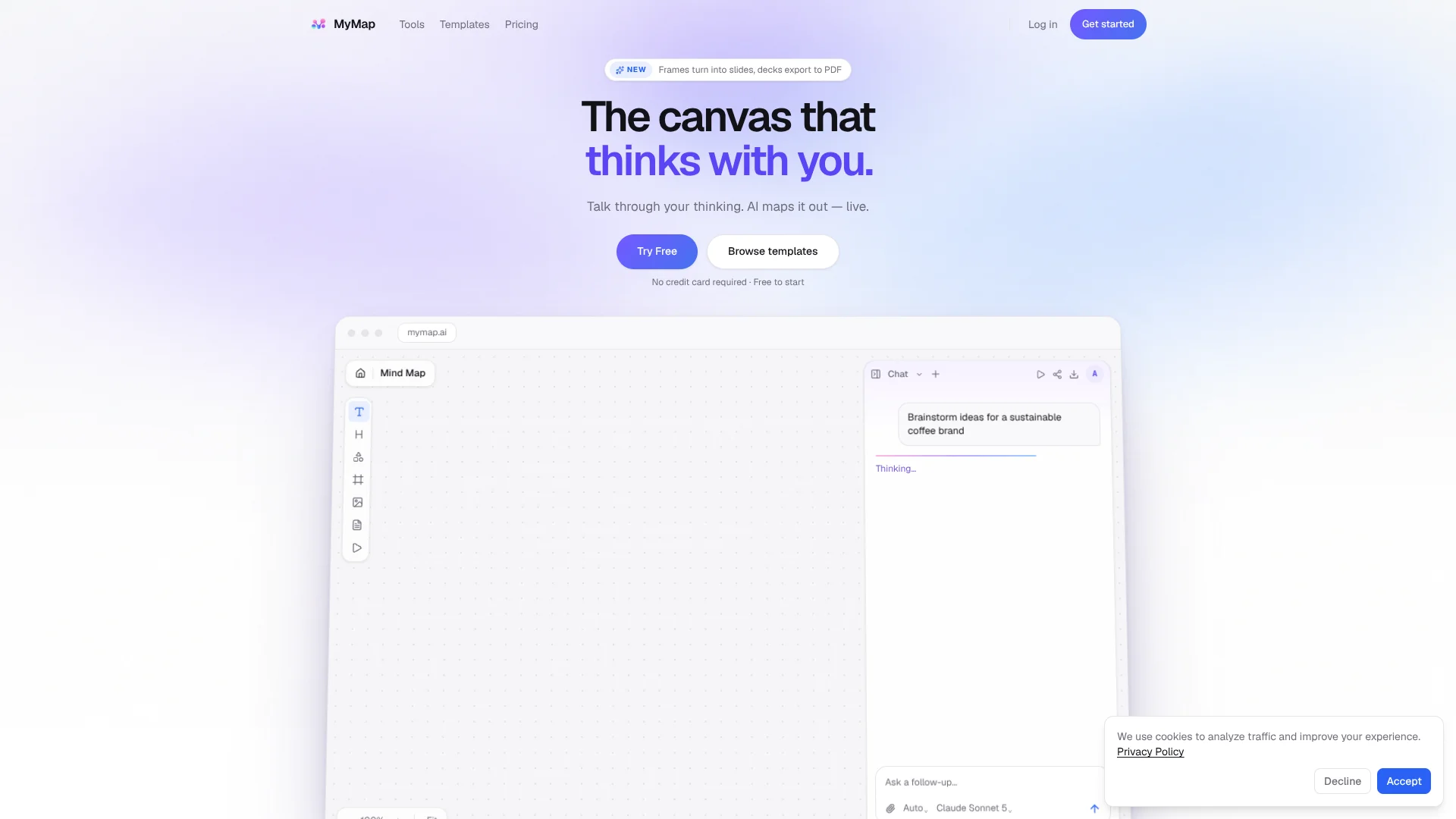
MyMap turns a plain-language idea, notes, or an attached document into an editable visual canvas. Its AI can choose a format such as a mind map, flowchart, SWOT analysis, or timeline, then build the structure directly on the board. Students, consultants, teams, and therapists can use it to make complex information easier to explore, explain, and share.
Rather than returning only a text response, MyMap draws connected ideas as editable canvas nodes while the AI generates them. You can select a node and ask the AI to revise that part of the board without changing the rest.
MyMap is a fit when the work benefits from seeing relationships between ideas, or when a brainstorm needs to become a shareable presentation. It is less suited to ongoing task tracking, since its project planning tools are for visual planning rather than persistent project-management databases.
Who is Using MyMap AI?
Teachers
Lesson topics become visual study guides or presentation outlines.
Consultants
Client questions and source material become strategy maps that are easier to discuss.
Project planners
A project description can become a visual plan with phases, tasks, and milestones.
Researchers
Long notes or documents become connected themes that can be reviewed and refined.
Uncommon Use Cases
A YouTube lecture becomes a visual summary; a ChatGPT conversation becomes a branching mind map.
Key Features
Rating Breakdown
Pricing Plans
Free
Free
- 20 credits per month
- Up to 3 canvas maps
- PNG export with watermark
- No premium models or PDF export
Pro
$12 per month, billed annually
- Billed annually at $144
- 1,000 credits per month
- Unlimited canvas maps and premium models
- PDF and clean PNG export
Max
$100 per month
- Billed monthly
- 10,000 credits per month
- Unlimited canvas maps and premium models
- PDF and clean PNG export
Which MyMap AI plan should you pick?
Start with Free to test the canvas; choose Pro for regular map-making and premium models, or Max when you need 10,000 monthly credits and monthly billing.
Free
Good for occasional maps and testing the visual canvas with 20 monthly credits.
Pro
Good for regular map-making that needs unlimited maps, 1,000 monthly credits, and premium models.
Max
Good for heavier AI use that needs 10,000 monthly credits and the highest generation priority.
MyMap AI Use Cases
Brainstorming
A topic or early idea takes shape as a branching mind map with related concepts grouped visually.
Outcome: An editable map of ideas and connections.
Process mapping
A described process becomes a flowchart that makes steps and decisions easier to follow.
Outcome: A visual process diagram.
Strategy analysis
A business question can be organized as a SWOT analysis or another strategic diagram.
Outcome: A structured canvas for discussing options.
Presentation drafting
Major branches of a mind map can be shaped into slides with a clearer narrative order.
Outcome: Editable presentation slides on a canvas.
Study and review
Course material or a video can be turned into a visual summary for easier review.
Outcome: A shareable visual study aid.
Workflow Ideas with MyMap AI
Turn a document into a visual map
- 1Attach a PDF or document and describe what you want to understand.
- 2Review the AI-generated map and refine selected nodes through chat.
- 3Export the map or share it by link.
Build a presentation from a brainstorm
- 1Describe the topic and let MyMap build a mind map.
- 2Arrange the main ideas into a useful order.
- 3Frame sections as slides, then present or export the deck.
Summarize a YouTube video
- 1Provide a YouTube link as source material.
- 2Ask for a visual summary in the format that fits the material.
- 3Check the map, make edits, and share or export it.
How MyMap AI fits into your stack
Visual thinking canvas
MyMap is where prompts, notes, and attachments become editable maps and diagrams. It is built around visual exploration rather than a text-only chat.
Documents and video
PDFs, documents, images, and YouTube links can serve as source material for AI-generated maps.
Presentations and handoff
Frames turn parts of a canvas into slides, while exports and share links help pass the work to others.
Pros
- +Visual output: AI-generated ideas appear as connected, editable canvas nodes rather than only as chat text.
- +Flexible formats: The same canvas can hold mind maps, flowcharts, timelines, and presentation slides.
- +Source materials: PDF, document, image, and YouTube attachments can inform a map.
- +Free plan: The $0 plan includes 20 credits monthly and up to three editable maps.
Cons
- −Credit limits: AI generation and rewrites use credits, so frequent work may require a paid plan.
- −Limited free exports: Free PNG downloads include a watermark, and PDF export is not included.
- −No task-tracking focus: Visual project planning does not replace a persistent project-management database.
Limitations & when to consider alternatives
Known limitations
- Monthly credits do not roll over. Unused credits expire at the end of the plan's credit period.
- Free plan has three maps. The Free plan allows up to three canvas maps and does not include PDF export or premium models.
- AI generation consumes credits. Generating or rewriting content uses credits; editing, exporting, and presenting do not.
- Maps after a paid period. After a paid period ends, maps remain saved, but only the three newest maps stay editable.
Look elsewhere when
- You need a persistent project-management database for ongoing task tracking.
- Your workflow depends on a documented API or named third-party integrations.
How to Use MyMap AI
- 1
Start with a question or topic
Describe the idea or problem you want to explore so MyMap can build a suitable visual structure.
- 2
Add source material if needed
Attach a PDF, document, image, or YouTube link when the map should draw on specific material.
- 3
Choose an AI model
Select an available model for the message; Pro and Max include premium models.
- 4
Refine the canvas
Edit nodes directly or ask the AI to change a selected section while preserving the rest of the board.
- 5
Present, share, or export
Frame parts of the canvas as slides, present in the browser, share a link, or download an available export.
Who is MyMap AI For?
Students
Study topics and turn notes into visual maps that are easier to review.
Consultants
Shape client problems, strategy options, and findings into shareable diagrams.
Teams
Map out ideas and present structured plans on a shared link.
Therapists
Organize concepts and relationships visually on an editable canvas.
Frequently Asked Questions
Can I use MyMap for free?
Yes. Free includes 20 credits per month, up to three canvas maps, and PNG export with a watermark.
What does the Pro plan cost?
Pro is listed at $12 per month when billed annually, or $144 per year. Its checkout offer starts with a 14-day trial for $1.
What happens when I run out of credits?
Your maps remain available for editing. You can wait for the next credit refill or upgrade for more credits.
Can I choose which AI model to use?
Yes. You can choose a model for each message. Pro and Max include the premium models.
Can I export a presentation?
You can present in the browser and export slides as images. The pricing page lists PDF and clean PNG export on Pro and Max.
Community reviews
Be the first to share your experience.
Sign in to leave a review for MyMap AI.
MyMap AI Alternatives
Looking for alternatives to MyMap AI? Here are similar tools in the same category: