
Motiff
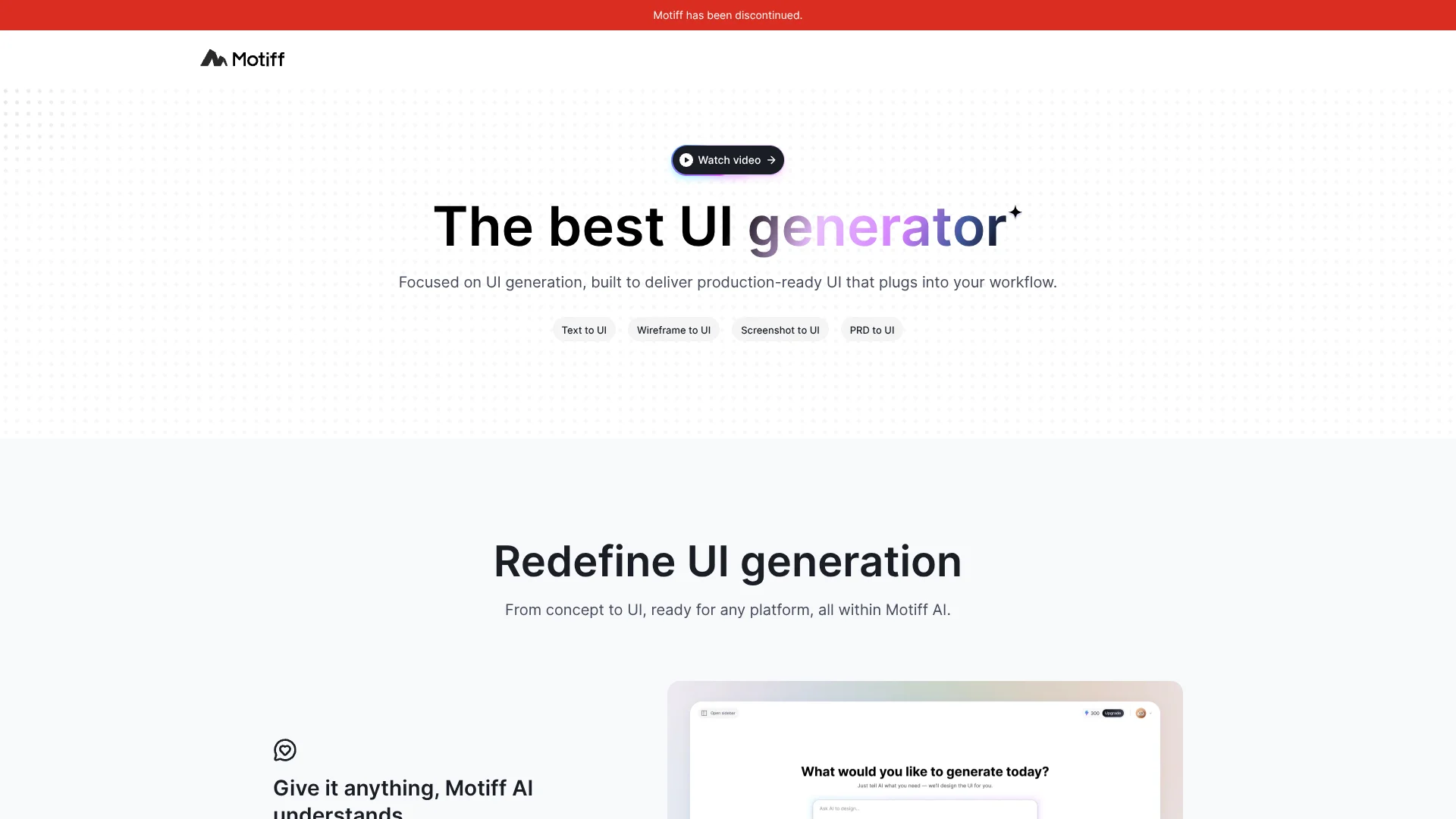
Turns rough product ideas into editable web and mobile interface designs.
Watch Motiff in Action
Key Takeaways
- What it is
- Turns rough product ideas into editable web and mobile interface designs.
- Best for
- Text to UI
- Image and File Inputs
- Design Styling Presets
- Rating
- 2.4/5
What is Motiff?
Motiff AI turned product ideas into editable web and mobile interface designs from text prompts, wireframes, screenshots, PRDs, and files such as PDFs and Markdown documents. It was built for product designers, developers, and product managers who needed polished UI concepts before moving into implementation.
Motiff AI could export generated screens as HTML, React, or an IDE-ready project ZIP, giving developers a direct path from visual concept to front-end starter code.
Motiff is no longer an active design service. The company announced that the service went offline on June 23, 2026, so it is best understood as a discontinued tool whose remaining value is limited to exporting existing work when available.
Who is Using Motiff?
Product Designers
Early concepts became editable screens that could be refined through natural-language changes.
Front-End Developers
Generated React and HTML outputs provided reference designs and starter code for implementation.
Product Managers
PRDs and feature ideas became visual prototypes for discovery and validation discussions.
UX Educators
Design analysis and generated examples supported critique, teaching, and interface exploration.
Uncommon Use Cases
Extracting text from screenshots; converting existing interface references into editable design directions.
Key Features
Rating Breakdown
Which Motiff plan should you pick?
Start with Starter for free experimentation; upgrade to Pro when you need higher credits, Figma copying, code exports, and IDE-ready projects.
Starter
Good for hobby projects and first-time AI designers who need a free starting tier and limited monthly credits.
Pro
Good for users who need more credits, Figma export, production-ready HTML or React code, and downloadable IDE-ready projects.
Motiff Use Cases
Product Discovery
A product brief or PRD becomes a set of interface concepts for early review.
Outcome: Faster visual validation before detailed design work.
Screenshot to UI
An existing interface screenshot provides layout and style reference for a new editable design.
Outcome: A reusable starting point based on an existing visual direction.
Wireframe Refinement
Rough sketches and wireframes become higher-fidelity screens with selected styling presets.
Outcome: More detailed concepts without rebuilding every layout manually.
Developer Handoff
A finished generated screen moves into HTML, React, or an IDE-ready project ZIP.
Outcome: A clearer transition from design concept to front-end work.
Design Review
AI evaluates hierarchy, color, and user experience in an existing design.
Outcome: Structured suggestions for improving the interface.
Workflow Ideas with Motiff
PRD to Interface Concept
- 1Provide the product requirements or describe the app and target users.
- 2Choose a styling preset such as Material Design, Ant Design, or shadcn/ui.
- 3Review the generated screens and refine selected sections with natural-language instructions.
Screenshot to Front-End Starting Point
- 1Provide a screenshot or wireframe as a visual reference.
- 2Generate an editable interface based on the reference and your written intent.
- 3Export the result as HTML, React, or a project ZIP for development.
Existing File Export
- 1Open an existing Motiff project.
- 2Choose an export format such as PNG, PDF, Figma, HTML, React, or Project ZIP.
- 3Move the exported files into Figma or your preferred development environment.
How Motiff fits into your stack
Product planning
Motiff AI was positioned between product requirements and detailed interface design. PRDs, text prompts, and reference images could become early visual concepts.
Design systems
Material Design, Ant Design, shadcn/ui, and other styling presets gave generated screens a consistent visual direction.
Figma handoff
Motiff supported Figma file export and copying layers into Figma, although imported components, styles, and variables could require reconnection or adjustment.
Development handoff
HTML, React, and project ZIP exports connected generated UI to IDE-based development workflows, including Cursor, VS Code, and other editors.
Pros
- +Broad input support: Design work could start from prompts, screenshots, wireframes, PRDs, and common document files.
- +Editable UI output: Results were intended for continued design work rather than static inspiration images.
- +Developer handoff: HTML, React, and project ZIP exports connected generated screens to front-end development.
- +Figma export: Existing Motiff files could be exported to Figma or copied there through the available workflow.
Cons
- −Discontinued service: Motiff went offline on June 23, 2026, so it cannot be adopted for new design work.
- −No new subscriptions: The company stopped new registrations and subscription renewals before shutdown.
- −Limited long-term value: Any remaining usefulness depends on whether you already have Motiff files to export.
Limitations & when to consider alternatives
Known limitations
- Service shutdown. Motiff went offline on June 23, 2026, and the editor can no longer create new files.
- Export deadline. The company stated that data export would close on October 31, 2026, after which remaining data would be permanently deleted.
- Free usage data terms. Outputs created through free, trial, or unpaid usage could be used in anonymized or de-identified form to improve services and models.
- AI output quality. Motiff's terms state that AI-generated content may be imperfect, incomplete, or inaccurate.
- Figma conversion differences. Exported files may require library reconnection, and some instances, styles, variables, or mask layers may not remain fully editable.
Look elsewhere when
- You need an active AI UI design tool for new projects.
- Your team needs ongoing collaboration, access controls, or enterprise sign-in.
- Your workflow depends on a supported mobile or desktop application.
- Your project requires a currently maintained API or production integration.
How to Use Motiff
- 1
Start with a design input
Provide a prompt, image, wireframe, screenshot, or supported document so Motiff AI has product and visual context.
- 2
Choose a visual direction
Select Auto Styling, Minimalist, Material Design, Ant Design, or shadcn/ui when you want a defined starting style.
- 3
Generate the interface
Describe the app, screens, sections, and intended users, then review the generated UI options.
- 4
Refine selected areas
Select a layer or module and describe the change when the layout, alignment, or visual treatment needs revision.
- 5
Export existing work
For projects that remain accessible, export images, Figma files, HTML, React code, or a project ZIP before the available export window ends.
Who is Motiff For?
Product Designers
Motiff AI helped turn rough concepts and references into editable interface directions quickly.
Front-End Developers
React, HTML, and project ZIP exports provided a visual starting point for implementation.
Product Managers
PRDs and product ideas could become screens that made early discussions easier.
UX Teams
Design analysis and styling presets supported faster exploration of layouts and visual systems.
Frequently Asked Questions
Is Motiff still available?
No. Motiff announced that its service went offline on June 23, 2026, and new files can no longer be created.
Can I still export Motiff files?
Motiff stated that exports would remain available until October 31, 2026. That deadline has passed as of November 3, 2026.
What could Motiff AI generate?
It generated editable web and mobile UI designs from text prompts, images, canvas layers, screenshots, wireframes, PRDs, and supported files.
Could Motiff export code?
Yes. Its documented export options included HTML, React, and an IDE-ready project ZIP.
Did Motiff have an API?
The help center described programmatic access to AI UI generation, with access handled through contact with the Motiff team.
Could Motiff export to Figma?
Yes. Motiff documented Figma file export, bulk export, and a copy-layers-to-Figma workflow.
Community reviews
Be the first to share your experience.
Sign in to leave a review for Motiff.
Motiff Alternatives
Looking for alternatives to Motiff? Here are similar tools in the same category:
Learn to Master Motiff
With Skill Leap courses
Get in-depth training on Motiff and 50+ other AI tools with our expert-led video courses.
Start 7-Day Free Trial