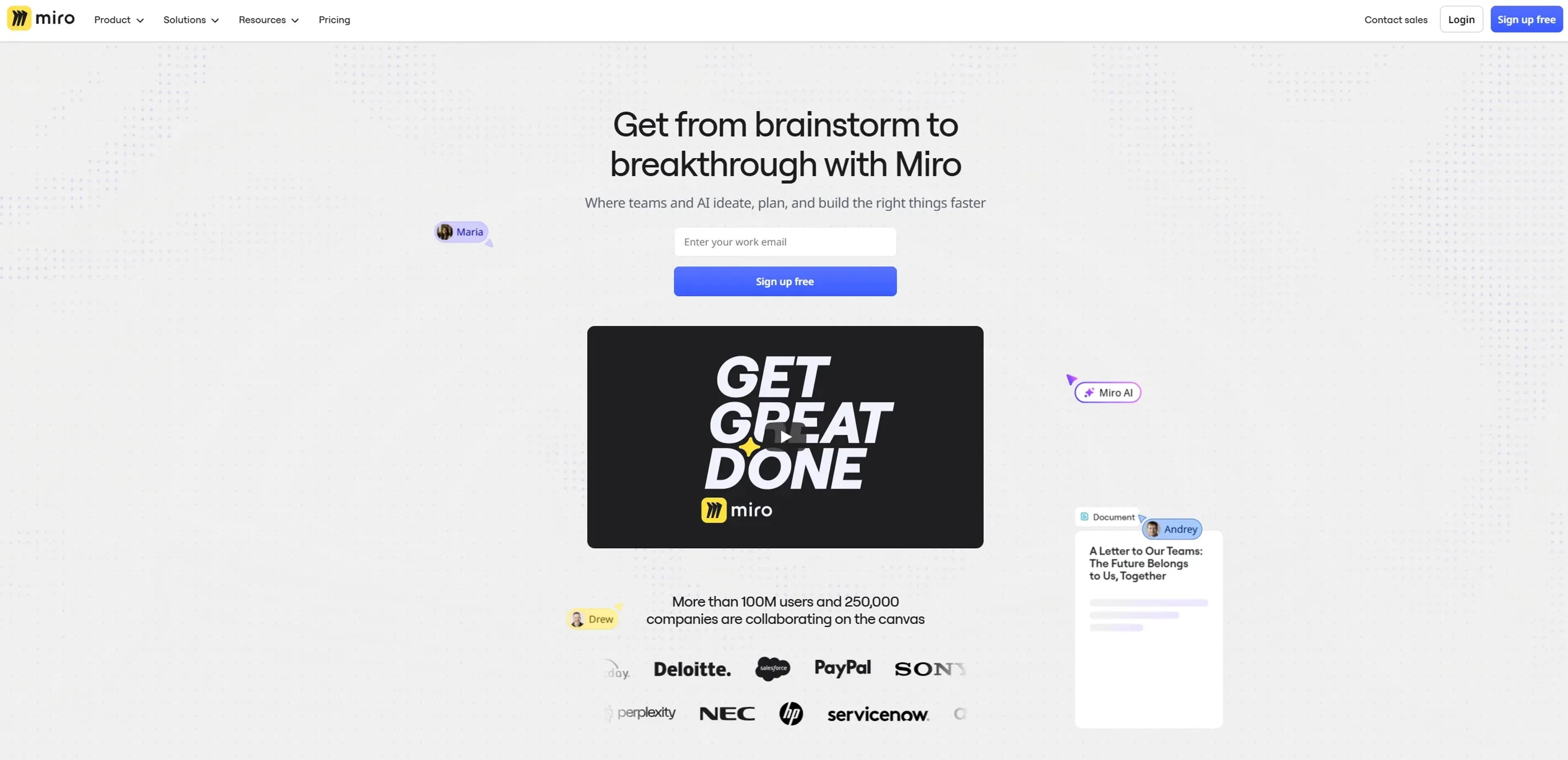
Miro is a visual workspace that combines an infinite online canvas, AI assistants, and structured tools such as docs, tables, diagrams, and slides. It focuses on helping teams move from scattered brainstorms to concrete artifacts like roadmaps, specs, and decks without constantly switching tools. With AI features including Sidekicks, Flows, and an intelligent canvas that treats existing board content as the prompt, Miro supports product, engineering, design, and business teams as they plan, ideate, and deliver work together at scale.
Key Features:
Intelligent Canvas & AI Workflows: Use any selection on the canvas as a prompt to auto-generate user journeys, PRDs, slides, tables, and more, plus AI clustering to group sticky notes by theme or sentiment in seconds.
Sidekicks (AI Agents): Configurable AI “teammates” that live on the canvas, specializing in tasks like product discovery, competitive analysis, journey mapping, or technical architecture, and responding directly to live board content.
Flows (Visual AI Pipelines): Drag and connect AI building blocks into multi-step workflows that turn raw workshop notes into structured outputs such as prototypes, research syntheses, or project trackers with minimal manual reformatting.
Product Acceleration Suite: Dedicated capabilities for product teams including AI-assisted Prototypes, Insights for customer feedback analysis, Portfolios for goal alignment, and rich roadmapping tools to cover discovery through delivery.
Enterprise Guard & Governance: Advanced data governance with automatic content classification, retention and deletion policies, eDiscovery, and customer-managed encryption keys, tailored for regulated and security-conscious organizations.
Integrations, Templates & Formats: 250+ integrations (for tools like Jira, Azure DevOps, Slack, and Google Workspace), thousands of templates, and multiple formats (docs, slides, tables, timelines, diagrams) all available in one shared workspace.
Pros
AI Where Teams Already Work: Sidekicks and Flows operate directly on shared boards, so AI augments existing collaboration instead of living in a separate chat window.
From Sticky Notes To Specs: Strong support for the full arc from ideation to structured deliverables, which cuts a lot of copy-paste and reformatting time.
Mature Collaboration Features: Voting, timers, Talktrack recordings, video chat, comments, and layers make workshops and asynchronous reviews far more interactive.
Enterprise Ready: SSO, SCIM, data residency choices, Enterprise Guard, and admin controls fit serious compliance and scale requirements.
Cons
Feature Overload For New Users: The combination of infinite canvas, formats, and AI options can feel overwhelming without some onboarding or facilitation.
Free Plan Constraints: Only three editable boards and a small pool of AI credits on Free can limit serious team usage.
Cost At Scale: Per-seat pricing plus optional AI add-ons and product modules can add up for very large organizations or agencies.
Who is Using Miro?
Product & Engineering Teams: Using boards, Flows, and Prototypes to run discovery, define specs, prioritize backlogs, and align on release plans.
Design & UX Teams: Running research synthesis, journey mapping, wireframing, and design workshops, often with AI clustering and Sidekicks for quick pattern-spotting.
Marketing, Sales & GTM Teams: Building launch plans, campaign briefs, content calendars, and strategy presentations that stay tied to product work.
Consultancies & Agencies: Facilitating client workshops, mapping processes, and delivering visual artifacts that can be iterated live with stakeholders.
Uncommon Use Cases: Used by universities for design thinking and product management courses; adopted by manufacturing innovation labs to map plant processes and AI transformation initiatives across physical and digital workflows.
Pricing:
Free: $0 per month; includes 3 editable boards, 5,000+ templates, 160+ app integrations, 10 AI credits per team, and 5 Talktracks.
Starter: $8 per member per month; includes unlimited boards, high-resolution exports, private boards, brand customization, version history, 25 AI credits per member, and unlimited Talktracks.
Business: $16 per member per month; includes everything in Starter plus private workspaces, guest access, 50 AI credits per member, 3,600+ diagramming shapes, Single Sign-On (SSO), and synced copies.
Enterprise: Custom pricing (from 30 members); includes all Business features plus flexible licensing, SCIM, data residency options, enterprise-grade security, 100 AI credits per member, 24/7 support, and guaranteed SLAs.
Disclaimer: Please note that pricing information may not be up to date. For the most accurate and current pricing details, refer to the official Miro website.
What Makes Miro Unique?
Miro stands out by treating AI as a native part of collaboration rather than a bolt-on utility. Sidekicks and Flows work directly on the shared canvas, using the team’s own artifacts as context, which makes outputs far more relevant than generic chat-based prompting. The focus on product acceleration is another differentiator: prototypes, research intelligence, and portfolio alignment sit beside sticky notes and diagrams, so discovery and delivery are tied together in one place. Combined with Enterprise Guard and strong integration depth, Miro positions itself as an AI innovation workspace, not just a digital whiteboard.
How We Rated It:
Accuracy and Reliability: 4.4/5
Ease of Use: 4.2/5
Functionality and Features: 4.8/5
Performance and Speed: 4.2/5
Customization and Flexibility: 4.6/5
Data Privacy and Security: 4.7/5
Support and Resources: 4.3/5
Cost-Efficiency: 4.0/5
Integration Capabilities: 4.7/5
Overall Score: 4.4/5
Miro Turns AI Collaboration Into A Single Source Of Work Truth:
For teams that live in workshops, discovery sessions, and cross-functional planning, Miro offers a powerful AI-enabled hub where ideas are captured, refined, and turned into real deliverables. The combination of intelligent canvas, Sidekicks, and Flows means AI is applied in context, not in a vacuum, which saves time and improves the quality of outcomes. It is not the cheapest option and it rewards teams that invest a little in setup and facilitation, but for organizations serious about product and innovation work, Miro provides a highly capable, future-facing workspace that makes everyday collaboration feel significantly more effective.