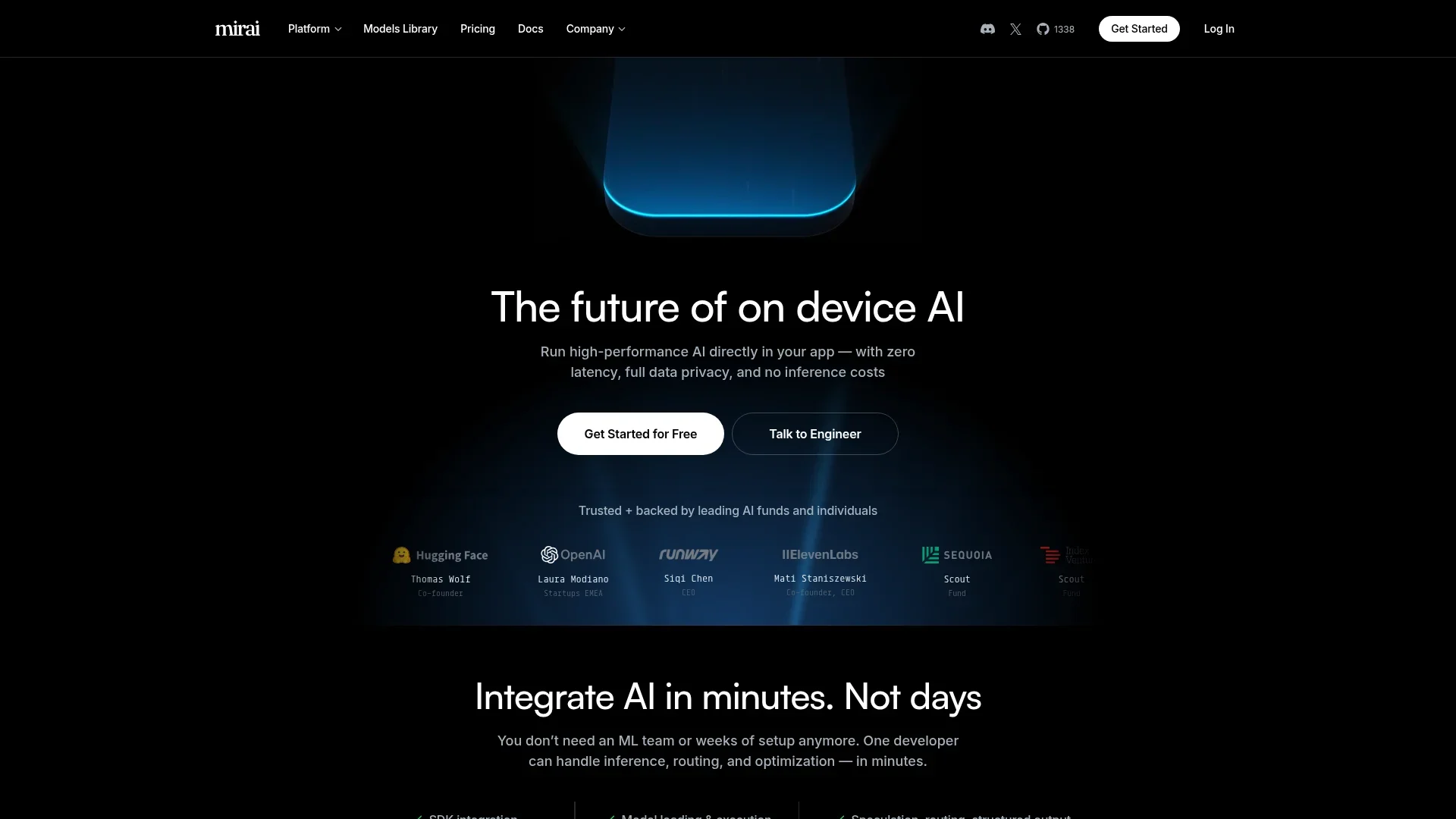
Mirai
Run AI models on-device for privacy and speed.
Key Takeaways
- What it is
- Run AI models on-device for privacy and speed.
- Pricing
- Freemium · $0.10 per active device per month
- Best for
- On-Device AI Models
- Zero Latency and Full Data Privacy
- Swift Integration
- Rating
- 4.6/5
What is Mirai?
Mirai is an on-device AI platform designed to run high-performance AI directly within applications, eliminating latency, enhancing data privacy, and reducing inference costs. Aimed at developers and businesses looking to integrate AI quickly and efficiently, Mirai simplifies the implementation of AI with its innovative SDKs and models.
Mirai stands out with its commitment to on-device AI, offering a unique blend of high performance, privacy, and cost savings. Its ability to integrate AI in minutes without the need for extensive ML teams truly sets it apart, making it a compelling choice for developers and businesses alike.
Who is Using Mirai?
Mobile App Developers
Incorporating AI models directly into apps for enhanced user experiences.
Tech Startups
Leveraging on-device AI to innovate without the cost of cloud infrastructure.
Privacy-Focused Businesses
Utilizing local data processing to adhere to strict privacy regulations.
AI Researchers
Exploring on-device AI capabilities for cutting-edge projects.
Uncommon Use Cases
Adopted by educational institutions for AI curriculum development; Used by healthcare providers for secure patient data analysis.
Key Features
Rating Breakdown
Pricing Plans
Free
Free
- Includes support for up to 10,000 devices, open-source MIT license, and self-serve setup for individuals and early-stage teams
Pro
$0.10 per active device per month
- Includes support for over 10,000 devices, standard terms, self-serve setup, and access to an analytics dashboard for growing apps
Enterprise
- Includes support for a custom number of devices, custom terms, implementation support, analytics dashboard, custom model support, priority Slack support, and significant volume discounts
Mirai Use Cases
On-device chat
Integrate a local language model into an iOS, macOS, Python, TypeScript, or Rust application.
Outcome: Private, low-latency model interaction on supported hardware.
Text summarization
Pass text to a local model and generate a concise summary.
Outcome: Summarized text without requiring cloud inference.
Structured JSON generation
Define a schema and constrain model output to structured fields.
Outcome: Machine-readable responses suitable for application processing.
Model conversion
Convert supported model architectures into a format usable by the uzu inference engine.
Outcome: Models prepared for optimized Apple-device inference.
Local code generation
Run supported language models locally for programming and code-generation tasks.
Outcome: Generated code with local execution and reduced data transfer.
Workflow Ideas with Mirai
Convert and run a model locally
- 1Choose a supported model architecture
- 2Convert the model with lalamo
- 3Load and run it with the uzu inference engine
Add local chat to an application
- 1Create a project in a supported language
- 2Install the Mirai SDK
- 3Download a model and send chat messages through a session
Generate structured application data
- 1Define the required output schema
- 2Run a model with structured-output configuration
- 3Parse the returned JSON or typed response
How Mirai fits into your stack
Mirai offers a powerful solution for anyone looking to integrate AI into their products without the usual complexities. With its on-device capabilities, it not only enhances performance but also ensures user data remains private. Whether you're a developer at a startup or part of a larger enterprise, Mirai provides the tools to make AI integration both cost-effective and efficient.
Pros
- +High Performance: Delivers up to 3x performance improvement with its inference engine, especially on Apple platforms.
- +Cost Efficiency: Significantly cuts AI usage costs by eliminating cloud dependencies.
- +Data Security: Ensures no user data is sent to third parties, maintaining complete data privacy.
- +Ease of Use: Simplifies AI integration with ready-to-use models and tools, making it accessible even for non-experts.
Cons
- −Platform Specificity: Currently optimized for on-device use, which might limit cloud-based applications.
- −Feature Rollout: Some features, like Android SDK and voice processing, are still pending release.
- −Initial Setup: While integration is quick, a basic understanding of AI setup is still necessary.
Limitations & when to consider alternatives
Known limitations
- Apple Silicon focus. The documentation states that supported devices are currently Apple Silicon devices, including iOS and macOS.
- iOS memory constraints. Mirai recommends keeping iOS model usage below 3 GB of RAM, which limits practical model size.
- Kotlin support is not available yet. The inference-runtime page lists Kotlin as coming soon.
- RAM usage can be significant. Mirai notes that each model may consume substantial RAM and recommends keeping only one session loaded at a time.
Look elsewhere when
- You need a dedicated browser extension.
- You need file-upload or document-processing workflows.
- You need image-understanding input.
How to Use Mirai
- 1
Choose an integration language
Start with Python, Swift, TypeScript, or Rust based on the application you are building.
- 2
Install the SDK
Add uzu through the documented package manager or Swift Package Manager.
- 3
Select a model
Choose a supported local model from Mirai's model catalog.
- 4
Download the model
Use the SDK to download the selected model to the supported device.
- 5
Create a chat session
Initialize a session and provide text messages or structured-output configuration.
- 6
Run locally or in the cloud
Use the same API for local inference, or select a cloud model when a larger model is needed.
Who is Mirai For?
Model companies
They can optimize and distribute models for Apple Silicon devices.
AI researchers and labs
They can convert models and evaluate them on real Apple hardware.
Independent makers
They can deploy locally hosted models in applications without relying entirely on cloud inference.
Frequently Asked Questions
Is Mirai free to use?
The uzu and lalamo libraries are free to use and open source under the MIT license.
Which devices does Mirai support?
The documentation currently lists Apple Silicon devices, including iOS and macOS.
Which programming languages can use Mirai?
Mirai provides integration examples and SDK support for Python, Swift, TypeScript, and Rust.
Can Mirai run models locally?
Yes. Mirai's uzu inference engine runs models directly on supported Apple devices.
Can Mirai use cloud models?
The SDK can route requests to cloud models through the same API used for local models.
What is the maximum recommended iOS model size?
Mirai recommends keeping iOS model usage below 3 GB of RAM; quantized 4B models are typically suitable.
Community reviews
Be the first to share your experience.
Sign in to leave a review for Mirai.
Mirai Alternatives
Looking for alternatives to Mirai? Here are similar tools in the same category: